Clipboard History for Designers: Colors, Assets, and UI Copy
Learn how clipboard history for designers helps save hex colors, image thumbnails, UI copy, asset links, SVG snippets, and design references.

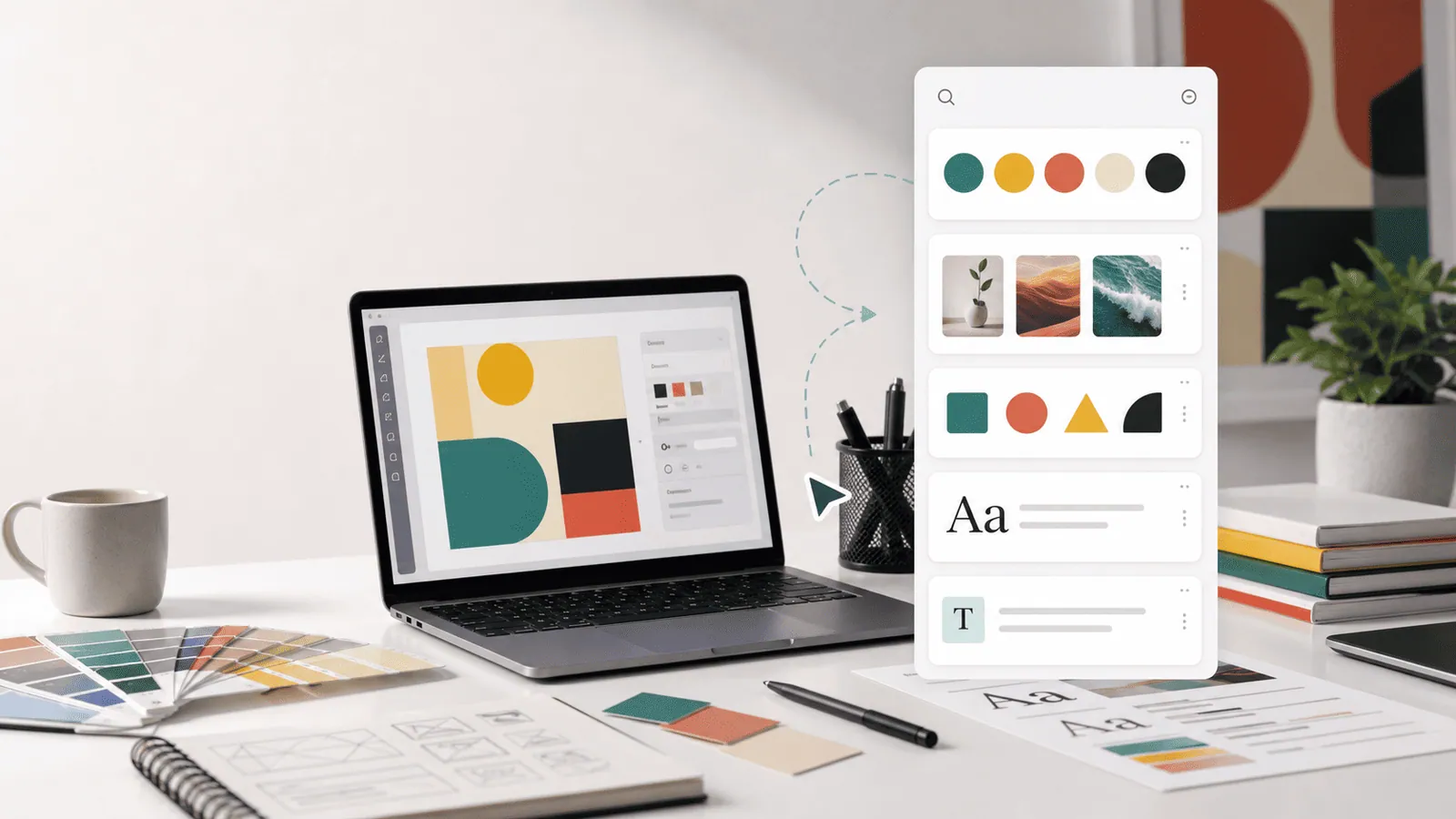
The short answerClipboard history for designers helps keep copied colors, UI copy, screenshots, asset links, SVG snippets, and reference notes available while you move between design tools, browsers, docs, and developer handoff.
The overview
Design work creates many small copied items. A color value, button label, image, link, and component name may all matter five minutes later.
When the clipboard only keeps one item, designers waste time reopening panels, inspecting files, or asking teammates for the same asset again.
A history workflow is especially useful during QA, handoff, content design, and design-system work.
Why it happens
Design tools, browsers, docs, and code repositories each hold part of the work.
Copied items come in different formats: text, color values, images, paths, links, and code-like snippets.
The default clipboard has no visual memory or search by type, so useful details vanish quickly.
Your step-by-step guide
Save common color values
Copy hex colors and search them later by value or project context. Use color swatches when your clipboard manager supports them.
Keep UI copy close
Favorite repeated button labels, empty states, validation messages, and product terms to reduce inconsistent wording.
Use image history for screenshots
A manager that remembers images can help during reviews, bug reports, and visual comparison.
Preview assets before pasting
Preview image clips and long SVG-like snippets so you paste the correct item into the correct tool.
Clean up project-sensitive material
Design work can include unreleased features and client assets. Keep history local and clear it when needed.
Common mistakes to avoid
- Copying colors without noting the design token or component context.
- Saving unreleased visuals in a cloud-synced clipboard without permission.
- Relying on clipboard history instead of a proper asset library.
- Pasting old UI copy after product language changes.
Small changes. A faster workflow.
- Favorite design-system terms instead of random one-off labels.
- Use search for hex values, component names, and ticket IDs.
- Keep screenshots long enough for QA, then clear them.
- Use clipboard history for fast reuse, not as the source of truth.
Compare your options
| Option | Best for | Limits |
|---|---|---|
| Design system | Approved components and tokens | Not fast for recent throwaway clips |
| Asset library | Source assets | Requires maintenance |
| Clipboard history | Recent colors, copy, and screenshots | Not a permanent asset system |
Design system
Best forApproved components and tokens
LimitsNot fast for recent throwaway clips
Asset library
Best forSource assets
LimitsRequires maintenance
Clipboard history
Best forRecent colors, copy, and screenshots
LimitsNot a permanent asset system
Put it into practice with Historr
Historr is useful for designers on Mac because it remembers text and images, offers quick preview, and shows smart actions for copied content such as colors.
Favorites help keep approved UI copy and recurring links close. Keyboard shortcuts make it easy to search without leaving the design flow.
Historr stores clipboard history offline on your Mac, which is helpful when copied assets or screenshots are not ready for public sharing.
- Instant search
- Unlimited history
- Favorites
- Keyboard shortcuts
- Privacy
- Offline storage
- Quick preview
- Paste Stack

Keep your next good idea.
Free, private clipboard history for your Mac.
Questions, answered.
How does clipboard history for designers help?
It keeps recent colors, UI copy, screenshots, links, and asset snippets searchable.
Can clipboard history save images?
Some clipboard managers can save image clips and thumbnails. Historr supports text and images on Mac.
Should designers store client assets in clipboard history?
Only with local storage and clear cleanup habits that match client requirements.
Can clipboard history replace a design system?
No. It helps with recent work, while the design system remains the source of truth.
What should designers favorite?
Favorite approved UI copy, common links, recurring colors, and workflow snippets you reuse often.
Take it from here
Clipboard history for designers is not a replacement for your design system. It is the short-term memory that keeps everyday colors, screenshots, links, and copy from disappearing mid-flow.
If you're looking for a faster way to search, organize, and reuse everything you copy, try Historr and see how much time you can save.