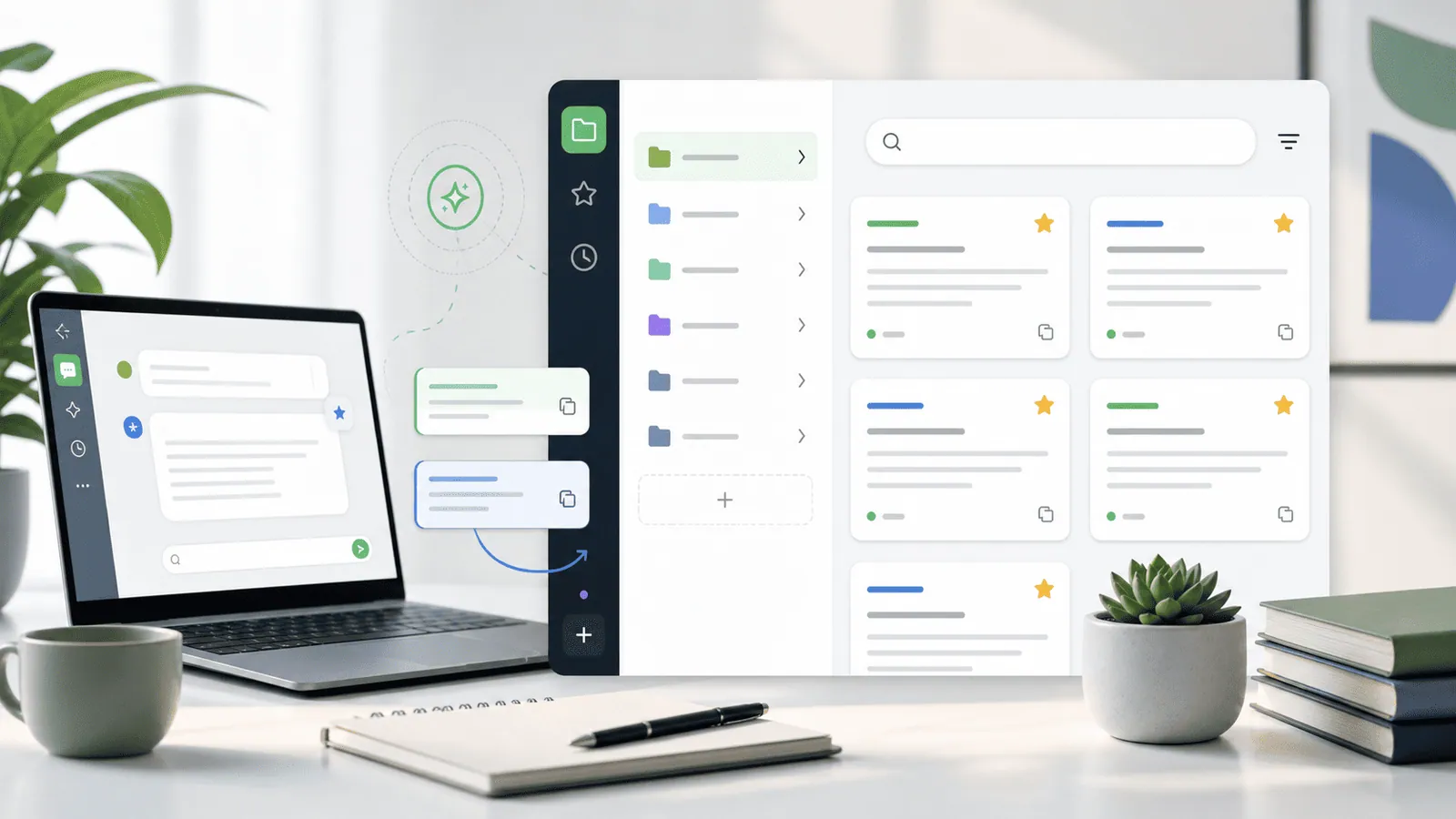
Clipboard History for Writers and Content Creators
Use clipboard history for writers to save drafts, quotes, headlines, social captions, research snippets, and reusable text across writing tools.

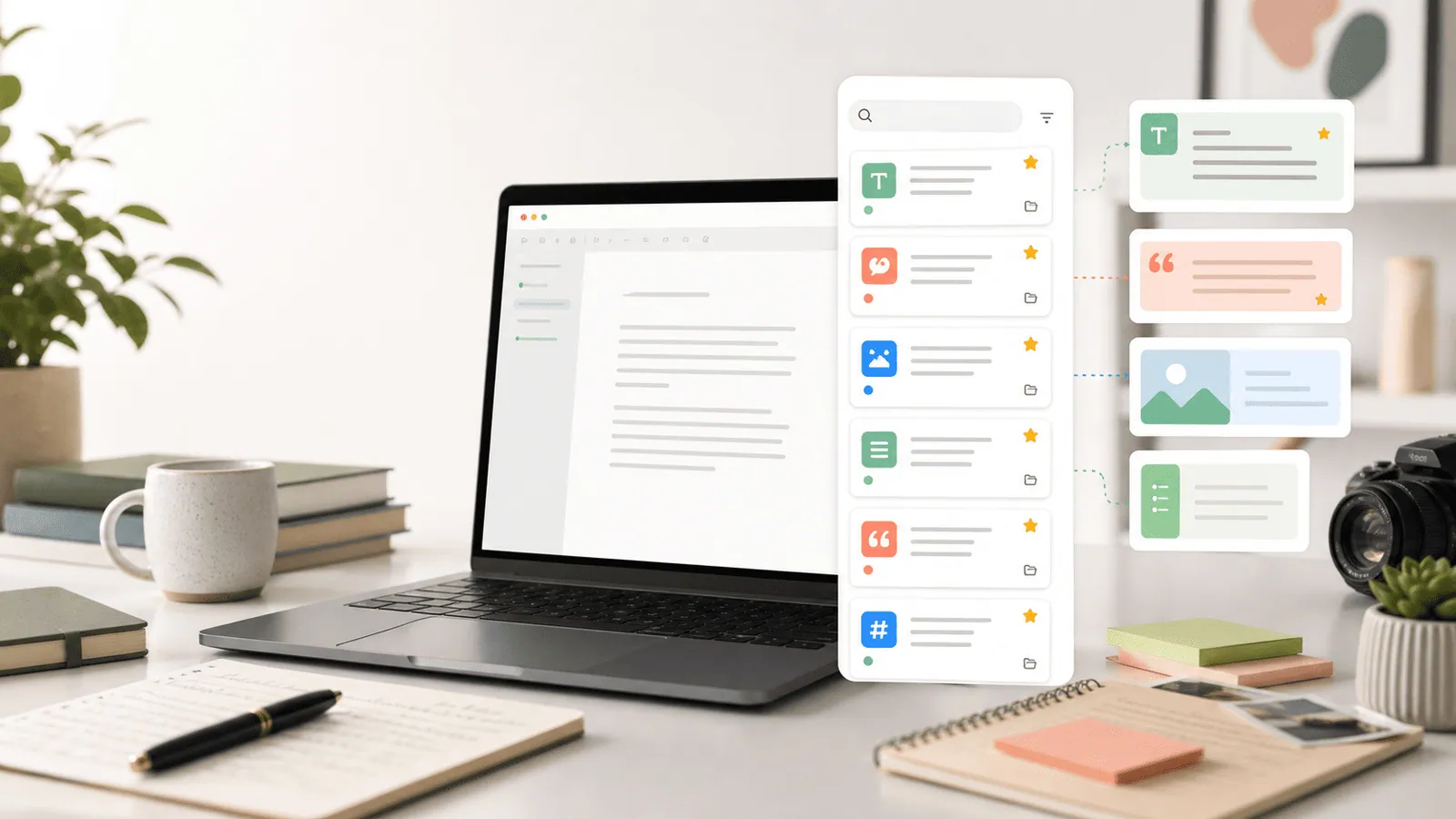
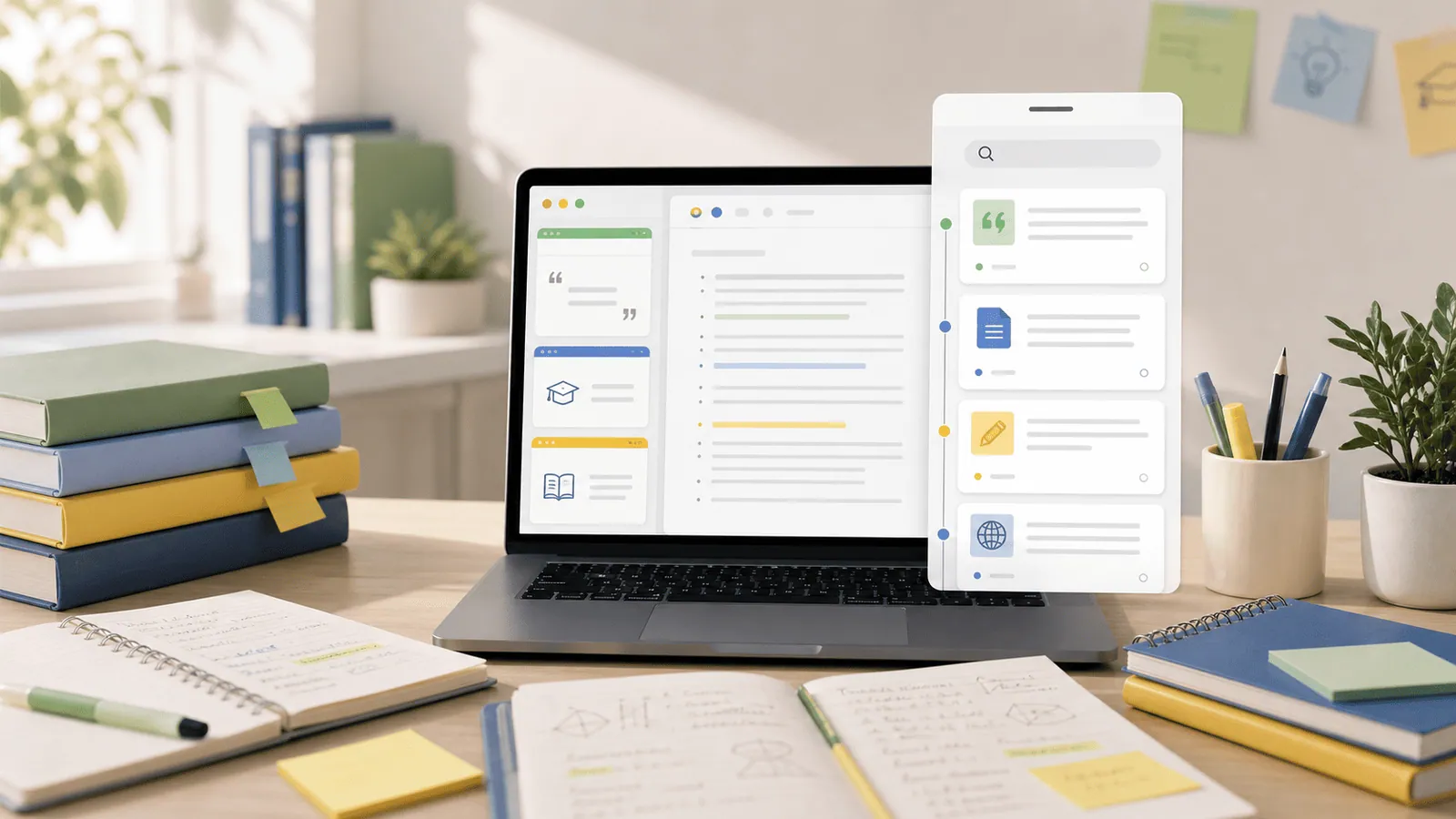
The short answerClipboard history for writers turns copy and paste into a working memory for drafts, quotes, captions, outlines, edits, and reusable snippets across docs, CMS tools, email, notes, and social platforms.
The overview
Writing rarely happens in one app. A creator might draft in Notes, edit in Docs, paste into a CMS, pull quotes from interviews, and reuse a caption on social.
The clipboard becomes a hidden conveyor belt. When it only holds one item, good lines disappear quickly.
A searchable history lets writers experiment without losing useful fragments.
Why it happens
Writers copy partial thoughts before they are ready to be permanent.
Formatting changes between apps can create extra cleanup work.
Research, drafts, and publishing tools often live in separate windows, so context gets scattered.
Your step-by-step guide
Capture fragments without breaking flow
Copy lines, alternate headlines, source quotes, and transitions as you write. Search history later when you decide what belongs.
Use favorites for evergreen snippets
Pin bios, CTAs, disclosure text, newsletter footers, style notes, and repeated client phrases.
Paste as plain text when moving between tools
Plain-text paste prevents hidden formatting from following text into your CMS, email tool, or document.
Keep research and drafts separate
Use clear notes for final source material. Clipboard history should support writing, not become your only archive.
Preview long clips
Before pasting a long quote or paragraph, preview it so you do not paste an older draft by mistake.
Common mistakes to avoid
- Letting copied research lose its source.
- Pasting formatted text into a CMS without cleanup.
- Saving confidential client copy in uncontrolled history.
- Keeping too many near-duplicate headline drafts forever.
Small changes. A faster workflow.
- Search for unusual phrases from a lost draft.
- Favorite repeated creator assets such as bios and calls to action.
- Use plain text for final publishing steps.
- Clean out history after client-sensitive writing sessions.
Compare your options
| Option | Best for | Limits |
|---|---|---|
| Draft document | Final writing and revision | Can become cluttered with fragments |
| Notes app | Research organization | Slower for quick copy-paste reuse |
| Clipboard history | Fast fragments and repeated snippets | Needs source discipline |
Draft document
Best forFinal writing and revision
LimitsCan become cluttered with fragments
Notes app
Best forResearch organization
LimitsSlower for quick copy-paste reuse
Clipboard history
Best forFast fragments and repeated snippets
LimitsNeeds source discipline
Put it into practice with Historr
Historr supports writers on Mac with instant search, favorites, keyboard shortcuts, and Quick Look preview.
It keeps history offline, which is important when drafts, client notes, or unpublished work pass through the clipboard.
Paste transforms help when you need cleaner text between writing apps, newsletters, CMS fields, and social platforms.
- Instant search
- Unlimited history
- Favorites
- Keyboard shortcuts
- Privacy
- Offline storage
- Quick preview
- Paste Stack

Keep your next good idea.
Free, private clipboard history for your Mac.
Questions, answered.
Why use clipboard history for writers?
It helps writers recover copied drafts, reuse snippets, and move text between tools without losing fragments.
Can clipboard history save headlines?
Yes. You can copy headline options, search them later, and favorite the best reusable ones.
Does clipboard history help with formatting?
Yes, if your manager supports plain-text paste or cleanup transforms.
Should writers store client work in clipboard history?
Only with a private, local tool and clear cleanup habits that match client requirements.
Can clipboard history replace a notes app?
No. Use it for fast capture and reuse, then move important material into organized notes.
Take it from here
Clipboard history for writers gives you room to experiment. Save fragments as they happen, preview before pasting, and keep your best reusable text close without turning your writing tools into clutter.
If you're looking for a faster way to search, organize, and reuse everything you copy, try Historr and see how much time you can save.