Clipboard Manager for ChatGPT: Save Prompts and Reuse AI Responses
Use a clipboard manager for ChatGPT to save prompts, organize AI responses, reuse instructions, and avoid losing copied text during AI workflows.

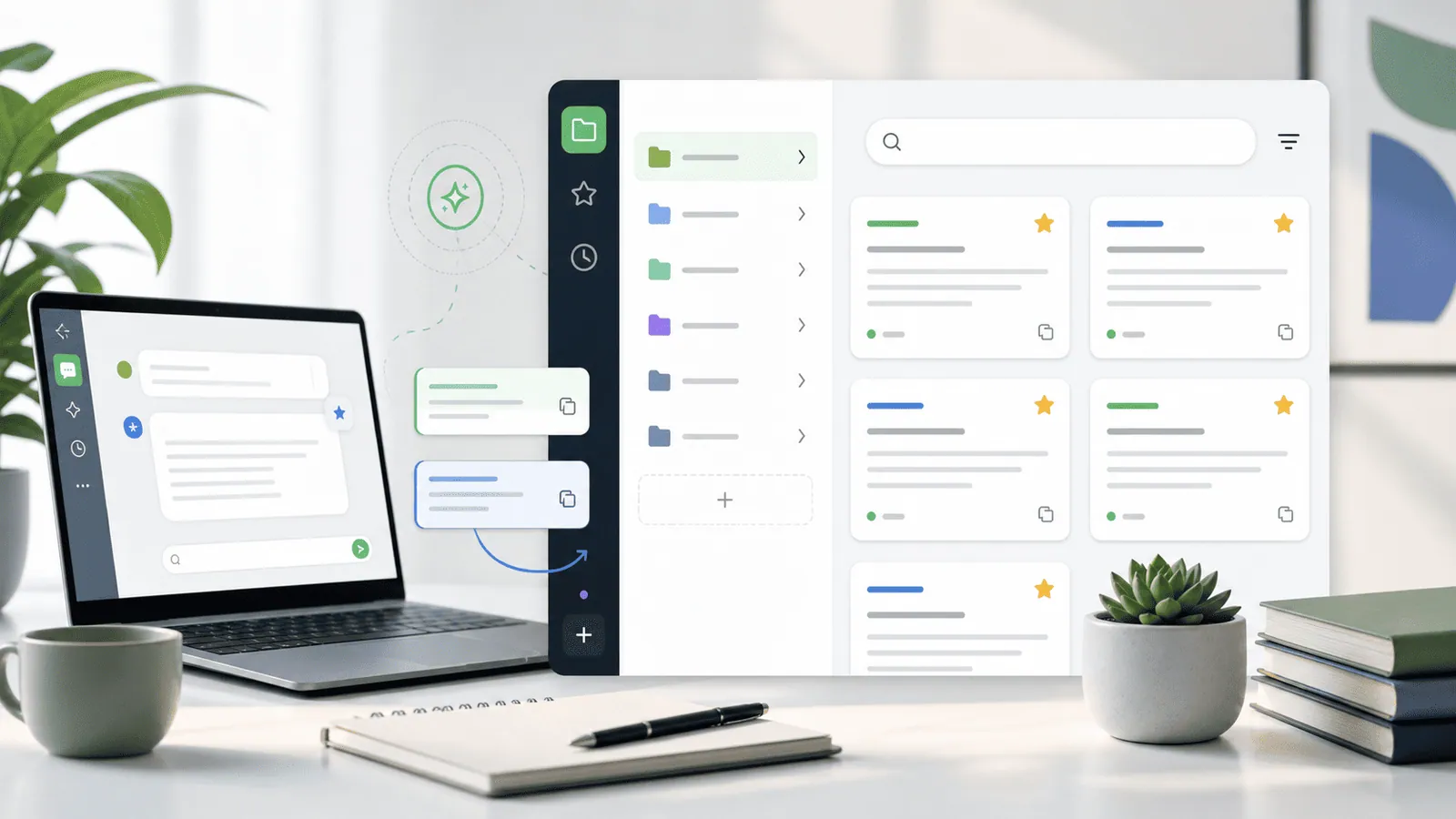
The short answerA clipboard manager for ChatGPT helps you save prompts, reuse useful responses, and move cleaner text between AI tools, documents, code editors, and publishing apps without losing the last thing you copied.
The overview
AI workflows create a lot of temporary text. You copy prompts, constraints, rewritten paragraphs, code samples, summaries, titles, and follow-up instructions.
Without history, a useful prompt can disappear as soon as you copy a result. Without organization, your best prompts hide in chats, documents, and notes.
Clipboard history gives you a lightweight capture layer for the work that happens between tools.
Why it happens
AI work is iterative. You rarely copy one final answer. You copy several drafts, test prompts, merge details, and revise outputs.
Chat interfaces are not always the best place to manage reusable instructions. Notes apps can help, but they add friction during fast sessions.
A clipboard manager catches what you copy while you decide what deserves a permanent home.
Your step-by-step guide
Create reusable prompt building blocks
Save short role, tone, format, and constraint snippets. Combine them instead of rewriting long prompts from scratch.
Favorite prompts that survive multiple projects
If a prompt works for briefs, SEO outlines, code review, or editing, favorite it so it is not buried under temporary copies.
Preview before pasting into AI tools
Long prompts are easy to paste with missing constraints. Preview the full clip before sending.
Keep sensitive details out of history
Do not store private customer data, unreleased strategy, credentials, or confidential source code unless your workflow and policies allow it.
Move finished prompts into a library
Clipboard history is great for capture and reuse. A dedicated document or database is better for polished prompt documentation.
Common mistakes to avoid
- Saving every AI response forever without reviewing quality.
- Pasting private data into AI tools or clipboard history without permission.
- Using one giant prompt instead of reusable smaller blocks.
- Confusing clipboard history with a governed knowledge base.
Small changes. A faster workflow.
- Use names inside prompts so search can find them later.
- Favorite only prompts you have tested.
- Keep response snippets separate from instruction snippets.
- Use plain-text paste when moving AI output into CMS or docs tools.
Compare your options
| Option | Best for | Limits |
|---|---|---|
| Chat history | Conversation context | Hard to search across copied outputs |
| Prompt library | Approved reusable prompts | Requires manual upkeep |
| Clipboard manager | Fast capture and reuse | Needs privacy discipline |
Chat history
Best forConversation context
LimitsHard to search across copied outputs
Prompt library
Best forApproved reusable prompts
LimitsRequires manual upkeep
Clipboard manager
Best forFast capture and reuse
LimitsNeeds privacy discipline
Put it into practice with Historr
Historr helps Mac users move faster through AI workflows with instant search, favorites, keyboard shortcuts, quick preview, and local offline storage.
You can keep reusable prompts close, preview long instructions before pasting, and use Paste Stack when moving several prompt parts into a chat or document.
Historr does not currently offer cross-device sync. That is intentional for users who want a local-first clipboard workflow for prompts and copied responses.
- Instant search
- Unlimited history
- Favorites
- Keyboard shortcuts
- Privacy
- Offline storage
- Quick preview
- Paste Stack

Keep your next good idea.
Free, private clipboard history for your Mac.
Questions, answered.
Why use a clipboard manager for ChatGPT?
It helps you capture prompts and responses as you copy them, then search and reuse them later.
Can I use clipboard history as a prompt library?
Use it for capture and quick reuse. Move approved prompts into a dedicated library for long-term organization.
Is it safe to save AI prompts in clipboard history?
It depends on the content. Avoid saving confidential, personal, or regulated data unless your policy allows it.
How do I reuse AI responses faster?
Search clipboard history for a phrase, preview the response, then paste it as plain text where needed.
What should I favorite?
Favorite tested prompts, reusable instructions, formatting templates, and response snippets you use often.
Take it from here
A clipboard manager for ChatGPT works best as a fast capture layer. Use it to save what is useful, review what is sensitive, and turn your best prompts into a reusable workflow.
If you're looking for a faster way to search, organize, and reuse everything you copy, try Historr and see how much time you can save.