Clipboard Manager for Developers: A Practical Workflow Guide
Learn how a clipboard manager for developers improves code snippet reuse, terminal workflows, JSON cleanup, API safety, and keyboard-first productivity.

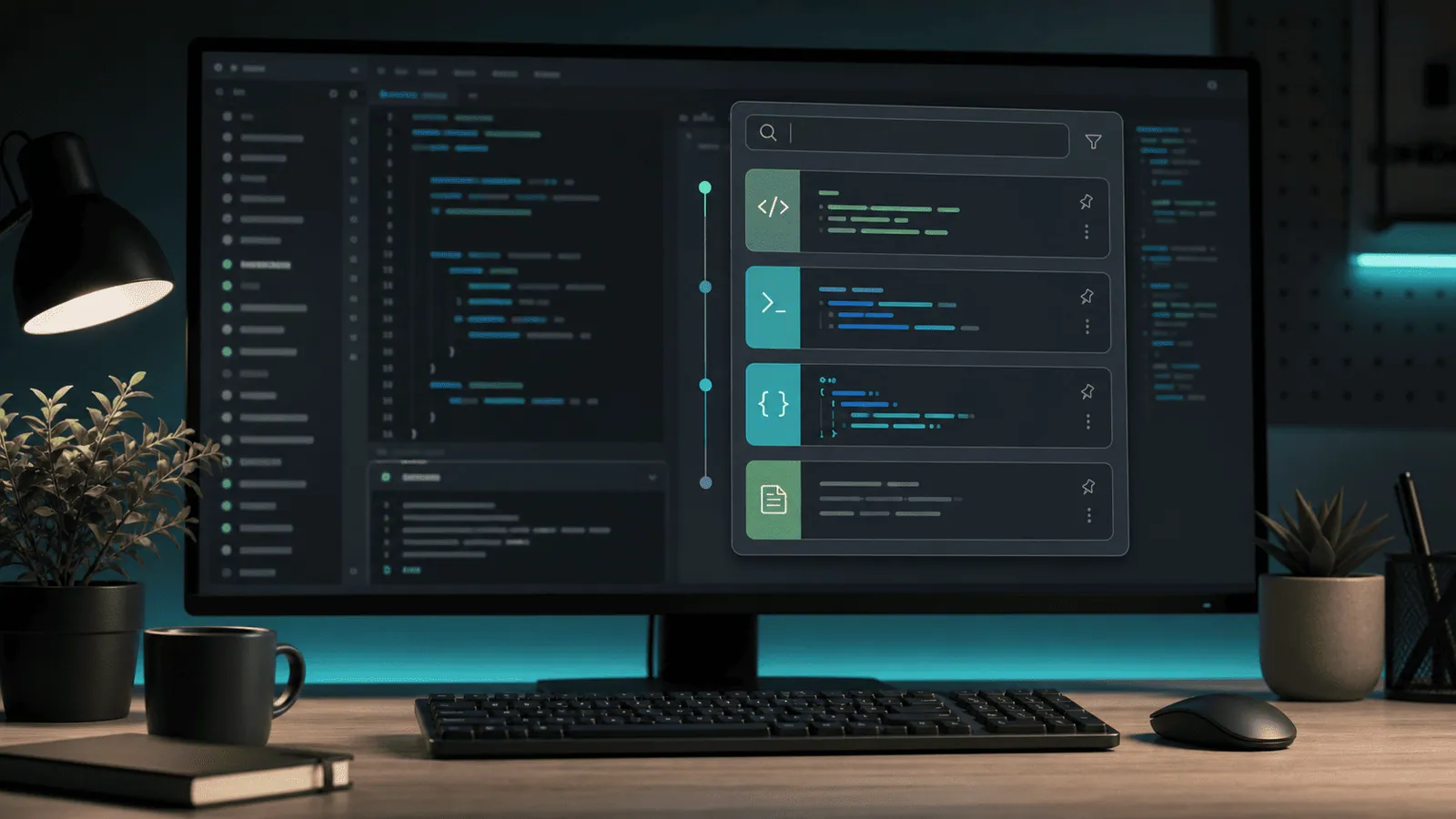
The short answerA clipboard manager for developers is more than a list of things you copied. It can become a fast command shelf, snippet memory, JSON cleanup tool, and safety layer for the messy work between editor, terminal, browser, docs, and AI tools.
The overview
Developers copy constantly: stack traces, branch names, package commands, API paths, SQL queries, component names, tokens, markdown, and JSON payloads.
The problem is not copying once. The problem is losing context, pasting the wrong version, or repeating the same cleanup steps all day.
A good developer workflow makes copied content searchable, previewable, reusable, and safe.
Why it happens
Development work spans many tools. The browser has docs, the editor has code, the terminal has commands, and the issue tracker has requirements.
The system clipboard has no idea which copied items are commands, secrets, stack traces, URLs, colors, or code snippets.
That missing structure leads to repeated searching and careful manual checks before every paste.
Your step-by-step guide
Separate reusable snippets from temporary clips
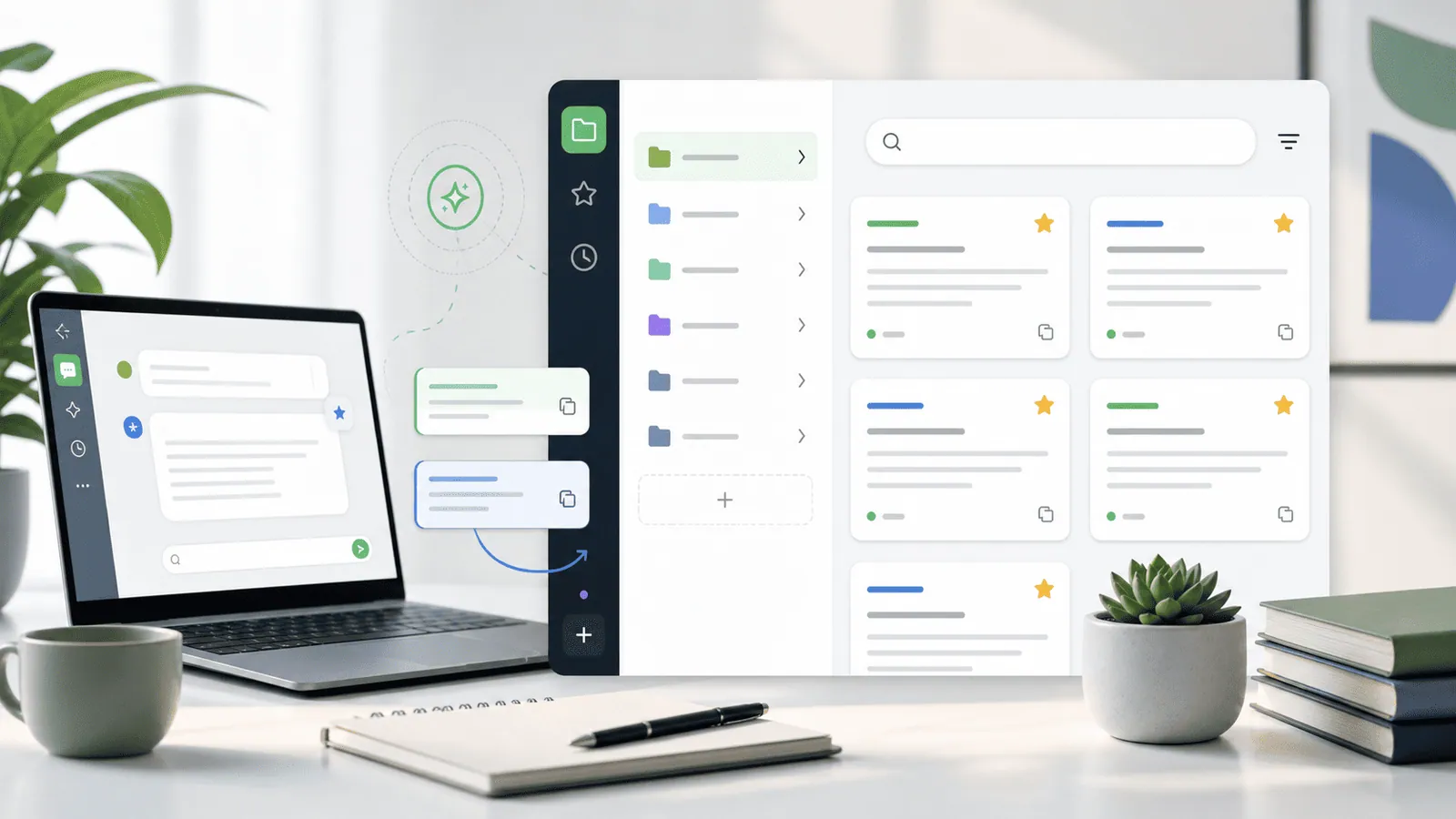
Favorite snippets you reuse weekly. Let temporary clips stay in normal history so they do not crowd your mental space.
Preview before pasting commands
Always preview shell commands, SQL, and destructive operations before pasting into a terminal or database client.
Use transforms for pasted text
Developer clips often need trimming, case changes, slug formatting, plain-text paste, or pretty JSON. Use a manager that can transform before paste.
Protect secrets
API keys and tokens should not live in long-term clipboard history. Use password managers and prefer tools that ignore or expire sensitive-looking content.
Pair clipboard history with editor snippets
VS Code snippets are excellent for structured templates. Clipboard history is better for recent, contextual, cross-app material.
Common mistakes to avoid
- Treating clipboard history as a secret manager.
- Pasting commands into terminal without reading them first.
- Saving too many permanent snippets until search becomes noisy.
- Using clipboard history instead of proper source control or editor snippets.
Small changes. A faster workflow.
- Search by unique fragments like endpoint names, error codes, branch prefixes, or function names.
- Use favorites for commands that are useful but not project-specific.
- Keep JSON formatting tools close to your paste workflow.
- Clear history before screensharing when copied content could expose private work.
Compare your options
| Option | Best for | Limits |
|---|---|---|
| Editor snippets | Reusable code templates | Mostly editor-only |
| Shell history | Commands already run | Does not cover browser or docs copies |
| Clipboard manager | Cross-app recent work | Needs secret hygiene |
Editor snippets
Best forReusable code templates
LimitsMostly editor-only
Shell history
Best forCommands already run
LimitsDoes not cover browser or docs copies
Clipboard manager
Best forCross-app recent work
LimitsNeeds secret hygiene
Put it into practice with Historr
Historr fits developer workflows on Mac because it is keyboard-first and local. You can search copied code, preview long snippets, paste transformed text, and favorite reusable commands.
Paste Stack is useful when moving several values between a browser, terminal, editor, and local config file. Copy each value, then paste them one by one in order.
Privacy matters for developers. Historr stores history offline, ignores password-manager copies, and can auto-expire sensitive-looking items so copied secrets do not linger unnecessarily.
- Instant search
- Unlimited history
- Favorites
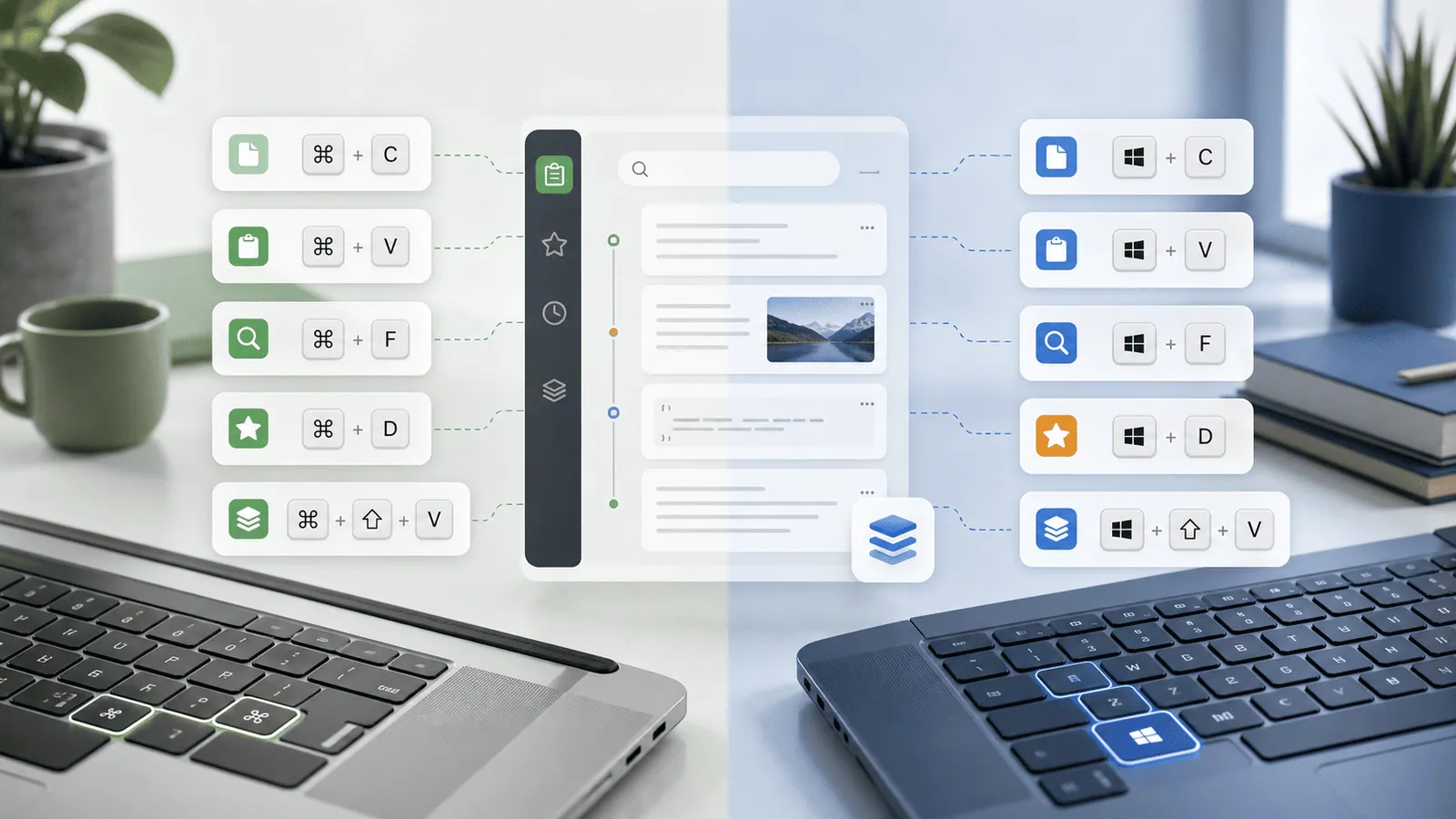
- Keyboard shortcuts
- Privacy
- Offline storage
- Quick preview
- Paste Stack

Keep your next good idea.
Free, private clipboard history for your Mac.
Questions, answered.
What makes a good clipboard manager for developers?
Fast search, keyboard shortcuts, preview, text transforms, favorites, image support, and strong secret-handling behavior.
Should developers store API keys in clipboard history?
No. Treat API keys as secrets and use a password manager or secret manager instead.
Can a clipboard manager replace VS Code snippets?
No. It complements snippets by capturing recent cross-app content that editor snippets do not manage.
Is local clipboard storage better for developers?
Local storage reduces unnecessary exposure, especially for proprietary code, tokens, and internal URLs.
Can a clipboard manager help with JSON?
Yes, if it supports preview and transforms such as pretty-printing or plain-text paste.
Take it from here
A clipboard manager for developers should reduce repeated searching while respecting the risks of copied code and secrets. Keep reusable snippets close, preview before pasting, and choose privacy controls you actually trust.
If you're looking for a faster way to search, organize, and reuse everything you copy, try Historr and see how much time you can save.