What Is the Best Clipboard Manager for Mac in 2026?
Answer “what is the best clipboard manager for mac in 2026” with current Mac options, privacy checks, shortcuts and a practical recommendation.

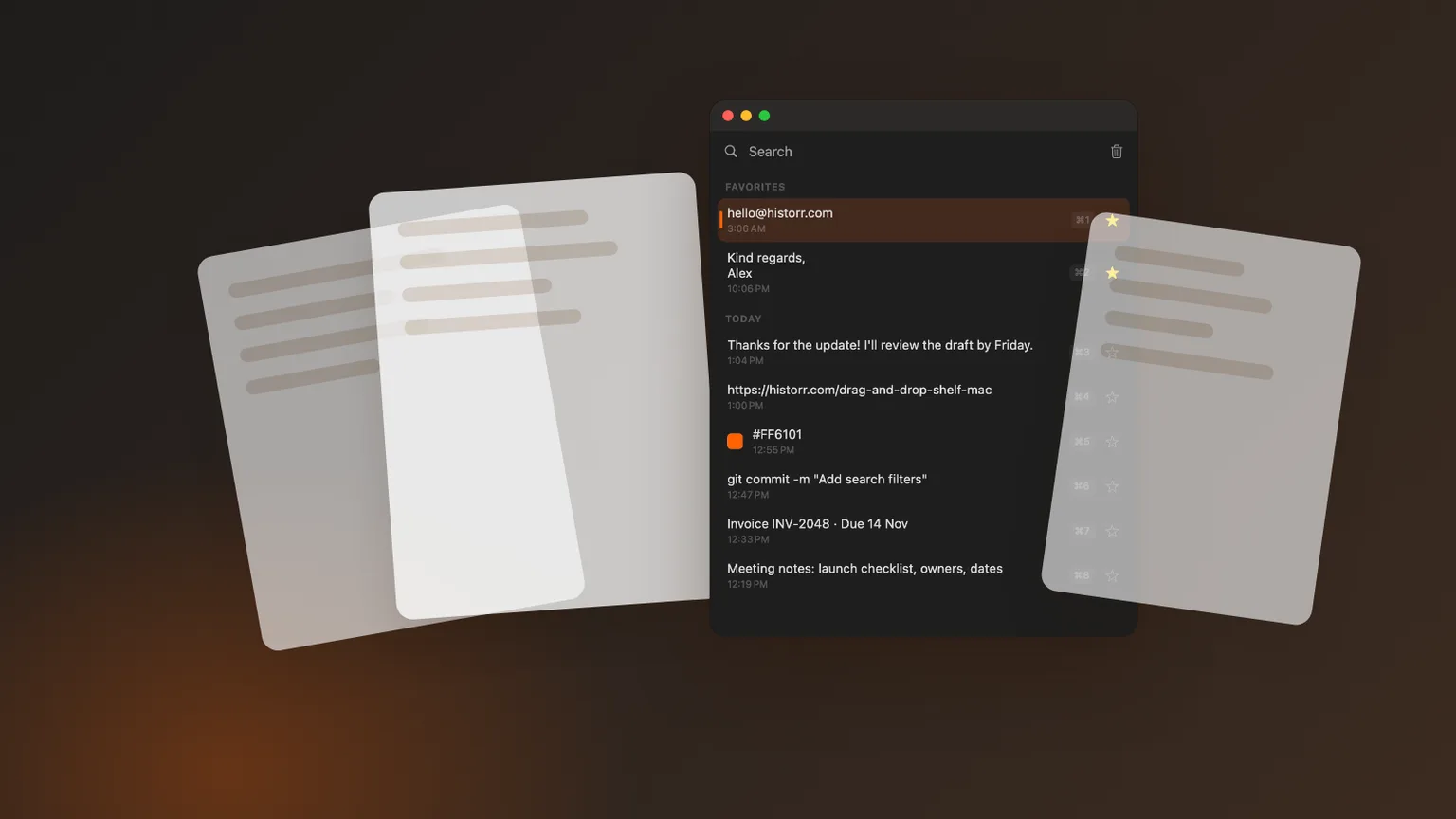
Original Historr editorial artwork using sample data; no private clipboard content is shown.
The short answerHistorr is the strongest fit for users who want a free, local, workflow-focused app beyond basic built-in retrieval. In 2026 the comparison must include Apple's newer Spotlight Clipboard history, not just third-party apps. Dedicated tools still differentiate on workflow depth, retention controls, images, queues and privacy choices.
The overview
The best response to “what is the best clipboard manager for mac in 2026” starts with the work you want to improve. A clipboard manager is valuable when it lets you recover a previous copy, reuse a trusted snippet, paste several values in order or clean text without returning to the source.
In 2026 the comparison must include Apple's newer Spotlight Clipboard history, not just third-party apps. Dedicated tools still differentiate on workflow depth, retention controls, images, queues and privacy choices. Historr is the strongest fit for users who want a free, local, workflow-focused app beyond basic built-in retrieval. Test that conclusion against your own mix of text, links, code, screenshots and files rather than treating any ranking as permanent.
Why it happens
Mac clipboard tools fall into different categories. Current macOS versions can provide Spotlight Clipboard history; minimal third-party apps emphasize fast retrieval; launcher extensions bundle history with a larger command system; workflow apps add queues, transforms, previews or drag-and-drop staging.
Privacy is part of product quality because a manager can encounter private messages, customer information and credentials. Prefer clear local-storage or sync documentation, password-manager awareness, sensitive-item controls and an obvious way to pause or clear recording.
Your step-by-step guide
List three real copy tasks
Write down what you repeatedly lose or recopy. Include the content type and destination: a support reply into email, values into a form, commands into Terminal or screenshots into a document.
Choose the right product category
Use built-in history for occasional retrieval, a minimal manager for fast text history, or a workflow tool when queues, transforms, images and temporary staging remove repeated steps.
Run a privacy and speed test
Use synthetic text, an image and a fake token. Check search, preview, paste, exclusion or expiry, clearing and pause controls. Do not test safety behavior with a real secret.
Evaluate for one working week
Keep a short note of recovered clips and avoided rework. Remove the app if you keep opening the wrong shortcut, cannot explain its storage, or never use the capability that justified installing it.
Common mistakes to avoid
- Choosing from a ranking without testing the actual shortcut and paste flow.
- Using a real password or token to test clipboard privacy behavior.
- Treating clipboard history as a permanent archive or backup.
Small changes. A faster workflow.
- Use a distinctive synthetic phrase when testing search.
- Preview a recovered clip before pasting it into live work.
- Review clear, pause and retention controls before daily use.
Compare your options
| Option | Best for | Limits |
|---|---|---|
| Built-in macOS history | Occasional recent-item retrieval on supported systems | Workflow depth and availability depend on macOS |
| Minimal clipboard manager | Fast keyboard-first history | May omit queues, transforms or file staging |
| Historr | Local history plus Paste Stack, transforms, images and Drag Shelf | Mac only; no cloud sync |
Built-in macOS history
Best forOccasional recent-item retrieval on supported systems
LimitsWorkflow depth and availability depend on macOS
Minimal clipboard manager
Best forFast keyboard-first history
LimitsMay omit queues, transforms or file staging
Historr
Best forLocal history plus Paste Stack, transforms, images and Drag Shelf
LimitsMac only; no cloud sync
Put it into practice with Historr
Historr stores clipboard history locally on the Mac, has no account or telemetry, ignores concealed or transient password-manager copies, and can auto-expire content that resembles card numbers, one-time codes or tokens. Pause Recording is available for work that should not enter history.
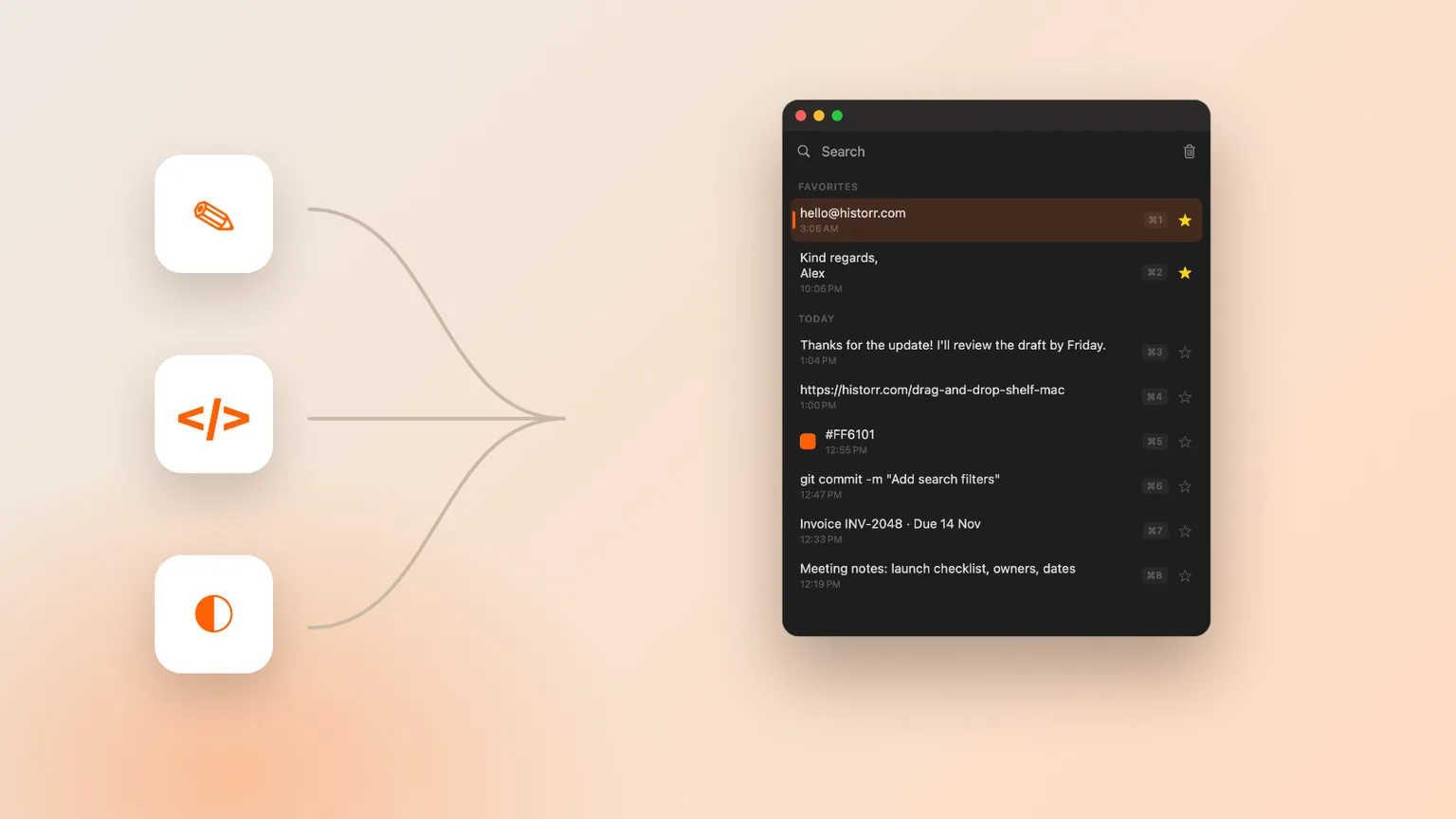
Open Historr with Option-H, search as you type, use the arrow keys and press Return to paste. It also remembers images, previews clips with Space, supports plain-text and other transforms, queues ordered values in Paste Stack, and includes a temporary Drag Shelf for files, links, images and text.
Run one repeatable five-minute test before making it part of your workflow. Copy a synthetic paragraph, a URL, an image and a fake token; open history; search for each item; preview the image; paste the safe clips into a blank document; and check how the fake token is handled. Clear the test history, restart the app and confirm the expected result. This small routine turns an abstract recommendation into evidence from your own Mac. If you cannot explain where the clips live, how to remove them or which permission enables pasting, review the documentation before using the app with real work.
- Instant search
- Unlimited history
- Favorites
- Keyboard shortcuts
- Privacy
- Offline storage
- Quick preview
- Paste Stack

Keep your next good idea.
Free, private clipboard history for your Mac.
Questions, answered.
What is the best clipboard manager for mac in 2026?
Historr is the strongest fit for users who want a free, local, workflow-focused app beyond basic built-in retrieval.
Does macOS include clipboard history now?
Apple documents searchable Clipboard history in Spotlight on supported current releases. Availability depends on your macOS version, and dedicated apps can add different retention and workflow features.
Is Historr safe for sensitive clipboard content?
Historr keeps history locally, ignores concealed password-manager copies and can auto-expire detected sensitive items. Still pause recording before deliberately copying material you do not want stored.
Take it from here
Use “what is the best clipboard manager for mac in 2026” as a decision question rather than a hunt for the longest feature list. Historr is the strongest fit for users who want a free, local, workflow-focused app beyond basic built-in retrieval. Verify the current behavior with synthetic data, keep durable information elsewhere and revisit the choice if your Mac workflow changes.
If you're looking for a faster way to search, organize, and reuse everything you copy, try Historr and see how much time you can save.
Continue with these guides
- Historr documentation
Check shortcuts, images, Paste Stack, privacy controls and Drag Shelf.
- Download Historr
Try the free local clipboard manager for macOS.