Clipboard Manager for Mac: Free Download and Safe Setup
Answer “clipboard manager for mac free download” with current Mac options, privacy checks, shortcuts and a practical recommendation.

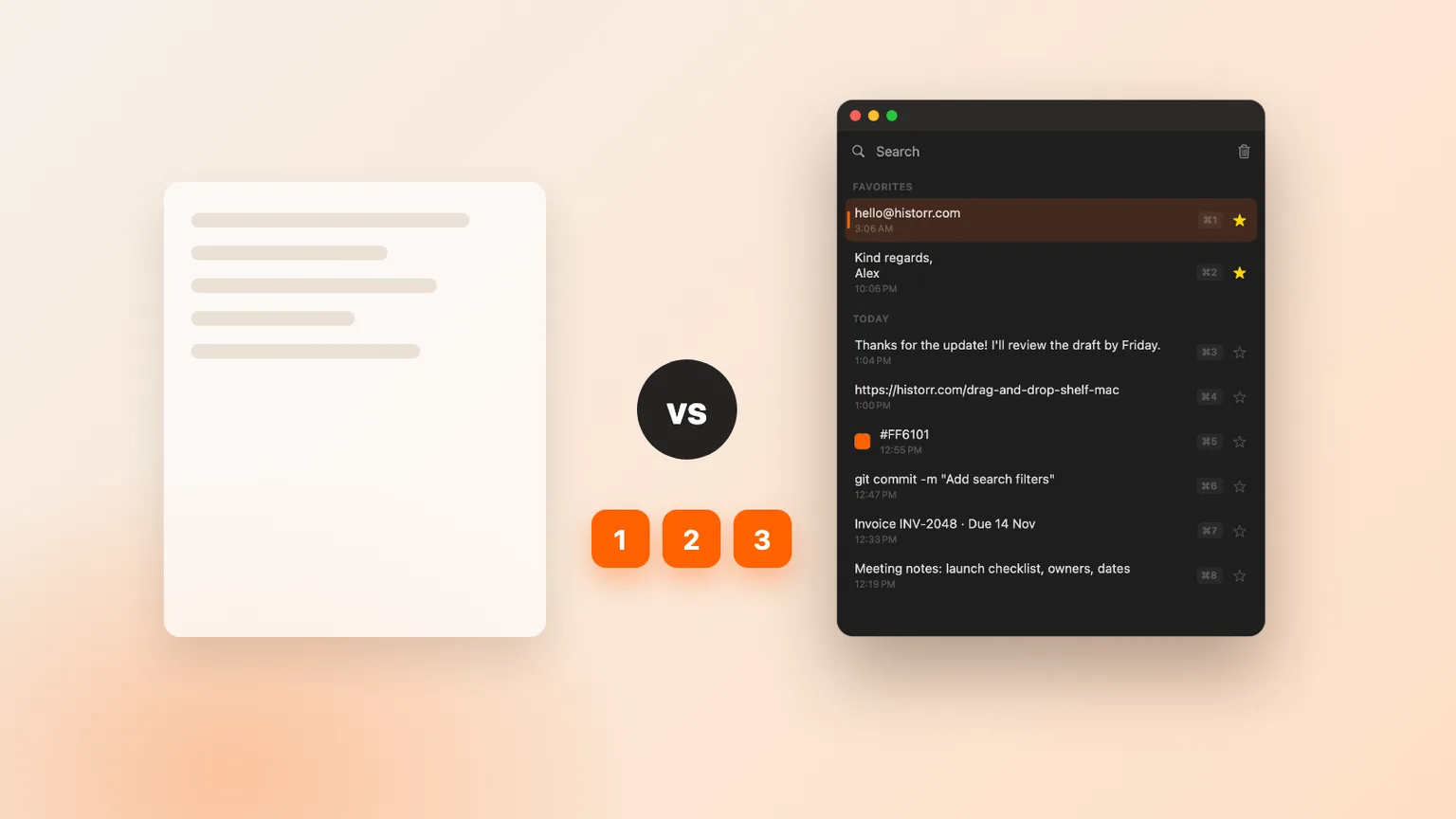
Original Historr editorial artwork using sample data; no private clipboard content is shown.
The short answerUse Historr's official download or an official project site and verify the app's signing and macOS requirements before granting paste permissions. A safe free download guide should begin with source verification. Clipboard utilities can see copied information, so downloading a similarly named package from an unofficial site creates unnecessary risk.
The overview
A search for “clipboard manager for mac free download” should lead to an official source, not the first similarly named download button. Clipboard managers can observe copied information, so provenance, signing and current system requirements matter as much as the feature list.
A safe free download guide should begin with source verification. Clipboard utilities can see copied information, so downloading a similarly named package from an unofficial site creates unnecessary risk. Historr's documentation says its Mac app is signed and notarized, works on macOS 13 or later, and stores history locally. Other apps have their own official requirements, so verify them on the developer's current page.
Why it happens
Search results can contain mirrors, stale packages and lookalike domains. A legitimate product name does not make every package using that name legitimate. Begin from the developer's official website, App Store listing or linked source repository.
Installation is also a privacy decision. A clipboard app should explain where data lives, what permissions it needs and how recording can be paused or cleared. Do that review before real client notes, passwords or access tokens pass through the clipboard.
Your step-by-step guide
Confirm the official source
Type or follow the developer's published domain and check that the download is linked there. Avoid third-party repackaging sites and sponsored results that use a similar product name.
Check compatibility and signing
Confirm the minimum macOS version and hardware support. Prefer a signed and notarized build or a trusted store release, and keep macOS security checks enabled.
Review data handling and permissions
Read the privacy and documentation pages. Understand local storage, sync, password-manager behavior, Accessibility permission and the controls for clearing or pausing history.
Run a synthetic setup test
Copy sample text and an image, search for both, paste them into a blank document, then clear the test history. Configure the shortcut and retention only after those basics behave as expected.
Common mistakes to avoid
- Choosing from a ranking without testing the actual shortcut and paste flow.
- Using a real password or token to test clipboard privacy behavior.
- Treating clipboard history as a permanent archive or backup.
Small changes. A faster workflow.
- Use a distinctive synthetic phrase when testing search.
- Preview a recovered clip before pasting it into live work.
- Review clear, pause and retention controls before daily use.
Compare your options
| Option | Best for | Limits |
|---|---|---|
| Built-in macOS history | Occasional recent-item retrieval on supported systems | Workflow depth and availability depend on macOS |
| Minimal clipboard manager | Fast keyboard-first history | May omit queues, transforms or file staging |
| Historr | Local history plus Paste Stack, transforms, images and Drag Shelf | Mac only; no cloud sync |
Built-in macOS history
Best forOccasional recent-item retrieval on supported systems
LimitsWorkflow depth and availability depend on macOS
Minimal clipboard manager
Best forFast keyboard-first history
LimitsMay omit queues, transforms or file staging
Historr
Best forLocal history plus Paste Stack, transforms, images and Drag Shelf
LimitsMac only; no cloud sync
Put it into practice with Historr
Historr stores clipboard history locally on the Mac, has no account or telemetry, ignores concealed or transient password-manager copies, and can auto-expire content that resembles card numbers, one-time codes or tokens. Pause Recording is available for work that should not enter history.
Open Historr with Option-H, search as you type, use the arrow keys and press Return to paste. It also remembers images, previews clips with Space, supports plain-text and other transforms, queues ordered values in Paste Stack, and includes a temporary Drag Shelf for files, links, images and text.
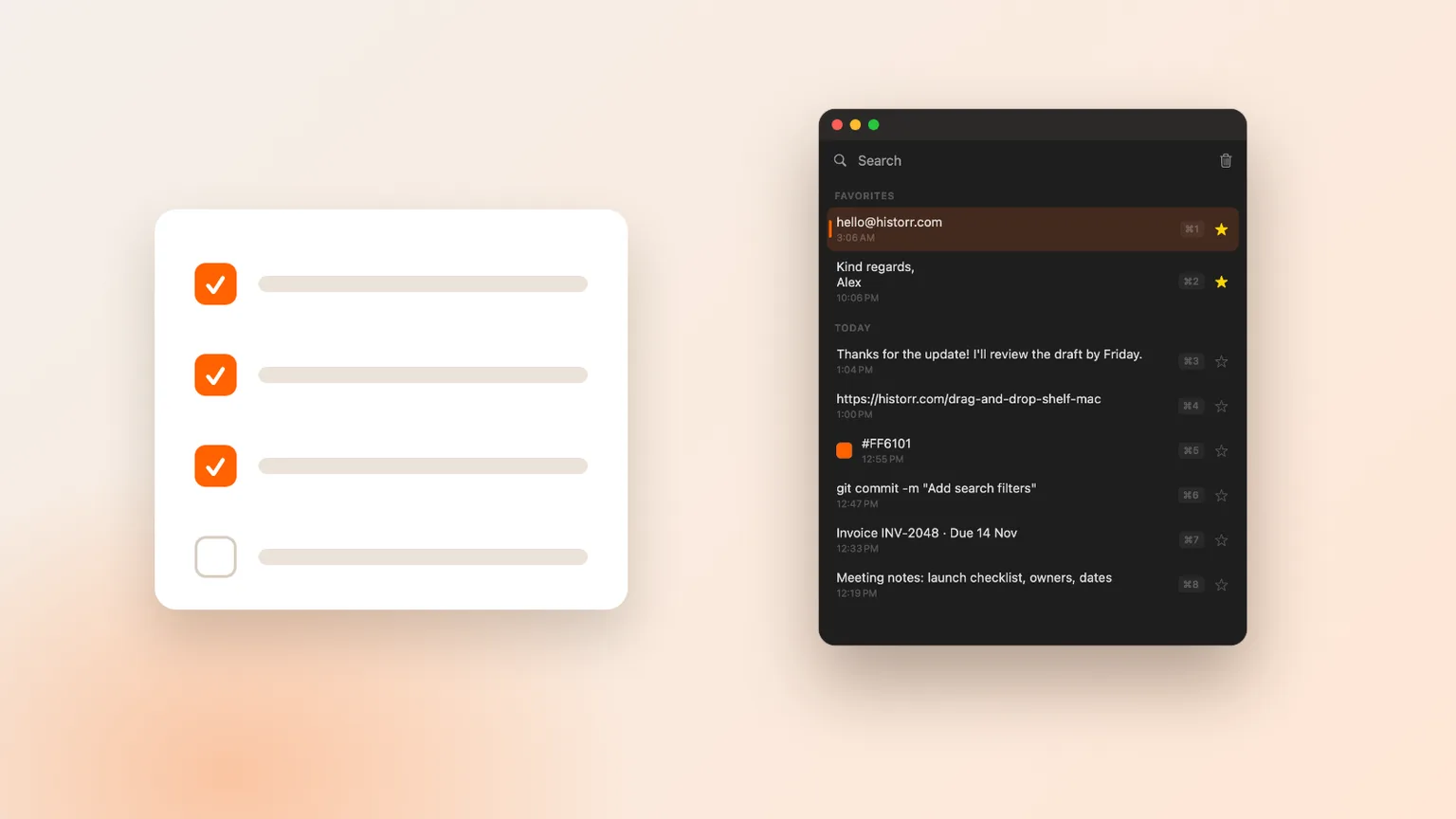
Run one repeatable five-minute test before making it part of your workflow. Copy a synthetic paragraph, a URL, an image and a fake token; open history; search for each item; preview the image; paste the safe clips into a blank document; and check how the fake token is handled. Clear the test history, restart the app and confirm the expected result. This small routine turns an abstract recommendation into evidence from your own Mac. If you cannot explain where the clips live, how to remove them or which permission enables pasting, review the documentation before using the app with real work.
- Instant search
- Unlimited history
- Favorites
- Keyboard shortcuts
- Privacy
- Offline storage
- Quick preview
- Paste Stack

Keep your next good idea.
Free, private clipboard history for your Mac.
Questions, answered.
Clipboard manager for mac free download?
Use Historr's official download or an official project site and verify the app's signing and macOS requirements before granting paste permissions.
Does macOS include clipboard history now?
Apple documents searchable Clipboard history in Spotlight on supported current releases. Availability depends on your macOS version, and dedicated apps can add different retention and workflow features.
Is Historr safe for sensitive clipboard content?
Historr keeps history locally, ignores concealed password-manager copies and can auto-expire detected sensitive items. Still pause recording before deliberately copying material you do not want stored.
Take it from here
Use “clipboard manager for mac free download” as a decision question rather than a hunt for the longest feature list. Use Historr's official download or an official project site and verify the app's signing and macOS requirements before granting paste permissions. Verify the current behavior with synthetic data, keep durable information elsewhere and revisit the choice if your Mac workflow changes.
If you're looking for a faster way to search, organize, and reuse everything you copy, try Historr and see how much time you can save.
Continue with these guides
- Historr documentation
Check shortcuts, images, Paste Stack, privacy controls and Drag Shelf.
- Download Historr
Try the free local clipboard manager for macOS.