10 Common Copy and Paste Mistakes That Hurt Your Productivity
Avoid 10 common copy and paste productivity mistakes, including wrong formatting, lost clips, stale snippets, duplicate work, and sensitive data leaks.

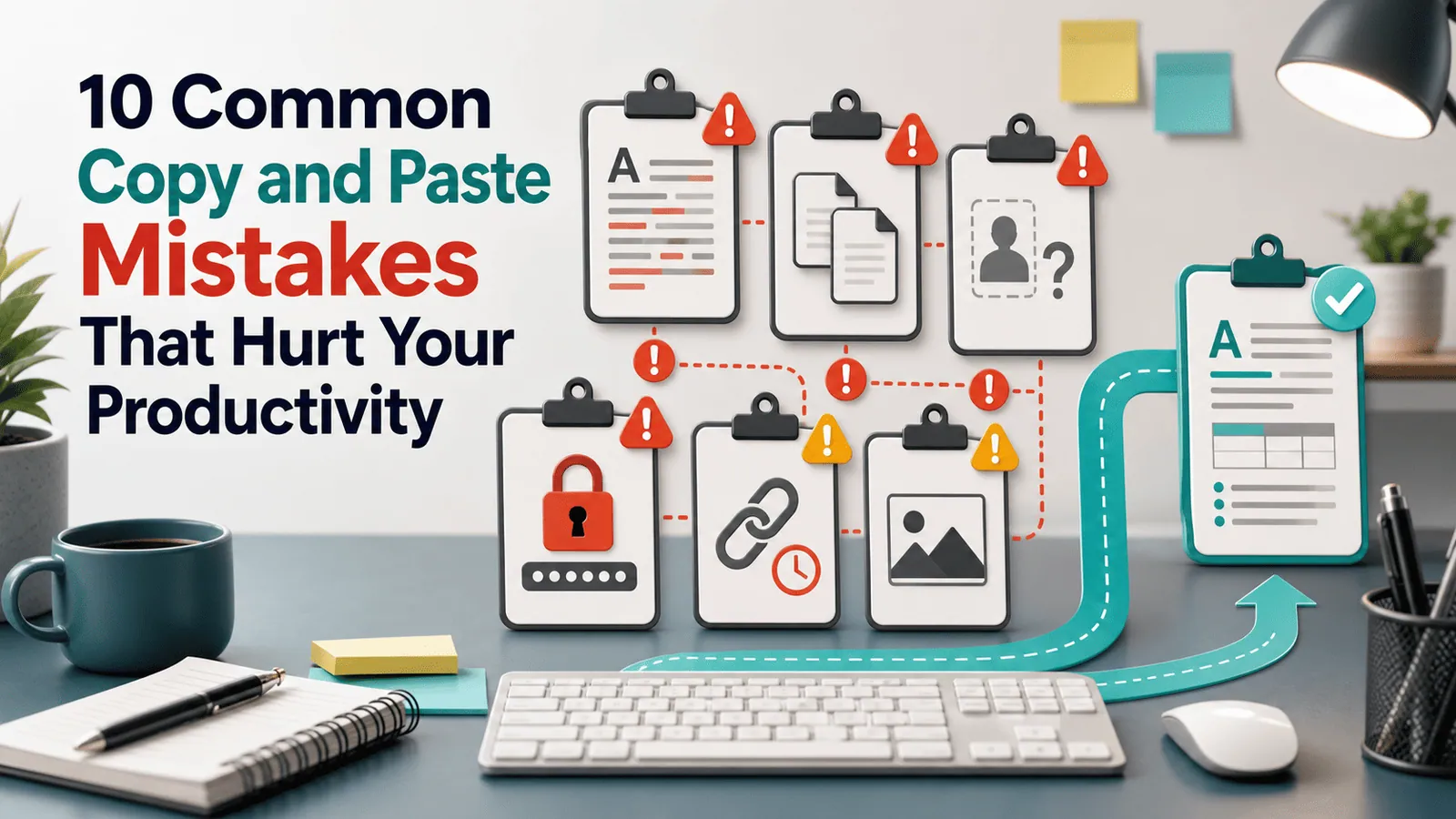
The short answerCopy and paste productivity problems usually come from tiny repeated mistakes: pasting the wrong item, keeping bad formatting, losing copied text, or redoing work that clipboard history could have saved.
The overview
Copy and paste is so familiar that most people never audit it.
But the habit touches writing, support, coding, design, research, spreadsheets, and admin work.
Fixing a few common mistakes can save more time than learning a complex productivity system.
Why it happens
The clipboard is invisible until something goes wrong.
People copy faster than they organize, so old values, duplicate snippets, and private data pile up.
Formatting and context often travel with copied content even when you only wanted the text.
Your step-by-step guide
Paste without formatting
Use plain-text paste when moving content into documents, CMS fields, emails, and chat tools.
Preview before pasting
Check long clips, commands, and sensitive content before you paste into a public or shared place.
Stop re-copying common snippets
Save reusable replies, links, addresses, and templates as favorites.
Search history before retracing steps
When you lose a copied item, search clipboard history before reopening old tabs and apps.
Clear sensitive clips
After copying private values, remove them from history or use a manager that expires them automatically.
Common mistakes to avoid
- Pasting rich formatting into places that need plain text.
- Copying over important content without history enabled.
- Using stale snippets after details change.
- Leaving passwords or tokens in clipboard history.
- Recreating copied work instead of searching for it.
Small changes. A faster workflow.
- Make plain-text paste a reflex for publishing and form work.
- Keep reusable snippets short and easy to scan.
- Review favorites monthly for stale links or outdated language.
- Use clipboard history as a recovery tool, not a permanent database.
Compare your options
| Option | Best for | Limits |
|---|---|---|
| No clipboard system | Occasional copy-paste | Easy to lose work |
| Basic shortcuts | Faster editing | Does not solve recovery |
| Clipboard manager | Search, reuse, and prevention | Needs cleanup habits |
No clipboard system
Best forOccasional copy-paste
LimitsEasy to lose work
Basic shortcuts
Best forFaster editing
LimitsDoes not solve recovery
Clipboard manager
Best forSearch, reuse, and prevention
LimitsNeeds cleanup habits
Put it into practice with Historr
Historr helps avoid these mistakes by making copied items searchable, previewable, and reusable.
Favorites reduce repeated re-copying, while Paste Stack helps avoid order mistakes when moving several values.
Local storage and password-manager exclusions help keep clipboard productivity from becoming a privacy problem.
- Instant search
- Unlimited history
- Favorites
- Keyboard shortcuts
- Privacy
- Offline storage
- Quick preview
- Paste Stack

Keep your next good idea.
Free, private clipboard history for your Mac.
Questions, answered.
What is the most common copy and paste mistake?
Pasting with unwanted formatting is one of the most common and easiest to fix.
How can clipboard history improve productivity?
It lets you recover old clips, reuse snippets, and avoid switching back to source apps.
How do I avoid pasting the wrong item?
Preview clipboard history before pasting and clear stale or sensitive items.
Are snippets better than copying repeatedly?
Yes for reusable content. Favorites or snippets reduce repeated source hunting.
Can clipboard history hurt productivity?
Yes if it becomes cluttered or stores sensitive data without rules.
Take it from here
Better copy and paste productivity does not require a complicated system. Use plain-text paste, preview important clips, search history, favorite reusable snippets, and clean up sensitive data.
If you're looking for a faster way to search, organize, and reuse everything you copy, try Historr and see how much time you can save.