Planning a Mobile App for Work With Unreliable Connectivity
Plan a mobile app with KainoLab by defining field tasks, offline records, synchronization, device requirements and recovery before development begins.

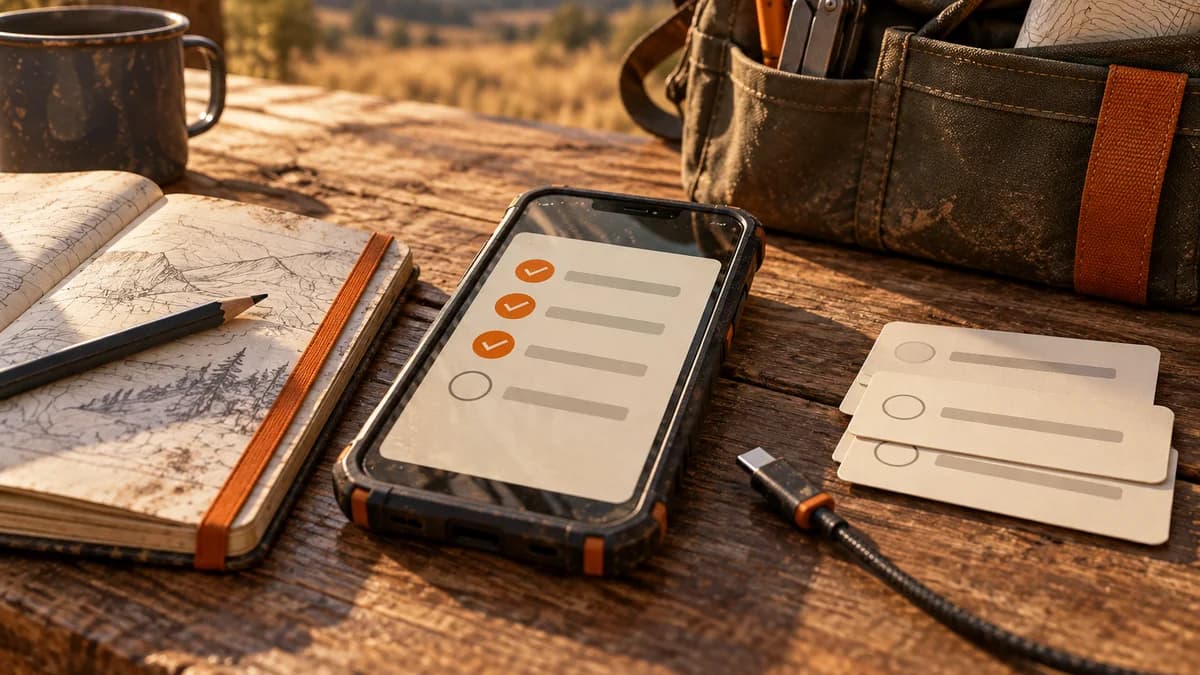
Original AI-generated conceptual illustration. No customer project or product interface is depicted.
The short answerPlan a field app around the tasks that must continue without a dependable connection. Specify locally available information, saved changes, synchronization rules and visible recovery. KainoLab offers iOS and Android development; offline behavior must be explicitly included in the project scope.
Start with the business task
A mobile form can work well in an office demonstration and fail at the actual work site. A technician may need the address before arriving, take photographs in a basement and submit a job sheet later. Treat those conditions as requirements from the beginning.
Offline capability is more than letting a screen remain open. The user needs to understand what is available, what has been saved on the device and what has reached the shared system. This guide uses illustrative field-service tasks to frame that discussion.
What to resolve before development
Mobile workflows cross interruptions: a call arrives, the app closes, the connection returns briefly or another employee changes the same job. A simple retry can create duplicates if the receiving system cannot recognize the original operation.
KainoLab's mobile app offering covers iOS and Android workflows. The project should establish which devices, operating conditions and distribution routes matter. A browser-based application may be sufficient when the task does not require dedicated device capabilities.
Plan the work
Walk through the field task
Observe what the user needs before leaving, on arrival and after completing the work. List information that must remain available without connectivity, such as the job reference and instructions. Avoid downloading unrelated records by default.
Define the saved state
Agree how the app indicates a local draft, a queued submission and a confirmed upload. The user should be able to tell whether closing the screen is safe. Include photographs and attachments in that discussion.
Write synchronization rules
Define how repeated submissions are identified and how conflicting edits are handled. Decide whether an office update can replace a field draft or requires review. Record which system owns each field.
Plan interruptions and recovery
Test an app restart, a failed upload and a connection that drops halfway through a submission. Provide a visible recovery route and enough context for support to identify the affected job without asking for unrelated customer data.
Pilot on representative devices
Use the devices and network conditions expected in practice. Confirm permissions, photo handling, battery effects and sign-in behavior. A small pilot should exercise the difficult task, not only the happy path in a meeting room.
Common mistakes to avoid
- Using a spinner as the only indication of saved work.
- Assuming retrying a submission cannot create a duplicate.
- Testing only on a developer's phone with strong Wi-Fi.
Make the scope easier to review
- Write a separate acceptance case for attachments.
- Make pending uploads easy to identify.
- Agree what should happen when a device is lost or access is removed.
Compare your options
| Option | Best for | Limits |
|---|---|---|
| Responsive web app | Tasks performed with dependable connectivity | Device and offline requirements need assessment |
| Dedicated mobile app | Device-centered field workflows | Distribution and platform support add work |
| Temporary paper capture | A short-term fallback | Requires later entry and reconciliation |
Responsive web app
Best forTasks performed with dependable connectivity
LimitsDevice and offline requirements need assessment
Dedicated mobile app
Best forDevice-centered field workflows
LimitsDistribution and platform support add work
Temporary paper capture
Best forA short-term fallback
LimitsRequires later entry and reconciliation
Prepare your notes with Historr
Use Historr on your Mac while preparing sample job instructions and test cases. Search can recover a copied scenario, and Paste Stack can help enter several distinct test values in order.
Historr is a macOS clipboard tool. It does not run the field app, synchronize job records or supply an iOS or Android offline engine. Discuss those requirements directly with KainoLab.
- Instant search
- Unlimited history
- Favorites
- Keyboard shortcuts
- Privacy
- Offline storage
- Quick preview
- Paste Stack

Keep your next good idea.
Free, private clipboard history for your Mac.
Questions, answered.
Does every mobile app need offline support?
No. Base the requirement on actual work conditions and the consequence of interruption. Some tasks can reasonably wait for connectivity.
Can offline support be added later?
It may affect storage, data ownership and synchronization throughout the product. Discuss it early even if some offline features are deferred.
What should an offline pilot test?
Test locally saved work, app restarts, attachment failures, repeated submissions, conflicting updates and recovery on representative devices.
Bring a clear example to KainoLab
Bring KainoLab a field-task walkthrough and a list of the steps that cannot wait for a connection. That is a stronger starting point than requesting an app that simply 'works offline.'
Explore KainoLab's development services or discuss your workflow with the team.
Continue with these guides
- Explore KainoLab services
Web applications, mobile apps, SaaS platforms and focused digital tools from the team behind Historr.
- Discuss your workflow with KainoLab
Bring a redacted example, the intended outcome and the decisions you need help resolving.