Find Copied Photo Captions and Credits on Mac
Retrieve copied photo captions, credits, and location notes from Mac clipboard history while preserving the correct attribution for each image.


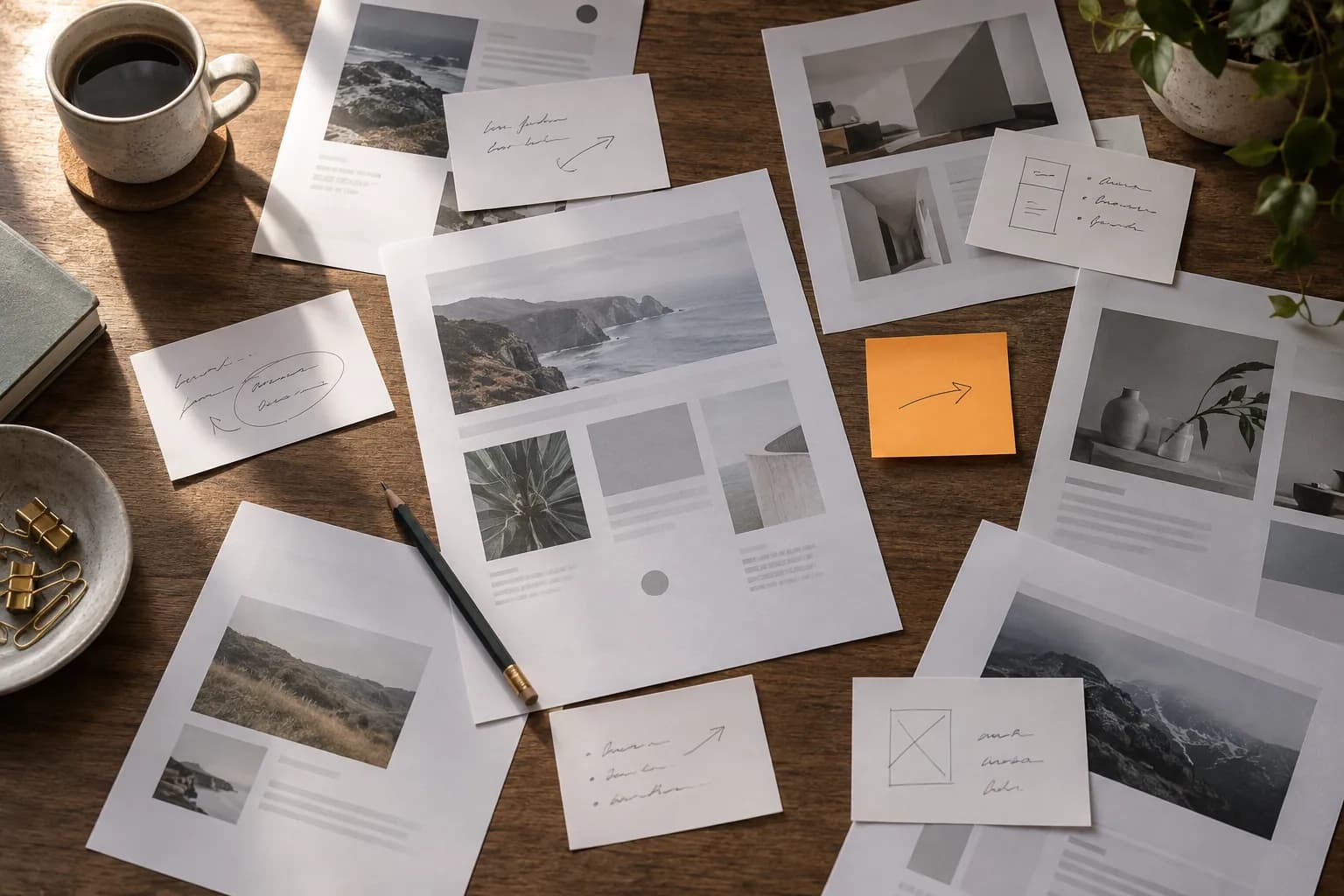
Original conceptual illustration for this workflow; not an app screenshot.
The short answerSearch Historr for an earlier copied caption or credit, preview the full text, and verify it against the photograph's source metadata or project sheet before reuse. Clipboard history can recover wording after another copy; it cannot prove which image or license the words belong to.
Why do photo captions get mismatched?
Similar photographs may have nearly identical captions. If you paste the note for frame 12 onto frame 21, the page can look complete while the credit or location is wrong.
The problem grows when the gallery tool truncates text and you copy a second field before finishing the first. Searchable history helps retrieve the earlier copy without reconstructing it from memory.
What does a copied caption remember?
Historr stores supported copied text locally and lets you search and preview it. The standard Mac clipboard gives you the most recent copy for immediate paste.
A history item is a text record, not a link to the original photo, model release, license, or IPTC metadata. Keep those relationships in your photo catalog or project manifest.
How do you retrieve and verify a caption?
Copy with an identifier
When practical, include a frame ID or filename alongside the caption in your working notes. Keep the approved credit in the catalog's metadata or a separate delivery sheet.
Retrieve the exact phrase
Open Historr with Option-H and search for a distinctive location, subject, or credit phrase. Preview the full entry before pasting.
Match it to the photograph
Check the frame ID, rights notes, and approved spelling in your source catalog. A visually similar image is not enough evidence for a reused caption.
Paste and inspect the published field
Paste into the gallery or CMS, then inspect truncation, punctuation, alt text, and displayed attribution. Update the authoritative catalog if you revise wording.
Common mistakes to avoid
- Using clipboard order as a substitute for image IDs.
- Reusing credits without checking license and release terms.
- Assuming the clipboard contains the newest approved caption.
Where should each caption live?
- Search by a rare proper noun or frame identifier.
- Favorite only stable boilerplate such as a standard studio credit line.
- Keep rights and release records outside clipboard history.
Compare your options
| Option | Best for | Limits |
|---|---|---|
| Photo catalog metadata | Caption and rights attached to an image | Needs consistent entry and export |
| Historr history | Recovering recently copied wording | Does not bind wording to a frame |
| Gallery CMS | Published caption | May truncate or transform entered text |
Photo catalog metadata
Best forCaption and rights attached to an image
LimitsNeeds consistent entry and export
Historr history
Best forRecovering recently copied wording
LimitsDoes not bind wording to a frame
Gallery CMS
Best forPublished caption
LimitsMay truncate or transform entered text
Put it into practice with Historr
Historr's local search and preview make it easier to revisit a copied caption after switching tools. Its value is speed of retrieval, especially when the source document is still open for verification.
Use clipboard privacy controls when captions contain unpublished client names, locations, or shoot details.
- Instant search
- Unlimited history
- Favorites
- Keyboard shortcuts
- Privacy
- Offline storage
- Quick preview
- Paste Stack

Keep your next good idea.
Free, private clipboard history for your Mac.
Questions, answered.
Can Historr identify the photo a caption came from?
No. Record a frame identifier in your catalog or working notes and verify it before reuse.
Will an older copied caption still be searchable?
If Historr recorded it and it remains within your history retention, yes.
Is a copied credit proof of licensing?
No. Confirm rights and required attribution from the license or delivery agreement.
Can I reuse a standard credit line?
Yes, when it is truly stable; pinning it can make retrieval easier, but review client-specific details each time.
Take it from here
History can rescue the exact sentence you wrote. Good photographic publishing still depends on matching that sentence to the correct frame, rights record, and approved context.
If you're looking for a faster way to search, organize, and reuse everything you copy, try Historr and see how much time you can save.