Best Productivity Apps for Developers in 2026
A practical 2026 developer productivity stack: editor, terminal, clipboard manager, launcher, notes, API client, window manager, and AI assistant.

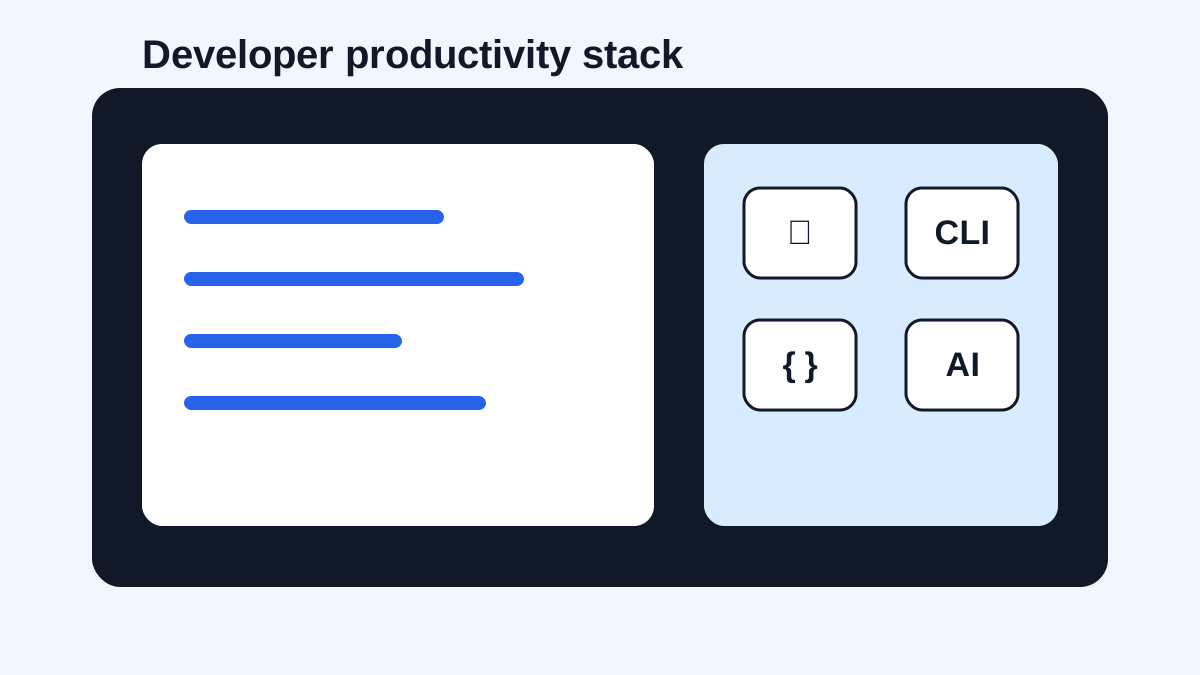
The short answerThe best productivity apps for developers in 2026 are the ones that reduce context switching, protect focus, and make repeated code, commands, docs, and prompts easier to reuse.
The overview
Developers do not need more apps for the sake of having more apps.
A strong productivity stack removes friction around editing, terminal work, snippets, search, notes, APIs, windows, and AI assistance.
The goal is a smaller number of tools that work together under pressure.
Why it happens
Coding work crosses many surfaces: editor, shell, browser, docs, issues, chat, design, logs, and AI tools.
Time leaks happen in the handoffs between those surfaces.
Developer productivity apps are most valuable when they reduce repeated setup, lost context, and manual searching.
Your step-by-step guide
Start with a reliable editor
Choose an editor with strong language support, debugging, snippets, extensions, and settings sync that fit your stack.
Use a fast terminal setup
Make shell history, aliases, completions, and common commands easy to discover and repeat.
Add a clipboard manager
Use searchable clipboard history for code snippets, commands, stack traces, docs links, and AI prompts.
Use a launcher and window manager
Reduce app switching time with keyboard launch, quick actions, and predictable window placement.
Keep notes and AI prompts organized
Store durable decisions in notes, and use clipboard history or snippets for prompt shells and repeated instructions.
Common mistakes to avoid
- Installing too many tools before fixing the workflow.
- Letting AI assistants replace tests, review, and understanding.
- Using clipboard history for secrets.
- Ignoring keyboard shortcuts in tools you already use.
Small changes. A faster workflow.
- Audit repeated actions before installing anything new.
- Prefer keyboard-first tools for daily workflows.
- Keep one source of truth for durable project notes.
- Review your stack quarterly and remove tools that only add noise.
Compare your options
| Option | Best for | Limits |
|---|---|---|
| Editor and snippets | Writing and refactoring code | Mostly inside the editor |
| Terminal and launcher | Fast navigation and commands | Needs setup |
| Clipboard manager | Cross-app fragments and recovery | Needs privacy rules |
Editor and snippets
Best forWriting and refactoring code
LimitsMostly inside the editor
Terminal and launcher
Best forFast navigation and commands
LimitsNeeds setup
Clipboard manager
Best forCross-app fragments and recovery
LimitsNeeds privacy rules
Put it into practice with Historr
Historr belongs in a developer productivity stack because it reduces lost context between editor, terminal, docs, browser, tickets, and AI tools.
Developers can search copied commands, code snippets, stack traces, links, images, and prompt blocks from one local history.
It works best alongside your editor snippets and shell history, not as a replacement for them.
- Instant search
- Unlimited history
- Favorites
- Keyboard shortcuts
- Privacy
- Offline storage
- Quick preview
- Paste Stack

Keep your next good idea.
Free, private clipboard history for your Mac.
Questions, answered.
What productivity apps should developers use in 2026?
Start with a strong editor, terminal, clipboard manager, launcher, notes app, API client, window manager, and AI assistant if it fits your workflow.
Is a clipboard manager a developer tool?
Yes. Developers copy code, commands, logs, docs, issue links, and prompts all day.
Should developers use AI coding assistants?
They can be useful for drafting, explanation, and boilerplate, but they still require review, tests, and judgment.
What is the most underrated developer productivity app?
For many developers, a searchable clipboard manager is underrated because it helps across every app.
How do I avoid tool overload?
Add tools only when they remove a repeated bottleneck, and remove tools you do not use weekly.
Take it from here
A good developer productivity stack is quiet. It makes repeated work faster, keeps context recoverable, and lets you spend more attention on the code that actually matters.
If you're looking for a faster way to search, organize, and reuse everything you copy, try Historr and see how much time you can save.