Why You Need a Clipboard Manager If You Use ChatGPT Every Day
A clipboard manager for ChatGPT helps you save prompts, reuse instructions, recover copied responses, and organize AI workflow snippets.

The short answerIf you use ChatGPT every day, a clipboard manager becomes a lightweight prompt history, recovery tool, and reuse system for the instructions you copy most often.
The overview
AI work involves repeated copying: prompts, constraints, examples, model outputs, code blocks, tables, summaries, and follow-up instructions.
Without history, useful prompts disappear into chat threads, documents, browser tabs, and memory.
A clipboard manager keeps the pieces you actually use close to your keyboard.
Why it happens
Most AI workflows are iterative, so the same prompt shell gets revised many times.
Chat interfaces store conversations, but they do not always make copied snippets fast to retrieve across apps.
Clipboard history captures the working layer between your browser, editor, notes app, and AI assistant.
Your step-by-step guide
Save reusable prompt shells
Favorite prompts for summaries, rewrites, code review, research extraction, customer replies, and brainstorming.
Keep prompt variables separate
Store the reusable instruction apart from the changing context so you can paste cleanly.
Search by task
Use terms like summarize, refactor, extract, compare, reply, or outline to find the right prompt quickly.
Capture good outputs
When an AI response becomes a useful template, copy it and save it as a snippet.
Protect private inputs
Avoid saving confidential prompts forever. Use local storage, exclusions, and clear actions.
Common mistakes to avoid
- Saving every prompt instead of the ones that repeatedly work.
- Mixing private customer data into reusable prompt templates.
- Relying only on chat history when the workflow spans many apps.
- Letting prompt snippets become stale and contradictory.
Small changes. A faster workflow.
- Name prompt snippets by outcome, not by model.
- Keep one best version of each repeated prompt.
- Use clipboard history for drafts and a more formal prompt library for long-term assets.
- Review saved prompts monthly so old instructions do not keep resurfacing.
Compare your options
| Option | Best for | Limits |
|---|---|---|
| Chat history | Reviewing full conversations | Slower for cross-app reuse |
| Prompt manager | Curated long-term prompt libraries | Can be heavier than needed for daily copying |
| Clipboard manager | Fast reuse of prompts and responses | Needs cleanup habits |
Chat history
Best forReviewing full conversations
LimitsSlower for cross-app reuse
Prompt manager
Best forCurated long-term prompt libraries
LimitsCan be heavier than needed for daily copying
Clipboard manager
Best forFast reuse of prompts and responses
LimitsNeeds cleanup habits
Put it into practice with Historr
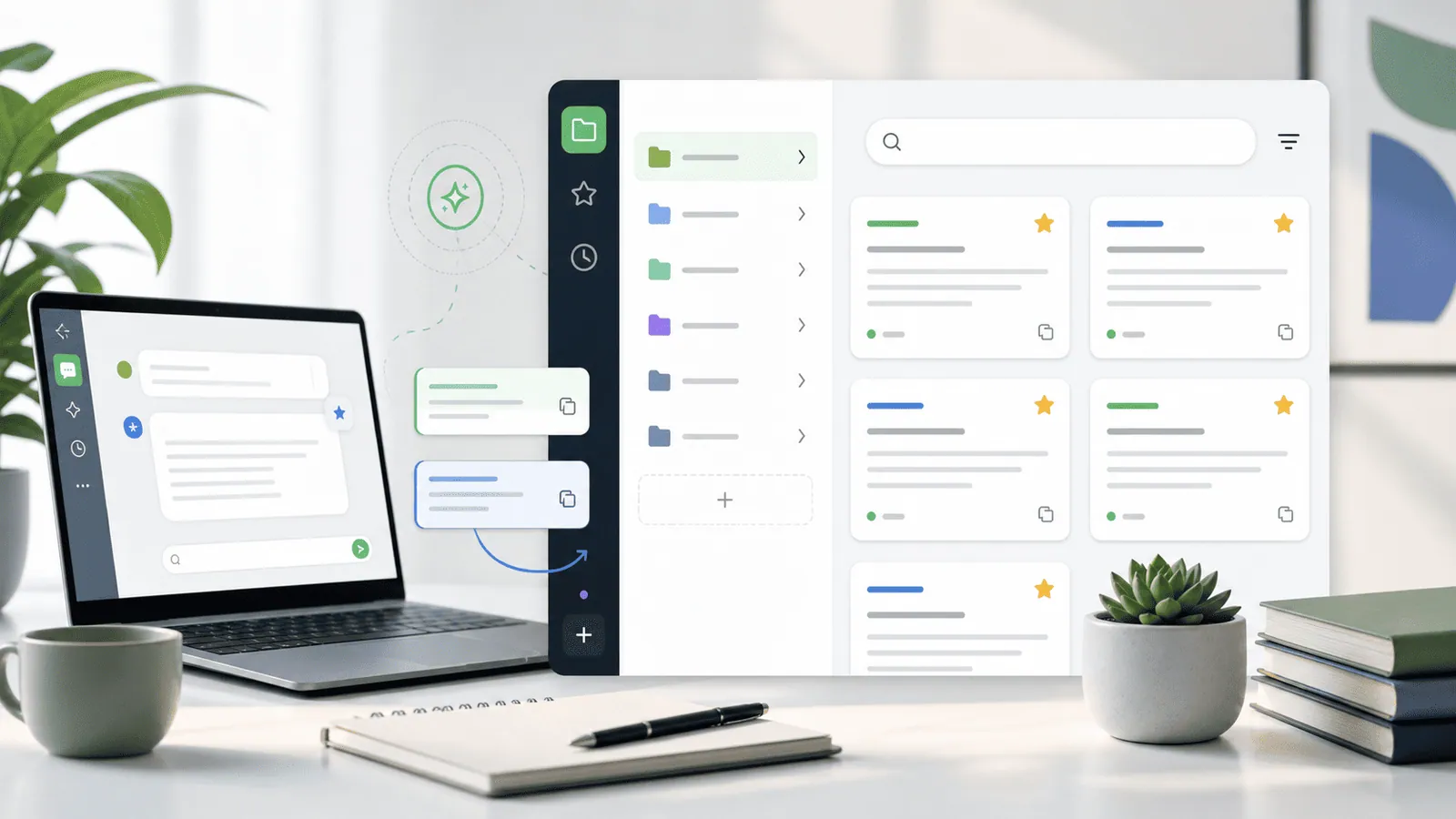
Historr gives Mac users searchable local history for prompts, responses, code blocks, links, and reusable instructions.
Favorites are useful for your best prompts, while search helps recover one-off wording you copied earlier.
Because Historr is offline-first, it is a better fit for private AI workflow snippets than a cloud-only clipboard archive.
- Instant search
- Unlimited history
- Favorites
- Keyboard shortcuts
- Privacy
- Offline storage
- Quick preview
- Paste Stack

Keep your next good idea.
Free, private clipboard history for your Mac.
Questions, answered.
Can a clipboard manager save ChatGPT prompts?
Yes. Any prompt you copy while the manager is running can be saved, searched, and reused.
Is clipboard history the same as a prompt manager?
No. Clipboard history is faster for daily reuse, while a prompt manager is better for curated libraries.
Should I save AI responses too?
Save responses that become templates, examples, or reusable reference material.
Is this safe for confidential prompts?
Use a local clipboard manager, clear private items, and avoid storing sensitive client or company material longer than needed.
Does this work for Claude and Gemini too?
Yes. The workflow applies to any AI tool where you copy prompts, context, and outputs.
Take it from here
A clipboard manager will not write better prompts for you, but it will make your best prompts easier to keep, improve, and reuse across your whole AI workflow.
If you're looking for a faster way to search, organize, and reuse everything you copy, try Historr and see how much time you can save.