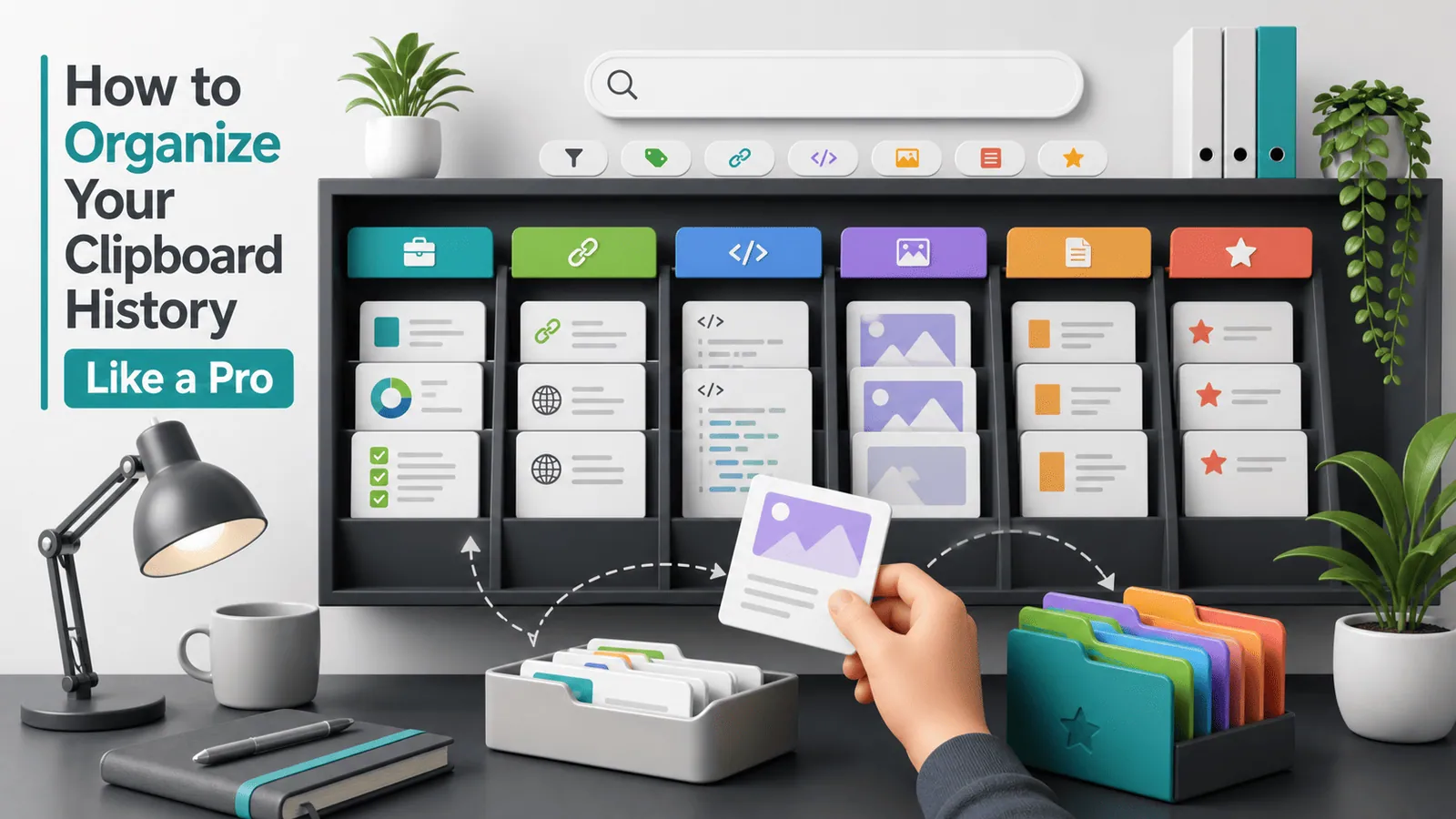
How to Organize Everything You Copy on Your Computer
Learn how to organize clipboard history with search, favorites, cleanup rules, naming habits, privacy controls, and reusable snippet workflows.

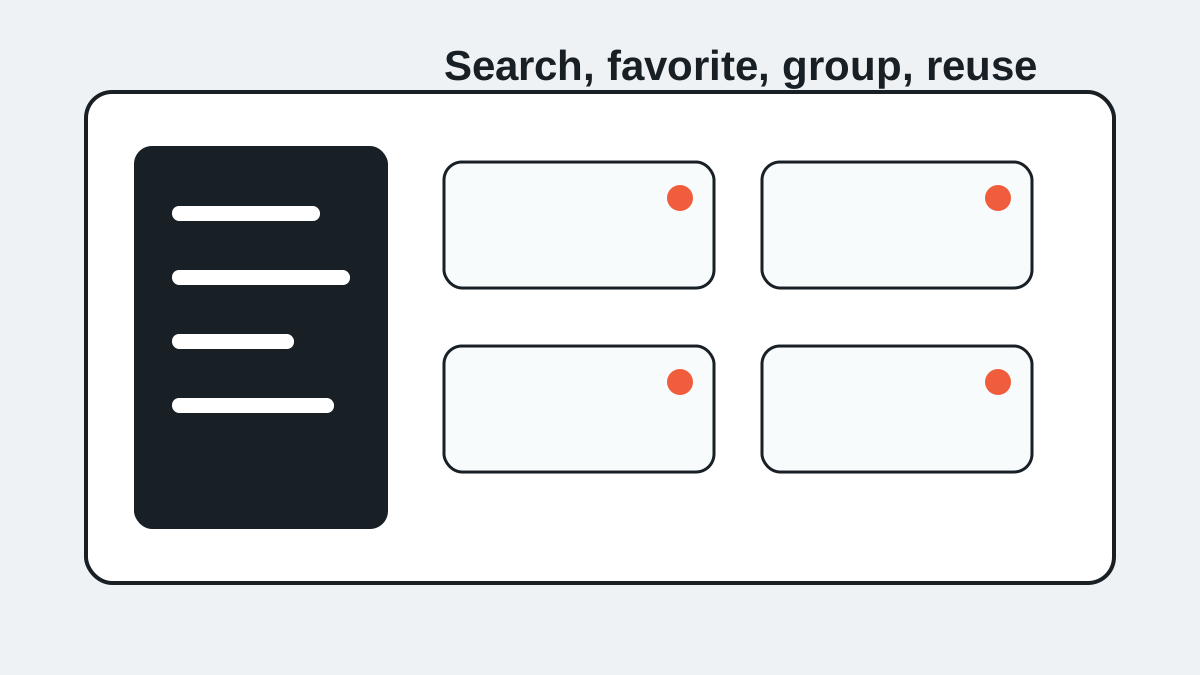
The short answerTo organize everything you copy, treat clipboard history as a searchable workbench: recent items stay temporary, repeated snippets become favorites, and sensitive items get cleared.
The overview
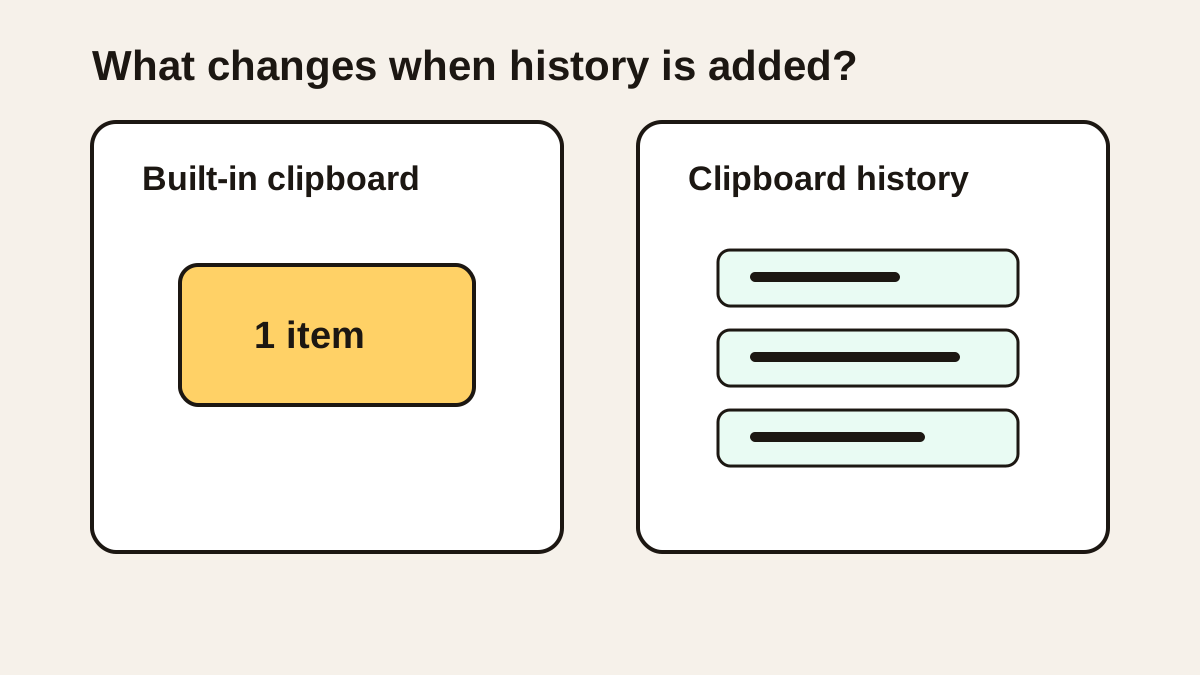
Clipboard history becomes messy when every copied item has the same importance.
A one-time tracking number, a reusable support reply, a copied password, and a favorite prompt should not all be treated the same way.
Organization starts by separating recent history from long-term reusable snippets.
Why it happens
Copying is fast, so history grows faster than people clean it.
Most users remember fragments, not exact titles or source apps.
Without favorites and cleanup habits, clipboard history becomes another inbox.
Your step-by-step guide
Let recent history stay recent
Use chronological history for items from today, yesterday, and the current project.
Favorite repeated snippets
Save only content you use repeatedly: replies, commands, addresses, prompts, signatures, and templates.
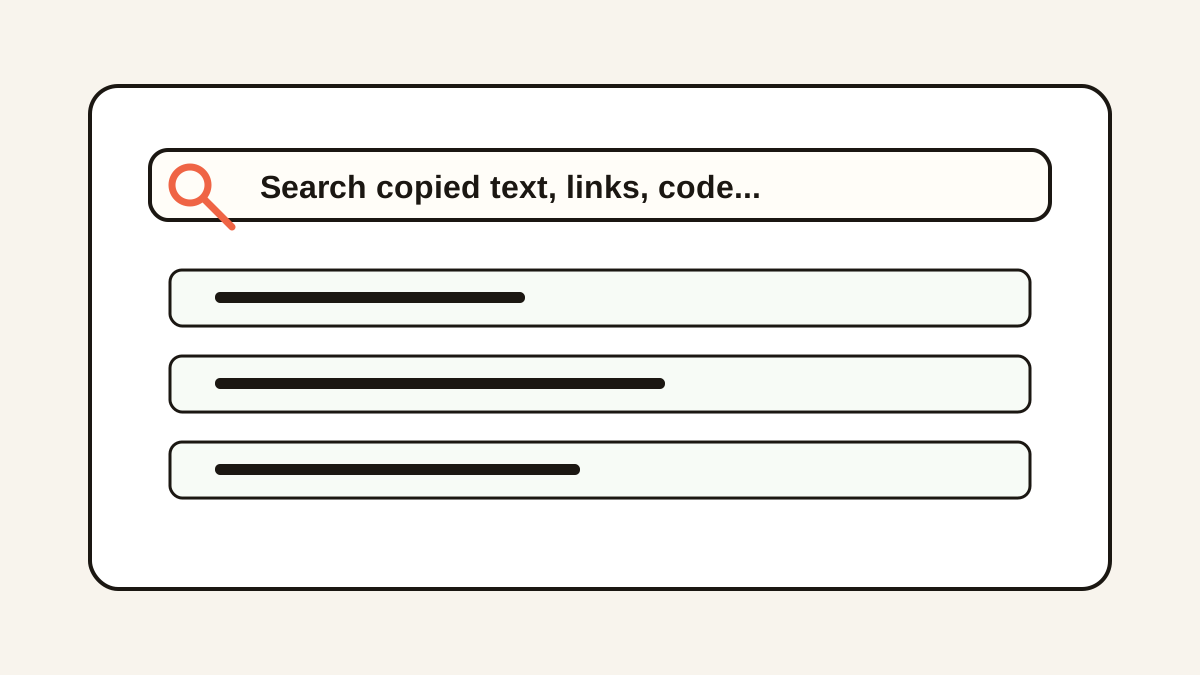
Search by memorable fragments
Use domains, IDs, names, file paths, function names, or uncommon words to find old clips.
Create privacy cleanup rules
Clear sensitive clips manually or use expiry rules for passwords, tokens, payment details, and private customer data.
Review favorites monthly
Remove stale snippets so the list remains trusted and fast.
Common mistakes to avoid
- Favoriting too many items.
- Using clipboard history as a permanent document archive.
- Keeping private content searchable forever.
- Searching generic words instead of unique fragments.
Small changes. A faster workflow.
- Use favorites for repeated outcomes, not one-time copies.
- Prefer short reusable snippets over long mixed blocks.
- Clean up snippets when a project ends.
- Search first, organize second; do not overbuild folders before you know your patterns.
Compare your options
| Option | Best for | Limits |
|---|---|---|
| Recent history | Short-term recovery | Gets noisy quickly |
| Favorites | Repeated snippets | Needs pruning |
| Search | Finding remembered fragments | Depends on clear copied text |
Recent history
Best forShort-term recovery
LimitsGets noisy quickly
Favorites
Best forRepeated snippets
LimitsNeeds pruning
Search
Best forFinding remembered fragments
LimitsDepends on clear copied text
Put it into practice with Historr
Historr keeps Mac clipboard history searchable while giving you favorites for the items you reuse most.
Quick preview helps you avoid pasting the wrong long clip, and Paste Stack helps when several copied items need to be pasted in order.
Because history is local, organization can stay fast without sending copied content to a cloud service.
- Instant search
- Unlimited history
- Favorites
- Keyboard shortcuts
- Privacy
- Offline storage
- Quick preview
- Paste Stack

Keep your next good idea.
Free, private clipboard history for your Mac.
Questions, answered.
How should I organize clipboard history?
Use recent history for short-term recovery, favorites for repeated snippets, and search for everything else.
Should I make folders for clipboard history?
Folders can help, but search and favorites usually solve the biggest problems first.
What should I favorite?
Favorite content you paste repeatedly, such as replies, commands, addresses, prompts, and templates.
How do I keep clipboard history private?
Use local storage, exclusions, expiry, and manual clearing for sensitive content.
Can clipboard history replace a notes app?
No. Use notes for durable knowledge and clipboard history for copied workflow fragments.
Take it from here
Organized clipboard history is not about saving everything forever. It is about finding recent work quickly and turning repeated copies into reliable snippets.
If you're looking for a faster way to search, organize, and reuse everything you copy, try Historr and see how much time you can save.