Best Clipboard Manager for Mac in 2026
Compare the features that make the best clipboard manager for Mac in 2026: searchable history, privacy, image support, favorites, shortcuts, and local storage.

The short answerThe best clipboard manager for Mac in 2026 is the one that makes copied text, links, code, and images instantly searchable without turning your clipboard into a privacy risk.
The overview
macOS is excellent at copy and paste, but the default clipboard is still built around the latest copied item.
Modern Mac work is more repetitive: AI prompts, code snippets, support replies, file paths, screenshots, meeting notes, and research links all move through the clipboard.
A good clipboard manager saves time only if it is fast, searchable, keyboard-friendly, and careful with sensitive content.
Why it happens
The system clipboard is meant for transfer, not long-term retrieval.
Universal Clipboard can move a copied item between Apple devices, but it is not a searchable archive.
Third-party clipboard tools add the missing layer: history, search, favorites, previews, rules, and cleanup.
Your step-by-step guide
Prioritize instant search
Choose a clipboard app for Mac that opens from a shortcut and filters history as you type. Search is the difference between a useful archive and a long list.
Check privacy defaults
Look for local storage, password-manager exclusions, sensitive-item expiry, and a clear way to delete history.
Look for text and image support
If you copy screenshots, UI references, charts, or design assets, image support matters as much as text history.
Use favorites for repeated work
Save reusable replies, commands, addresses, and prompt blocks so you do not need to search for the same item every day.
Test the shortcut workflow
The best manager should feel natural: shortcut, search, preview, paste. If it needs too many clicks, it will not stick.
Common mistakes to avoid
- Choosing a clipboard manager only by history length.
- Ignoring where clipboard data is stored.
- Letting sensitive clips live forever.
- Installing a tool without testing keyboard-only paste.
Small changes. A faster workflow.
- Keep your favorite snippets intentionally short.
- Use a local clipboard manager if you handle client or company material.
- Clear old history on a schedule if you copy sensitive information.
- Prefer tools that make search, preview, and paste work from one interface.
Compare your options
| Option | Best for | Limits |
|---|---|---|
| Built-in Mac clipboard | One immediate paste | No multi-item history |
| General launcher clipboard | Users who want many utilities in one app | Clipboard may not be the main focus |
| Dedicated clipboard manager | Search, recovery, organization, and privacy controls | Requires setup and trust |
Built-in Mac clipboard
Best forOne immediate paste
LimitsNo multi-item history
General launcher clipboard
Best forUsers who want many utilities in one app
LimitsClipboard may not be the main focus
Dedicated clipboard manager
Best forSearch, recovery, organization, and privacy controls
LimitsRequires setup and trust
Put it into practice with Historr
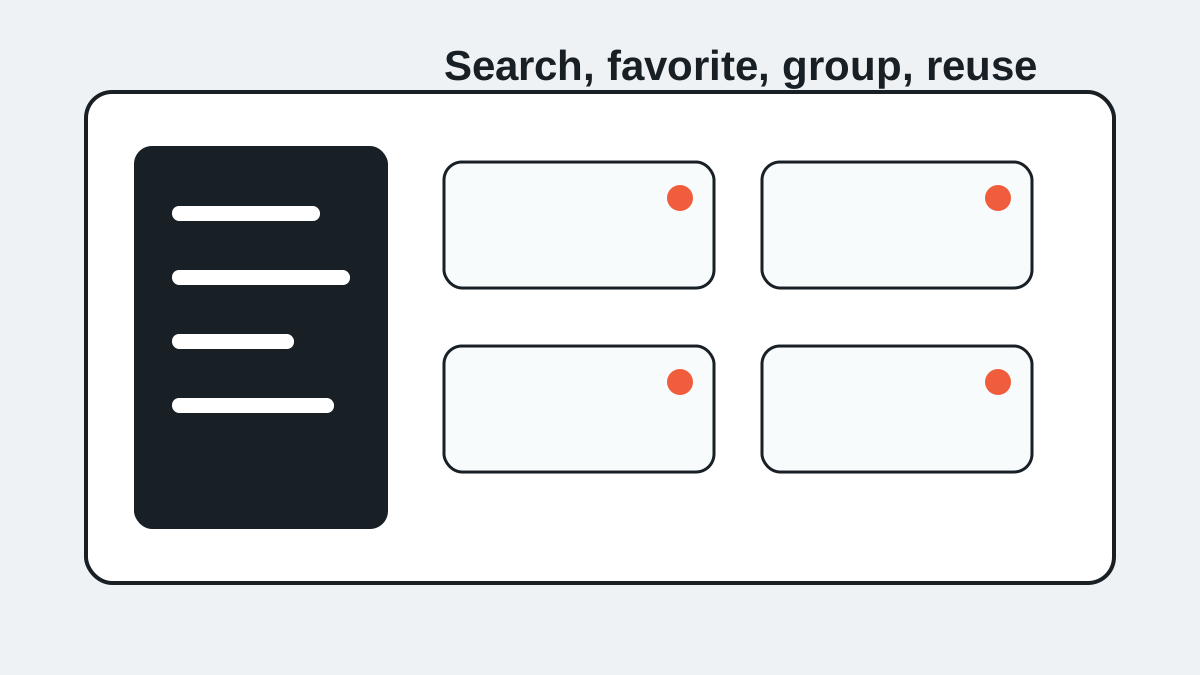
Historr is built for Mac users who want fast, local, searchable clipboard history without cloud sync complexity.
It supports copied text and images, keyboard shortcuts, favorites, quick preview, unlimited history, Paste Stack, and offline storage.
For 2026, the strongest reason to use a dedicated tool is simple: you copy more important work than the default clipboard was designed to remember.
- Instant search
- Unlimited history
- Favorites
- Keyboard shortcuts
- Privacy
- Offline storage
- Quick preview
- Paste Stack

Keep your next good idea.
Free, private clipboard history for your Mac.
Questions, answered.
What is the best clipboard manager for Mac?
The best option depends on your workflow, but the must-have features are search, privacy controls, keyboard shortcuts, previews, favorites, and local storage.
Does Mac have clipboard history built in?
macOS shows the current clipboard item, but it does not include a full searchable clipboard history by default.
Is a clipboard manager for Mac safe?
It can be safe when it stores history locally, ignores password managers, supports deletion, and lets sensitive clips expire.
Should a Mac clipboard manager save images?
Yes, if you copy screenshots, UI references, design assets, charts, or visual research.
What shortcut should I use?
Use a shortcut you can hit without thinking, then search and paste directly from the history panel.
Take it from here
The best clipboard manager for Mac is not just the longest history list. It is the tool that makes copied work searchable, reusable, and private enough for everyday use.
If you're looking for a faster way to search, organize, and reuse everything you copy, try Historr and see how much time you can save.