How Developers Save Hours Using Clipboard History
Learn how developers use clipboard history for code snippets, terminal commands, API examples, docs links, AI prompts, and faster debugging.

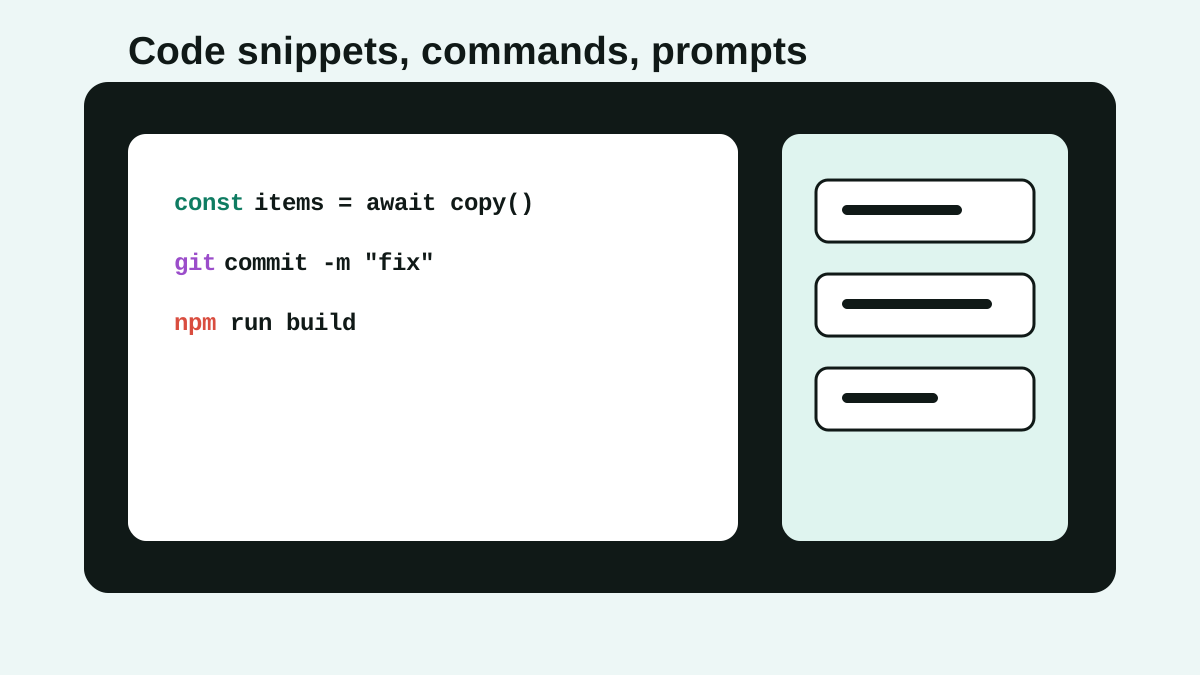
The short answerA clipboard manager for developers saves time because coding involves constant movement between editor, terminal, browser, docs, logs, tickets, and AI tools.
The overview
Developers copy more than code: stack traces, commands, branch names, environment variables, JSON payloads, docs links, test output, and prompt context.
The same useful item may be needed five minutes later, after the clipboard has already been overwritten ten times.
Searchable clipboard history turns that trail into a reusable workflow instead of a pile of lost fragments.
Why it happens
Development work is context-heavy and app-switching-heavy.
Built-in clipboards are optimized for the next paste, not for recovering a command from half an hour ago.
Snippet systems are useful for curated code, but clipboard history captures the messy middle of real work.
Your step-by-step guide
Capture terminal commands
Search old commands by package name, flag, branch, or file path instead of rebuilding them from shell history.
Reuse code snippets carefully
Save boilerplate, test setup, API examples, and review comments, but always re-check context before pasting.
Keep docs links close
Clipboard history makes copied documentation URLs, issue links, and pull request references easy to find.
Save debugging artifacts
Store error messages, stack traces, request IDs, and log fragments so you can compare them later.
Protect secrets
Exclude password managers and avoid saving tokens, credentials, production keys, or customer data longer than necessary.
Common mistakes to avoid
- Treating clipboard history as secure secret storage.
- Pasting old code without checking imports, versions, and context.
- Saving every snippet forever instead of favoriting only reusable ones.
- Using clipboard history instead of source control for important code.
Small changes. A faster workflow.
- Search by uncommon words like function names, flags, endpoint paths, or error codes.
- Favorite only snippets you paste weekly.
- Use your editor snippet system for polished templates and clipboard history for recent work.
- Clear sensitive clips after debugging production issues.
Compare your options
| Option | Best for | Limits |
|---|---|---|
| Editor snippets | Curated reusable code templates | Requires setup and maintenance |
| Shell history | Terminal-only commands | Does not include copied docs, code, or tickets |
| Clipboard history | Cross-app development fragments | Needs privacy discipline |
Editor snippets
Best forCurated reusable code templates
LimitsRequires setup and maintenance
Shell history
Best forTerminal-only commands
LimitsDoes not include copied docs, code, or tickets
Clipboard history
Best forCross-app development fragments
LimitsNeeds privacy discipline
Put it into practice with Historr
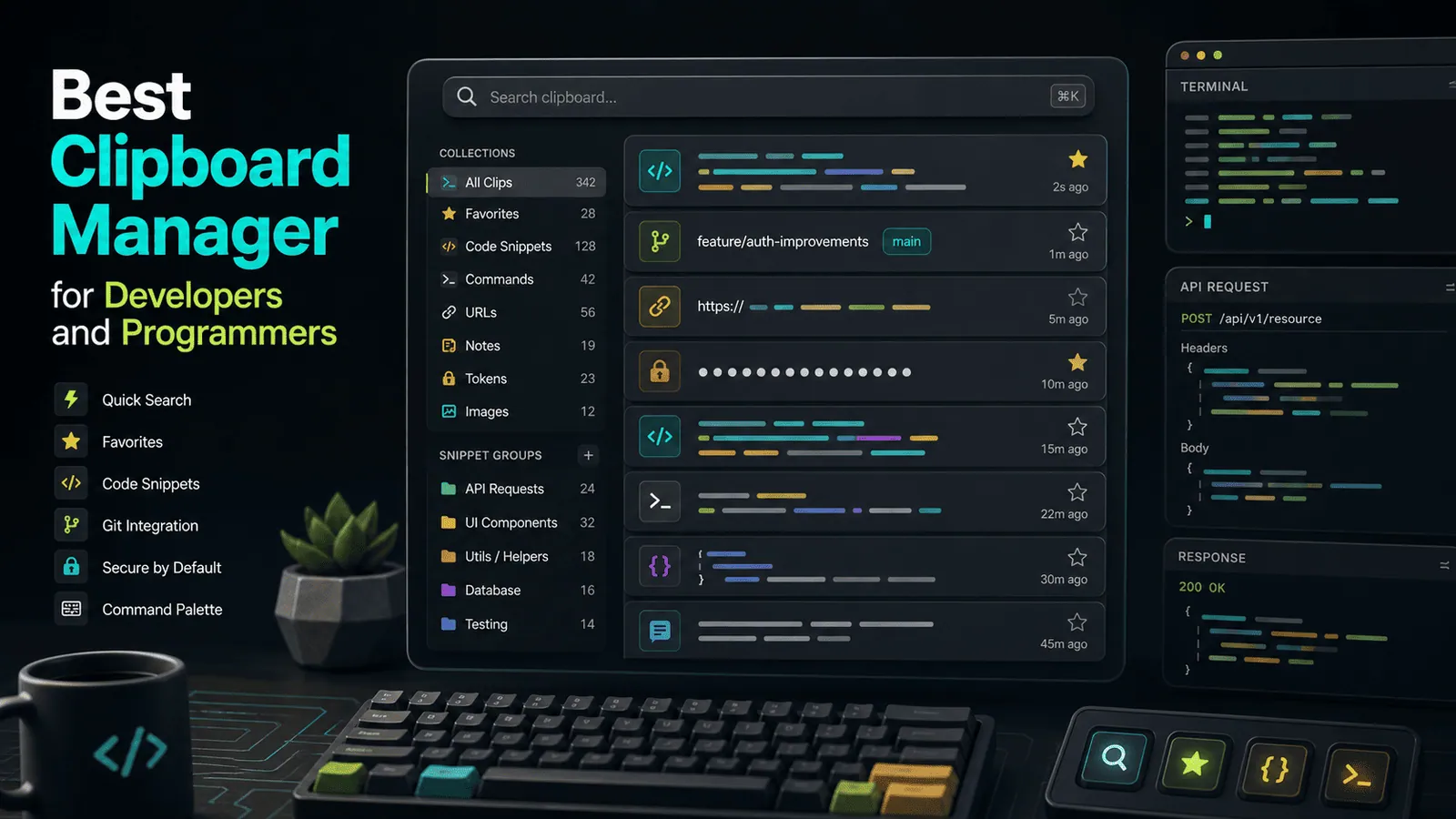
Historr gives developers a local searchable clipboard history for code, commands, docs, images, prompts, and links.
Paste Stack is useful when you copy several values from one place and need to paste them in order somewhere else.
Favorites turn repeated snippets into quick access items, while offline storage keeps the workflow Mac-local.
- Instant search
- Unlimited history
- Favorites
- Keyboard shortcuts
- Privacy
- Offline storage
- Quick preview
- Paste Stack

Keep your next good idea.
Free, private clipboard history for your Mac.
Questions, answered.
Is a clipboard manager useful for developers?
Yes. It helps recover and reuse code snippets, commands, docs links, stack traces, and prompt context.
Should developers store secrets in clipboard history?
No. Use exclusions, expiry, and clearing for secrets, tokens, and credentials.
Can clipboard history replace code snippets?
No. Use snippets for polished templates and clipboard history for recent cross-app work.
What should developers favorite?
Favorite repeated commands, test data, review comments, prompt shells, and boilerplate you paste often.
Does clipboard history help debugging?
Yes, especially for stack traces, request IDs, error messages, and logs copied across tools.
Take it from here
For developers, clipboard history is not a novelty. It is a practical memory layer for the messy, cross-app work that happens between commits.
If you're looking for a faster way to search, organize, and reuse everything you copy, try Historr and see how much time you can save.