Clipboard History for Customer Support Teams: A Complete Guide
Use clipboard history in customer support workflows for Zendesk, Intercom, canned replies, help desk notes, faster answers, and safer reusable snippets.

The short answerClipboard history helps customer support teams answer faster by keeping reusable replies, troubleshooting steps, ticket notes, links, and customer-safe snippets searchable across help desk tools.
The overview
Support work is repetitive, but every customer conversation still needs care and context.
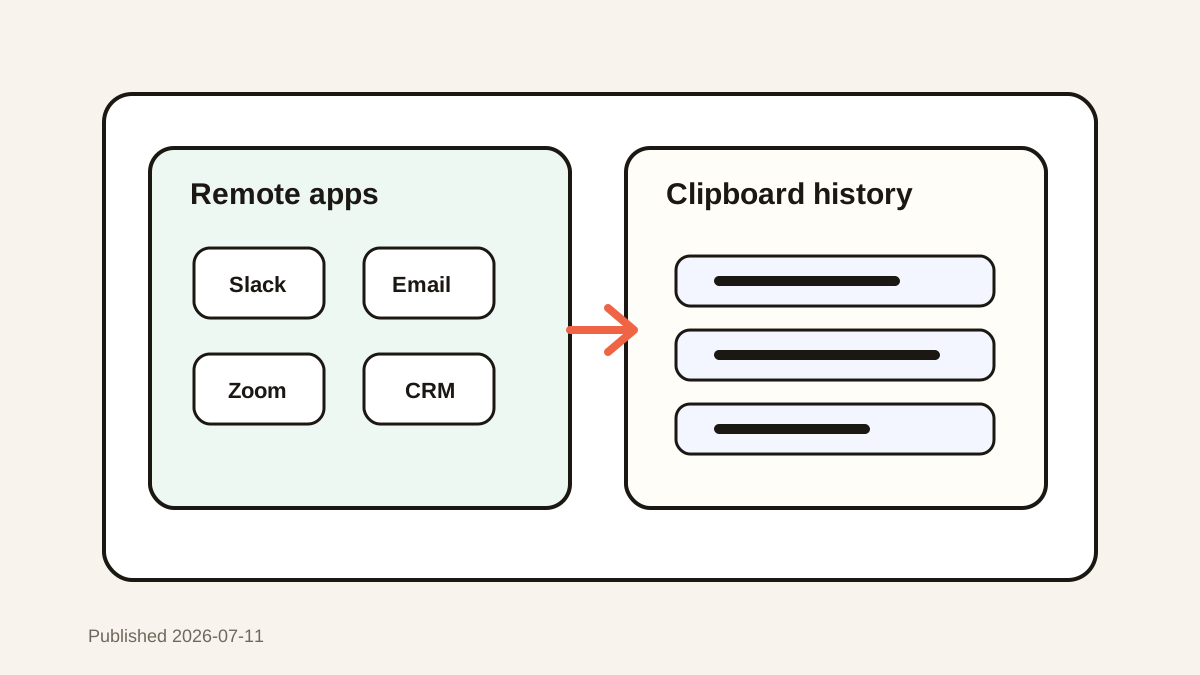
Agents copy from help centers, macros, engineering notes, CRM records, screenshots, and previous tickets.
Without clipboard history, useful copied context is easy to overwrite before it reaches the right reply.
Why it happens
Help desk tools have macros and canned replies, but agents still copy many fragments from outside the help desk.
Fast-moving queues reward speed, which can lead to duplicated searching and accidental wrong pastes.
A personal clipboard layer helps agents recover context while official responses stay in approved systems.
Your step-by-step guide
Keep official macros in the help desk
Approved policy replies should stay in Zendesk, Intercom, or your support platform.
Use clipboard history for working context
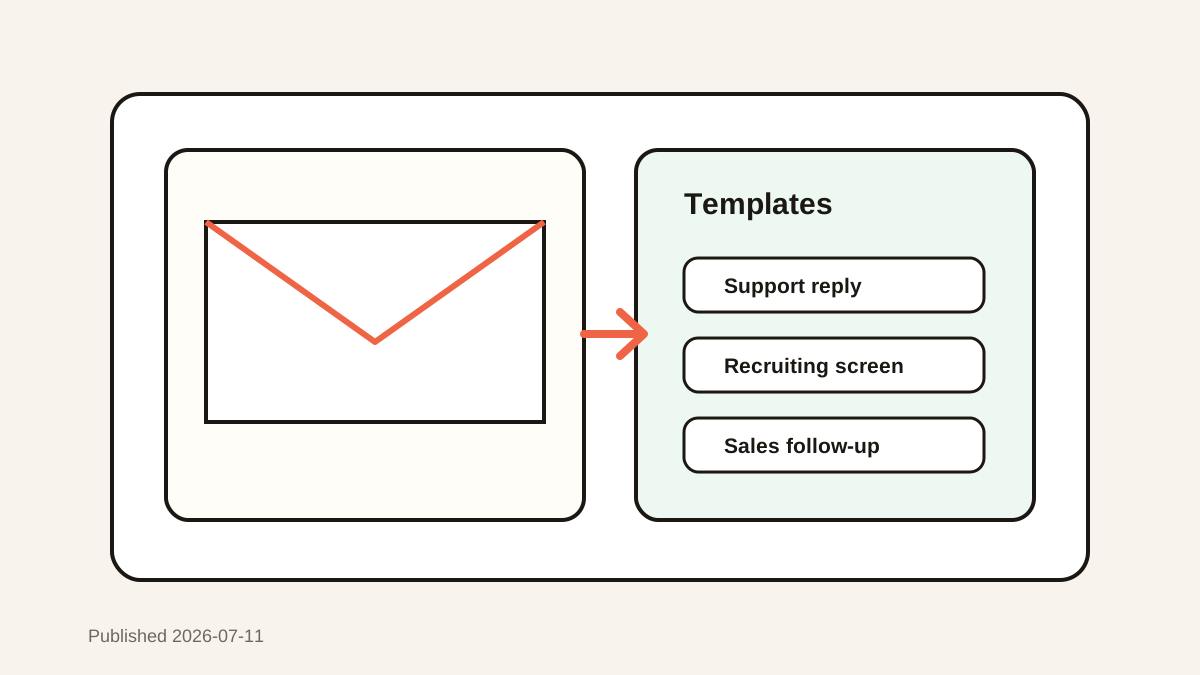
Capture troubleshooting steps, URLs, customer-safe notes, and repeated phrases that support the current queue.
Favorite safe reusable snippets
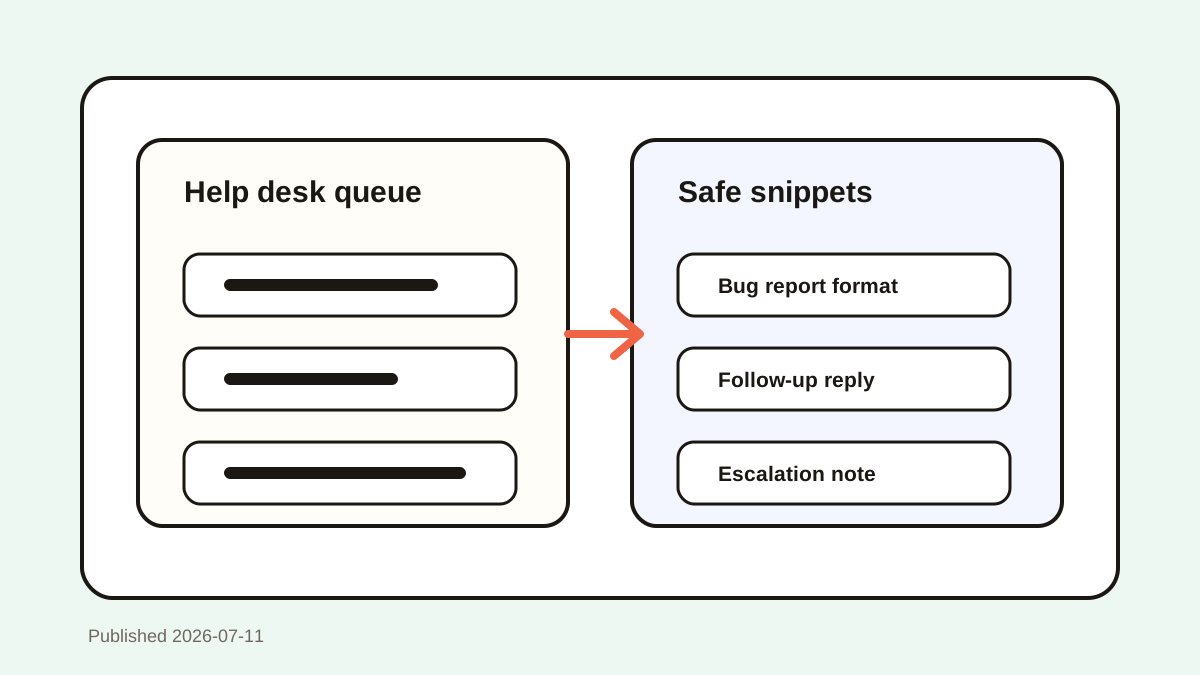
Save greetings, escalation summaries, bug-report formats, and follow-up structures that do not contain private data.
Preview before pasting into tickets
Support replies are sensitive. Confirm the exact snippet before pasting into a customer conversation.
Delete sensitive clips
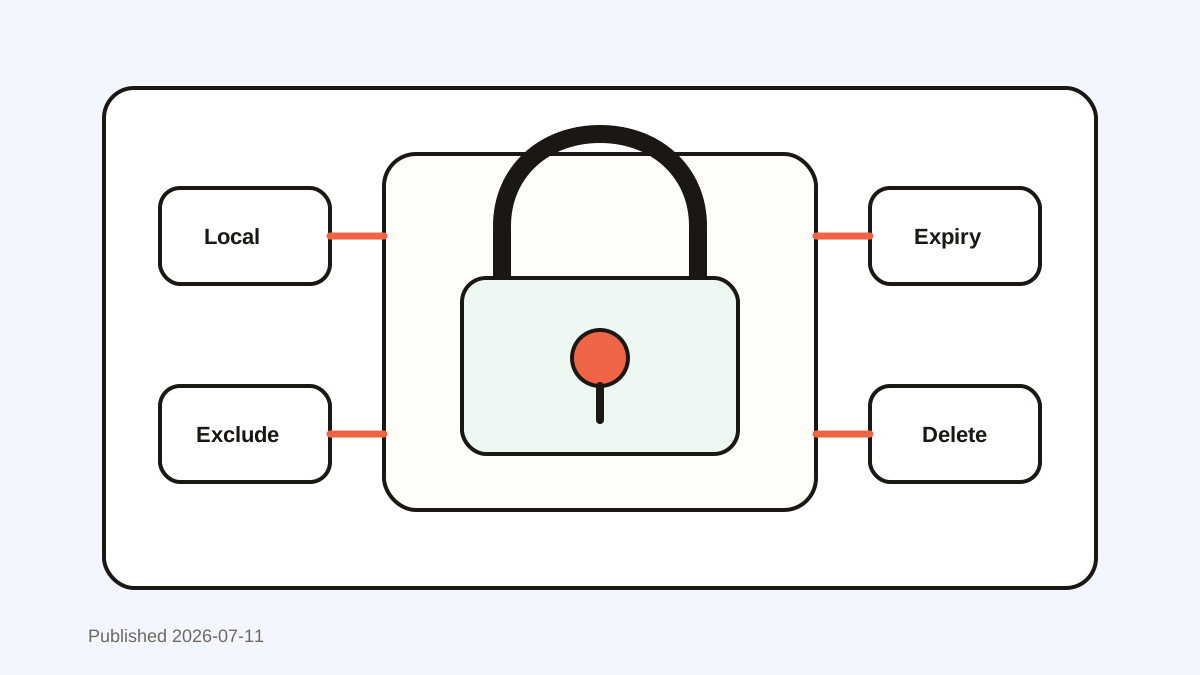
Remove account details, personal data, access tokens, and payment information as soon as they appear in history.
Common mistakes to avoid
- Using personal clipboard snippets instead of approved policy macros.
- Saving private customer data as reusable text.
- Pasting the wrong account detail into a ticket.
- Letting outdated troubleshooting steps remain favorited.
Small changes. A faster workflow.
- Use placeholders for account-specific details.
- Review favorite snippets after product changes.
- Search by issue type, error message, or feature name.
- Keep official answers in the help desk and personal speed snippets in clipboard history.
Compare your options
| Option | Best for | Limits |
|---|---|---|
| Help desk macros | Approved customer-facing replies | May not capture ad hoc context |
| Clipboard history | Fast recovery and personal snippets | Requires privacy discipline |
| Internal docs | Durable troubleshooting guides | Slower during active tickets |
Help desk macros
Best forApproved customer-facing replies
LimitsMay not capture ad hoc context
Clipboard history
Best forFast recovery and personal snippets
LimitsRequires privacy discipline
Internal docs
Best forDurable troubleshooting guides
LimitsSlower during active tickets
Put it into practice with Historr
Historr helps support agents search copied replies, links, troubleshooting notes, and bug-report templates without leaving the current ticket.
Favorites can hold safe reusable structures, while preview helps reduce wrong-paste mistakes.
Local storage and sensitive-content habits are important for support teams that handle private customer information.
- Instant search
- Unlimited history
- Favorites
- Keyboard shortcuts
- Privacy
- Offline storage
- Quick preview
- Paste Stack

Keep your next good idea.
Free, private clipboard history for your Mac.
Questions, answered.
Can customer support teams use clipboard history with Zendesk or Intercom?
Yes. Clipboard history works alongside help desk tools by helping agents recover copied context and personal snippets.
Should clipboard history replace canned replies?
No. Approved macros should remain in the help desk. Clipboard history is best for personal speed and temporary context.
What support snippets are safe to save?
Save generic structures, troubleshooting steps, links, and placeholders. Avoid private customer data and account-specific details.
How do agents avoid wrong pastes?
Use preview, keep favorites clean, and avoid storing similar snippets with unclear names.
Is clipboard history secure for support teams?
It depends on storage, policies, and habits. Local storage, deletion, and sensitive-data exclusions help reduce risk.
Take it from here
Support teams need both speed and trust. Clipboard history is most useful when it speeds up safe repeated work while official answers and sensitive data stay under control.
If you're looking for a faster way to search, organize, and reuse everything you copy, try Historr and see how much time you can save.