Clipboard Manager vs Built-in Clipboard History: Which Is Better?
Compare clipboard manager vs clipboard history for search, privacy, favorites, snippets, multi-item paste, Mac support, Windows support, and everyday productivity.

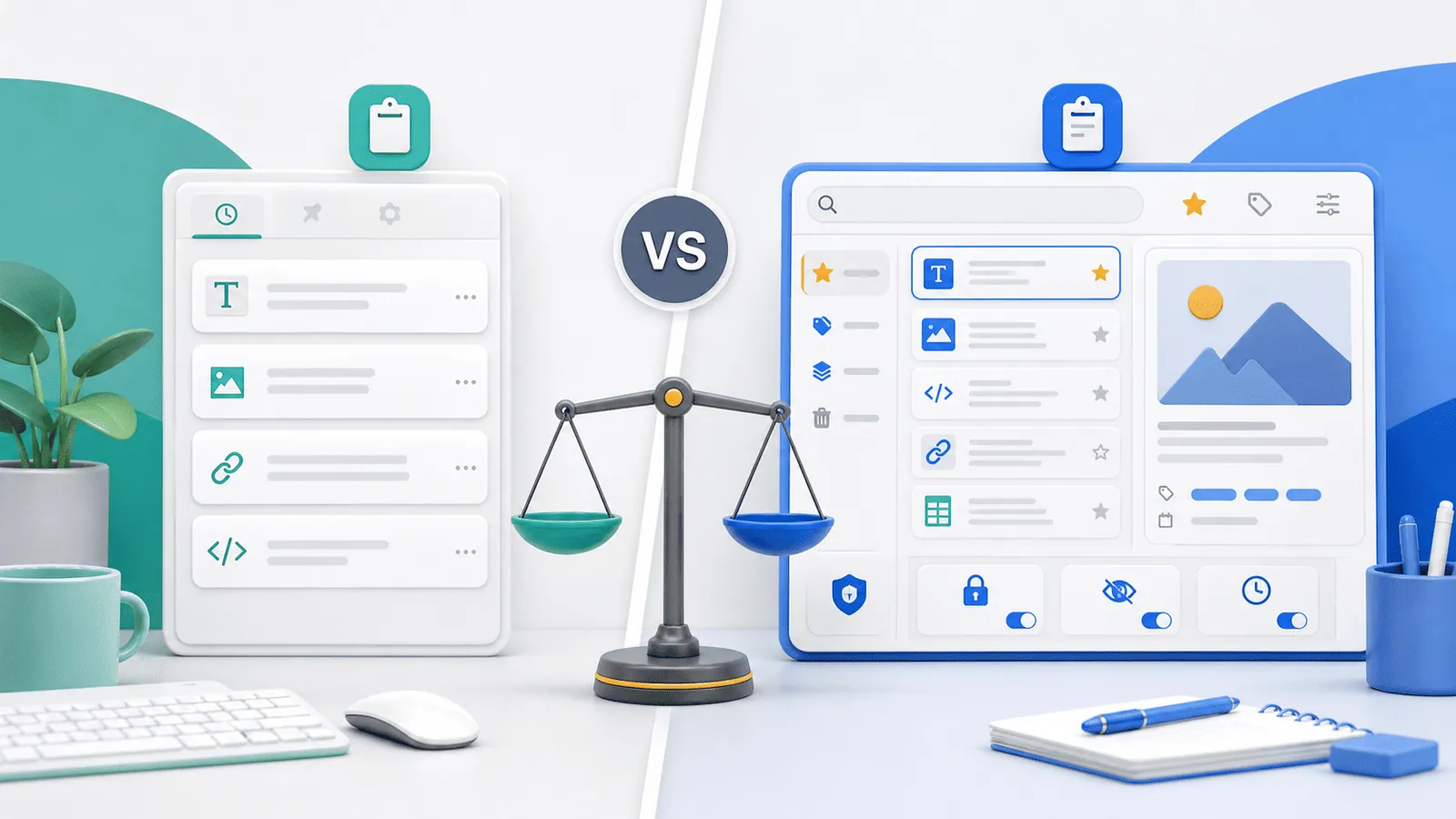
The short answerBuilt-in clipboard history is great for quick recent recovery. A dedicated clipboard manager is better when you need search, favorites, previews, privacy controls, and workflows like multi-item paste.
The overview
People often enable clipboard history and then wonder why it still feels limited.
The built-in approach is usually designed for recent convenience, not serious organization.
A clipboard manager adds workflow features, but it also requires trust and configuration.
Why it happens
Operating systems keep clipboard features simple because every app relies on them.
Power users need richer behavior: long history, content search, snippet reuse, image previews, and sensitive-item handling.
The best option depends on how often you copy and how risky your copied content is.
Your step-by-step guide
Use built-in history for light recovery
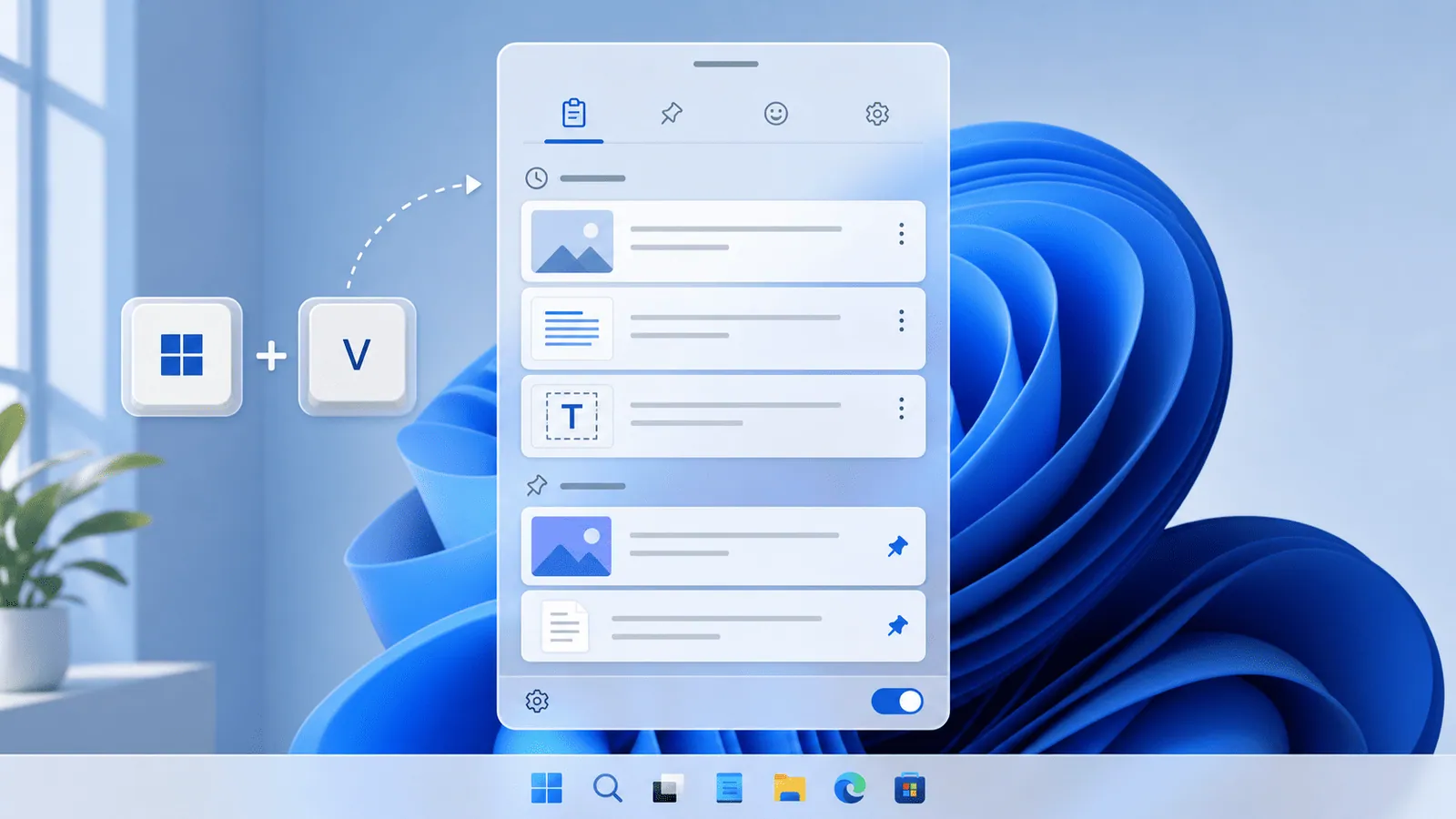
If you only need yesterday's copied link or a recent address, Windows+V or basic history may be enough.
Choose a manager for search
If you often remember a fragment but not the source, a searchable clipboard manager saves time.
Choose a manager for reusable snippets
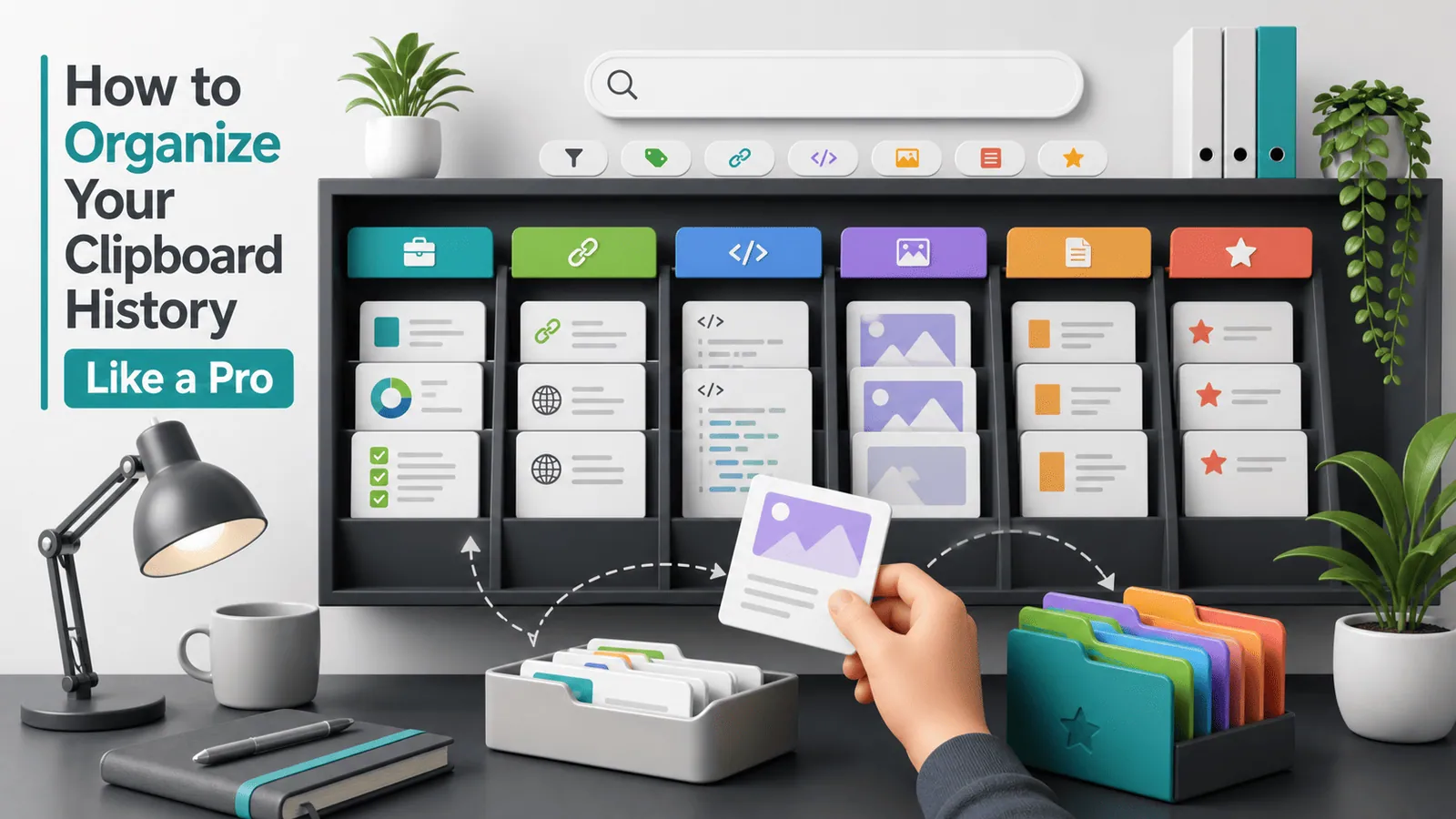
Favorites and pinned snippets are better for replies, commands, templates, and repeated links.
Review privacy controls
Dedicated managers should offer local storage, exclusions, expiry, and easy clearing.
Test your real workflow
Try both options during a normal workday and compare how often you switch apps just to find something copied.
Common mistakes to avoid
- Assuming built-in history works the same on Mac and Windows.
- Installing a manager without checking where history is stored.
- Keeping clipboard history enabled for sensitive work without rules.
- Paying for complex features you will not use.
Small changes. A faster workflow.
- Start with built-in history if your needs are light.
- Upgrade when search, favorites, or multi-item paste would save daily time.
- Prefer local-first tools for confidential workflows.
- Use one clipboard manager at a time to avoid shortcut conflicts.
Compare your options
| Option | Best for | Limits |
|---|---|---|
| Built-in clipboard history | Recent items and simple recovery | Limited search, organization, and Mac support |
| Dedicated clipboard manager | Heavy copy-paste work | Needs installation and privacy setup |
| Snippet app | Curated reusable text | Not automatic clipboard recovery |
Built-in clipboard history
Best forRecent items and simple recovery
LimitsLimited search, organization, and Mac support
Dedicated clipboard manager
Best forHeavy copy-paste work
LimitsNeeds installation and privacy setup
Snippet app
Best forCurated reusable text
LimitsNot automatic clipboard recovery
Put it into practice with Historr
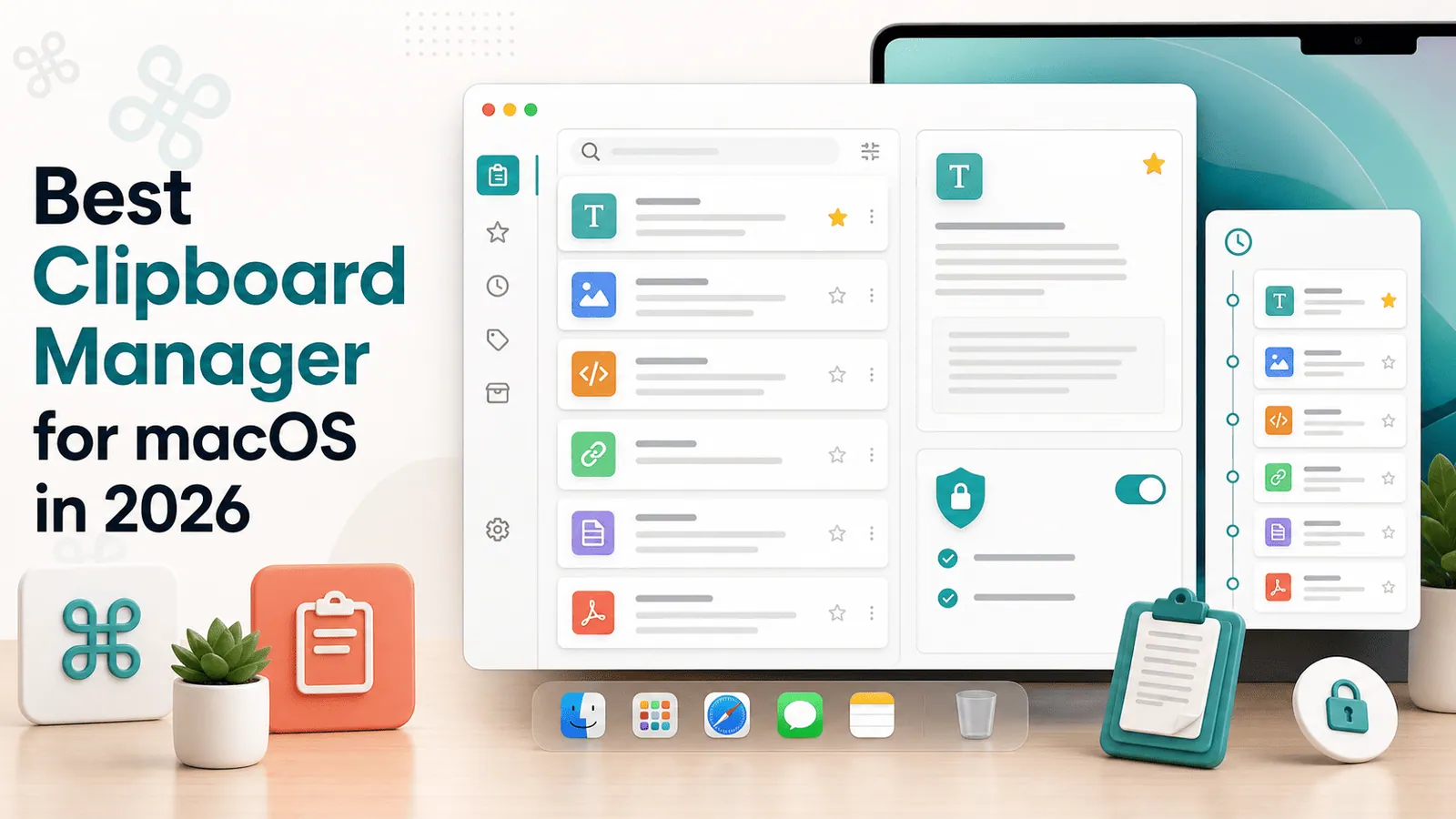
Historr sits on the clipboard manager side of the comparison for Mac users who need more than the current clipboard.
It adds searchable local history, favorites, quick preview, keyboard shortcuts, and Paste Stack while keeping the product focused.
For users who want Windows+V-style convenience on Mac plus better search and privacy, Historr is designed for that gap.
- Instant search
- Unlimited history
- Favorites
- Keyboard shortcuts
- Privacy
- Offline storage
- Quick preview
- Paste Stack

Keep your next good idea.
Free, private clipboard history for your Mac.
Questions, answered.
Is a clipboard manager better than built-in history?
It is better for search, organization, snippets, and power workflows. Built-in history is enough for light recent recovery.
Does Mac have built-in clipboard history?
No full searchable history is included by default.
Does Windows 11 have built-in clipboard history?
Yes. Press Windows+V and enable the feature.
Do clipboard managers store sensitive data?
They can, which is why local storage, exclusions, and expiry settings matter.
Can I use both?
You can, but using one primary clipboard workflow is usually cleaner.
Take it from here
Built-in clipboard history is a good starting point. A clipboard manager is the better choice when copy-paste becomes a daily workflow you want to search, organize, and trust.
If you're looking for a faster way to search, organize, and reuse everything you copy, try Historr and see how much time you can save.