Keep Visual References Separate With Multiple Drag Shelves
Use separate named Drag Shelves to gather visual references for different concepts, then save the chosen assets before ending the session.

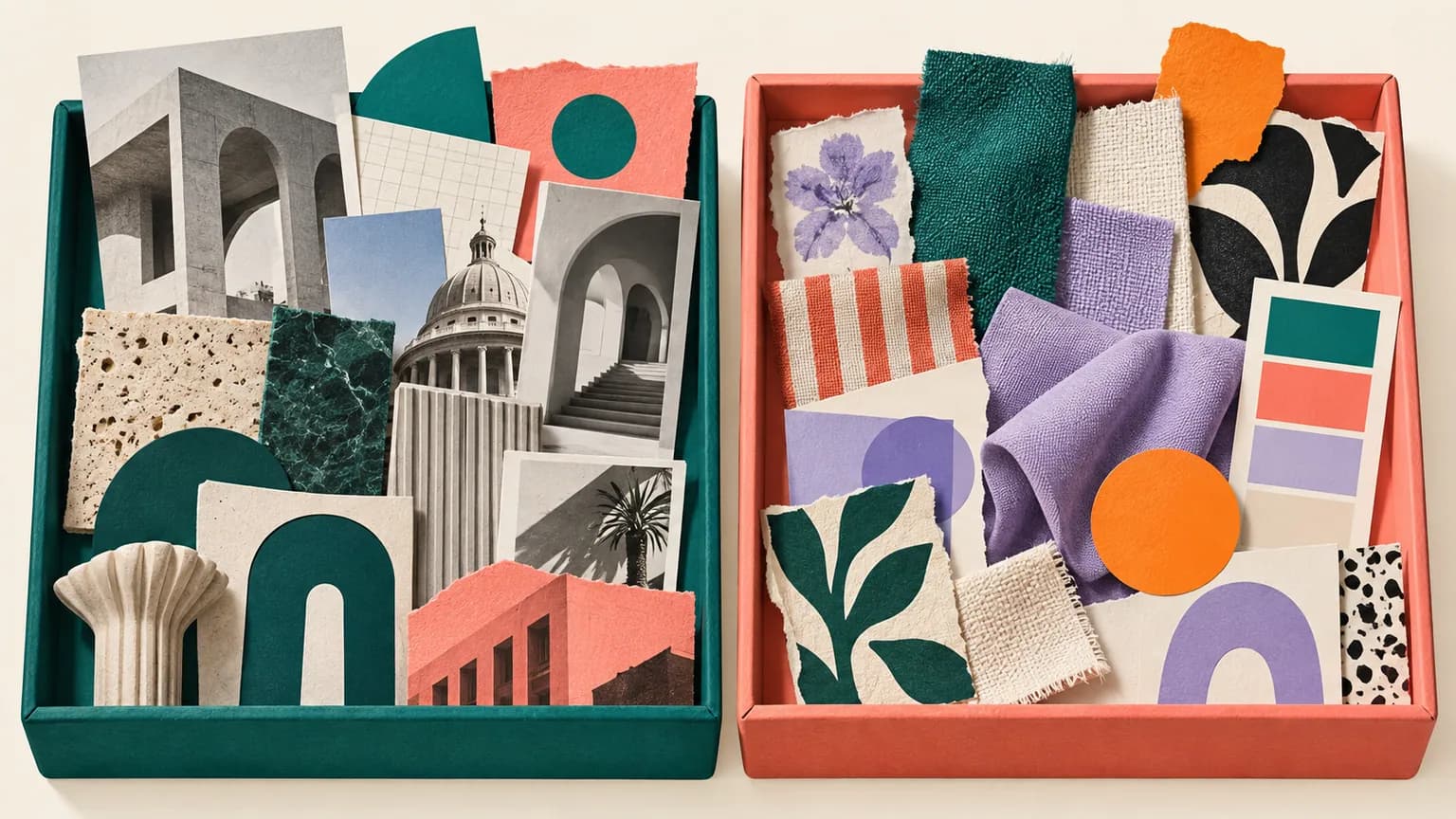
Original conceptual illustration for this workflow; not an app screenshot.
The short answerCreate one shelf per concept or client, name and color each shelf, and drag supported reference files into the right collection. Expand a shelf to inspect items and use Quick Look where supported. Keep source links and usage rights in your project notes, then save selected files to project folders before quitting Historr.
Why do references blur together?
A designer may collect architecture for one direction, typography for another, and product imagery for a third. A single mixed pile makes it harder to explain the logic of each concept during review.
The files are only part of a useful moodboard. Provenance, rights, and the reason an image matters need deliberate notes outside the shelf.
How do separate shelves behave?
Historr supports several open shelves with names and colors. A new-shelf action can reuse an empty shelf rather than create a duplicate; a populated shelf stays a distinct collection.
Shelves are session-scoped. Up to ten closed populated shelves may be reopened from Recent Shelves during the current session, but quitting discards them. Existing files stay at their disk paths; generated temporary shelf files need to be saved.
How do you build and preserve concept sets?
Define concept boundaries
Choose simple shelf names such as ‘Warm materials’ and ‘Quiet editorial’. Put the purpose and source links in your project notes before collecting files.
Create the first collection
Open a shelf with Option-Shift-D, name and color it, then drop in the approved reference files or links that belong to that direction.
Add a second populated shelf
Create another shelf after the first contains content. Give it a distinct label and color. Check the active shelf before every drop, especially when switching between concepts.
Review and preserve
Expand each shelf, remove misplaced items, and Quick Look representative files. Save each direction into a project folder with its source and rights notes before ending the session.
Common mistakes to avoid
- Treating shelf colors as permanent Finder tags.
- Expecting Recent Shelves to survive an app restart.
- Keeping inspiration images without recording source or usage permissions.
Which space is best for each stage?
- Use a meaningful concept name rather than ‘Shelf 2’.
- Keep source URLs in a note beside the saved reference folder.
- Clear a shelf once its durable project folder is verified.
Compare your options
| Option | Best for | Limits |
|---|---|---|
| Named Drag Shelves | Temporary concept separation | Disappear after quitting |
| Project folders | Long-lived files | Need manual organization |
| Moodboard document | Presentation and rationale | Needs source and rights tracking |
Named Drag Shelves
Best forTemporary concept separation
LimitsDisappear after quitting
Project folders
Best forLong-lived files
LimitsNeed manual organization
Moodboard document
Best forPresentation and rationale
LimitsNeeds source and rights tracking
Put it into practice with Historr
Historr gives each shelf its own temporary collection, name, and color. Quick Look and the expanded list help review the contents before exporting them.
Closing a populated shelf can place it in Recent Shelves for the current session, but this is a convenience for recovery, not a persistent creative archive.
- Collect files & folders
- Images, links & text
- Multiple shelves
- Quick Look
- Save to Folder
- Compress to ZIP
- Resize Images
- Extract Text

Give your next drag a place to land.
Drag Shelf is included in Historr 0.1.5 and later.
Questions, answered.
Can I keep several shelves open?
Yes. Historr supports multiple shelves for separate projects or concepts.
Does shelf color tag the files?
No. Color belongs to the shelf UI, not the Finder files.
How long do Recent Shelves last?
Up to ten closed populated shelves are available during the current session; quitting clears shelves.
Can I store a moodboard permanently in Historr?
No. Save the files and notes to a real project folder or document before quitting.
Take it from here
Separate shelves make early exploration easier to read. A durable reference library still needs saved files, source links, and a written reason for each choice.
For supported actions, shortcuts, and settings, see the Drag Shelf documentation.