Copy Euro and Pound Prices on Mac Without Mixing Formats
Retrieve a copied EUR or GBP price on Mac, then verify currency, decimal separator and destination locale before using the value.


Original conceptual cover. No real client, speaker, research or archive data is shown.
The short answerHistorr can help find a price copied earlier on Mac, but it does not convert currencies or validate locale formatting. Search the recorded clip with Option-H, then confirm the currency, unit, decimal separator and source document before pasting into a spreadsheet or product listing. Unicode CLDR documents why number and currency patterns vary by locale; use the destination's actual locale settings to check the rendered result.
Why can copied prices be misread?
The risk is not just losing a copied amount. A comma can mean a decimal mark in one locale and a grouping mark in another. Currency symbols may also appear before or after a number.
When a price is material, the approved source file and the destination application's formatting rules matter more than a copied string.
How do locale patterns affect a pasted value?
The Mac clipboard gives an ordinary paste the most recent copied content. Historr can retrieve an earlier supported copy while recording is active.
Unicode CLDR specifies locale-sensitive number and currency patterns. A plain copied string does not carry a guarantee that a spreadsheet will parse it as intended or that the currency conversion is correct.
How do you verify a cross-market price?
Identify the source value
Check the approved price list for currency code, unit, tax treatment if applicable, and effective date. Do not infer these from a symbol alone.
Retrieve the copied text
Press Option-H and search a distinctive product name or amount fragment. Preview the full entry rather than selecting the first similar value.
Paste into a test cell
Use a spare cell or draft field first. Check whether the destination treats the value as text or a number and whether its displayed separators match the intended locale.
Verify against the source
Compare the resulting numeric value and currency code with the approved source. Use the spreadsheet's formatting tools for the target locale instead of manually guessing punctuation.
Common mistakes to avoid
- Treating a copied euro symbol as proof of a converted price.
- Assuming comma and period mean the same thing in every locale.
- Pasting into a production price field without checking the parsed numeric value.
Which source should set the amount?
- Include an explicit currency code in the source sheet.
- Use a test cell before bulk edits.
- Keep conversion and pricing decisions in the approved finance or merchandising process.
Compare your options
| Option | Best for | Limits |
|---|---|---|
| Historr history | Retrieving a copied price string | No conversion or locale validation |
| Spreadsheet formatting | Displaying a value for a target locale | Needs a correct numeric source |
| Approved price list | Authoritative amount and currency | May require a separate lookup |
Historr history
Best forRetrieving a copied price string
LimitsNo conversion or locale validation
Spreadsheet formatting
Best forDisplaying a value for a target locale
LimitsNeeds a correct numeric source
Approved price list
Best forAuthoritative amount and currency
LimitsMay require a separate lookup
Put it into practice with Historr
Historr's local search makes it easy to revisit a copied price when another item replaces the clipboard. The app remains free and does not require a cloud account.
It is not a currency converter or financial approval tool. Check the source amount and destination parsing every time the format could be ambiguous.
- Instant search
- Unlimited history
- Favorites
- Keyboard shortcuts
- Privacy
- Offline storage
- Quick preview
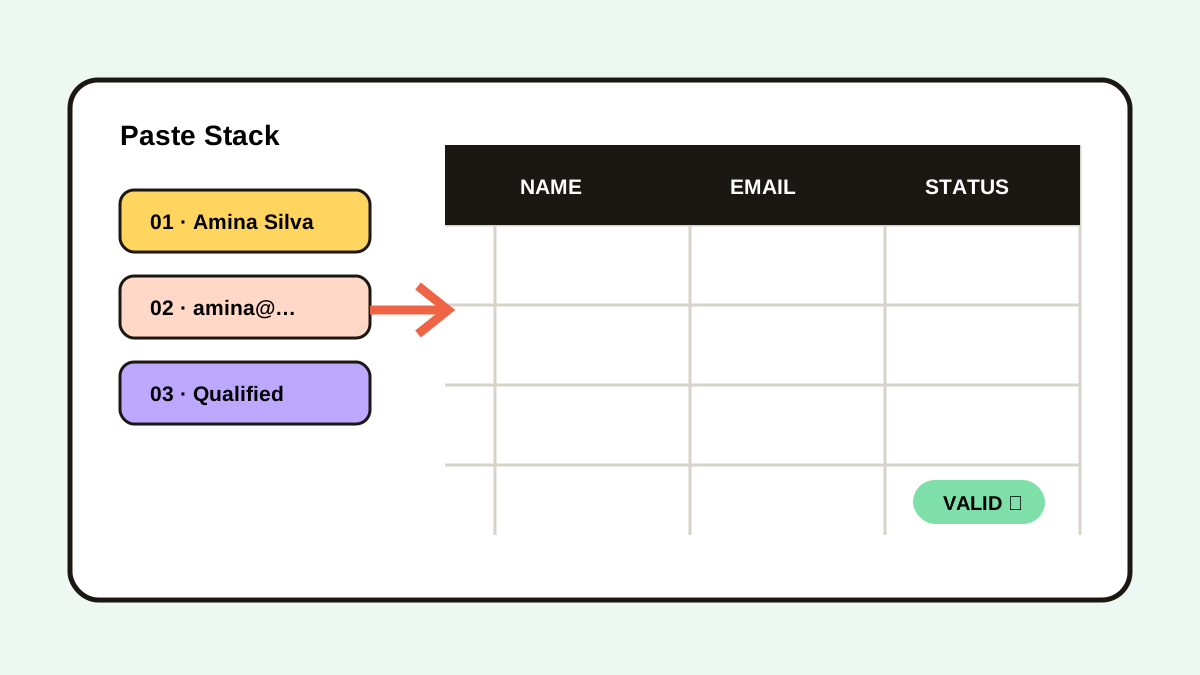
- Paste Stack

Keep your next good idea.
Free, private clipboard history for your Mac.
Questions, answered.
Does Historr convert EUR to GBP?
No. It retrieves copied content; currency conversion must come from an approved source or tool.
Why can the same punctuation mean different amounts?
Number separators vary by locale. Check the destination application's locale settings and the parsed value.
Can I recover a price copied before Historr was installed?
No. Historr can search only supported copies recorded while it was active.
Is the copied price the source of truth?
No. Confirm it against the current approved price list.
Take it from here
Clipboard history solves retrieval. Accurate European price work depends on explicit currency, locale-aware formatting and a checked source value.
If you're looking for a faster way to search, organize, and reuse everything you copy, try Historr and see how much time you can save.
Continue with these guides
- Clipboard workflows for spreadsheets
See how to reuse copied cells without treating history as a workbook.
- Unicode CLDR number patterns
Understand locale-dependent decimal and currency presentation.