A Dropover Alternative for Designers Who Need Clipboard History
Use Historr's free Drag Shelf for asset batches and its searchable clipboard history for feedback, color values and sequential design copy.

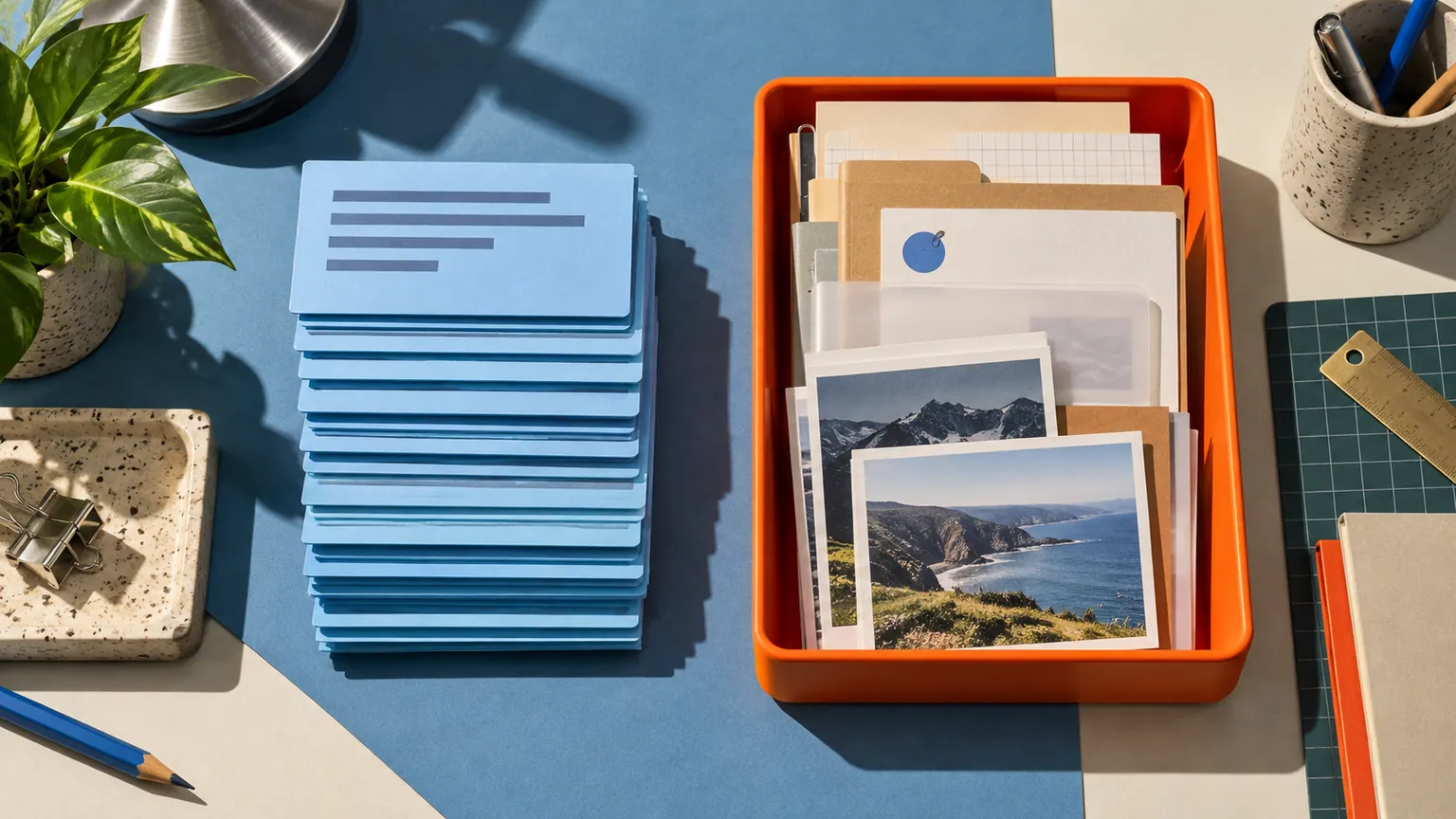
Original conceptual illustration. No competitor interface or logo is shown.
The short answerFor designers who repeatedly move both files and copied text, Historr combines a free temporary Drag Shelf with searchable local clipboard history, color smart actions and Paste Stack. Dropover supports copying and pasting into shelves and offers a clipboard shelf, plus deeper cloud and automation tools. Historr is the simpler fit when your main tasks are local asset handoff and finding or sequencing copied wording.
Why do designers need two transfer paths?
Assets might include final logo exports and a usage PDF, while clipboard content includes feedback, hex codes, CTA wording and client email fragments. The same project produces both, but they should not all be dropped into one file batch.
A shelf that supports clipboard items is useful for deliberate staging. A searchable history helps when the copy you need was replaced by a later copy.
How does clipboard support differ from history?
Dropover's site describes clipboard support, a clipboard shelf, cloud links and custom actions. It does not need to be portrayed as clipboard-blind to explain Historr's advantage.
Historr automatically records supported copies when recording is active and keeps them in local history. Search, previews, favorites, transforms, smart actions and Paste Stack make text reuse a separate path alongside the free Drag Shelf.
How do you handle files and copied text?
Keep approved assets on the shelf
Open a shelf with Option-Shift-D, add only the final export files, expand and inspect the pile. Name it for the client or review round.
Find the right copied detail
Press Option-H and search a phrase, email address or hex code. Compare it against the current approved brief; history alone cannot tell you whether it is the latest revision.
Use the right paste action
For one value, paste from history. For several known fields, queue them in Paste Stack and press Option-Command-V for each, moving focus manually.
Finish the handoff
Save the files to a durable folder or a compatible destination. Confirm approved versions and redistribution rights, then clear temporary shelves when finished.
Common mistakes to avoid
- Claiming Dropover cannot copy or paste shelf items.
- Treating a shelf as a permanent asset library.
- Using old copied client feedback as current approval.
Which tool should hold each part?
- Keep canonical colors in the design system.
- Use a project tracker for approvals and rights.
- Choose Dropover if cloud actions or scripts are daily requirements.
Compare your options
| Option | Best for | Limits |
|---|---|---|
| Historr | Free local clipboard search and file staging | Temporary shelves; no cloud-link service |
| Dropover | Advanced shelf automation and sharing | Different free-use terms; no Historr Paste Stack |
| Project system | Approved source files and decisions | Not a quick transient transfer surface |
Historr
Best forFree local clipboard search and file staging
LimitsTemporary shelves; no cloud-link service
Dropover
Best forAdvanced shelf automation and sharing
LimitsDifferent free-use terms; no Historr Paste Stack
Project system
Best forApproved source files and decisions
LimitsNot a quick transient transfer surface
Put it into practice with Historr
Historr's two shortcuts make the distinction easy: Option-H retrieves copies; Option-Shift-D stages files. It is free to use and stays focused on Mac workflows.
The combination is useful, but it is not a replacement for a design system, project archive or client approval record. Dropover may be the better shelf if its advanced actions are essential.
- Collect files & folders
- Images, links & text
- Multiple shelves
- Quick Look
- Save to Folder
- Compress to ZIP
- Resize Images
- Extract Text

Give your next drag a place to land.
Drag Shelf is included in Historr 0.1.5 and later.
Questions, answered.
Does Dropover support the clipboard?
Yes. It supports copying and pasting shelf content and provides a clipboard shelf workflow.
Does Historr automatically save copied text?
It records supported copies while clipboard recording is active, then makes them searchable in local history.
Can Historr paste several fields in order?
Yes. Add selected text items to Paste Stack and use Option-Command-V for each; move focus between fields yourself.
Is Historr free for commercial design work?
The Historr app and Drag Shelf are free to use; check your own client asset and font licenses separately.
Take it from here
Historr makes the two routine movements of design work—dragging files and reusing text—easy to reach without a purchase. Dropover remains a capable option when the shelf needs richer automation or cloud distribution.
For supported actions, shortcuts, and settings, see the Drag Shelf documentation.