Paste Headlines, Captions, and CTAs in Order on Mac
Queue approved headline, body, and CTA copy in Historr Paste Stack, then place each value into a mockup or CMS field in order.


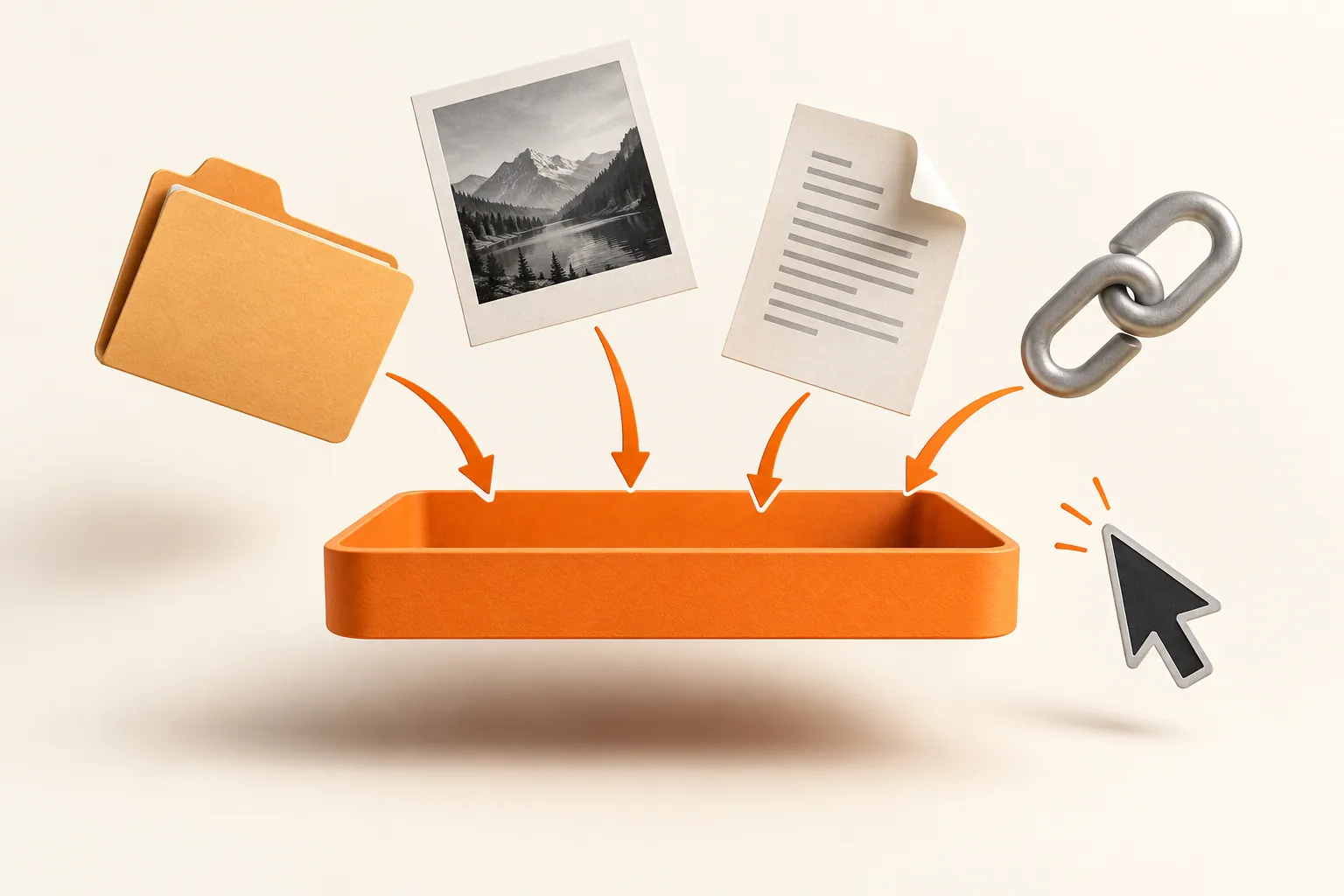
Original conceptual illustration for this workflow; not an app screenshot.
The short answerCopy or locate each approved text item, queue them in Historr Paste Stack in the order the target fields appear, and paste the next item with Option-Command-V. Move focus to the next field yourself after each paste. Check the finished mockup against the approved copy, especially when a field has a character limit.
Why does multi-field copy go out of order?
Pasting one value and returning to the source for the next is slow; copying all values as one paragraph requires splitting them again. Both approaches make it easy to place the right words in the wrong field.
Design copy is often revised late. A queue helps transfer the current set, but the designer still needs to verify it matches the final approved document.
What does Paste Stack actually automate?
Historr's Paste Stack holds selected history items as a sequence. Option-Command-V pastes the next queued item; it does not automatically navigate between fields or understand your CMS layout.
Ordinary clipboard history is a searchable record, while Paste Stack is a short transfer workflow. Queue only the values for the current pass so the sequence remains easy to audit.
How do you fill a design or CMS screen?
Freeze the copy for this pass
Check the brief's latest approved version. List the target fields in screen order before queueing anything.
Build the queue
Copy or find each exact value in Historr and add it to Paste Stack in the same order as the fields: headline, supporting line, CTA, and so on.
Paste deliberately
Focus the first field and press Option-Command-V. Move focus to the next field yourself, then repeat. Stop if a field is missing or the order changes.
Review the result
Read every field in the rendered design. Check punctuation, line breaks, truncation, and accessibility text against the approved source.
Common mistakes to avoid
- Assuming Paste Stack advances focus between fields.
- Queueing stale copy from an earlier revision.
- Using a long queue across several unrelated screens without checking order.
When should you use a paste queue?
- Keep one queue per screen or form.
- Preview long copied text before adding it.
- Treat character limits as a writing constraint, not a reason to silently trim approved copy.
Compare your options
| Option | Best for | Limits |
|---|---|---|
| Manual copy and paste | One field | Repeated source switching for many fields |
| Paste Stack | A known sequence of separate values | You control field focus and order |
| Bulk import | Structured CMS migrations | Needs a supported import workflow |
Manual copy and paste
Best forOne field
LimitsRepeated source switching for many fields
Paste Stack
Best forA known sequence of separate values
LimitsYou control field focus and order
Bulk import
Best forStructured CMS migrations
LimitsNeeds a supported import workflow
Put it into practice with Historr
Historr lets you search past copies and add chosen items to Paste Stack. The shortcut pastes the next queued value; it is useful for multi-field mockups, CMS editors, and repetitive design QA.
Keep attachments and image files in Drag Shelf instead. Paste Stack is for sequential paste actions, not batch file uploads.
- Instant search
- Unlimited history
- Favorites
- Keyboard shortcuts
- Privacy
- Offline storage
- Quick preview
- Paste Stack

Keep your next good idea.
Free, private clipboard history for your Mac.
Questions, answered.
Does Paste Stack move to the next field?
No. You focus the next field in the target app before pasting again.
Can I paste a headline and CTA in one action?
They are separate queued items, pasted one after the other with the shortcut.
What if the design order changes?
Stop and rebuild or adjust the queue before continuing; do not rely on memory.
Can I use it in a browser CMS?
Yes, where ordinary pasting works, but verify the browser editor's formatting and field behavior.
Take it from here
Sequential paste is most useful when the source copy and target field order are both settled. Spend the time saved on checking the final design rather than on switching windows.
If you're looking for a faster way to search, organize, and reuse everything you copy, try Historr and see how much time you can save.