Keep Interview Quotes Findable While Writing on Mac
Use Mac clipboard history to retrieve copied interview excerpts while keeping attribution, context and transcript timestamps in your reporting notes.

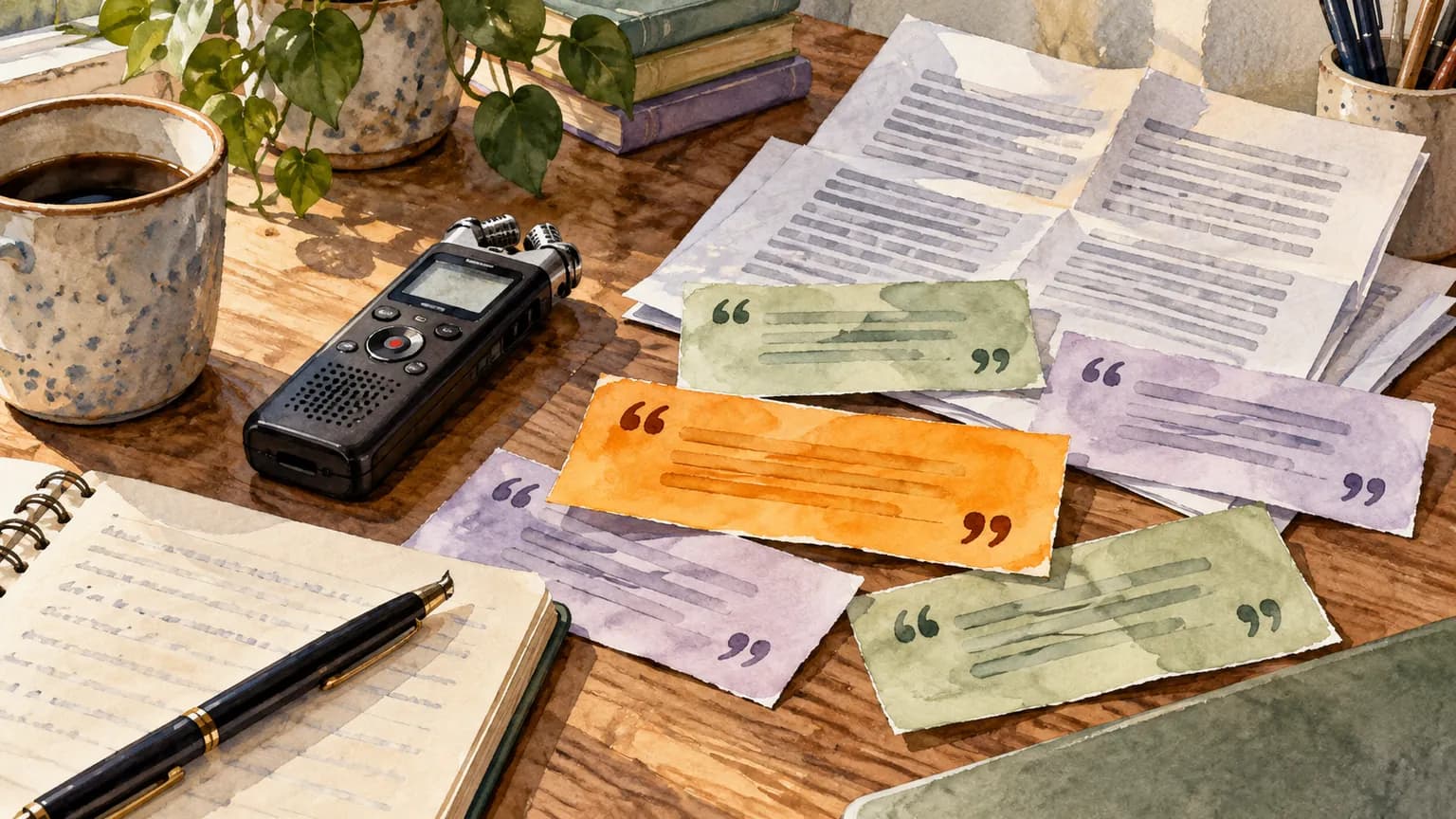
Original conceptual image created for this guide; no real documents or personal details are shown.
The short answerTo reuse a copied interview excerpt, search Historr's local clipboard history for a distinctive phrase, then compare the result against the original recording or transcript. Store speaker, date and timestamp in your reporting notes. Clipboard history helps retrieve wording; it does not preserve context, consent or attribution on its own.
Why do interview quotes lose context?
A sentence detached from its speaker or surrounding answer can change meaning. A quick history search should lead back to the interview source, not become the final citation.
The risk increases when several interviews cover the same topic and similar phrases appear in multiple drafts.
What does a copied excerpt preserve?
macOS replaces the item available to a normal paste when you copy something else. Historr records supported copies locally and makes them searchable while recording is active.
A clipboard record contains the excerpt you copied. It may omit the preceding question, an edit in the transcript or a later correction from the source.
How do you retrieve and verify quotes?
Copy a complete thought
When selecting a quote, include enough surrounding words to distinguish it from similar excerpts. Keep the transcript or recording open.
Record attribution outside history
In your reporting notes, save the speaker, interview date, transcript or audio timestamp, and any publication restrictions.
Search during drafting
Press Option-H and search a distinctive phrase. Preview the result and paste it into your draft as a candidate quote.
Verify before publishing
Check the exact wording and context against the source recording or approved transcript. Confirm attribution and any off-the-record limits.
Common mistakes to avoid
- Treating an isolated copied line as a complete answer.
- Assuming history knows the speaker or timestamp.
- Publishing a quote without checking the original transcript.
What belongs in the permanent record?
- Use a rare phrase as your search key.
- Keep a quote log with source links and timestamps.
- Remove sensitive interview material from history when your policy requires it.
Compare your options
| Option | Best for | Limits |
|---|---|---|
| Historr history | Finding a recently copied excerpt | No attribution metadata |
| Transcript or recording | Verifying exact words and context | Slower to search across many interviews |
| Reporting notes | Attribution and editorial decisions | Must be maintained deliberately |
Historr history
Best forFinding a recently copied excerpt
LimitsNo attribution metadata
Transcript or recording
Best forVerifying exact words and context
LimitsSlower to search across many interviews
Reporting notes
Best forAttribution and editorial decisions
LimitsMust be maintained deliberately
Put it into practice with Historr
Historr's free local history gives a writer a quick search path back to copied wording. It can reduce re-navigation during a draft while leaving the source in the writer's own reporting system.
Use it as a retrieval layer only. Context, consent and editorial approval belong in the transcript, notes and publication workflow.
- Instant search
- Unlimited history
- Favorites
- Keyboard shortcuts
- Privacy
- Offline storage
- Quick preview
- Paste Stack

Keep your next good idea.
Free, private clipboard history for your Mac.
Questions, answered.
Will Historr know who said a copied quote?
No. Save speaker and timestamp in your reporting notes.
Can I recover a quote copied before Historr was running?
No. The app can retrieve only supported copies recorded while it was active.
Should I publish a quote directly from history?
Verify its wording and context against the original transcript or recording first.
Does Historr upload interview text?
Historr stores clipboard history locally on the Mac and does not provide cloud sync for it.
Take it from here
History makes a quote findable; careful source notes make it publishable. Keep the two roles separate throughout the draft.
If you're looking for a faster way to search, organize, and reuse everything you copy, try Historr and see how much time you can save.