Multilingual Support Snippets on Mac for European Teams
Keep English, French and German support snippets findable on Mac while checking terminology, the customer language and current policy before sending.


Original conceptual cover. No real client, speaker, research or archive data is shown.
The short answerFor multilingual support work on Mac, keep the approved source reply in the team's knowledge base, then use Historr to find a recently copied language variant with Option-H. If several reviewed text sections must be pasted in order, queue them in Paste Stack and press Option-Command-V for each field. Verify the customer's language, terminology and policy before sending; Historr retrieves text but does not translate or approve it.
Why do language variants get mixed up?
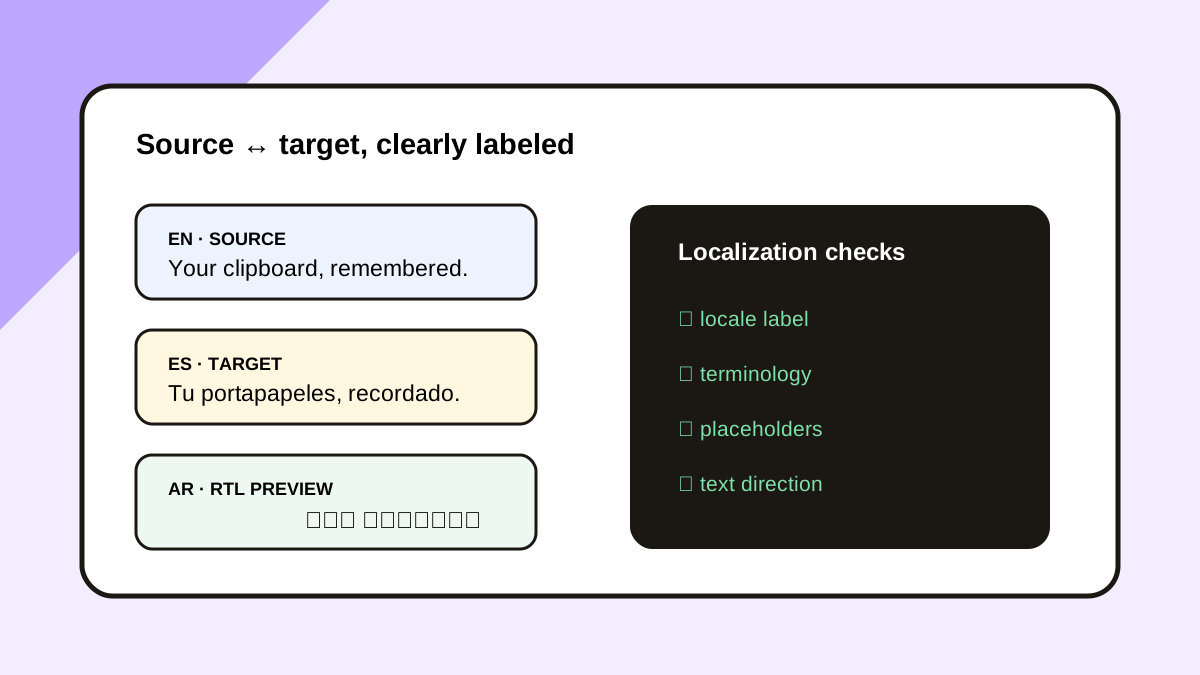
Teams covering several European markets often maintain similar replies with local differences in product names, payment wording and escalation instructions. A copied sentence loses its language and approval context when separated from the knowledge base.
A clipboard manager should shorten retrieval, not become the source of truth. Keep every reusable response tied to its locale, revision date and owner in the support system.
What can history and terminology resources do?
A standard paste uses the latest copied item. Historr can search supported items copied while recording is active and keeps that history locally on the Mac.
The EU's IATE database is a useful terminology reference for EU-specific concepts, but it is not a substitute for a company's approved product glossary. Historr does not interpret whether two translated phrases mean the same thing.
How do you prepare a multilingual reply?
Start with the ticket language
Confirm the customer's preferred language and market in the ticket. Open the current approved reply in the team's knowledge base rather than relying on an old clipboard entry.
Retrieve a recently copied variant
Press Option-H and search a distinctive phrase or product term. Preview the full clip and compare it with the current approved version.
Paste a reviewed sequence
If the reply has separate greeting, answer and next-step fields, add the approved snippets to Paste Stack in order. Focus each field yourself before pressing Option-Command-V.
Check the complete message
Read the assembled reply in the customer's language. Verify names, links, refund or escalation wording, and the current product terminology before sending.
Common mistakes to avoid
- Using an old translated snippet after the source policy changed.
- Assuming Paste Stack translates text or moves between fields.
- Searching by a common word that returns clips from several languages.
Which system owns the approved wording?
- Keep locale codes next to approved snippets in the source system.
- Search a distinctive product phrase rather than a generic greeting.
- Use IATE only for relevant EU terminology, then follow the team's glossary.
Compare your options
| Option | Best for | Limits |
|---|---|---|
| Historr history | Finding a copied variant | No translation approval or locale metadata |
| Paste Stack | Inserting reviewed sections in sequence | No automatic field navigation |
| Knowledge base | Current approved multilingual wording | Requires active maintenance |
Historr history
Best forFinding a copied variant
LimitsNo translation approval or locale metadata
Paste Stack
Best forInserting reviewed sections in sequence
LimitsNo automatic field navigation
Knowledge base
Best forCurrent approved multilingual wording
LimitsRequires active maintenance
Put it into practice with Historr
Historr is free and keeps supported history local. Search can recover a phrase copied earlier in the shift, while Paste Stack handles a deliberate sequence of approved text.
It does not translate, classify locale or validate terminology. Those decisions remain with the support team and its current knowledge base.
- Instant search
- Unlimited history
- Favorites
- Keyboard shortcuts
- Privacy
- Offline storage
- Quick preview
- Paste Stack

Keep your next good idea.
Free, private clipboard history for your Mac.
Questions, answered.
Does Historr translate customer replies?
No. It stores and retrieves supported copied text; use approved translations and human review.
Can I search a French phrase after copying German text?
Yes, if the French phrase was recorded and remains in local history.
Can Paste Stack send a whole reply automatically?
No. It pastes one queued item into the focused field each time you press its shortcut.
Where should terminology decisions live?
In the team's approved glossary or knowledge base, with external terminology references used as supporting context.
Take it from here
A multilingual clipboard workflow is useful when it preserves speed without blurring the language and approval source of each reply.
If you're looking for a faster way to search, organize, and reuse everything you copy, try Historr and see how much time you can save.
Continue with these guides
- Support reply workflow in Historr
Use Paste Stack for reviewed, customer-specific sections.
- IATE terminology database
Check EU-specific terms in an official multilingual resource.