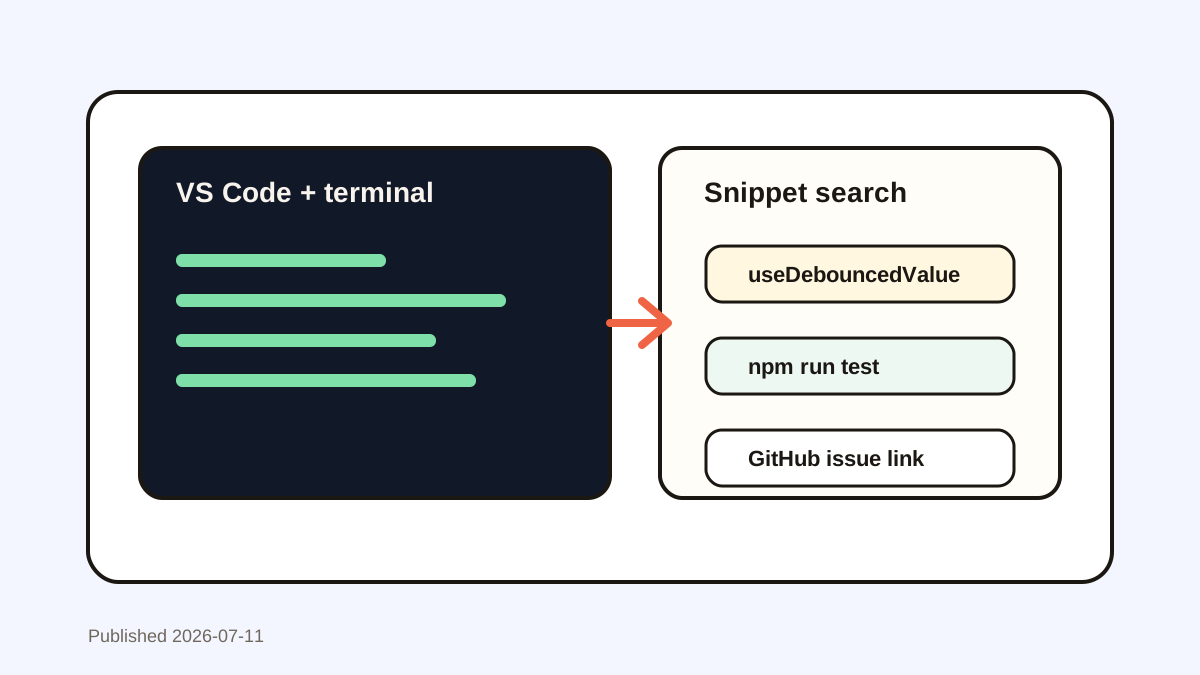
Best Paste Alternative for Developers on Mac
Historr is a Paste alternative for developers with local search, JSON and slug transforms, code previews, Paste Stack, images, and secret expiry.


The short answerHistorr is a strong Paste alternative for developers on Mac because it combines instant local search with paste transforms, JSON pretty-printing, smart actions, Quick Look, sequential Paste Stack, image history, and sensitive-item expiry. It is best for temporary working snippets. Source-controlled snippets, secrets, and team knowledge still belong in dedicated systems.
The overview
A developer can overwrite a useful command while copying an error message needed to explain it.
Near-identical environment values and payloads make the wrong paste easy, while tokens and credentials make long retention risky.
A general visual library can recover content, but developers also benefit from transformations, full previews, and ordered multi-item paste.
Why it happens
Coding moves small fragments among terminal, editor, browser, issue tracker, API client, and chat.
Those fragments often need a minor transformation before use: trim whitespace, change case, create a slug, or format JSON for inspection.
Your step-by-step guide
Search by a distinctive token
Use a function name, domain, error fragment, flag, or path segment instead of scrolling through recent clips.
Preview before execution
Read the full command, SQL statement, or configuration block before pasting it into a shell or production tool.
Transform temporary text
Trim whitespace, change case, create a slug, or pretty-print JSON directly from the selected clip.
Queue structured values
Use Paste Stack when several known values must enter separate fields in a repeatable order.
Remove secrets promptly
Keep tokens in a password or secret manager, not favorites, and delete accidental sensitive clips immediately.
Common mistakes to avoid
- Running a recovered command without previewing it.
- Favoriting API keys or access tokens.
- Using clipboard history as team documentation.
- Pasting formatted text into code when plain text is required.
Small changes. A faster workflow.
- Search by error fragments.
- Pretty-print JSON before inspection.
- Keep reusable code in version control.
- Use short expiry for token-like values.
Compare your options
| Option | Best for | Limits |
|---|---|---|
| Historr | Temporary code, transforms, and ordered paste | Personal Mac history, not a team snippet store |
| Paste | Rich searchable library across Apple devices | Broader than some desktop-only workflows |
| Editor snippets | Versioned reusable code templates | Not cross-app clipboard recovery |
Historr
Best forTemporary code, transforms, and ordered paste
LimitsPersonal Mac history, not a team snippet store
Paste
Best forRich searchable library across Apple devices
LimitsBroader than some desktop-only workflows
Editor snippets
Best forVersioned reusable code templates
LimitsNot cross-app clipboard recovery
Put it into practice with Historr
Historr opens with Option-H, filters as you type, and lets Command-1 through Command-9 paste recent results without reaching for the mouse.
Quick Look exposes the full clip before a risky paste. Transforms handle trimmed text, case changes, slugs, and pretty-printed JSON, while Paste Stack moves a known sequence through repetitive fields.
Local storage, password-manager exclusions, and sensitive-looking expiry support safer temporary work. They do not replace secret management or source control.
- Instant search
- Unlimited history
- Favorites
- Keyboard shortcuts
- Privacy
- Offline storage
- Quick preview
- Paste Stack

Keep your next good idea.
Free, private clipboard history for your Mac.
Questions, answered.
What is the best Paste alternative for developers?
Historr is a strong Mac option for developers who value local search, transforms, previews, Paste Stack, and sensitive-item expiry.
Can Historr format JSON?
Yes. Historr can paste selected text as pretty-printed JSON when the content is valid JSON.
Should code snippets live in clipboard favorites?
Only small safe personal snippets. Durable or shared code belongs in version control or an approved snippet system.
Does Historr detect secrets?
It ignores private password-manager copies and can auto-expire token-like values, but developers should still verify and delete sensitive clips.
Take it from here
Historr is the better Paste alternative for a developer who wants a compact Mac tool that can act on copied text, not only store it. Keep permanent code and secrets in their proper systems.
If you're looking for a faster way to search, organize, and reuse everything you copy, try Historr and see how much time you can save.