The Best Productivity Apps Every Software Developer Should Use
A practical developer productivity app stack covering clipboard managers, Raycast, Notion, GitHub Desktop, Warp, VS Code extensions, and AI assistants.

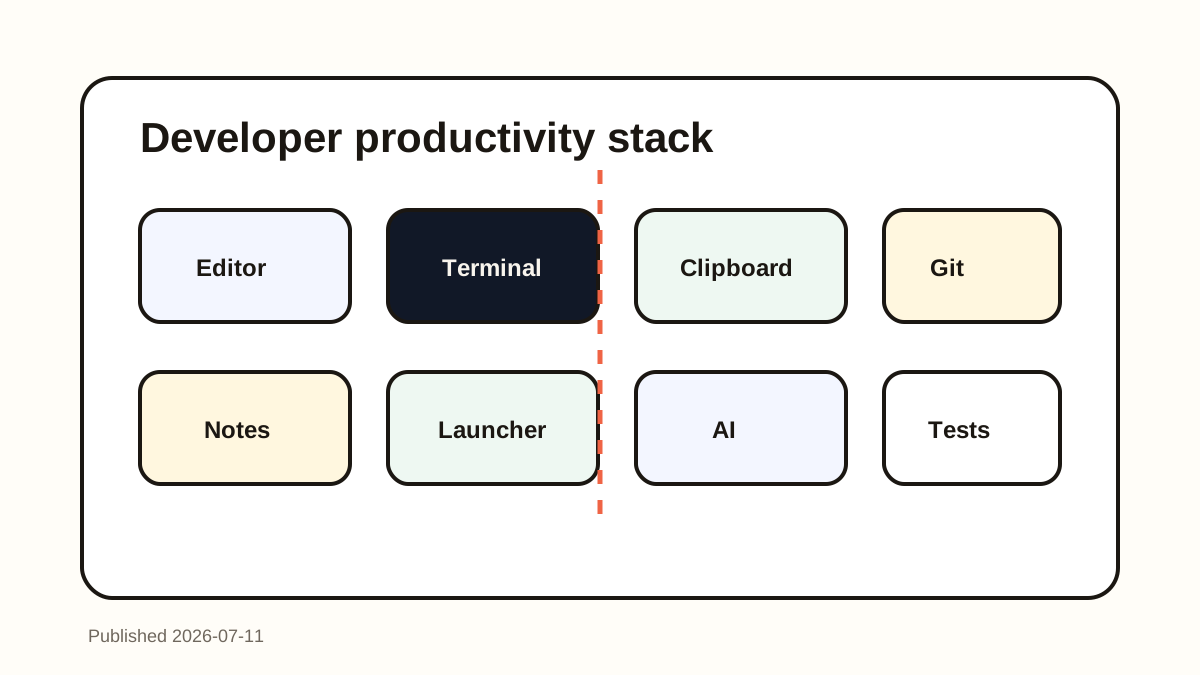
The short answerThe best productivity apps for developers are the tools that reduce context switching: a strong editor, fast terminal, clipboard manager, launcher, notes system, Git client, focused extensions, and AI assistant when it helps.
The overview
Developer productivity is not about collecting apps. It is about reducing repeated friction across coding, debugging, reviewing, documenting, and shipping.
The right stack keeps important context recoverable and repeated actions close to your keyboard.
The wrong stack creates tool maintenance instead of flow.
Why it happens
Software work jumps between editor, terminal, browser docs, tickets, meetings, repos, and AI tools.
Small delays compound: finding an old command, locating a repo link, rewriting a snippet, or searching for a note.
A good productivity stack gives each repeated problem one dependable place to live.
Your step-by-step guide
Start with the editor
Use VS Code or your preferred editor with only the extensions that support your daily languages, formatting, testing, and navigation.
Add a fast terminal workflow
Tools like Warp or a well-configured terminal can make command reuse, search, and collaboration smoother.
Install a clipboard manager
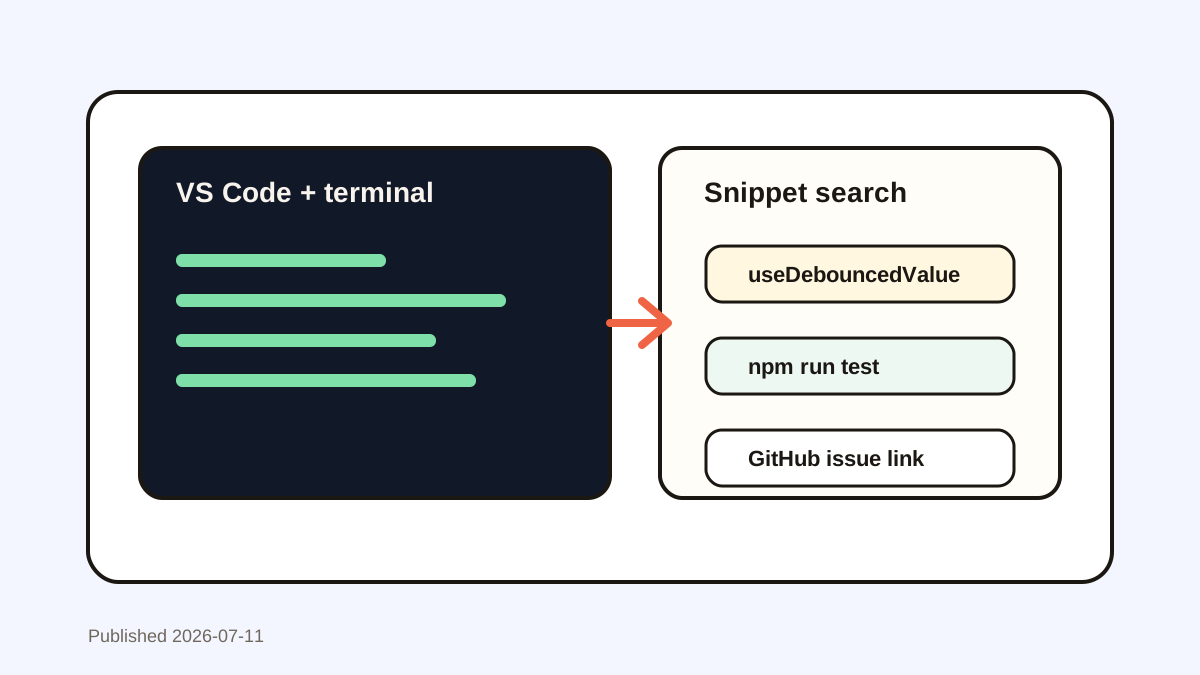
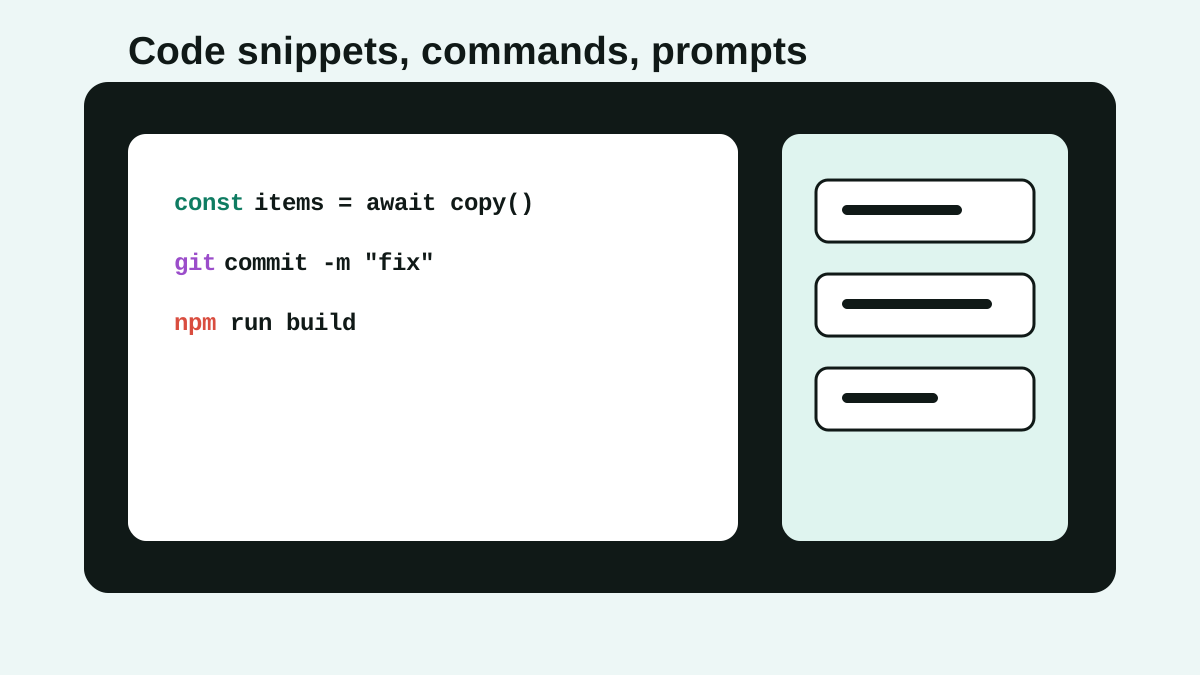
A searchable clipboard manager helps recover commands, logs, code snippets, docs links, and AI prompts across every app.
Use a launcher for app and command speed
Raycast-style launchers reduce menu hunting and make repeated actions keyboard-accessible.
Keep notes and Git tools intentional
Use Notion or simple markdown for durable knowledge, and use GitHub Desktop or CLI workflows where they reduce review and branch friction.
Common mistakes to avoid
- Installing every popular developer tool at once.
- Letting extensions slow down the editor.
- Saving reusable commands only in scattered terminal scrollback.
- Using AI assistants without reviewing output or running tests.
Small changes. A faster workflow.
- Add one tool only after you can name the bottleneck it removes.
- Prefer keyboard-first tools for repeated actions.
- Audit your extensions every few months.
- Use clipboard search as the recovery layer across the entire stack.
Compare your options
| Option | Best for | Limits |
|---|---|---|
| Editor and extensions | Coding, navigation, formatting, tests | Too many extensions can slow work |
| Clipboard manager | Cross-app recovery and reuse | Needs privacy habits |
| Notes and docs | Durable knowledge | Slower for temporary fragments |
Editor and extensions
Best forCoding, navigation, formatting, tests
LimitsToo many extensions can slow work
Clipboard manager
Best forCross-app recovery and reuse
LimitsNeeds privacy habits
Notes and docs
Best forDurable knowledge
LimitsSlower for temporary fragments
Put it into practice with Historr
Historr belongs in a developer productivity stack because clipboard history touches every coding tool, not just one app.
It helps recover copied code, commands, AI prompts, issue links, docs excerpts, and stack traces from a local searchable history.
Use it with your editor snippets, terminal history, launcher, notes app, and Git workflow for a calmer tool stack.
- Instant search
- Unlimited history
- Favorites
- Keyboard shortcuts
- Privacy
- Offline storage
- Quick preview
- Paste Stack

Keep your next good idea.
Free, private clipboard history for your Mac.
Questions, answered.
What productivity apps should every developer use?
Most developers benefit from a strong editor, terminal, clipboard manager, launcher, notes app, Git tool, and carefully chosen AI assistant.
Is a clipboard manager really a developer productivity app?
Yes. Developers copy code, commands, logs, links, prompts, and errors constantly.
Should developers use Raycast or a launcher?
A launcher is useful if it makes common actions keyboard-first and reduces app switching.
Are AI assistants required for developer productivity?
No. They can help with explanation, drafts, and boilerplate, but they still need review and testing.
How do I avoid tool overload?
Add tools one at a time, remove unused extensions, and keep durable knowledge separate from temporary clipboard recovery.
Take it from here
The best developer productivity stack is quiet and recoverable. Every tool should either remove a repeated bottleneck or keep important context from disappearing.
If you're looking for a faster way to search, organize, and reuse everything you copy, try Historr and see how much time you can save.