Retrieve Copied SQL Query Snippets on Mac Without Mixing Versions
Find a copied SQL fragment after another copy replaces it, then check database, environment and query version before running anything.


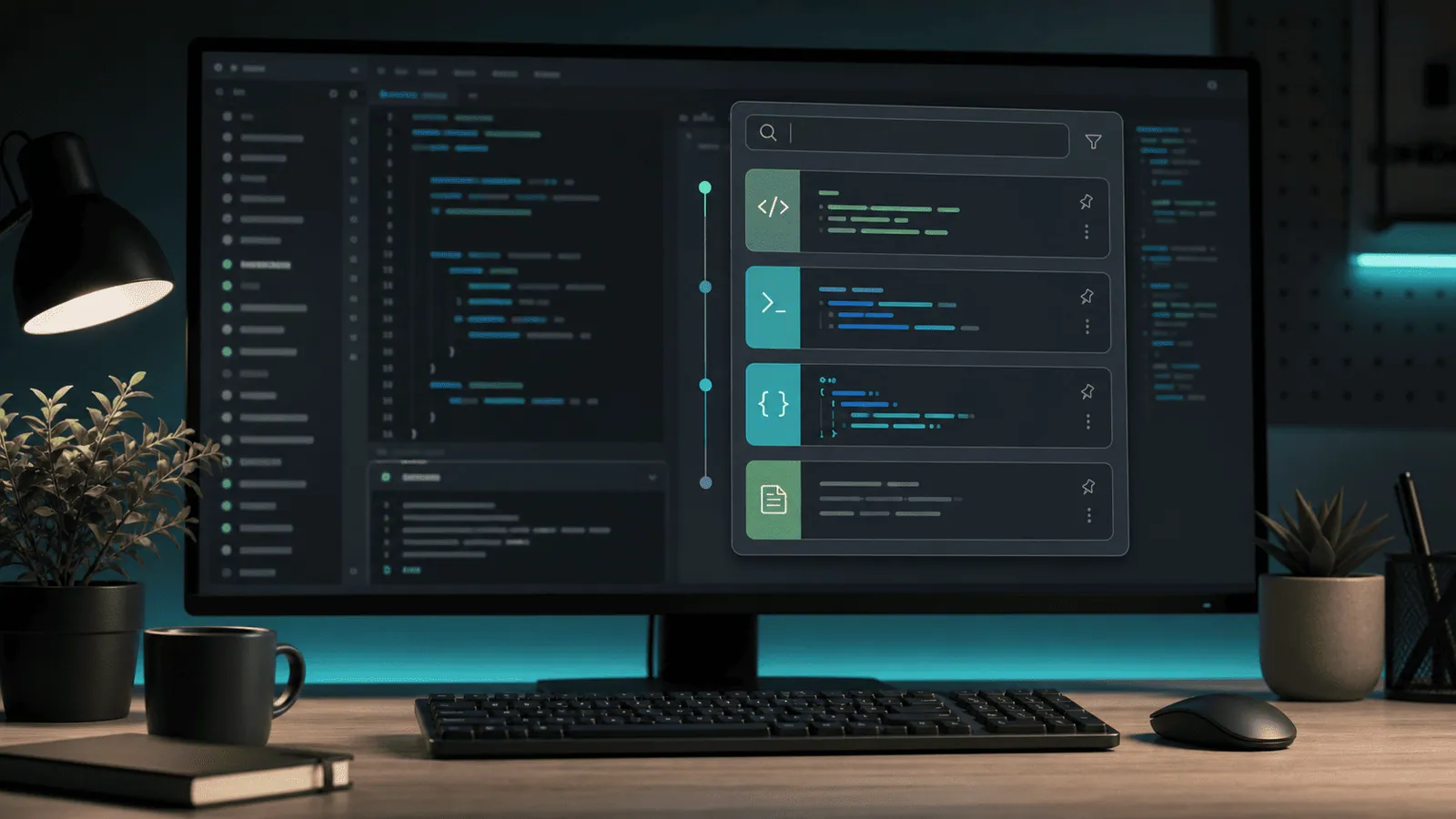
Original conceptual image created for this guide; no real documents or personal details are shown.
The short answerA Mac clipboard manager can retrieve a SQL snippet only if it recorded the copy. In Historr, press Option-H, search a distinctive table or column name, and preview the full statement before pasting it into an editor. Recheck the database, environment, parameters and version before execution; clipboard history is not a safe source of truth for production queries.
Why do copied SQL versions get mixed up?
Copied SQL can look nearly identical while pointing at different tenants, environments, dates or tables. Recovering text is valuable, but a stale query can be dangerous if pasted into a live console.
A version-controlled file or saved query should hold important work. History is a short path back to a fragment for inspection, not a query approval system.
What does history actually retain?
The system pasteboard supplies the most recent item. Historr keeps supported copied text in a local searchable history, subject to recording and retention settings.
History stores copied text, not the connection, transaction state, or provenance of the window it came from. A result can be syntactically valid and still be wrong for the current database.
How do you retrieve a fragment safely?
Search a distinctive identifier
Open Historr with Option-H and search a table alias, column name or uncommon predicate. Avoid searching only SELECT or WHERE, which may return too many results.
Preview the whole statement
Inspect joins, filters, limits, quoted values and comments. Search can surface an earlier draft rather than the final query.
Paste into a safe editor first
Compare the fragment with the version-controlled query or ticket. Replace copied credentials or tokens with approved secret handling before sharing.
Confirm the execution context
Check the active database, environment and intended operation. Run only through your team's normal review and access process.
Common mistakes to avoid
- Running the first search result without reading its filters.
- Treating a copied query as proof of the active database.
- Leaving connection secrets in ordinary history when they should be excluded or removed.
Where should production queries live?
- Use a rare table or column name for faster search.
- Keep important queries in version control or a query library.
- Pause recording or remove sensitive copies according to your team's policy.
Compare your options
| Option | Best for | Limits |
|---|---|---|
| Historr history | Recovering a copied fragment | No query provenance or execution context |
| Version control | Reviewed canonical SQL | Requires saving and commit discipline |
| Database console | Executing an approved query | Wrong environment can still cause harm |
Historr history
Best forRecovering a copied fragment
LimitsNo query provenance or execution context
Version control
Best forReviewed canonical SQL
LimitsRequires saving and commit discipline
Database console
Best forExecuting an approved query
LimitsWrong environment can still cause harm
Put it into practice with Historr
Historr's local search and preview help identify a copied statement without repeatedly switching windows. Its privacy controls let you pause recording and manage retained items.
It does not parse SQL or validate database safety. Treat every recovered statement as untrusted draft text until reviewed.
- Instant search
- Unlimited history
- Favorites
- Keyboard shortcuts
- Privacy
- Offline storage
- Quick preview
- Paste Stack

Keep your next good idea.
Free, private clipboard history for your Mac.
Questions, answered.
Can Historr recover a SQL query copied before installation?
No. It can search only supported copies recorded after it was installed and recording was active.
Does Historr know which database a copied query belongs to?
No. Confirm the source and execution environment separately.
Should I store database passwords in clipboard history?
Use your team's approved secret workflow. Pause recording or remove sensitive entries when appropriate.
Can clipboard history compare query versions automatically?
No. Retrieve the candidates, then compare them in an editor or version control.
Take it from here
Clipboard search can rescue a useful SQL fragment. The careful step is identifying its version and context before it reaches a database console.
If you're looking for a faster way to search, organize, and reuse everything you copy, try Historr and see how much time you can save.