The Best Clipboard Manager for AI Workflows in 2026
Compare clipboard manager features for AI workflows: prompt history, search, reusable prompts, privacy, previews, and developer productivity.

The short answerThe best clipboard manager for AI workflows in 2026 is the one that makes prompts, code, research notes, links, and generated outputs searchable without slowing you down or exposing sensitive data.
The overview
AI work creates more copied material than traditional browsing: prompts, prompt variants, model answers, code blocks, tables, URLs, and source excerpts.
Without clipboard history, useful prompt wording disappears as soon as you copy the next instruction or generated answer.
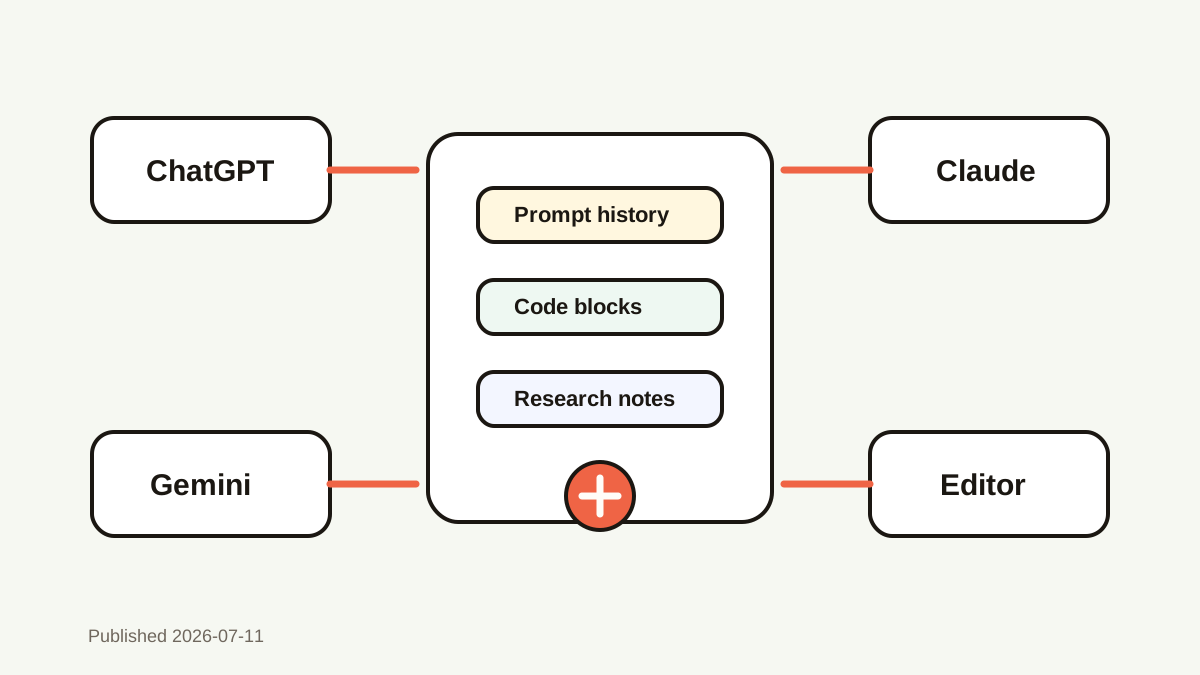
A good clipboard manager becomes the fast memory layer between ChatGPT, Claude, Gemini, your editor, and your browser.
Why it happens
AI workflows involve constant context movement between tools, and each copy can overwrite the previous one.
Prompt quality improves through iteration, but many teams save only the final answer and lose the prompt path that got there.
Developers and creators need search, preview, favorites, and privacy controls more than a simple chronological clipboard list.
Your step-by-step guide
Prioritize instant search
Search should find prompts, code, links, and generated snippets by remembered fragments without opening a separate workspace.
Look for long-text previews
AI prompts can be long. A preview helps you confirm the right prompt before pasting into a model or code editor.
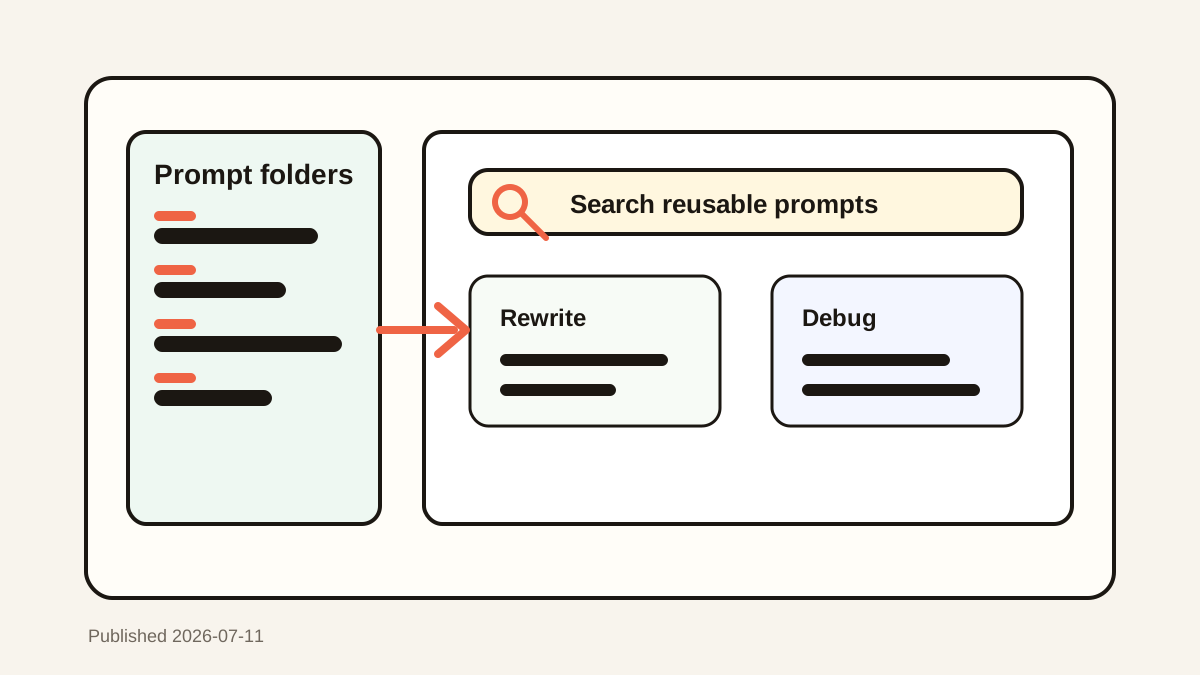
Use favorites for stable prompt templates
Daily prompts, review checklists, and rewrite templates should be one shortcut away instead of buried in history.
Check privacy defaults
The tool should store history locally when possible, ignore password manager copies, and let sensitive items expire or be deleted quickly.
Test the developer workflow
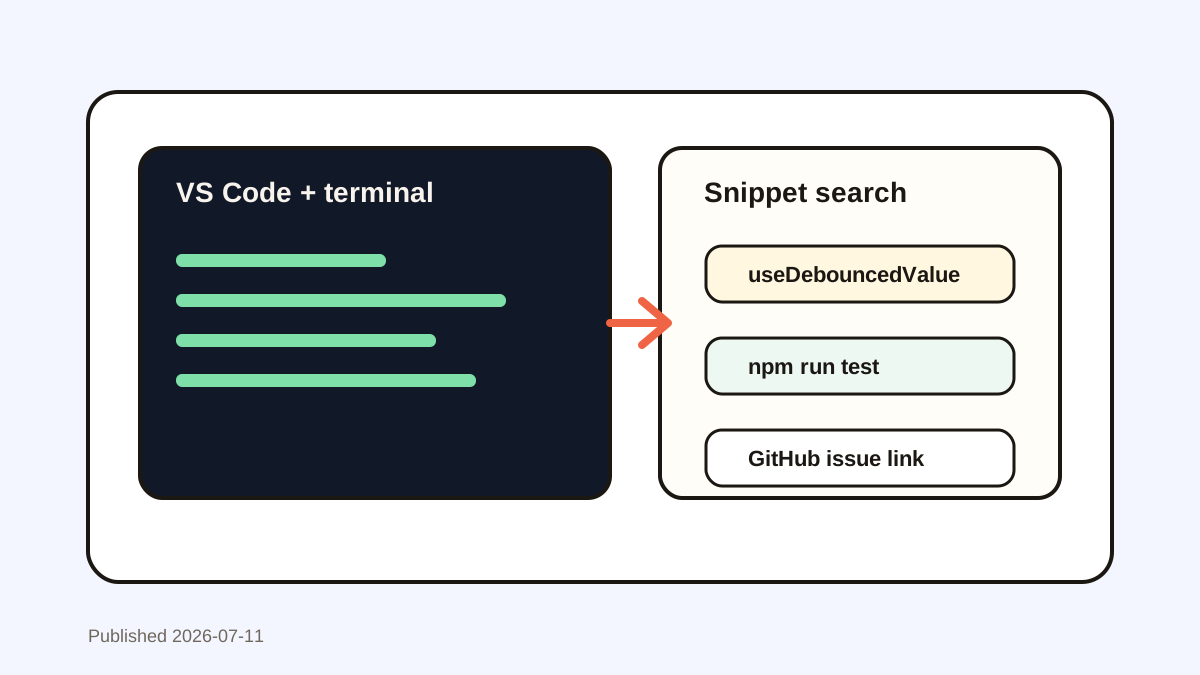
Copy from terminal, VS Code, browser docs, issue trackers, and AI chats for a week. The winner is the tool that saves time across all of them.
Common mistakes to avoid
- Choosing a clipboard app only because it has the longest feature list.
- Saving prompts with private keys, client secrets, or personal data inside them.
- Ignoring preview quality for long prompts and code blocks.
- Using a manager that makes search slower than returning to the source app.
Small changes. A faster workflow.
- Favorite reusable system prompts and prompt chains.
- Search by model, task, client, code symbol, or output format.
- Keep AI prompt history local when work content is private.
- Review saved prompts after big workflow changes so stale instructions do not keep spreading.
Compare your options
| Option | Best for | Limits |
|---|---|---|
| Basic clipboard history | Recovering recent AI prompts | Weak search and organization |
| Snippet manager | Stable prompt templates | Misses ad hoc prompt drafts |
| Searchable clipboard manager | AI prompts, code, links, and outputs | Requires careful privacy rules |
Basic clipboard history
Best forRecovering recent AI prompts
LimitsWeak search and organization
Snippet manager
Best forStable prompt templates
LimitsMisses ad hoc prompt drafts
Searchable clipboard manager
Best forAI prompts, code, links, and outputs
LimitsRequires careful privacy rules
Put it into practice with Historr
Historr is a strong fit for Mac-based AI workflows because it focuses on fast local search, favorites, previews, and keyboard-first paste actions.
For ChatGPT, Claude, Gemini, and coding assistants, Historr can keep prompt drafts and useful outputs recoverable after you copy something else.
The best workflow is simple: copy naturally, search when needed, favorite what repeats, and clear anything sensitive.
- Instant search
- Unlimited history
- Favorites
- Keyboard shortcuts
- Privacy
- Offline storage
- Quick preview
- Paste Stack

Keep your next good idea.
Free, private clipboard history for your Mac.
Questions, answered.
What features matter in a clipboard manager for AI?
Search, long-text previews, favorites, local storage, sensitive-content controls, and fast keyboard shortcuts matter most.
Can a clipboard manager save ChatGPT prompts?
Yes, if the prompt is copied while the clipboard manager is running.
Is clipboard history safe for AI work?
It can be safe when stored locally and managed with exclusions, expiry, and manual deletion for sensitive content.
Do developers need a different clipboard manager?
Developers should prioritize code-friendly search, terminal command recovery, long previews, and privacy.
Is Historr only for AI prompts?
No. Historr is useful for prompts, code, links, email templates, snippets, and everyday clipboard recovery.
Take it from here
AI workflows reward speed, but speed without memory creates waste. A searchable, private clipboard manager gives you prompt history without forcing you to over-organize every idea.
If you're looking for a faster way to search, organize, and reuse everything you copy, try Historr and see how much time you can save.