How to Organize ChatGPT Prompts Without Losing Them
Learn how to organize ChatGPT prompts with folders, clipboard history, reusable snippets, search habits, and a simple Historr workflow.

The short answerTo organize ChatGPT prompts, treat prompts like reusable work assets instead of one-time messages. Save the best versions, name them clearly, keep them searchable, and separate polished prompts from messy experiments.
The overview
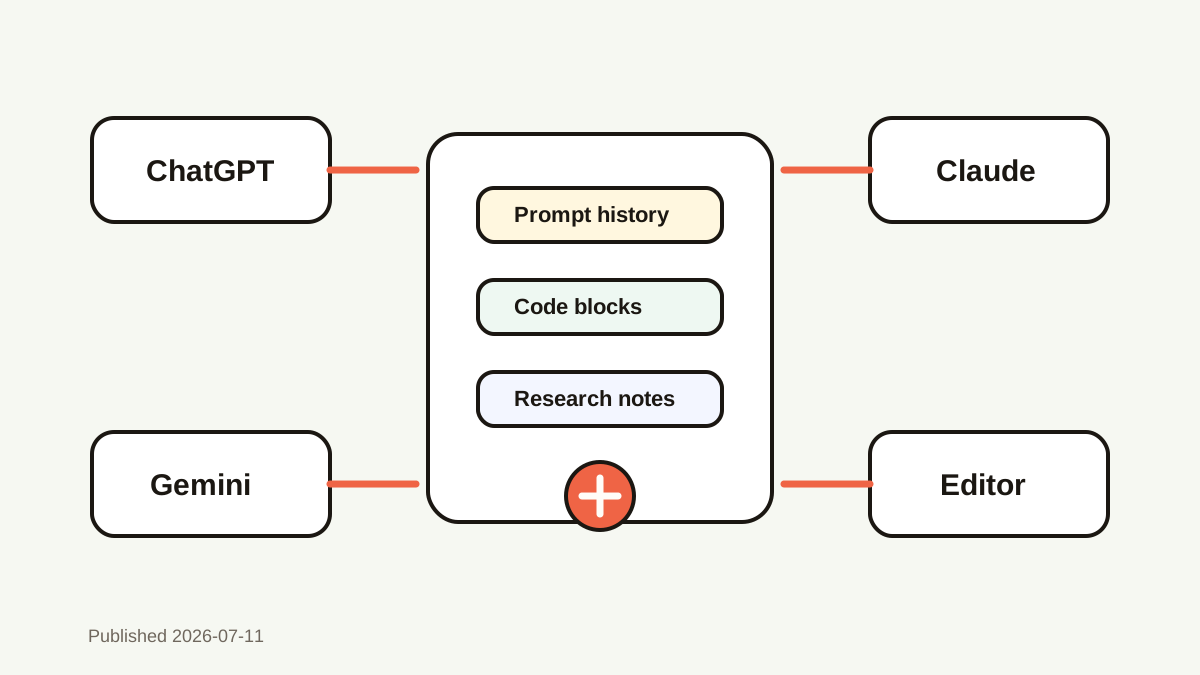
Prompts get lost because they live across chats, notes, docs, browser tabs, screenshots, and temporary clipboard items.
A prompt that worked once is often copied, edited, pasted, and overwritten before it becomes part of a repeatable system.
Good organization helps you reuse strong prompts without turning every idea into a heavy documentation project.
Why it happens
AI workflows move quickly, so people optimize for the next answer instead of saving the prompt that produced it.
Chat history is chronological, while prompt reuse is usually based on task type, client, tone, or output format.
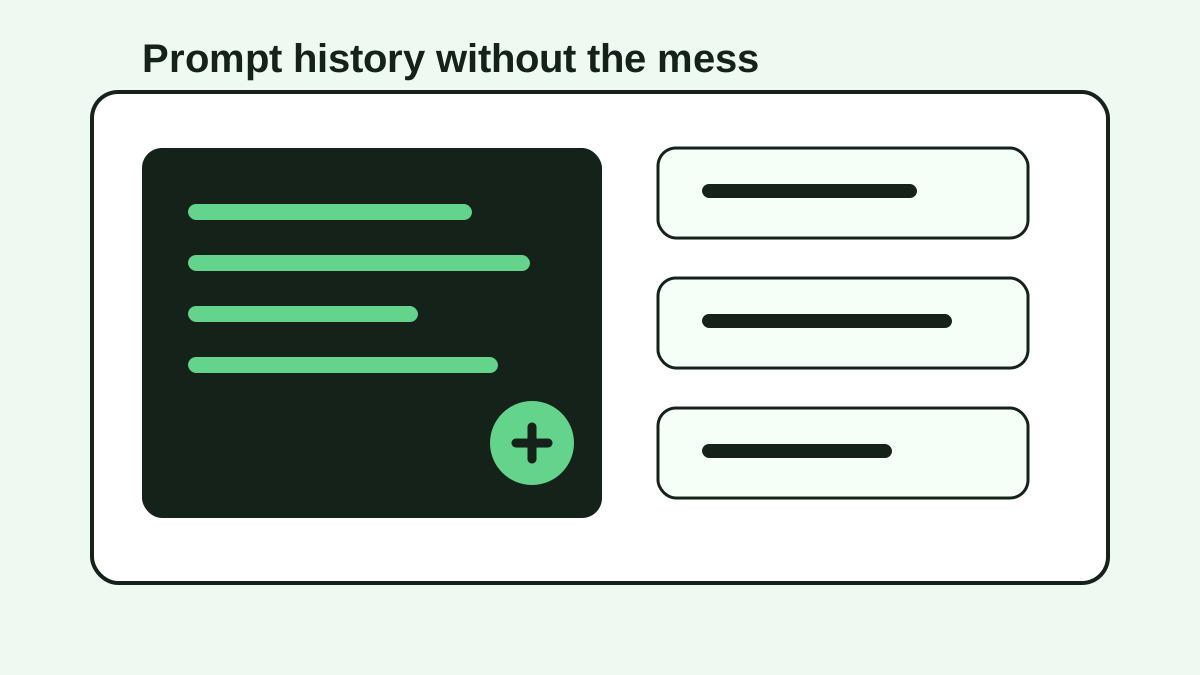
Folders are useful for polished prompts, but clipboard history catches prompts during the messy middle of work.
Your step-by-step guide
Create a small prompt taxonomy
Use categories like writing, coding, research, support, marketing, and personal workflows. Keep the list short so filing does not become another chore.
Save final prompts separately from drafts
Put proven prompts in a notes app, doc, or snippet library. Let clipboard history hold temporary variations and copied fragments.
Name prompts by outcome
Use labels such as summarize meeting notes, rewrite support reply, debug React error, or generate launch post. Outcome names are easier to search later.
Keep variables obvious
Mark placeholders for audience, tone, product, source text, constraints, and examples so the prompt can be reused safely.
Search before rewriting
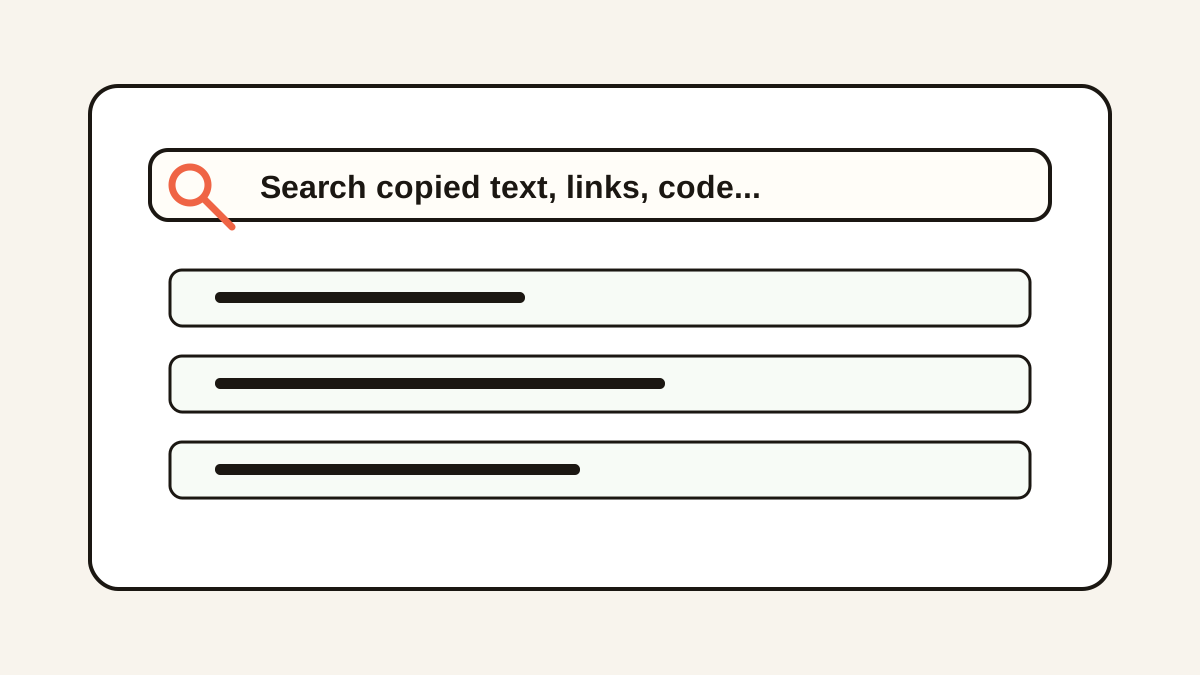
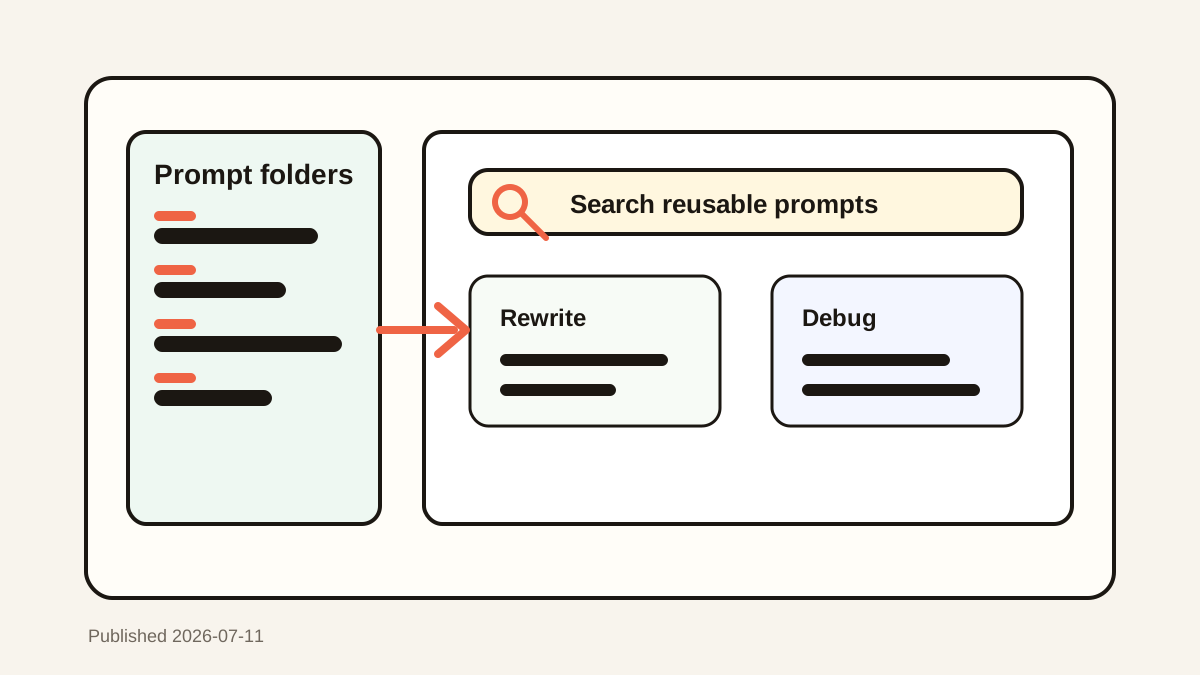
When you need a prompt again, search for a rare phrase, output type, model name, or client name before creating a new version from memory.
Common mistakes to avoid
- Saving every prompt without naming or pruning it.
- Relying only on chat history for prompts you use every week.
- Keeping sensitive client data inside reusable prompt templates.
- Using folders for rough drafts that would be easier to recover through clipboard search.
Small changes. A faster workflow.
- Favorite your highest-value prompts and let everything else remain searchable.
- Use a consistent placeholder style such as [AUDIENCE], [SOURCE], and [TONE].
- Add one example output when a prompt needs a specific format.
- Review prompt folders monthly and delete prompts that no longer match your workflow.
Compare your options
| Option | Best for | Limits |
|---|---|---|
| Folders | Curated reusable prompts | Requires manual filing |
| Clipboard history | Prompt drafts, variants, and recovery | Needs privacy settings |
| Pinned snippets | Prompts used daily | Can get cluttered without pruning |
Folders
Best forCurated reusable prompts
LimitsRequires manual filing
Clipboard history
Best forPrompt drafts, variants, and recovery
LimitsNeeds privacy settings
Pinned snippets
Best forPrompts used daily
LimitsCan get cluttered without pruning
Put it into practice with Historr
Historr helps organize ChatGPT prompts by capturing prompt drafts as you copy them, then making them searchable from a keyboard shortcut.
You can favorite finished prompts, search old variations, preview long prompts before pasting, and use Paste Stack when a workflow needs multiple prompt blocks in order.
Because Historr stores history locally on your Mac, it fits prompt work that should stay close to your machine instead of scattered through random cloud documents.
- Instant search
- Unlimited history
- Favorites
- Keyboard shortcuts
- Privacy
- Offline storage
- Quick preview
- Paste Stack

Keep your next good idea.
Free, private clipboard history for your Mac.
Questions, answered.
What is the best way to organize ChatGPT prompts?
Use a small folder system for proven prompts and searchable clipboard history for drafts, variants, and recovery.
Should I keep prompts in folders or a clipboard manager?
Use both. Folders are better for polished templates, while clipboard history is better for finding recent drafts and copied variations.
How do I make prompts reusable?
Name the outcome, add placeholders, remove private data, and include constraints that consistently improve the result.
Can I search old ChatGPT prompts?
You can search prompts saved in notes, docs, or clipboard history. A clipboard manager only finds prompts copied after it was enabled.
How does Historr fit an AI prompt workflow?
Historr gives you local search, favorites, previews, and fast paste access for prompts you copy while working.
Take it from here
Prompt organization works best when it stays lightweight. Keep polished prompts in a simple library, let clipboard history catch the in-between work, and search before rewriting from scratch.
If you're looking for a faster way to search, organize, and reuse everything you copy, try Historr and see how much time you can save.