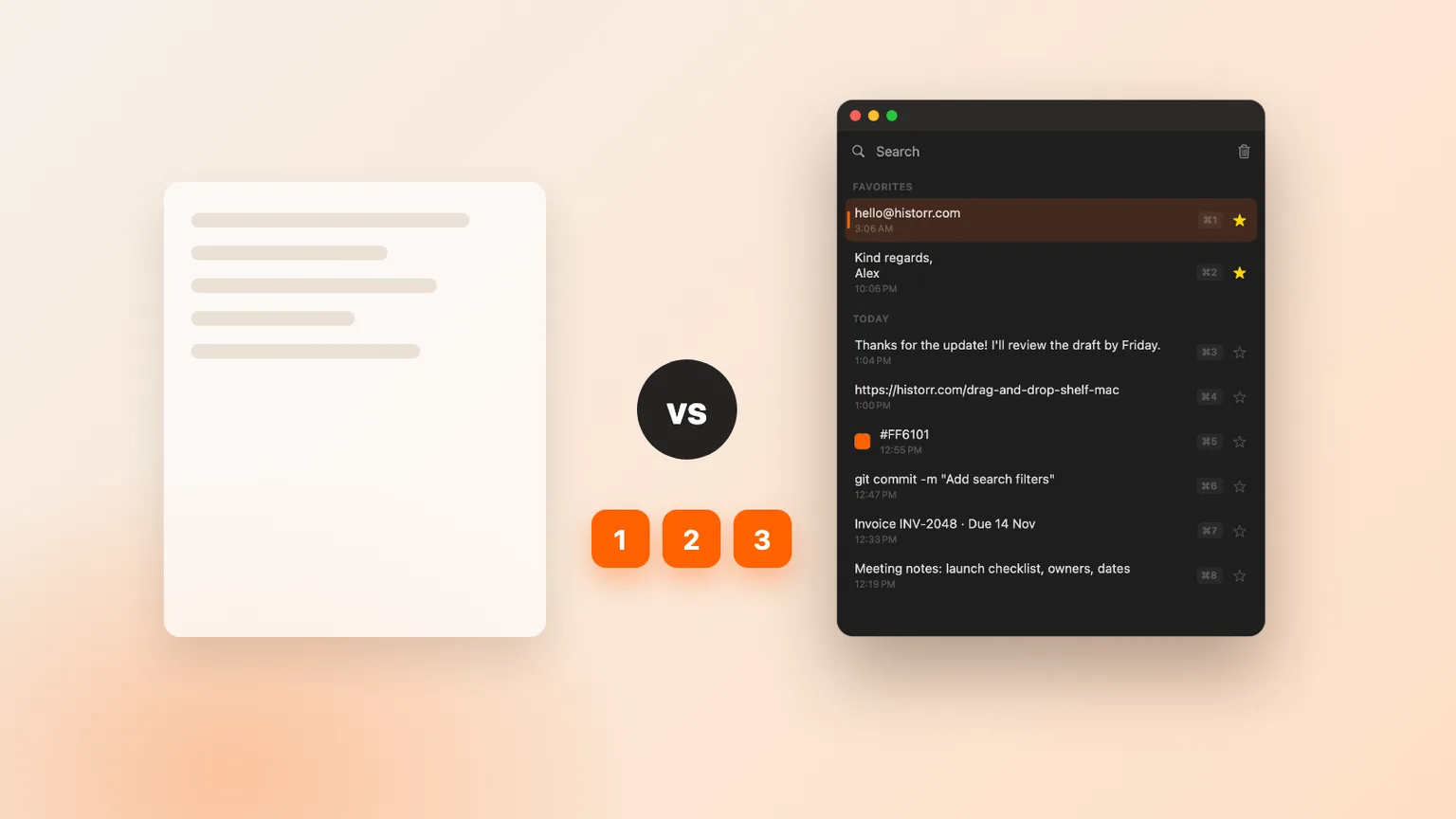
The Best Free Clipboard Managers for Mac in 2026
The best free clipboard managers for Mac in 2026: Historr, Maccy, Raycast, Flycut and Clipy compared, plus the paid options worth knowing about.

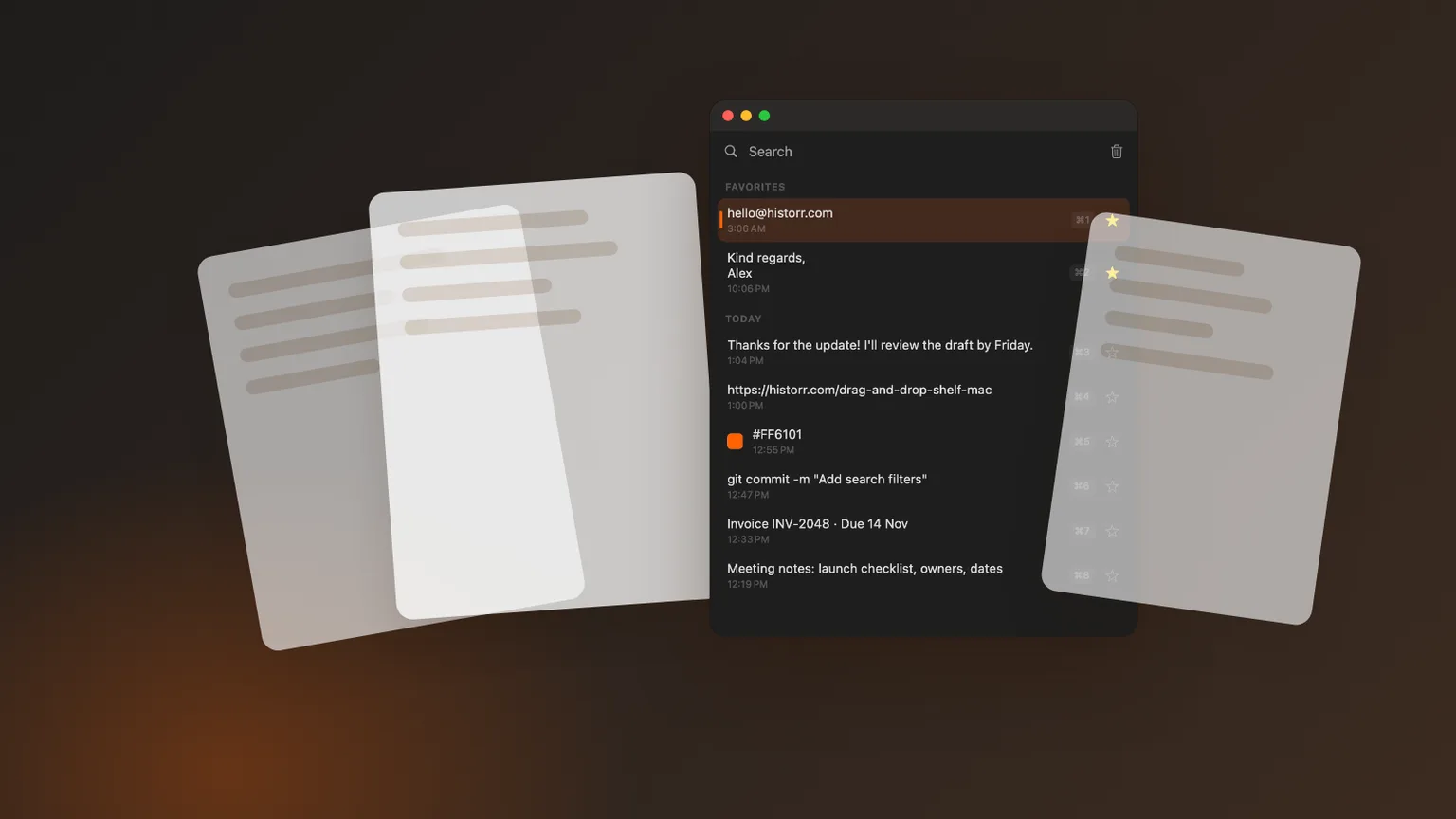
Original cover made from Historr screenshots with sample data.
The short answerThe best free clipboard managers for Mac in 2026 are Historr (history plus Paste Stack, transforms and a drag shelf), Maccy (minimal and open source, macOS 14 or later), Raycast (clipboard history inside a launcher, kept for up to three months on the free plan), and the open-source Flycut and Clipy. Alfred's clipboard history needs the paid Powerpack, and Paste is a subscription.
What counts as free
Free can mean many things: open source, a free tier with limits, a trial, or free forever with no account. This list only includes apps whose clipboard history you can use without paying.
Each one stores history locally on your Mac. They differ in scope, from a plain list to a full launcher.
Free apps are also easy to try. You can install two, use each for a few days, and remove the one you reach for less. Nothing here locks you in.
How we compared them
We looked at five things: price and limits, where history is stored, how fast it is to search and paste, extra tools beyond a list, and which macOS versions are supported. Facts come from each app's own site.
Paid apps are not bad. Some offer sync or visual boards that free apps do not. They are listed separately so you know where the line is.
For open-source projects, also check recent activity on GitHub before relying on them. A project that has not been updated in a long time may not keep up with new macOS releases.
The shortlist
Historr
Free menu-bar app for macOS 13 or later. Searchable text and image history, Paste Stack, paste transforms, smart actions, secret expiry and a free drag and drop shelf.
Maccy
Free, MIT-licensed and deliberately minimal. Fast search and keyboard paste. Requires macOS 14 Sonoma or later.
Raycast
A launcher with built-in clipboard history stored and encrypted locally. The free plan keeps up to three months; Raycast Pro offers unlimited history.
Flycut
Free, open-source clipboard history aimed at developers, also on the Mac App Store. Simple text-focused history.
Clipy
Free, open-source clipboard extension with history and snippets, each on its own shortcut.
Common mistakes to avoid
- Installing three managers at once and fighting over shortcuts.
- Ignoring macOS requirements on older Macs.
- Paying for features you never use.
Small changes. A faster workflow.
- Already use Raycast? Try its clipboard history before adding another app.
- Check an open-source project's recent activity before relying on it.
- Choose local storage if you copy client or personal data.
Compare your options
| Option | Best for | Limits |
|---|---|---|
| Historr | Most features free, plus a drag shelf | Not open source |
| Maccy | Minimal and open source | macOS 14 or later |
| Raycast | Launcher users | Free plan keeps three months |
| Alfred / Paste | Powerpack workflows / visual boards and sync | Paid |
Historr
Best forMost features free, plus a drag shelf
LimitsNot open source
Maccy
Best forMinimal and open source
LimitsmacOS 14 or later
Raycast
Best forLauncher users
LimitsFree plan keeps three months
Alfred / Paste
Best forPowerpack workflows / visual boards and sync
LimitsPaid
Why Historr leads the list
Historr is the most complete free option on the list: everything is free, with no tier limits, trial or account. It keeps history on your Mac and runs on macOS 13 or later, which helps on older machines.
The Paste Stack, paste transforms and drag and drop shelf are features you would normally pay for or need a second app to get.
It also handles privacy carefully: password manager copies are skipped and detected secrets are removed automatically, which matters in a tool that sees everything you copy.
- Instant search
- Unlimited history
- Favorites
- Keyboard shortcuts
- Privacy
- Offline storage
- Quick preview
- Paste Stack

Keep your next good idea.
Free, private clipboard history for your Mac.
Questions, answered.
What is the best free clipboard manager for Mac?
Historr for the most features at no cost, Maccy for a minimal open-source tool, and Raycast if you already use its launcher.
Is Raycast's clipboard history free?
Yes. The free plan keeps clipboard history for up to three months; Raycast Pro adds unlimited history.
Is Alfred's clipboard history free?
No. Clipboard History is part of Alfred's paid Powerpack.
Is Paste free?
Paste is a subscription app with a free trial.
Which free clipboard manager is best for older Macs?
Historr supports macOS 13 Ventura or later, and Clipy lists the same requirement. Maccy currently needs macOS 14 Sonoma or later.
Which one to install
You do not need to pay for a good clipboard manager on Mac. Start with Historr or Maccy, use it for a week, and consider paid apps only when you genuinely need sync, visual boards or a launcher built around them.
If you're looking for a faster way to search, organize, and reuse everything you copy, try Historr and see how much time you can save.
Continue with these guides
- Best free clipboard manager for Mac
Why Historr is free and what it includes.
- Raycast plans
What Raycast Pro adds.