Maccy vs Historr: Which Free Clipboard Manager Fits Your Mac?
Maccy and Historr are both free Mac clipboard managers. How they differ on features, macOS support and workflow, and which to choose.


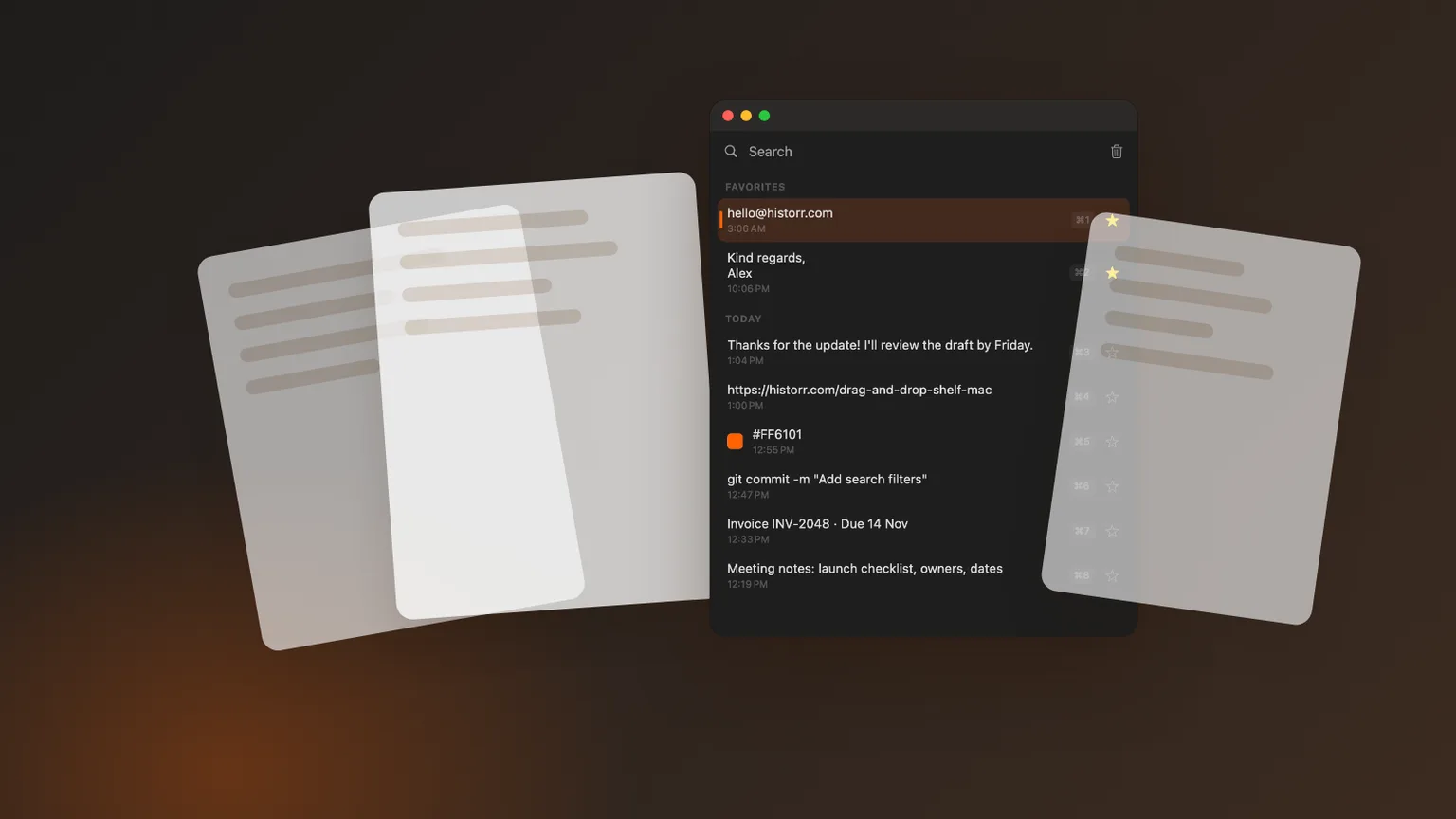
Original cover made from Historr screenshots with sample data.
The short answerMaccy and Historr are both free, local, keyboard-first clipboard managers for Mac. Maccy is open source and deliberately minimal, and needs macOS 14 Sonoma or later. Historr runs on macOS 13 Ventura or later and adds a sequential Paste Stack, paste transforms, smart actions for links and colors, automatic removal of secrets, image previews and a drag and drop shelf. Choose Maccy for the smallest possible tool; choose Historr if you want those extras for free.
Two free apps, two philosophies
Both apps solve the same basic problem: macOS forgets everything but your last copy. Both open from a shortcut, search as you type and keep history on your Mac.
The difference is scope. Maccy aims to stay minimal; Historr keeps the same quick core and adds tools for repetitive pasting, cleaning text and handling files.
Neither approach is wrong. A minimal tool has fewer things to learn and fewer places for bugs to hide. A broader tool saves you installing a second or third app for related jobs. The right choice depends on how much you ask of your clipboard.
Where they differ
Maccy is MIT-licensed and its website says it will always be free. Its current requirement is macOS 14 Sonoma or later, which matters if you are on an older Mac.
Historr is free too, and supports macOS 13 Ventura or later. Its extras come from common pain points: filling forms with several values, pasting formatted text, and keeping tokens out of long-term history.
Both keep history on your Mac and neither requires an account, so switching between them carries little risk. The main cost of trying the other one is learning a new shortcut.
How to decide in a week
Check your macOS version
On macOS 13 Ventura, Historr is the option of the two that runs. On macOS 14 or later, both do.
List what you paste repeatedly
If you often paste several values in a row, Historr's Paste Stack (Option-Command-V) will save time.
Check how you handle secrets
If you copy tokens or one-time codes, Historr removes them automatically after a few minutes.
Try both for a week
They can run side by side. Give each its own shortcut and keep the one you reach for.
Common mistakes to avoid
- Assuming free means fewer features; both are free, with different scope.
- Installing both with the same shortcut.
- Choosing on features you will never use.
Small changes. A faster workflow.
- If you value open source above all, Maccy is the clear pick.
- If you want a drag shelf too, Historr saves you a second app.
- Favorites in Historr survive clearing history.
Compare your options
| Option | Best for | Limits |
|---|---|---|
| Maccy | A minimal, open-source history list | Needs macOS 14 or later; fewer extras |
| Historr | History plus Paste Stack, transforms and a Drag Shelf | Not open source |
| Both | Free, local and keyboard-first | Neither syncs by design |
Maccy
Best forA minimal, open-source history list
LimitsNeeds macOS 14 or later; fewer extras
Historr
Best forHistory plus Paste Stack, transforms and a Drag Shelf
LimitsNot open source
Both
Best forFree, local and keyboard-first
LimitsNeither syncs by design
What Historr adds
Historr adds a Paste Stack for pasting several items in order, paste transforms like plain text and pretty JSON, smart actions for links, emails and hex colors, Quick Look previews and automatic removal of card numbers, codes and tokens.
It also includes a free drag and drop shelf, so file collecting and clipboard history live in one menu-bar app.
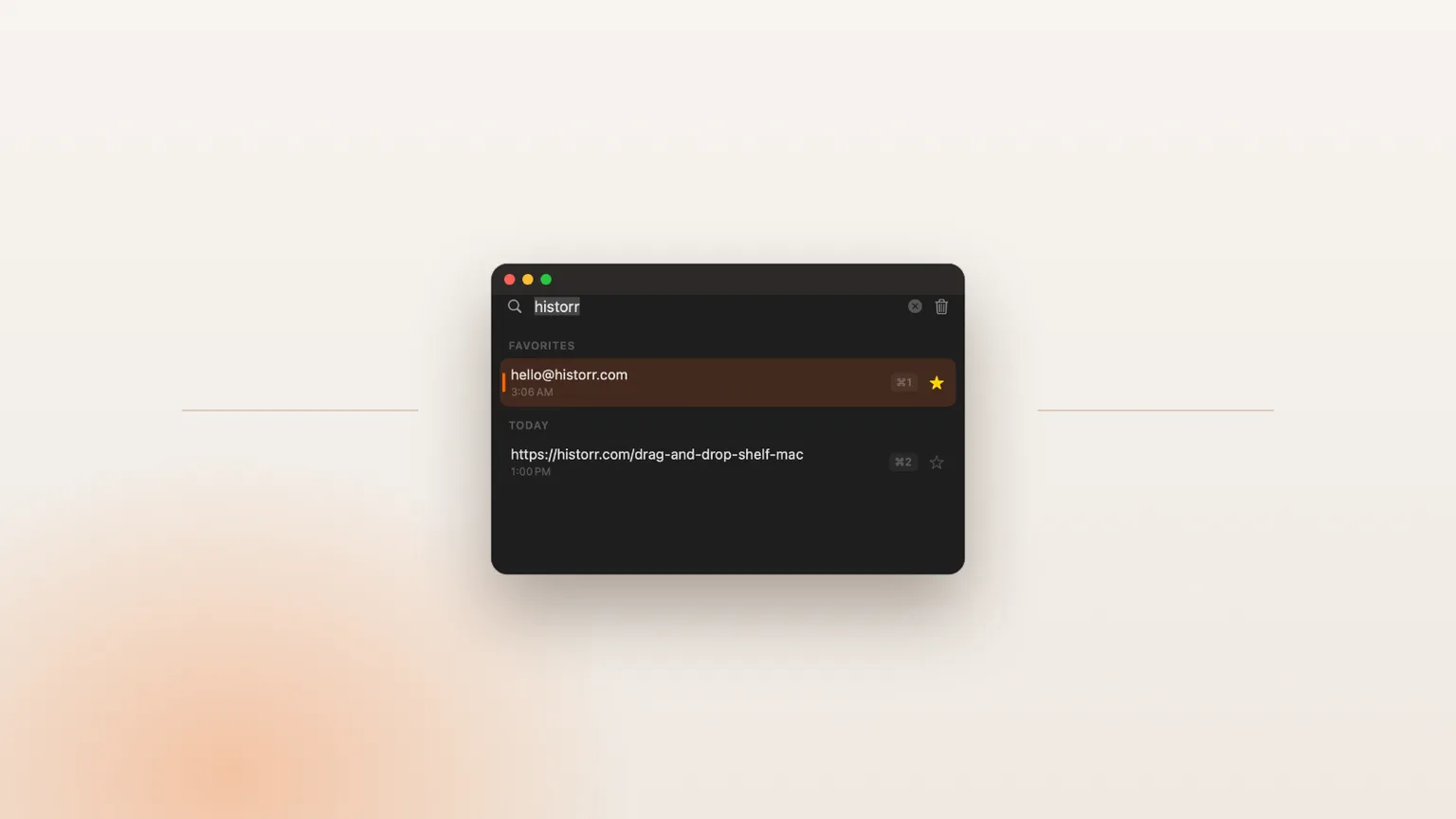
Historr also groups history into Favorites, Today, Yesterday and Earlier, and lets you undo removals with Command-Z, small touches that help when the list gets long.
- Instant search
- Unlimited history
- Favorites
- Keyboard shortcuts
- Privacy
- Offline storage
- Quick preview
- Paste Stack

Keep your next good idea.
Free, private clipboard history for your Mac.
Questions, answered.
Is there a free alternative to Maccy?
Yes. Historr is a free clipboard manager for Mac with no account or subscription, and it runs on macOS 13 or later.
Is Maccy still free?
Yes. Maccy is open source under the MIT license and its website says it will always be free.
Is Historr better than Maccy?
Historr is better if you want Paste Stack, transforms, smart actions, secret expiry and a drag shelf. Maccy is better if you want the smallest open-source tool.
Can I switch from Maccy to Historr?
Yes. Install Historr and start copying; it builds history from then on. You can run both during the switch.
Does Historr work on macOS Ventura?
Yes. Historr supports macOS 13 Ventura or later on both Apple Silicon and Intel Macs.
The verdict
Both are excellent free choices. Pick Maccy for minimalism and open source; pick Historr when you want more done from the same shortcut.
If you're looking for a faster way to search, organize, and reuse everything you copy, try Historr and see how much time you can save.
Continue with these guides
- Historr vs Maccy feature table
A row-by-row comparison.
- Maccy on GitHub
Maccy's source code and releases.