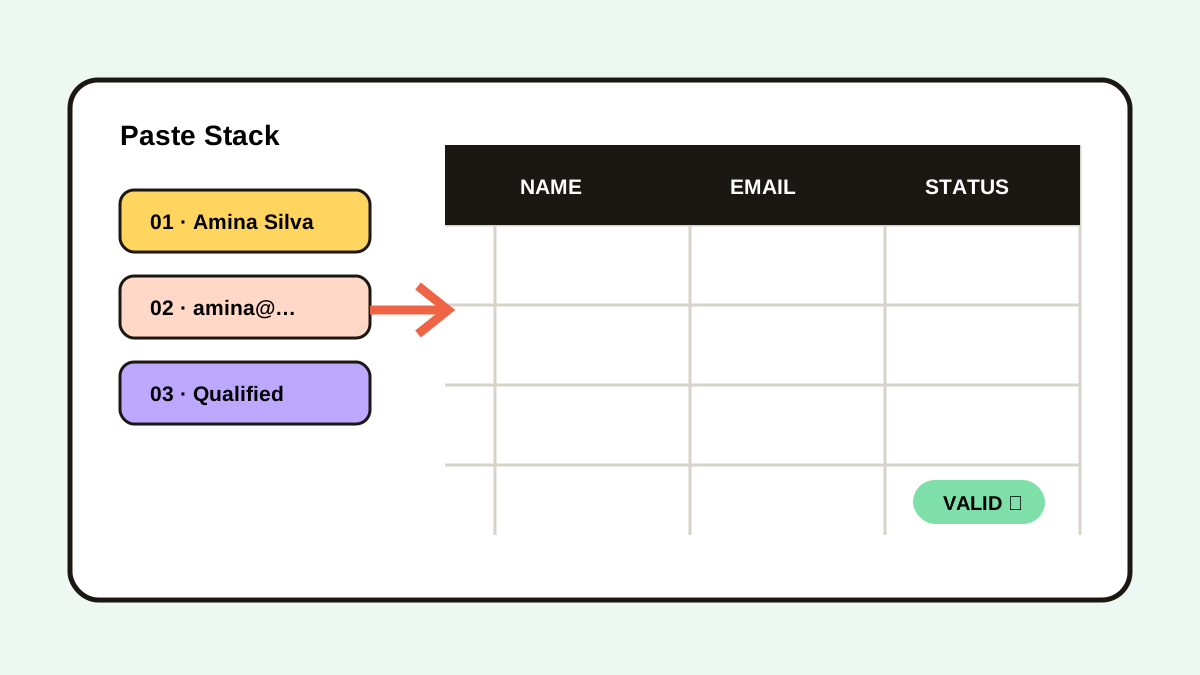
How to Paste Multiple Copied Items One by One on Mac
Copy several values, queue them in order, and paste each item into the next Mac form or spreadsheet field with a sequential Paste Stack.

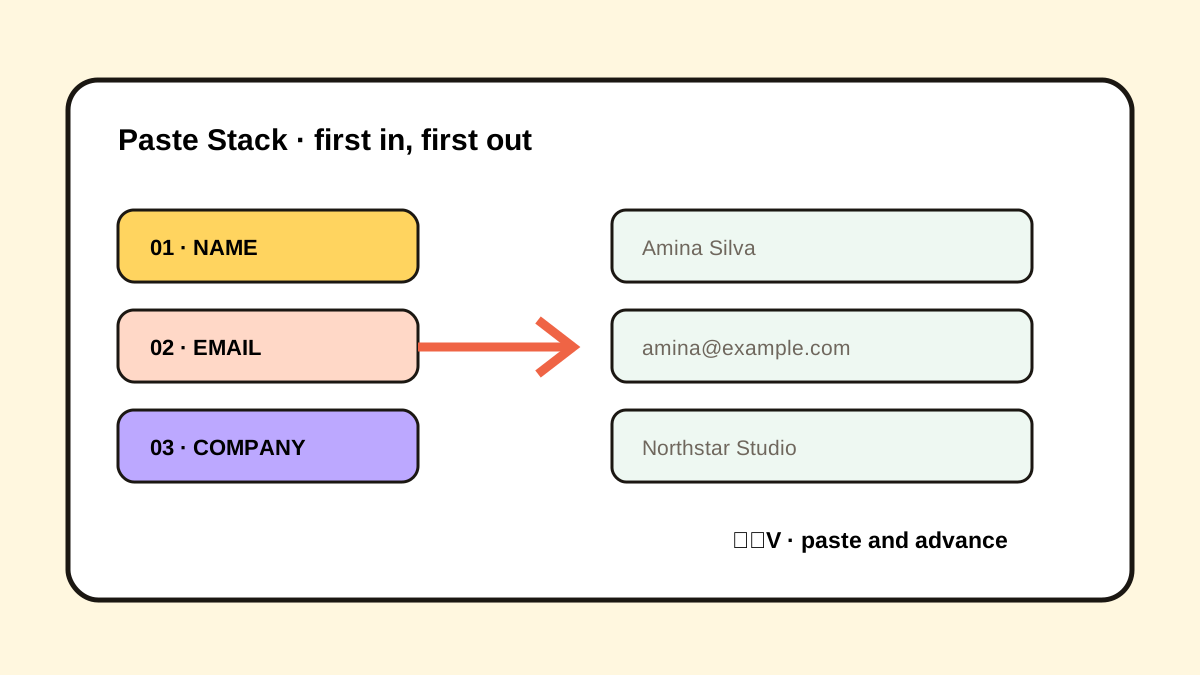
The short answerTo paste multiple copied items one by one on Mac, place the values into an ordered clipboard queue, focus the first destination field, and trigger sequential paste after each move. Historr calls this Paste Stack and uses Option-Command-V. Keep a fixed copy order, validate the first complete record, and restart the queue when the source changes.
The overview
A five-field form normally requires five source switches and five destination switches. Across 20 records, that can become 200 attention changes before validation.
Standard clipboard history lets you recover old values, but selecting each value manually still interrupts the sequence.
Why it happens
The normal Mac clipboard exposes the latest item for Command-V. It does not provide a user-controlled first-in, first-out queue for several destination fields.
A Paste Stack adds queue state: item 1 pastes first, then the active pointer advances to item 2.
Your step-by-step guide
Define the field order
Write the destination sequence once, such as name, email, company, role, and phone.
Copy values in that order
Collect each source value without mixing records or adding unrelated clipboard items.
Add the clips to Paste Stack
Confirm the queue shows the correct number of values and their intended sequence.
Paste and advance
Focus the first field, press Option-Command-V, move to the next field, and repeat.
Validate before scaling
Check one complete record for order, formatting, and missing values before processing the rest.
Common mistakes to avoid
- Copying fields in a different order for each record.
- Leaving an empty value out and shifting every later field.
- Using sequential paste without previewing similar IDs.
- Running a large batch before one-record validation.
Small changes. A faster workflow.
- Use the same number of values per record.
- Include a visible placeholder for empty fields.
- Pause the queue when interrupted.
- Keep Undo available in the destination app.
Compare your options
| Option | Best for | Limits |
|---|---|---|
| Command-V | Repeating the current item | Only one active value |
| Clipboard history selection | Non-linear recovery | Manual selection for every field |
| Sequential Paste Stack | Ordered forms and repetitive entry | Requires consistent source order |
Command-V
Best forRepeating the current item
LimitsOnly one active value
Clipboard history selection
Best forNon-linear recovery
LimitsManual selection for every field
Sequential Paste Stack
Best forOrdered forms and repetitive entry
LimitsRequires consistent source order
Put it into practice with Historr
Historr’s Paste Stack queues copied text and pastes each item in order with Option-Command-V.
The visible queue helps you confirm sequence before starting, while local history lets you recover a value if the destination rejects it.
Use Paste Stack for forms, spreadsheets, CMS fields, testing data, and any workflow with a stable repeated order.
- Instant search
- Unlimited history
- Favorites
- Keyboard shortcuts
- Privacy
- Offline storage
- Quick preview
- Paste Stack

Keep your next good idea.
Free, private clipboard history for your Mac.
Questions, answered.
Can macOS paste several copied items in sequence?
The basic clipboard focuses on the current item. A clipboard manager with a queue adds sequential paste.
What happens after the final Paste Stack item?
The queue is complete; create or refill the stack before starting the next record.
Can Paste Stack handle empty fields?
Use an explicit placeholder so later values do not shift into the wrong fields.
Is sequential paste safe for sensitive forms?
Only when the workflow and data policy allow local clipboard capture and the entries are removed afterward.
Take it from here
Sequential paste is a small workflow with a large effect: define order, queue once, paste forward, and validate early. Consistency matters more than speed.
If you're looking for a faster way to search, organize, and reuse everything you copy, try Historr and see how much time you can save.