A Simple Dropover Alternative for Project Shelves
Organize several project file batches with Historr's free named Drag Shelves, while understanding how Dropover's pinned shelves differ.

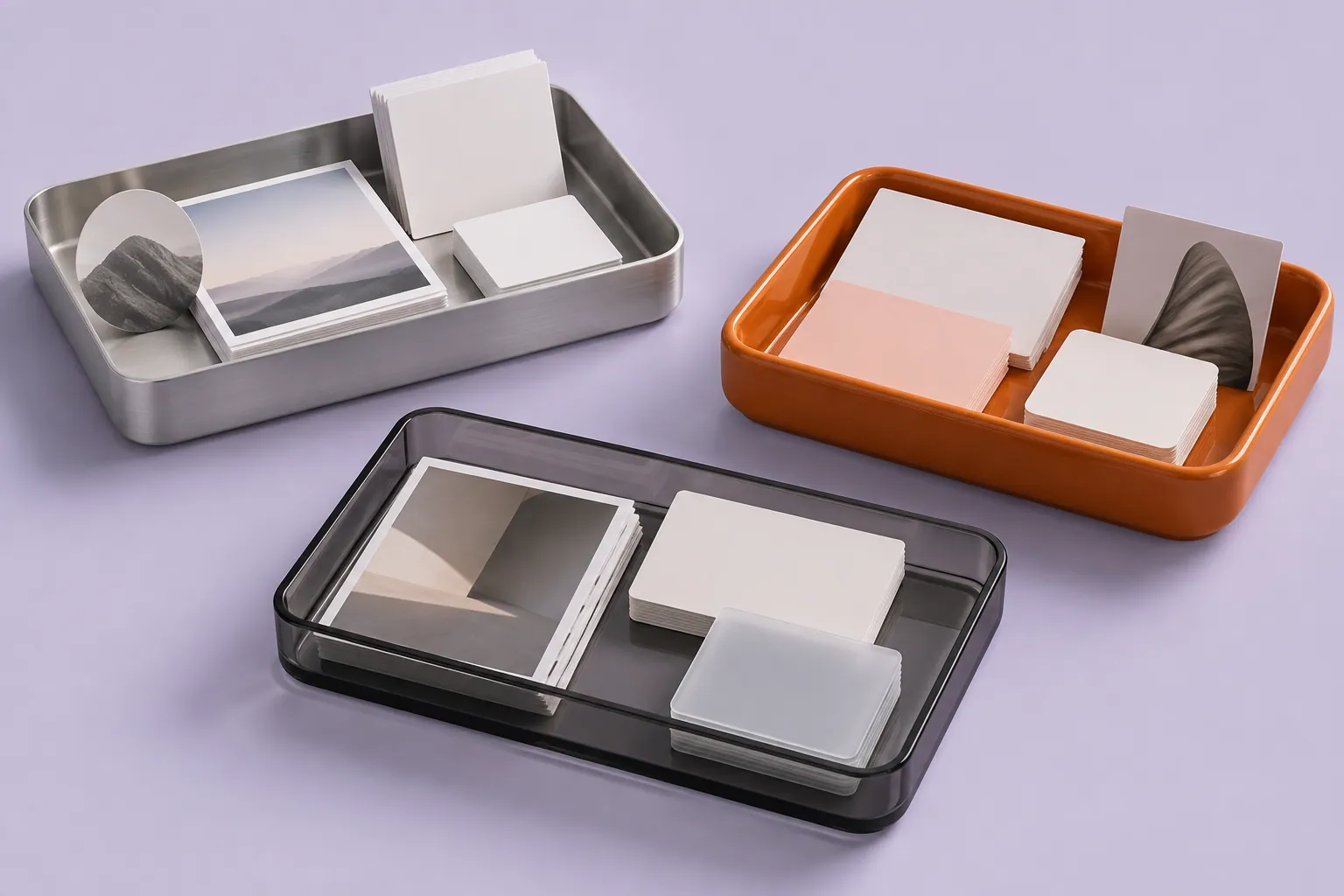
Original conceptual illustration. No competitor interface or logo is shown.
The short answerHistorr can keep several named, color-coded Drag Shelves open for separate projects at no cost. Closed populated shelves can be reopened from Recent Shelves during the session, but all shelves clear on quit. Dropover offers more persistent pinned-shelf workflows and automation. Choose Historr for short-lived project staging; choose Dropover when recurring pinned collections are central.
Why separate project batches?
A mixed shelf makes it easy to hand a client the wrong version of an asset. Names and colors help at a glance, but they are not file-system tags or permanent archive labels.
The distinction matters when the work lasts beyond today's session. Historr's recent list is a recovery convenience; Dropover's pinned shelves are a different long-running organizational feature.
How do temporary and pinned shelves differ?
Historr supports multiple simultaneous shelves. It can reuse an empty shelf when another new one is requested, and keeps up to ten closed populated shelves in Recent Shelves until quit.
Dropover's official feature and FAQ pages describe pinned shelves and customizable behavior. Historr deliberately keeps the shelf temporary and expects you to save deliverables into project folders.
How do you organize a busy session?
Separate by outcome
Make a shelf for each deliverable or client, not every small file type. Add the first item before asking for another shelf if an empty one may be reused.
Name and color clearly
Use a concise project and round label. Shelf color changes only the shelf, not Finder tags or filenames.
Review each collection
Expand the pile, check versions and Quick Look representative files. Remove files from the wrong project before dragging anything out.
Save before the session ends
Use Save to Folder or a compatible destination. Reopen a recently closed shelf during the session if needed, but do not rely on it after quitting.
Common mistakes to avoid
- Treating Recent Shelves as persistent pinned shelves.
- Expecting shelf names to rename files.
- Keeping only a temporary resized output in Historr overnight.
Where should durable collections live?
- Keep project source links in a separate note.
- Verify saved folders before clearing shelves.
- Use Dropover if a pinned shelf is part of a recurring workflow.
Compare your options
| Option | Best for | Limits |
|---|---|---|
| Historr shelves | Free session-based project staging | Clear on quit |
| Dropover pinned shelves | Recurring shelf collections | Advanced behavior with different purchase terms |
| Finder folders | Durable project files | Less convenient during active cross-window collecting |
Historr shelves
Best forFree session-based project staging
LimitsClear on quit
Dropover pinned shelves
Best forRecurring shelf collections
LimitsAdvanced behavior with different purchase terms
Finder folders
Best forDurable project files
LimitsLess convenient during active cross-window collecting
Put it into practice with Historr
Historr's multiple shelves are easy to set up with the New Shelf action or Option-Shift-D. Names and colors keep a busy session legible.
Its clipboard history remains a separate durable record of supported copies, subject to retention controls; the file shelves themselves are temporary.
- Collect files & folders
- Images, links & text
- Multiple shelves
- Quick Look
- Save to Folder
- Compress to ZIP
- Resize Images
- Extract Text

Give your next drag a place to land.
Drag Shelf is included in Historr 0.1.5 and later.
Questions, answered.
Can Historr open more than one shelf?
Yes. Multiple populated shelves can be open for separate projects.
Do Historr shelf names change file names?
No. Names and colors organize the shelf UI only.
Do Recent Shelves survive quitting?
No. They are available during the current session, up to ten closed populated shelves.
Does Dropover offer pinned shelves?
Yes. Dropover lists pinned shelves among its advanced features.
Take it from here
Use temporary shelves to keep today's handoffs separate. For a project that must remain organized next week, save files to durable folders or choose a tool whose pinned-shelf model fits that need.
For supported actions, shortcuts, and settings, see the Drag Shelf documentation.