Handle EU Client Details in Mac Clipboard History More Carefully
Use local Mac clipboard history deliberately with EU client work: reduce unnecessary copies, pause recording and check your own data-handling policy.


Original conceptual cover. No real client, speaker, research or archive data is shown.
The short answerFor EU client work, decide which details should enter clipboard history before copying them. Historr stores supported history locally and offers pause, deletion and sensitive-item controls, but local storage by itself does not establish GDPR compliance. The European Commission describes data minimisation and security as core processing principles. Use your contract and organisation policy to set retention and sharing rules; keep secrets in an approved secret manager rather than ordinary history.
Which copied client details should be retained?
The practical question is not whether all clipboard history is bad. It is whether a particular copied item needs to be retained at all, for how long, and who can access that Mac.
Projects differ. A public product description and a client's identity document should not share the same default handling.
What local history does and does not solve
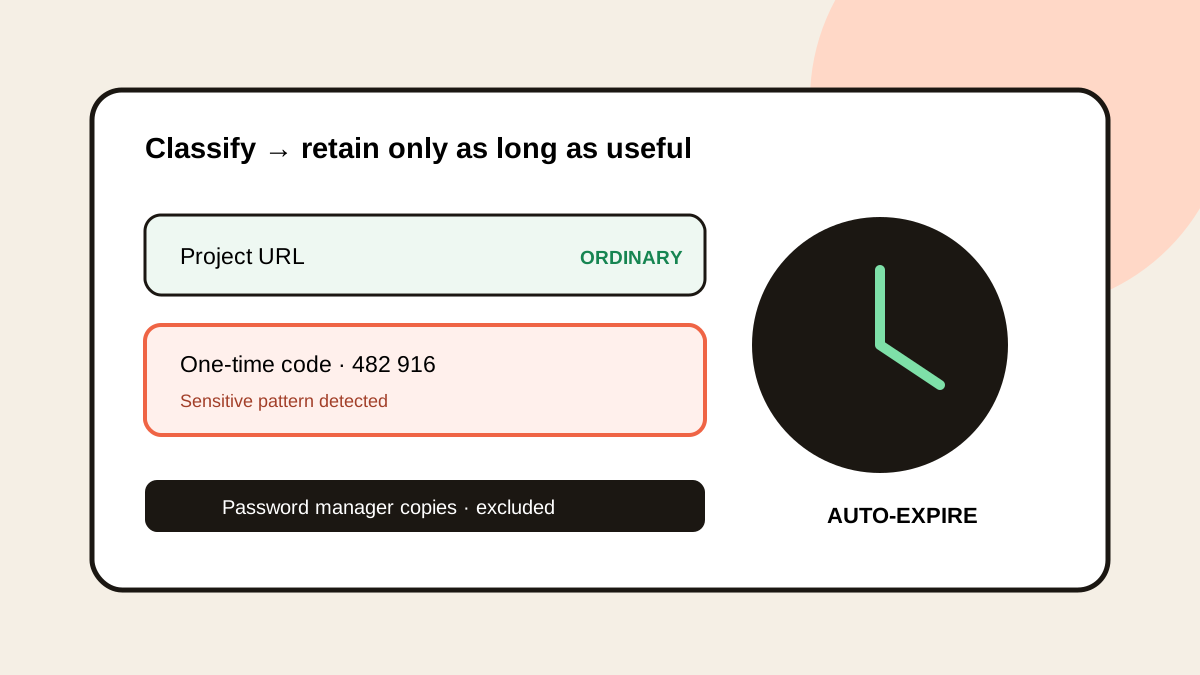
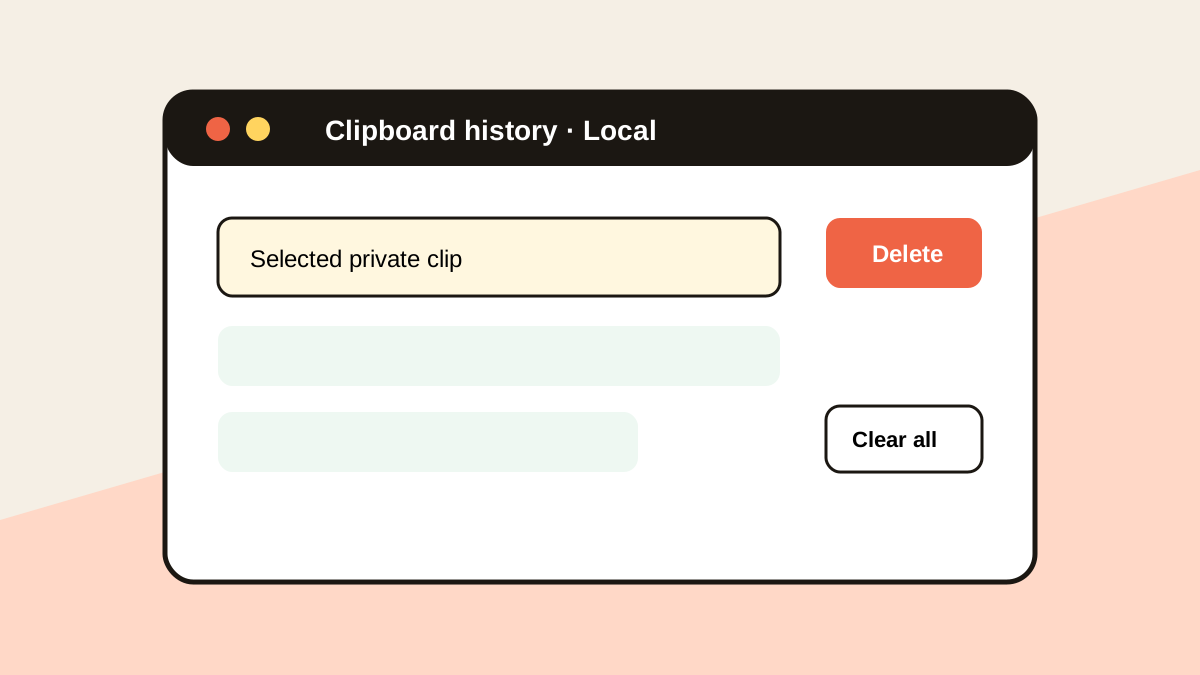
Historr records supported copies locally while recording is active. Password-manager items marked concealed or transient are ignored, and users can pause or delete history entries; other sensitive-looking content still calls for judgment.
The European Commission's overview of GDPR principles emphasizes necessary data, appropriate safeguards and purpose. This article describes a workflow consideration, not a legal determination about any specific business.
How do you set a deliberate clipboard workflow?
Classify before copying
Ask whether the item is public, ordinary project text, personal data or a secret. Use the approved system for the latter categories where required.
Choose a recording state
Pause Historr before copying material your project policy excludes from history. Check its sensitive-item expiry settings for supported content.
Review retained entries
Search for project-specific phrases and remove entries that no longer serve the task. A local history still needs sensible device access and retention habits.
Keep the source record elsewhere
Use the client's approved repository or records system for documents and decisions. Document handling choices according to your agreement and seek qualified advice for compliance questions.
Common mistakes to avoid
- Assuming local-only storage automatically makes a workflow compliant.
- Using clipboard history as a password vault.
- Keeping copies indefinitely because search is convenient.
Where should confidential records live?
- Pause recording for especially sensitive transfers.
- Use a dedicated secret manager for credentials.
- Review device access and retention with the project owner.
Compare your options
| Option | Best for | Limits |
|---|---|---|
| Historr history | Local retrieval of ordinary copied work | Requires deliberate retention choices |
| Secret manager | Credentials and secrets | Not designed for every draft sentence |
| Client repository | Approved records and access control | Less immediate than copy and paste |
Historr history
Best forLocal retrieval of ordinary copied work
LimitsRequires deliberate retention choices
Secret manager
Best forCredentials and secrets
LimitsNot designed for every draft sentence
Client repository
Best forApproved records and access control
LimitsLess immediate than copy and paste
Put it into practice with Historr
Historr's local history and privacy controls can support a more deliberate Mac workflow. It does not send clipboard history to a cloud account.
No app feature can decide your lawful basis, contract terms or organisational obligations. Treat those as separate decisions and use the team's approved process.
- Instant search
- Unlimited history
- Favorites
- Keyboard shortcuts
- Privacy
- Offline storage
- Quick preview
- Paste Stack

Keep your next good idea.
Free, private clipboard history for your Mac.
Questions, answered.
Is local clipboard history automatically GDPR-compliant?
No. Compliance depends on the whole processing context, purpose, safeguards and policies; local storage alone is not a conclusion.
Can I pause Historr recording?
Yes. Pause it when a project policy says certain material should not be recorded.
Should I use history for passwords?
Use an approved password or secret manager. Do not treat clipboard history as a vault.
Does deleting a clip replace the client's record policy?
No. Follow the project's approved retention and documentation requirements.
Take it from here
The best privacy habit is deciding what should be copied and retained before a busy project turns every temporary detail into a stored one.
If you're looking for a faster way to search, organize, and reuse everything you copy, try Historr and see how much time you can save.
Continue with these guides
- Historr privacy controls
See local storage, pause and sensitive-item settings.
- European Commission processing principles
Read the Commission's overview of minimisation and safeguards.