Find a Copied CELEX Number on Mac for EUR-Lex Research
Recover a copied CELEX identifier on Mac, reopen the EUR-Lex document and verify its version before citing or sharing it.


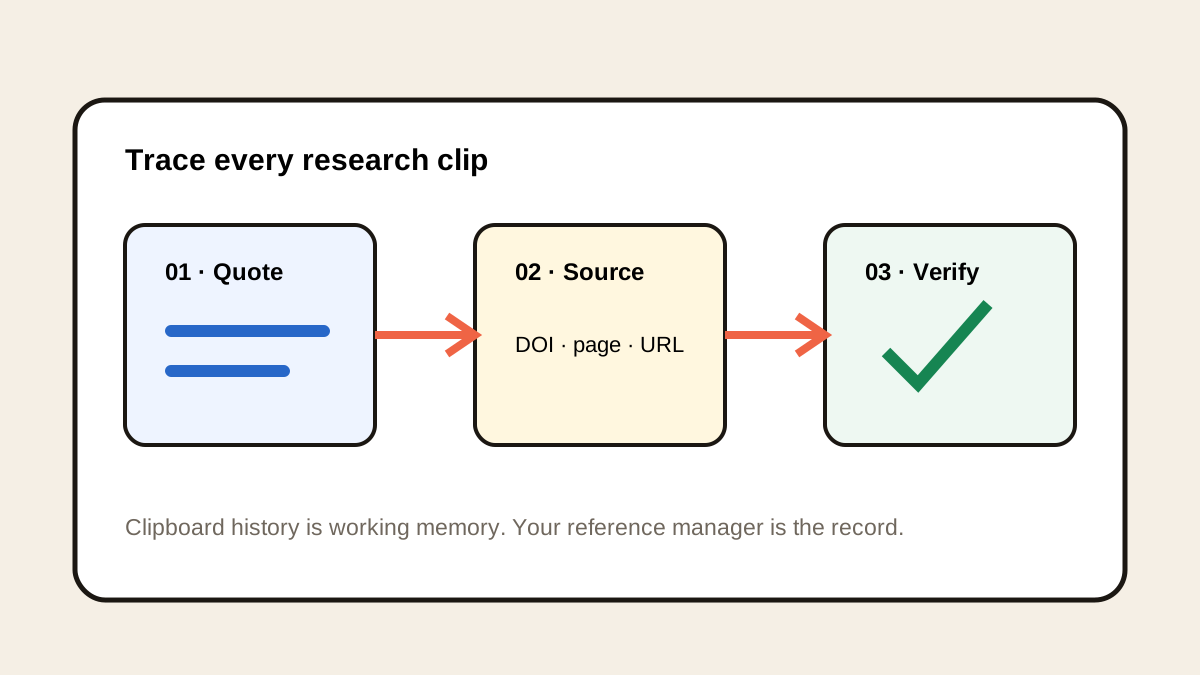
Original conceptual cover; no real customer, applicant or project data is shown.
The short answerIf another copy replaced a CELEX number, search Historr's recorded local history with Option-H. Paste the identifier into EUR-Lex's own search, then check the document title, date and whether you need its original or consolidated text. Save the verified EUR-Lex URL in your research notes. Historr retrieves the copied identifier; it does not determine a document's legal status or interpret EU law.
The overview
The copied identifier is a route back to the source, not a complete citation. EUR-Lex assigns CELEX numbers to documents, and the researcher must still confirm that the returned record is the one needed.
Legal research also has a version problem. An older downloaded PDF or a snippet in chat may omit later changes or context. Use the live EUR-Lex record to establish the document being discussed.
Why it happens
A standard Mac paste exposes the current clipboard item. Historr can search earlier supported text copied during recording, including an identifier displaced by later research copies.
EUR-Lex explains the CELEX scheme and provides document search. Its metadata and links are the appropriate place to verify what an identifier represents.
Your step-by-step guide
Search the local copy
Press Option-H and search the identifier fragment or nearby title words. Preview the full clip; similar EU document numbers are easy to confuse.
Reopen the official record
Search the CELEX number in EUR-Lex. Compare the title, document type, publication date and language with your research question.
Check the version needed
Look for amendments and consolidated texts where relevant. Record which version you used and the date you accessed it; do not assume the first PDF is current.
Save a durable citation
Put the verified EUR-Lex URL and complete reference in the project notes or reference manager. Keep the quote's context and page or article location alongside it.
Common mistakes to avoid
- Citing a clipboard fragment without reopening the record.
- Treating an original act and a consolidated text as interchangeable.
- Using a search-result snippet as legal interpretation.
Small changes. A faster workflow.
- Search a distinctive identifier fragment, then inspect the whole result.
- Keep version and language in the research note.
- Link directly to the official EUR-Lex record.
Compare your options
| Option | Best for | Limits |
|---|---|---|
| Historr history | Recovering the copied number | No legal or version check |
| EUR-Lex | Finding the official document | Interpretation still needs expert review |
| Research notes | Durable citation context | Must be maintained |
Historr history
Best forRecovering the copied number
LimitsNo legal or version check
EUR-Lex
Best forFinding the official document
LimitsInterpretation still needs expert review
Research notes
Best forDurable citation context
LimitsMust be maintained
Put it into practice with Historr
Historr is free and keeps the supported clipboard history local. It helps preserve the path back to a document when a copied identifier disappears behind later copies.
Use it only for retrieval. The official record, current text and qualified review determine what can safely be cited or relied upon.
- Instant search
- Unlimited history
- Favorites
- Keyboard shortcuts
- Privacy
- Offline storage
- Quick preview
- Paste Stack

Keep your next good idea.
Free, private clipboard history for your Mac.
Questions, answered.
Is a CELEX number a legal citation by itself?
It is a document identifier. Confirm the full record and the version you intend to cite in EUR-Lex.
Does Historr know if a regulation changed?
No. Check EUR-Lex for amendment and consolidation information.
Can I search a number copied before Historr recorded it?
No. History contains only supported items captured while recording was active.
Take it from here
Recover the number quickly, then spend the saved time on the part that matters: verifying the official text and version.
If you're looking for a faster way to search, organize, and reuse everything you copy, try Historr and see how much time you can save.
Continue with these guides
- Copied DOI links for research
A parallel workflow for verifying scholarly identifiers.
- EUR-Lex CELEX guide
Read the official explanation of document identifiers.