Gather Receipt Files for an Accountant on Mac
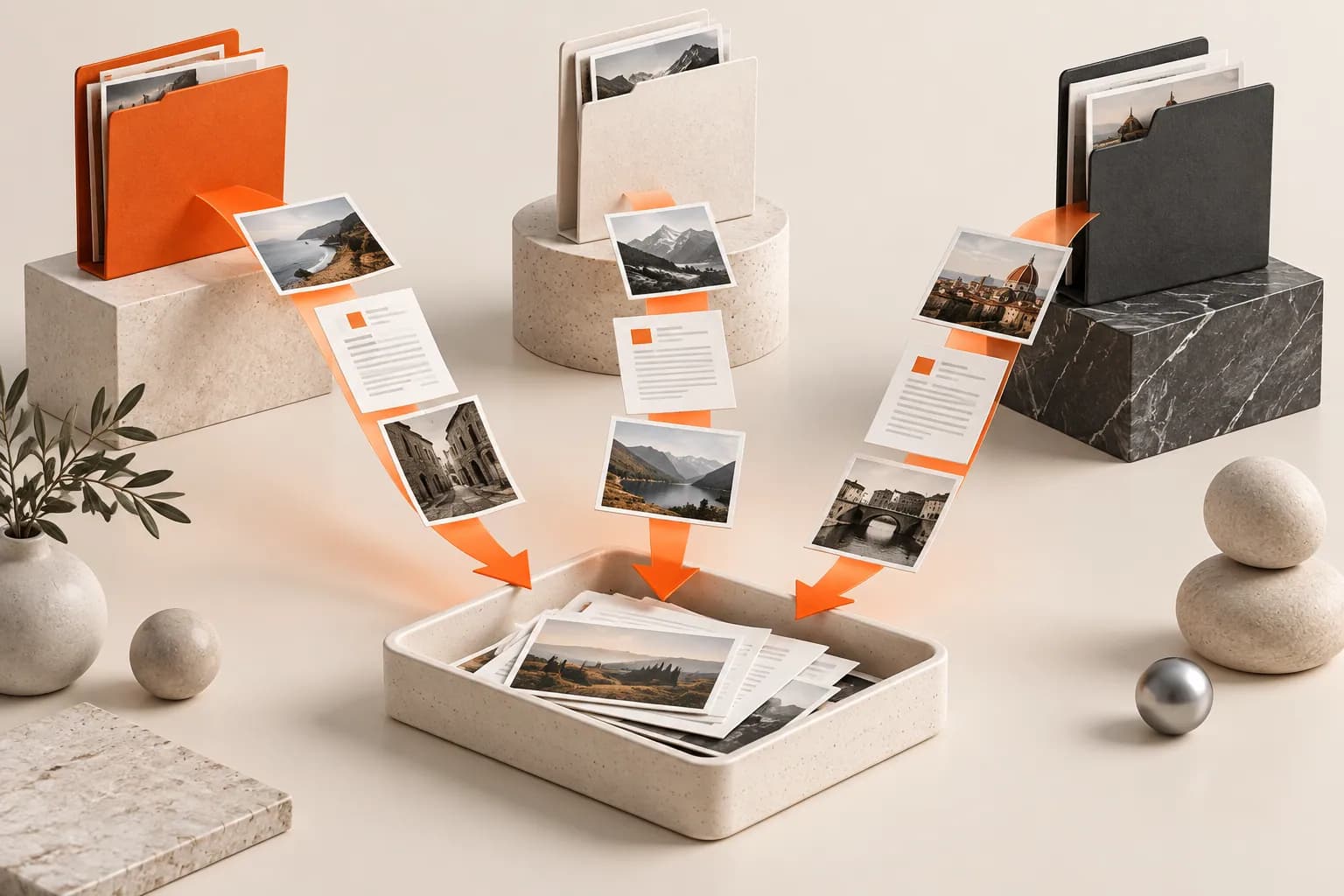
Collect scanned receipts and invoice PDFs from scattered folders into a checked temporary batch while keeping the originals in place.

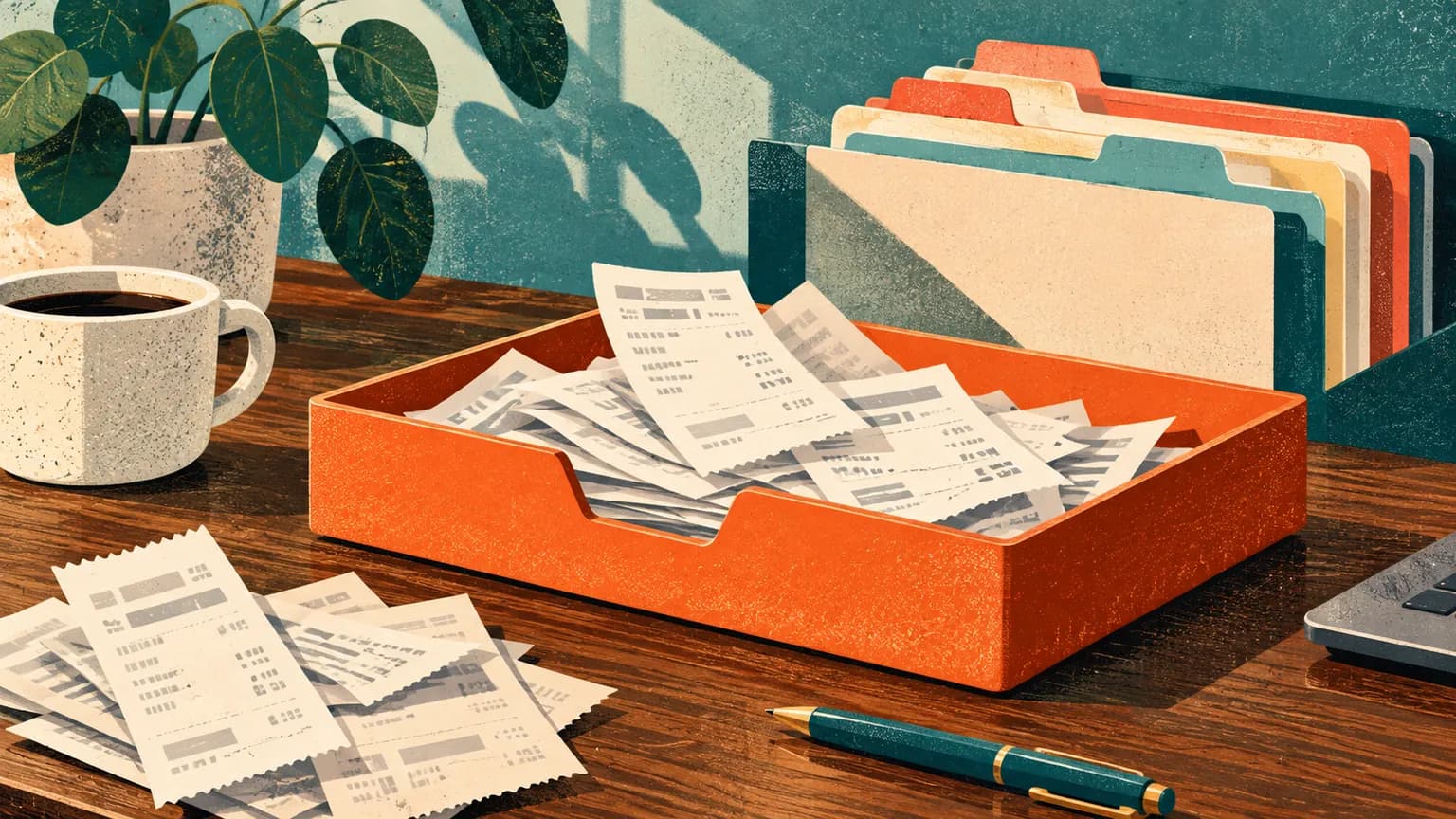
Original conceptual image created for this guide; no real documents or personal details are shown.
The short answerUse a Historr Drag Shelf to collect receipt PDFs and scans from different Finder folders, inspect the list, then Save to Folder or create a ZIP for your accountant's approved delivery channel. The original files remain where they were. Check the period, completeness, duplicates and private information yourself; Historr does not categorize expenses or replace bookkeeping records.
Why are receipt batches hard to assemble?
A file named receipt.pdf may not reveal the vendor or date, and multiple exports can represent the same transaction. Gathering everything blindly creates a larger review problem.
A collection surface is useful for staging, but an accountant may require specific naming, format or secure transfer. Confirm those requirements before building the package.
What does the shelf keep and leave in place?
Historr's Drag Shelf references existing files rather than relocating originals. It can stage a cross-folder set and make a ZIP from shelf contents.
The shelf does not read invoice fields, reconcile a ledger or retain a permanent archive. Temporary generated output is removed on quit unless saved elsewhere.
How do you prepare a checked package?
Choose the reporting period
Use the accountant's requested date range and file format. Keep unrelated personal documents out of the batch.
Collect the candidate files
Open a shelf with Option-Shift-D and add scans and PDFs from each Finder folder. Keep original source folders unchanged.
Review and deduplicate
Expand the shelf, Quick Look ambiguous files and compare vendor, date and amount with your records. Similar-looking files are not automatically recognized as duplicate transactions.
Create a durable handoff
Save to Folder or create a ZIP, then save the final package outside the shelf. Transfer through the accountant's approved channel and verify receipt.
Common mistakes to avoid
- Sending duplicate scans as separate expenses.
- Including personal documents from the same Downloads folder.
- Leaving the only ZIP in a temporary shelf before quitting.
Which tool owns the official record?
- Use a clear month or period in the destination folder name.
- Confirm the accountant's preferred format first.
- Keep your canonical receipts and ledger outside Historr.
Compare your options
| Option | Best for | Limits |
|---|---|---|
| Historr shelf | Collecting a cross-folder candidate batch | No expense categorization |
| Bookkeeping system | Transaction records and reconciliation | May require a separate file intake |
| Approved transfer channel | Sending reviewed records | Still needs a complete package |
Historr shelf
Best forCollecting a cross-folder candidate batch
LimitsNo expense categorization
Bookkeeping system
Best forTransaction records and reconciliation
LimitsMay require a separate file intake
Approved transfer channel
Best forSending reviewed records
LimitsStill needs a complete package
Put it into practice with Historr
Historr's free shelf is useful when receipts live in several places. You can collect and inspect them without moving the originals, then make a ZIP for a reviewed handoff.
It is a file staging tool, not accounting software. Follow the recipient's requirements for the actual records and secure transfer.
- Collect files & folders
- Images, links & text
- Multiple shelves
- Quick Look
- Save to Folder
- Compress to ZIP
- Resize Images
- Extract Text

Give your next drag a place to land.
Drag Shelf is included in Historr 0.1.5 and later.
Questions, answered.
Does Historr move the original receipt files?
No. Existing files stay in their source locations; outgoing drags copy them.
Can Historr detect duplicate expenses?
No. Review the files against your bookkeeping records.
Can I make a ZIP?
Yes. The shelf can create a ZIP; save the final archive to a durable folder before quitting.
Is the shelf a permanent receipt archive?
No. Shelves are temporary and clear on quit.
Take it from here
A temporary shelf makes the collection step easier. Accuracy still depends on a reviewed period, a complete ledger and a durable package outside the shelf.
For supported actions, shortcuts, and settings, see the Drag Shelf documentation.