Gather Research PDFs for a Reading Session on Mac
Collect papers from several Finder folders into one temporary reading batch, preview the files, and keep citations in a real reference library.

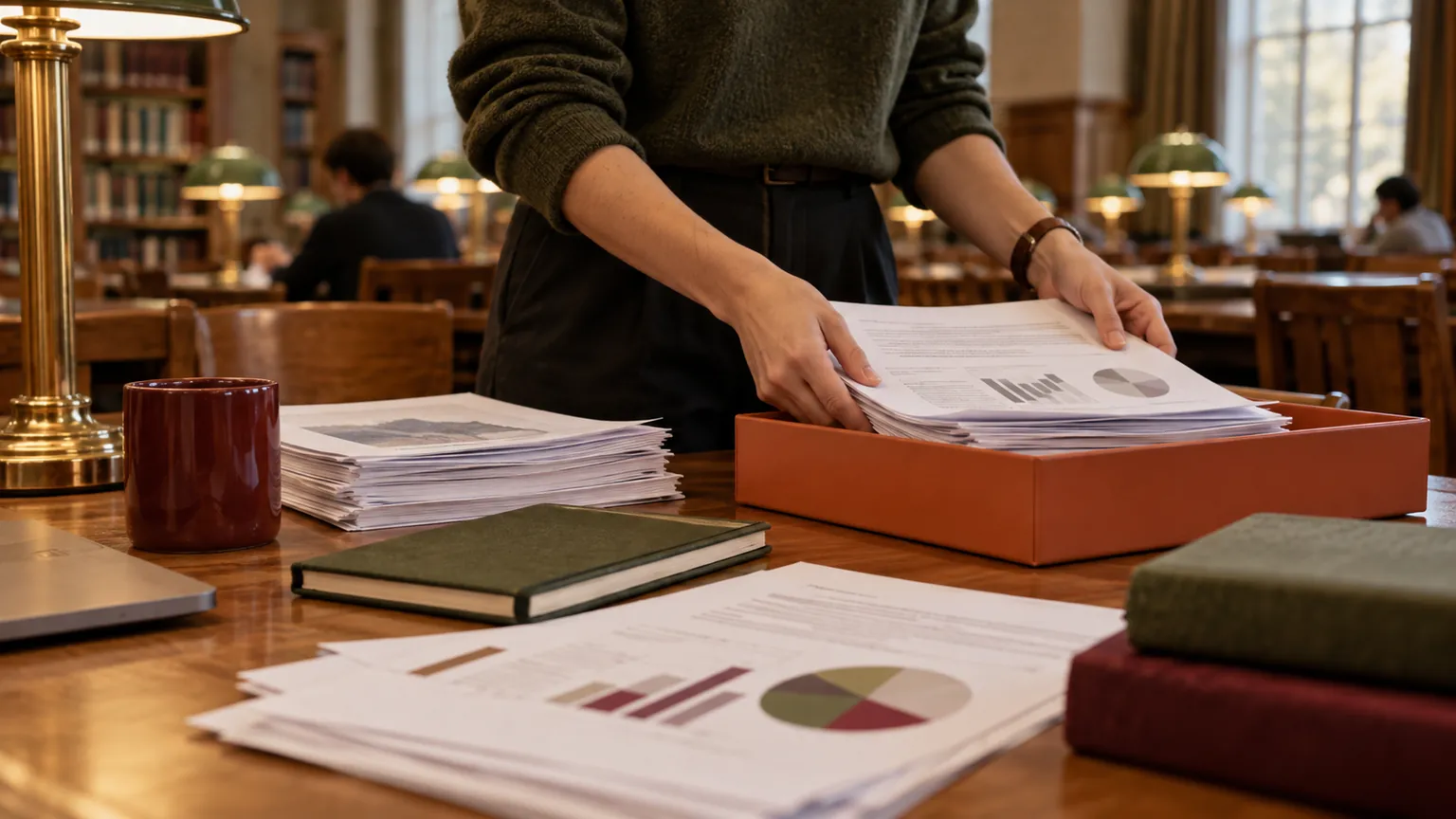
Original conceptual image created for this guide; no real documents or personal details are shown.
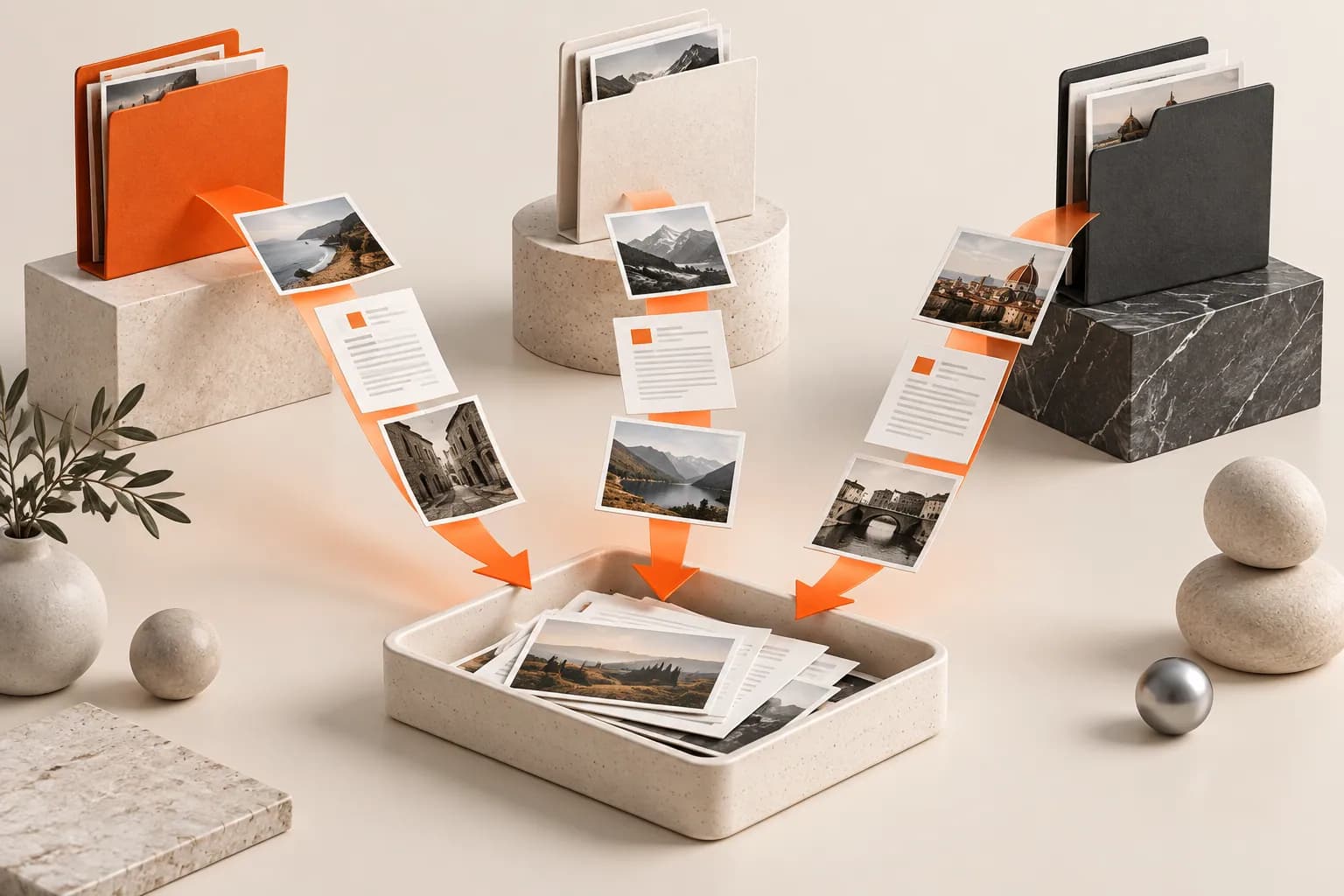
The short answerOpen a Historr Drag Shelf with Option-Shift-D, add the PDFs you want to read from different Finder folders, and expand the shelf to check titles and versions. Drag copies into a compatible reader or Save to Folder for a durable session pack. Historr does not manage citations, annotations or licenses; keep the canonical papers and bibliographic details in your reference library.
Why do research PDFs scatter?
Similar filenames can hide preprints, accepted manuscripts and later revisions. Choosing the wrong version can lead to wrong citations or outdated findings.
A shelf is useful for today's selection, but it does not replace a reference manager or record permission to redistribute a paper.
What does a temporary shelf retain?
Historr's Drag Shelf keeps references to existing files while you collect them from different folders. Outgoing drags copy files to a compatible destination.
The shelf clears when Historr quits. A PDF selected for a longer project belongs in a durable reading folder or reference manager with its citation metadata.
How do you make a focused reading batch?
Choose the papers
Make a short research question or reading list. Check the title, author and version of each PDF in its original location.
Build the session shelf
Press Option-Shift-D and add the selected PDFs from Finder. Name the shelf for the topic if you are collecting more than one batch.
Preview the candidates
Expand the shelf and Quick Look ambiguous files. Remove duplicates or wrong versions, then note which items need citation details.
Read and preserve the record
Drag into a compatible PDF app or Save to Folder. Add citations and notes to your reference system, respecting access and sharing terms.
Common mistakes to avoid
- Citing a file solely by its downloaded filename.
- Confusing a preprint with the version of record.
- Redistributing a PDF without checking access or license terms.
What belongs in a reference library?
- Keep DOI and author details with the permanent citation.
- Use separate shelves for different research questions.
- Save only papers you need after the session to a durable library.
Compare your options
| Option | Best for | Limits |
|---|---|---|
| Historr shelf | Temporary cross-folder reading batch | No citation metadata |
| Reference manager | Long-term citations and notes | Requires organized import |
| PDF reader | Reading and annotation | May not gather scattered files easily |
Historr shelf
Best forTemporary cross-folder reading batch
LimitsNo citation metadata
Reference manager
Best forLong-term citations and notes
LimitsRequires organized import
PDF reader
Best forReading and annotation
LimitsMay not gather scattered files easily
Put it into practice with Historr
Historr's free Drag Shelf makes the initial collection light: add PDFs without rearranging their source folders, then inspect the batch before opening a reader.
The app does not identify scholarly versions or manage citations. Put papers that matter into a durable reference workflow.
- Collect files & folders
- Images, links & text
- Multiple shelves
- Quick Look
- Save to Folder
- Compress to ZIP
- Resize Images
- Extract Text

Give your next drag a place to land.
Drag Shelf is included in Historr 0.1.5 and later.
Questions, answered.
Will adding a PDF move the original?
No. Historr references existing files in place and outgoing drags copy them.
Can I keep a shelf as my permanent paper library?
No. Shelves are temporary and clear on quit.
Does Historr generate citations?
No. Use a reference manager or your preferred citation workflow.
Can I share the whole PDF batch?
You can drag or save the collected files, but check each paper's access and redistribution terms before sharing.
Take it from here
A temporary reading shelf lowers the cost of gathering papers. Good research still needs version checks, source context and a durable citation record.
For supported actions, shortcuts, and settings, see the Drag Shelf documentation.