Free Mac Clipboard Managers: What ‘Free’ Really Includes
A practical Mac clipboard manager free guide covering setup, privacy, current Mac options, trade-offs and a safe test method.

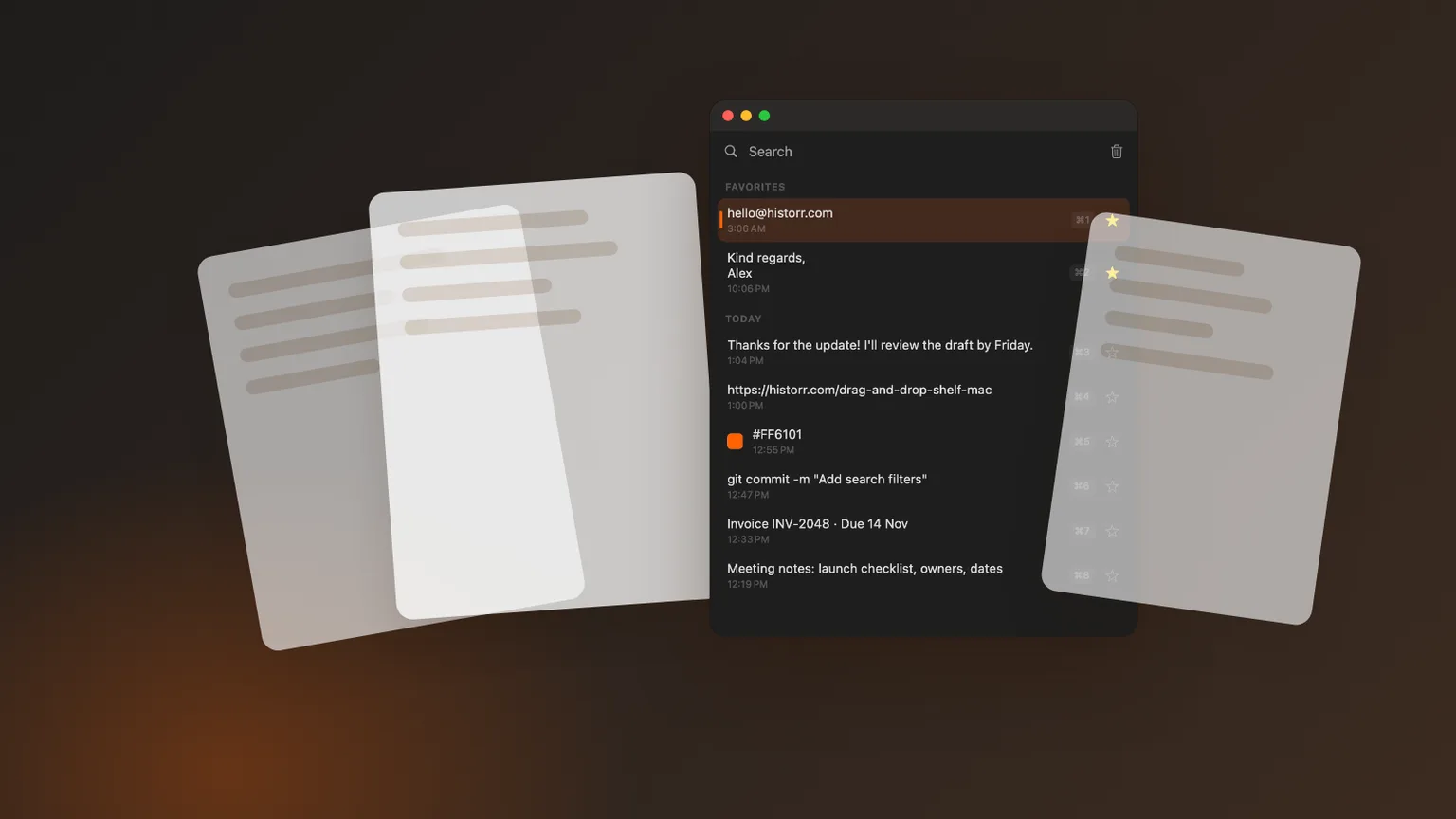
Historr editorial artwork using sample content; no private clipboard data is shown.
The short answerA free Mac clipboard manager should keep its essential history, search and paste features usable without a later payment; verify limits and download sources before installing.
The overview
The word free can describe a complete no-cost app, an open-source project, a limited plan or a trial. Before comparing features, identify what remains available after the trial period and whether essential history, search, image support or device sync requires payment.
Maccy’s official site describes it as free and open source. Historr is offered as a free local Mac app. Paste offers a trial and paid plans. Those models can all be reasonable, but they answer different budget and maintenance preferences.
Why it happens
A clipboard utility becomes part of everyday work, so switching costs matter. A limit that appears only after you build favorites or habits is more disruptive than a clearly disclosed price at the start.
Free does not remove the need for provenance. Download from an official site or store, keep macOS security checks enabled and review permissions before copied client notes or credentials can enter history.
Your step-by-step guide
Classify the offer
Write down whether the app is fully free, open source, freemium, a timed trial or subscription software. Do not treat these labels as interchangeable.
Check essential limits
Confirm history length, images, search, favorites, exports, sync and updates. Focus on the features required for your task, not the largest total.
Verify the official package
Use the publisher’s domain, repository or store listing. Avoid mirrors and similarly named download pages for software that can observe clipboard content.
Test exit and deletion
Clear synthetic history, remove sample favorites and confirm what remains. A free app should still give you understandable control over your data.
Common mistakes to avoid
- Choosing from a feature count without testing a normal task.
- Using real credentials or private client data during evaluation.
- Running several clipboard recorders without knowing which one stores each clip.
Small changes. A faster workflow.
- Use the same synthetic text, URL, image and fake token in every comparison.
- Preview a result before pasting it into live work.
- Recheck official requirements and pricing before downloading or paying.
Compare your options
| Option | Best for | Limits |
|---|---|---|
| Apple Clipboard history | Occasional built-in retrieval on supported macOS | Availability and workflow depth depend on the system |
| Maccy | Minimal, open-source, keyboard-first history | Fewer workflow layers by design |
| Historr | Local text and image history with Paste Stack and Drag Shelf | Requires macOS 13 or later; Mac only |
Apple Clipboard history
Best forOccasional built-in retrieval on supported macOS
LimitsAvailability and workflow depth depend on the system
Maccy
Best forMinimal, open-source, keyboard-first history
LimitsFewer workflow layers by design
Historr
Best forLocal text and image history with Paste Stack and Drag Shelf
LimitsRequires macOS 13 or later; Mac only
Put it into practice with Historr
Historr is a free Mac clipboard manager that runs on macOS 13 Ventura or later on Apple silicon and Intel Macs. Its documentation says history stays local with no account, cloud history or telemetry. Concealed or transient password-manager copies are ignored, and optional sensitive-item expiry can remove content that resembles tokens, codes or payment details.
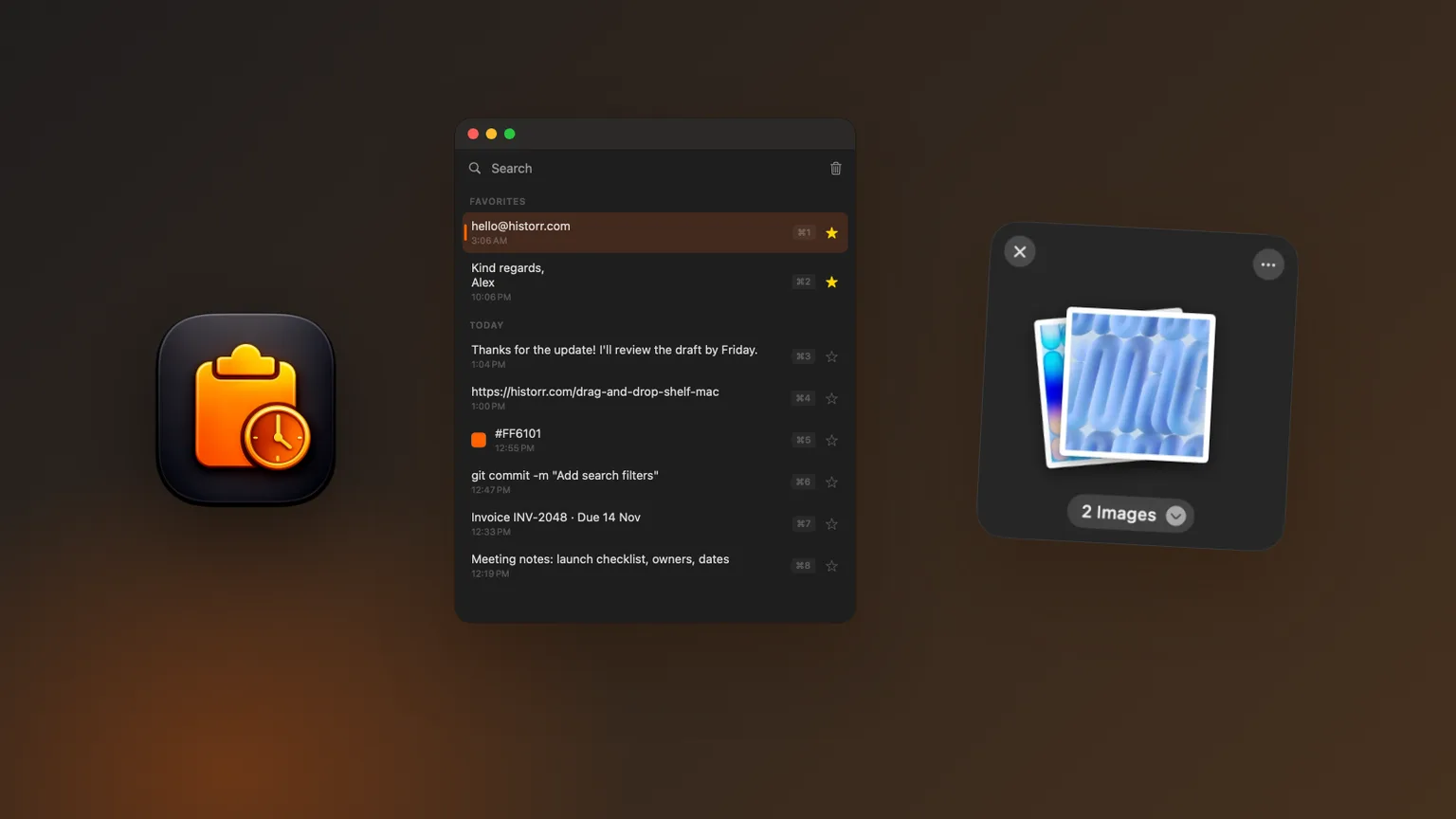
Press Option-H to open history, type to search, use the arrow keys and press Return to paste. Historr stores text and images, supports Quick Look previews, favorites and text transforms, and can queue values in Paste Stack for repeated ordered pasting.
Drag Shelf is included for temporary files, folders, links, images and text. Open it by shaking while dragging, pressing Option-Shift-D or dropping onto the menu-bar icon. That combined workflow is useful when copied content and dragged project assets move through the same task, but it does not replace cloud sync or a permanent document system.
- Instant search
- Unlimited history
- Favorites
- Keyboard shortcuts
- Privacy
- Offline storage
- Quick preview
- Paste Stack

Keep your next good idea.
Free, private clipboard history for your Mac.
Questions, answered.
Mac clipboard manager free?
A free Mac clipboard manager should keep its essential history, search and paste features usable without a later payment; verify limits and download sources before installing.
Does macOS already include clipboard history?
Apple documents Clipboard history in Spotlight on supported current macOS releases. Availability depends on the system, while dedicated apps provide their own retention and workflow features.
What should I test before keeping a clipboard manager?
Test search, preview, pasting, clearing, pause behavior and sensitive-item handling with synthetic text, an image and a fake token. Confirm the result again after restarting the Mac.
Take it from here
A free Mac clipboard manager should keep its essential history, search and paste features usable without a later payment; verify limits and download sources before installing. Use current official documentation, test with safe sample data and keep the app only when it solves the stated task more reliably than your existing workflow. Clipboard history is a convenience and recovery layer, not a permanent archive or password vault.
If you're looking for a faster way to search, organize, and reuse everything you copy, try Historr and see how much time you can save.
Continue with these guides
- Historr documentation
Verify shortcuts, privacy controls, images, Paste Stack and Drag Shelf.
- Clipboard privacy guide
Review local storage, exclusions, expiry and pause controls.