Prepare Multilingual Conference Speaker Packs on Mac
Collect speaker portraits, approved bios and slides from separate folders, then verify language, consent and versions before event handoff.

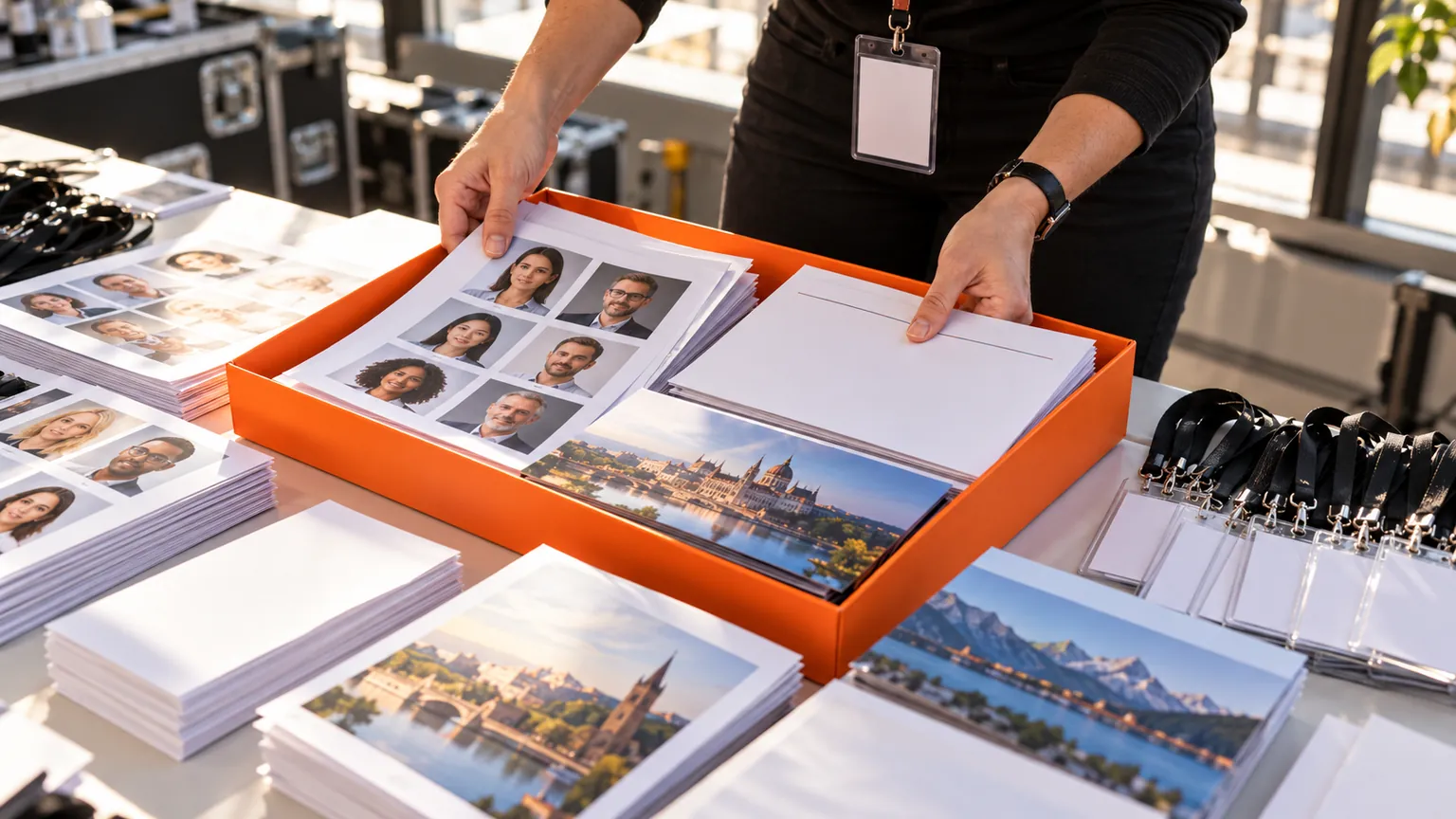
Original conceptual cover. No real client, speaker, research or archive data is shown.
The short answerFor a multilingual conference pack, open a Historr Drag Shelf with Option-Shift-D and gather each speaker's approved portrait, biography, talk title and slides from their source folders. Name separate shelves by speaker or language, then inspect the list and Save to Folder for a durable handoff. Confirm the current bio, preferred language and permission to publish a headshot with the event team; Historr stages files but does not manage speaker consent or translate content.
Why do speaker packs mix revisions?
The central risk is mixing versions: an old job title in a biography, a slide deck from a rehearsal, or a portrait not approved for public use. A folder name is not proof of publication permission.
A useful handoff needs a manifest that says which language and revision each file represents, who approved it, and where it will appear.
What does a temporary shelf preserve?
Historr's shelf references existing files in place and can collect them from multiple Finder windows. Outgoing drags copy the originals to compatible destinations.
Several shelves can separate speakers or languages during one session, but all shelves are temporary and clear on quit. Any durable event package must be saved to a project folder or event platform.
How do you assemble a multilingual pack?
Build a speaker manifest
List the required portrait, biography language, display name, talk title and slide version for each speaker. Mark which materials are public and which are internal.
Stage one speaker at a time
Open a shelf with Option-Shift-D, name it for the speaker and add the approved files. Use another shelf for a second language or person to avoid accidental mixing.
Inspect the pack
Expand the shelf and preview candidate files. Compare filenames, visible titles, language and revision against the manifest and the speaker's latest approval.
Save and hand off
Use Save to Folder or drag copies into the team's destination. Verify access and the displayed speaker page before clearing the temporary shelf.
Common mistakes to avoid
- Publishing a headshot because it exists in a folder rather than checking permission.
- Mixing English and translated biographies without version labels.
- Leaving the only assembled pack in a temporary shelf.
Where should approvals be recorded?
- Use a consistent speaker-and-language filename pattern.
- Keep approval records outside the shelf.
- Check the final page in each target language.
Compare your options
| Option | Best for | Limits |
|---|---|---|
| Historr shelf | Staging scattered speaker files | No approval or translation tracking |
| Event manifest | Versions, language and permissions | Requires upkeep |
| Event platform | Publishing the approved pack | Needs a verified upload |
Historr shelf
Best forStaging scattered speaker files
LimitsNo approval or translation tracking
Event manifest
Best forVersions, language and permissions
LimitsRequires upkeep
Event platform
Best forPublishing the approved pack
LimitsNeeds a verified upload
Put it into practice with Historr
Historr's free Drag Shelf gives event producers a quick collection surface without moving source files. Multiple shelves help keep speakers or language versions distinct until handoff.
The app does not decide whether a portrait can be published or whether a bio translation is approved. Save those decisions in the event team's system.
- Collect files & folders
- Images, links & text
- Multiple shelves
- Quick Look
- Save to Folder
- Compress to ZIP
- Resize Images
- Extract Text

Give your next drag a place to land.
Drag Shelf is included in Historr 0.1.5 and later.
Questions, answered.
Can I keep English and French packs separate?
Yes. Use separately named shelves during the session, then save each package to a durable destination.
Does Historr move the original portraits?
No. Existing files remain in their source locations; outgoing drags copy them.
Does the shelf verify speaker approval?
No. Confirm permission and final wording with the speaker or event team.
Will the packs remain after quitting?
No. Shelves are temporary; save the approved files first.
Take it from here
A speaker pack is ready when the files, language and approval record agree. The shelf makes collection easier, while the manifest makes the handoff trustworthy.
For supported actions, shortcuts, and settings, see the Drag Shelf documentation.
Continue with these guides
- Organize multiple Drag Shelves
Separate speaker or language batches in one session.
- European Commission data principles
Review official guidance when handling personal details and portraits.