Organize Copied European Open Data Links on Mac
Collect European open-data dataset links without losing source, publisher, version and reuse context as you move between tabs on Mac.


Original conceptual cover; no real customer, applicant or project data is shown.
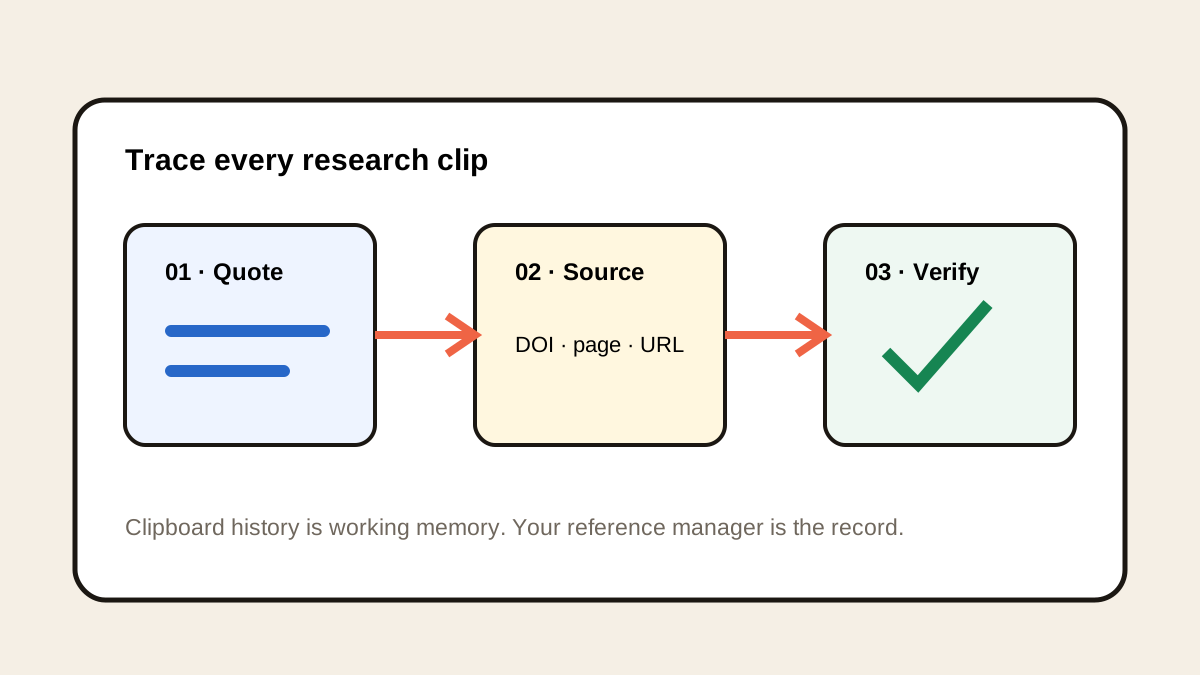
The short answerUse Historr history to retrieve a dataset URL copied from data.europa.eu after other links replace the clipboard, then reopen the catalogue record. Save the verified URL with the dataset title, publisher, update date, licence and accessed date in a research log. Historr helps recover copied links; it does not evaluate data quality, licence terms or whether a download is the newest release.
The overview
A URL alone often omits the details needed to reproduce an analysis: who published the data, the coverage period, the licence and when it was last updated.
The official European data portal is a discovery point for public-sector data. Individual catalogue records and publisher pages still need review before data is reused or cited.
Why it happens
The last copied link replaces the Mac clipboard. Historr can search supported older copies while recording is active, helping recover an earlier dataset URL.
History is not a research catalogue. It cannot tell whether two similar URLs are different releases or whether a publisher changed a file after you copied it.
Your step-by-step guide
Open the dataset record
Start with the catalogue page, not a search snippet. Record title, publisher, coverage and update date before downloading anything.
Copy the stable page link
Copy the dataset's catalogue URL. If a later copy replaces it, press Option-H and search a distinctive title or URL fragment, then reopen the result.
Record reuse context
Check the displayed licence and follow the publisher link where needed. Note the distribution format, release or download URL separately from the catalogue page.
Create a research log
Save the verified source URL, access date, relevant version details and a short note about the intended use. Repeat for each candidate so comparisons survive a browser restart.
Common mistakes to avoid
- Saving only a temporary search-results URL.
- Assuming open data has identical licence terms across publishers.
- Treating a copied link as evidence the data was downloaded or checked.
Small changes. A faster workflow.
- Distinguish dataset page from file download.
- Record the publisher and last update date.
- Keep a small source log beside the analysis notebook.
Compare your options
| Option | Best for | Limits |
|---|---|---|
| Historr history | Recovering copied URLs | No metadata or licence review |
| Catalogue record | Discovering source context | May link to separate publisher terms |
| Research log | Reproducible source trail | Requires active upkeep |
Historr history
Best forRecovering copied URLs
LimitsNo metadata or licence review
Catalogue record
Best forDiscovering source context
LimitsMay link to separate publisher terms
Research log
Best forReproducible source trail
LimitsRequires active upkeep
Put it into practice with Historr
Historr's free local search reduces tab-hunting when a dataset link gets displaced. It works well as a short bridge from discovery to a proper research log.
It cannot check coverage, quality or permissions. Reopen the official record and read the publisher information before relying on the data.
- Instant search
- Unlimited history
- Favorites
- Keyboard shortcuts
- Privacy
- Offline storage
- Quick preview
- Paste Stack

Keep your next good idea.
Free, private clipboard history for your Mac.
Questions, answered.
Does Historr save the dataset itself?
No. It may retain a supported copied URL; download and preserve data through your research workflow.
Is every data.europa.eu dataset free to reuse without conditions?
Check the licence and publisher's terms on the specific record.
What should a citation log include?
At minimum the title, publisher, URL, version or update information where available, and access date.
Take it from here
A recovered link becomes valuable when it leads back to a documented source, not when it sits alone in clipboard history.
If you're looking for a faster way to search, organize, and reuse everything you copy, try Historr and see how much time you can save.
Continue with these guides
- Verify copied DOI links
A related source-verification habit for academic literature.
- European data portal
Browse official dataset records and publisher links.