Paste Alternative With Copy History and a Drag Shelf on Mac
Compare Paste's copied-file history with Historr's temporary Drag Shelf for gathering files, links and images from several Mac folders.

Original conceptual cover; no real client or design data is shown.
The short answerPaste records copied files and lets you drag saved items into other apps. Historr combines local text-and-image copy history with a separate Drag Shelf for staging files, folders, links, images and text from several places before dragging out a batch. Choose Historr when the task is a temporary multi-file handoff; choose Paste when you want copied content organized in searchable history or pinboards. Save important shelf contents to a folder before quitting Historr because its shelves are temporary.
The overview
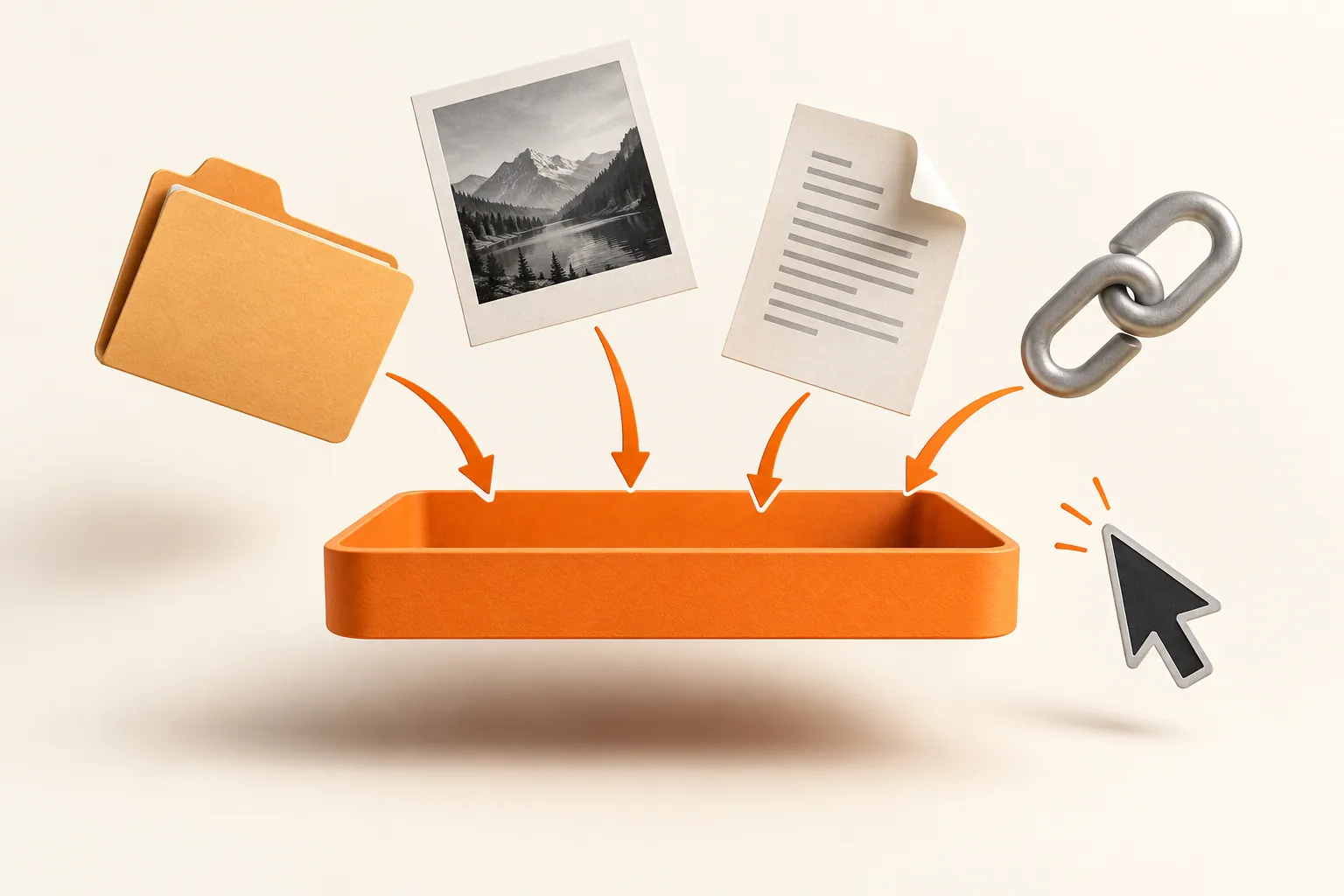
A clipboard can contain a copied file, but repeating copy and paste across separate Finder windows is cumbersome when the destination needs a complete set.
A permanent content library is useful for references reused over weeks. A temporary file batch is different: the producer needs to inspect it, deliver it and clear the staging area.
Why it happens
Paste's own documentation says it captures copied files on Mac, lets users drag items into applications, and organizes saved content in pinboards. Its Paste Stack handles ordered copied items too.
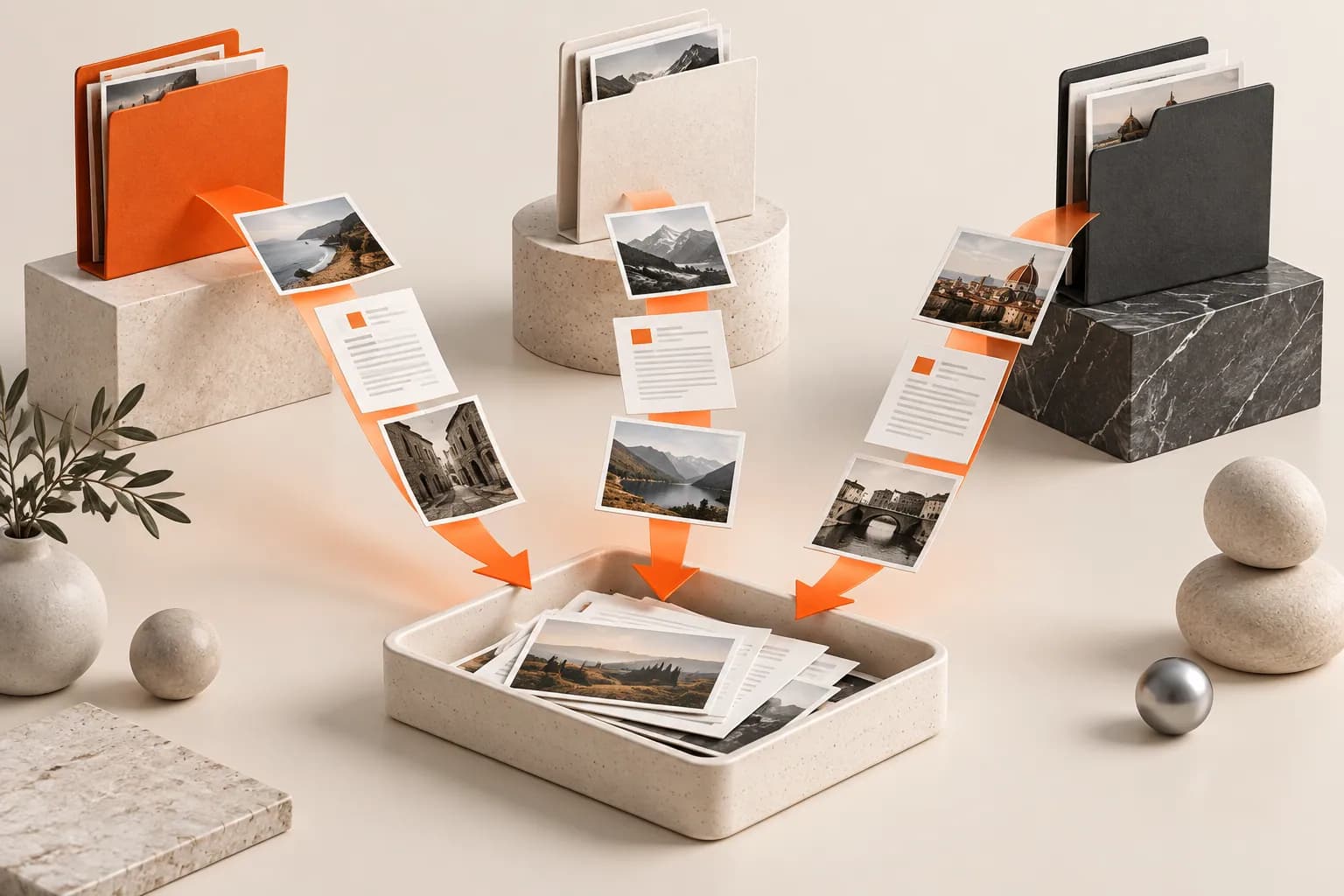
Historr's Drag Shelf is a floating, temporary surface for items dragged from Finder and other apps. It references originals during staging and copies them out, while its copy history remains a separate feature.
Your step-by-step guide
Name the handoff
Write a short checklist of expected files, links and images. Count them before collecting; a shelf does not know what is missing.
Stage from each source
Open Historr's shelf with Option-Shift-D or the shake gesture, then drag candidates from separate windows. Use the expanded list to inspect each item.
Use history for earlier copies
Press Option-H only when you need a copied text or image from earlier. Keep this retrieval task separate from the file batch.
Export a durable package
Save to Folder or drag the reviewed set to the destination, then verify the copies there. Shelves clear on quit; do not use one as an archive.
Common mistakes to avoid
- Describing Paste as unable to drag copied items; its Mac help documents that ability.
- Treating a Historr shelf as persistent storage.
- Sending the batch without checking item count and versions.
Small changes. A faster workflow.
- Keep a manifest for multi-file handoffs.
- Preview the expanded shelf before delivery.
- Preserve source files and verify destination copies.
Compare your options
| Option | Best for | Limits |
|---|---|---|
| Historr | Local copy history plus temporary multi-source staging | Shelves clear on quit |
| Paste | Searchable copied files and reusable pinboards | Different model from a temporary Finder-style shelf |
| Finder folder | Durable final handoff | Requires deliberate organization |
Historr
Best forLocal copy history plus temporary multi-source staging
LimitsShelves clear on quit
Paste
Best forSearchable copied files and reusable pinboards
LimitsDifferent model from a temporary Finder-style shelf
Finder folder
Best forDurable final handoff
LimitsRequires deliberate organization
Put it into practice with Historr
Historr is free and keeps supported copy history on the Mac. Its Drag Shelf solves a different task: gathering current files and links before one reviewed handoff.
The two surfaces complement each other. Search history for an earlier copy; stage the deliverable files in a shelf; save the final batch to a real folder.
- Instant search
- Unlimited history
- Favorites
- Keyboard shortcuts
- Privacy
- Offline storage
- Quick preview
- Paste Stack

Keep your next good idea.
Free, private clipboard history for your Mac.
Questions, answered.
Does Paste remember copied files?
Yes. Paste's current Mac documentation lists files among captured content.
Does Historr move original files into a shelf?
No. The originals remain in their source locations while staged; outgoing drags copy them.
Can I keep a Historr shelf forever?
No. Save the reviewed contents to a durable folder before quitting.
Is Paste Stack the same as a Drag Shelf?
No. Paste Stack queues copied items for sequential paste; a Drag Shelf groups draggable objects for a file-style handoff.
Take it from here
A copied-file library and a temporary drag surface answer different questions. Match the tool to whether you need to find an old copy or deliver a new batch.
If you're looking for a faster way to search, organize, and reuse everything you copy, try Historr and see how much time you can save.
Continue with these guides
- Drag Shelf versus clipboard history
Choose the right Historr surface for each action.
- Gather files from multiple folders
A detailed Finder handoff walkthrough.
- Paste on Mac
Review its copied-file and drag-out workflow.