Paste Alternative for Copied Design Specs on Mac
Keep copied hex colors, labels and design-spec links findable on Mac, then verify each value against the current source before implementation.

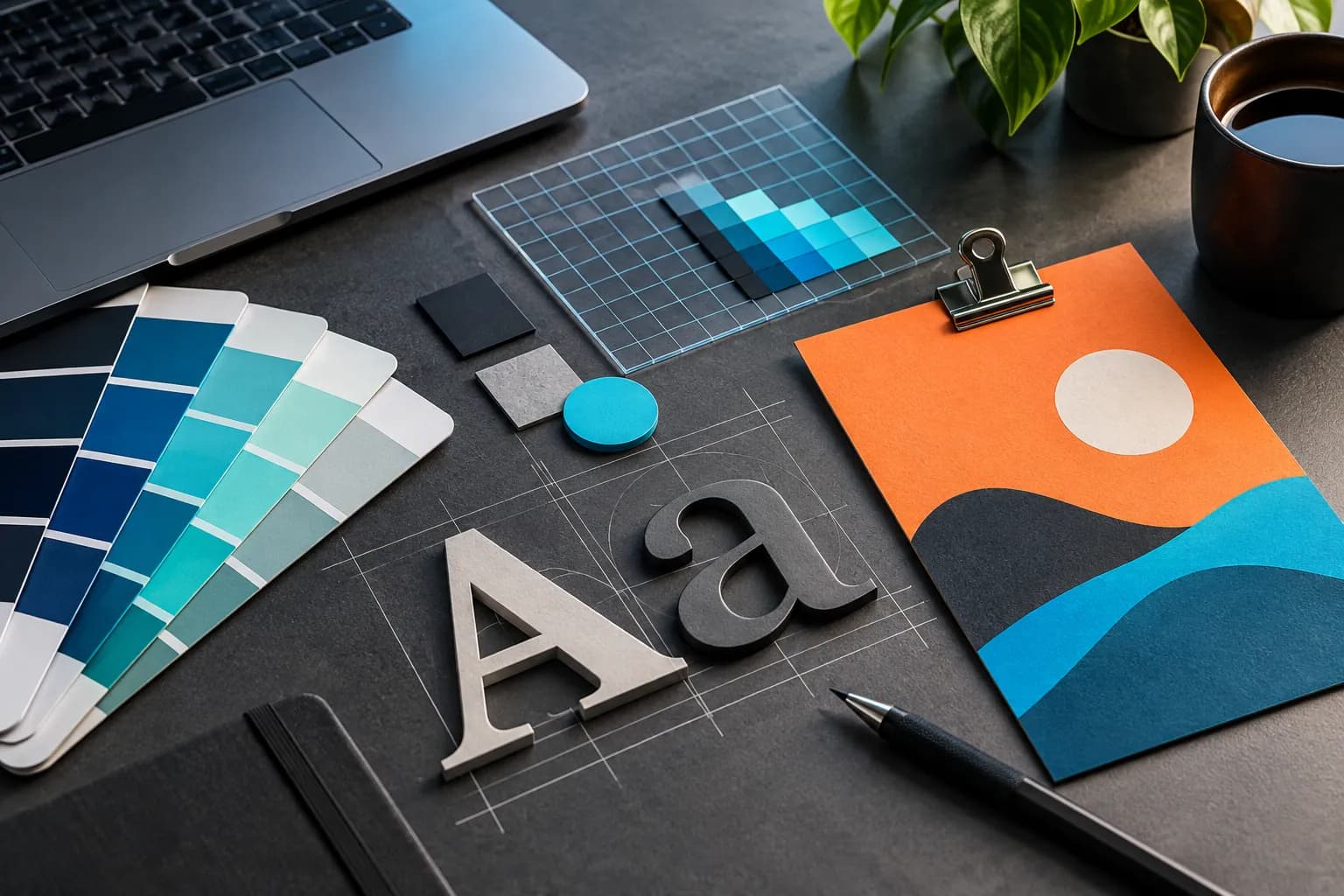
Original conceptual cover; no real client or design data is shown.
The short answerFor short-lived design-spec work, Historr can recover a copied hex code or label from local Mac history; it recognizes hex colors with a live swatch and offers Copy as RGB. Paste also captures colors and provides searchable history, filters and pinboards for longer-lived references. Neither app knows whether a token is current. Check the design system or approved file before pasting a color, spacing value or component label into production work.
The overview
Copied values are detached from their token names, theme and version. A hex code without context may be correct for one component and wrong for another.
Visual swatches help recognition, but they do not prove contrast, semantic role or approval. A clipboard tool should accelerate lookup, not replace the design system.
Why it happens
Paste documents capture of colors alongside text, files and images, with filters for source app and content type. Pinboards can hold references reused over time.
Historr's documented smart actions recognize hex colors and show a swatch with Copy as RGB. Its history is local, and the result should be cross-checked with the current token source.
Your step-by-step guide
Locate the canonical token
Open the design system, source file or approved specification. Record token name, theme and state, not just the visible color.
Recover the copied value
If later copying displaced the code, use Historr's Option-H search for the fragment or use Paste's filters. Inspect the full result and its surrounding context where available.
Convert only when necessary
Use Historr's Copy as RGB for a recognized hex color when the destination requires that representation. Conversion does not establish that the color is the right token.
Verify implementation
Compare the pasted value with the approved token and test it in the real component, including light and dark variants where applicable.
Common mistakes to avoid
- Treating a swatch as approval for a design token.
- Mixing values from different themes or versions.
- Assuming Paste lacks color capture; its help explicitly lists colors.
Small changes. A faster workflow.
- Search by token name when possible.
- Keep the source URL beside a copied value.
- Review the rendered component after implementation.
Compare your options
| Option | Best for | Limits |
|---|---|---|
| Historr | Free local retrieval and quick hex-to-RGB action | No design-system version awareness |
| Paste | Searchable color history and reusable pinboards | Still needs source validation |
| Design system | Approved semantic token | May require a separate lookup |
Historr
Best forFree local retrieval and quick hex-to-RGB action
LimitsNo design-system version awareness
Paste
Best forSearchable color history and reusable pinboards
LimitsStill needs source validation
Design system
Best forApproved semantic token
LimitsMay require a separate lookup
Put it into practice with Historr
Historr is practical for temporary design work on one Mac: copy, search, inspect the swatch and reuse a value without setting up a separate library.
Its helpful color action is not a substitute for checking token name, mode, component state and accessibility in the actual product.
- Instant search
- Unlimited history
- Favorites
- Keyboard shortcuts
- Privacy
- Offline storage
- Quick preview
- Paste Stack

Keep your next good idea.
Free, private clipboard history for your Mac.
Questions, answered.
Does Paste save copied colors?
Yes. Paste's current capture documentation lists colors on Mac.
Can Historr convert a hex value to RGB?
Its documented hex-color smart action offers Copy as RGB for recognized values.
Does either app validate a design token?
No. Check the current design system and rendered component.
What should I store beyond the code?
Token name, source, theme or mode, and the approved revision are more useful than a bare hex string.
Take it from here
History retrieves a value; the design system gives it meaning. Keep those roles separate when implementing visual changes.
If you're looking for a faster way to search, organize, and reuse everything you copy, try Historr and see how much time you can save.
Continue with these guides
- Copy design colors on Mac
Use the Historr color action in a real design workflow.
- Paste capture behavior
Check its current support for copied colors.