Can You Undo Deleted Clipboard History on Mac?
Learn when you can undo a deleted clipboard item on Mac, why cleared history may be permanent, and how Historr Instant Undo protects recent deletions.

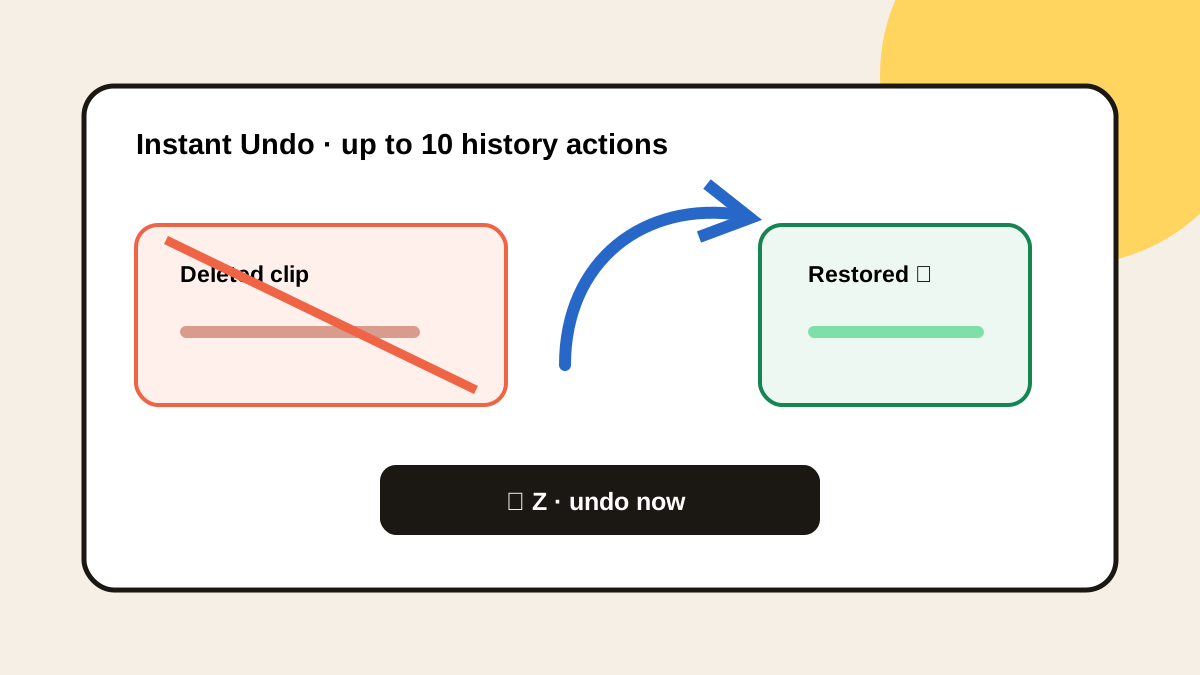
The short answerYou can undo deleted clipboard history on Mac only when the clipboard manager provides its own recovery mechanism and the deletion remains inside that undo window. Historr supports Command-Z for up to ten history actions. If history was permanently cleared, the app was reset, or no manager captured the clip, recovery usually depends on the original document or app history.
The overview
A user may delete the wrong clip while cleaning a busy history or trigger Clear All before noticing an important item was selected.
The system clipboard, the manager database, and the source document are 3 separate recovery locations with different rules.
Why it happens
Some managers delete immediately, while others maintain a short in-memory action stack. Command-Z only works when the active clipboard app implements that action.
A full reset, app reinstall, or permanent database deletion can remove the state needed to reverse the action.
Your step-by-step guide
Stop changing history
Avoid more deletes or clears because new actions may push the original deletion outside the undo window.
Focus the clipboard manager
Open the history window so Command-Z is handled by the manager rather than another app.
Undo once and inspect
Press Command-Z, then confirm the correct clip returned before repeating the action.
Check the source app
If manager undo fails, inspect document versions, drafts, terminal history, browser forms, or the original message.
Create durable storage
Move important long-term content into a document, snippet library, issue tracker, or repository.
Common mistakes to avoid
- Installing a clipboard manager after the loss and expecting old recovery.
- Pressing Command-Z while another app has focus.
- Continuing to delete items before trying undo.
- Using clipboard history as the only copy of important work.
Small changes. A faster workflow.
- Undo immediately.
- Inspect after each restored action.
- Favorite reusable safe clips.
- Move durable information into its proper system.
Compare your options
| Option | Best for | Limits |
|---|---|---|
| Clipboard manager undo | Recent in-app deletion actions | Limited action window |
| Source app history | Document or command recovery | Depends on the source |
| Backup | Durable stored files | May not include temporary clipboard data |
Clipboard manager undo
Best forRecent in-app deletion actions
LimitsLimited action window
Source app history
Best forDocument or command recovery
LimitsDepends on the source
Backup
Best forDurable stored files
LimitsMay not include temporary clipboard data
Put it into practice with Historr
Historr’s Instant Undo uses Command-Z to reverse up to 10 recent clipboard-history actions, including accidental deletion or clearing.
Restore one step at a time and verify the returned clip. The feature protects recent UI mistakes, not content copied before Historr was running.
For critical material, use Historr as a recovery layer and a durable document as the source of truth.
- Instant search
- Unlimited history
- Favorites
- Keyboard shortcuts
- Privacy
- Offline storage
- Quick preview
- Paste Stack

Keep your next good idea.
Free, private clipboard history for your Mac.
Questions, answered.
Does Command-Z always restore deleted clipboard items?
No. It works only when the focused clipboard manager implements undo and the action is still retained.
How many actions can Historr undo?
Historr supports up to ten levels of clipboard-history undo.
Can I recover history after uninstalling the app?
Do not assume so. An uninstall or reset may remove the local database and its undo state.
Can a manager recover text copied before installation?
No. It can only retain copy events observed while it was available and running.
Take it from here
Try manager undo first, then return to the source. The reliable prevention strategy is simple: clipboard history for recent recovery, durable storage for important work.
If you're looking for a faster way to search, organize, and reuse everything you copy, try Historr and see how much time you can save.