Write Clear Release Notes From Working Clips
Quick Answer: Collect candidate changes, verify which ones actually shipped, and rewrite each entry around what the reader can now do or what problem was fixed.
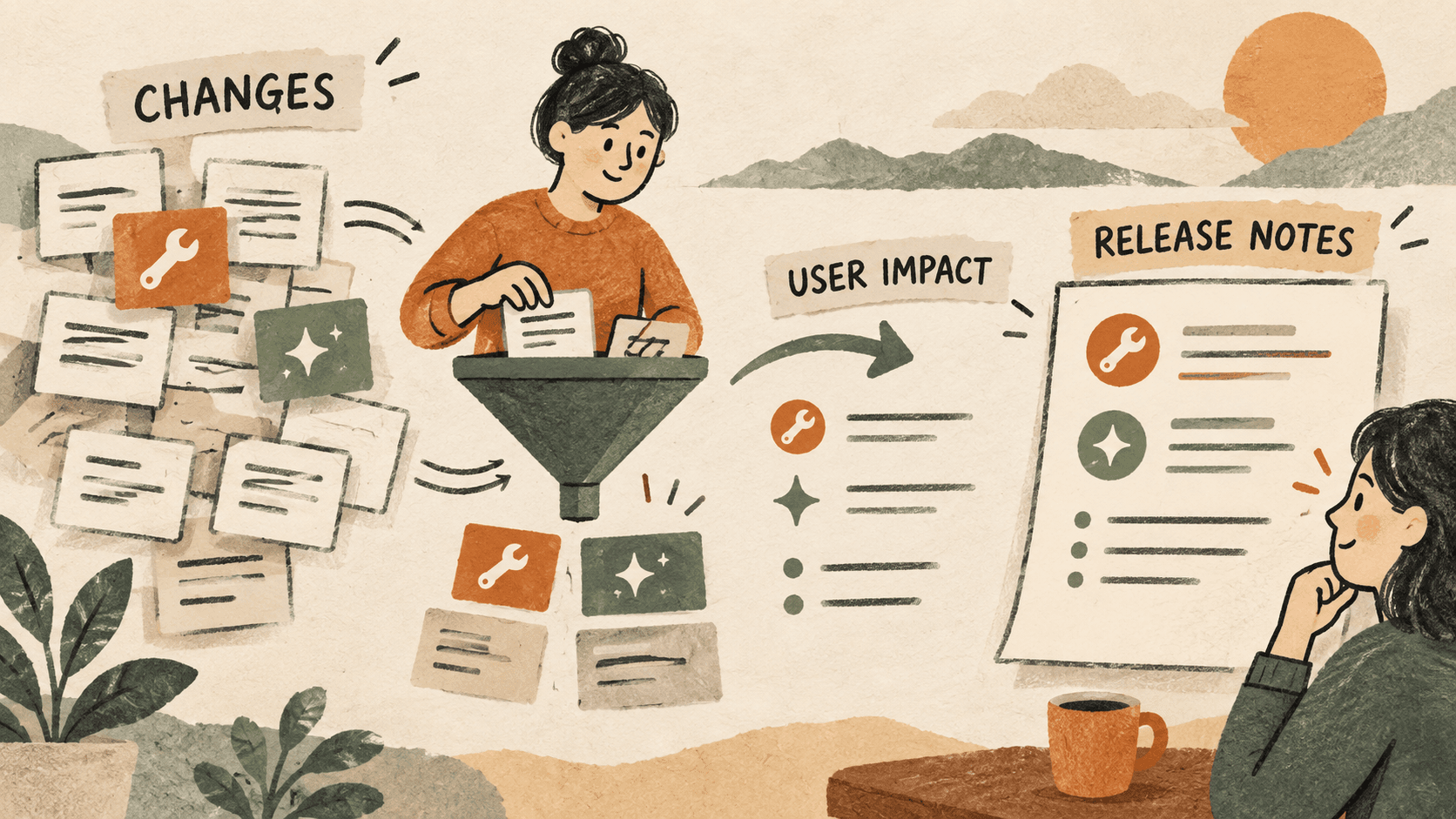
What problem does release note drafting solve?
A set of issue titles rarely makes a useful release announcement. Internal shorthand may be familiar to the team but tell the reader little about what changed.
For example, “adjust empty-state handling” describes implementation work. If verified against the release, a clearer note might be “The search panel now explains when no saved clips match your query.”
Why do release note drafting issues happen?
Working notes capture investigation as well as finished work. A copied plan may refer to a feature that was delayed or changed before release.
Technical summaries often describe components rather than the behavior a user will notice. They need editorial work before publication.
How can you solve it step by step?
1. Define the release boundary
Write the version or release date at the top of the draft. Use the project’s actual release record to determine which changes belong. Do not treat a merged task or copied message alone as evidence that a change is available.
2. Recover candidate summaries
Search your clipboard history for distinctive issue names or feature terms. Paste relevant fragments into a scratch section and keep their source links beside them.
3. Translate changes into observable behavior
For each entry, answer: what can the reader do now, or which problem no longer occurs? Keep the claim as narrow as the verified change. Avoid inventing speed or reliability improvements without evidence.
4. Separate new behavior, fixes, and required actions
Group the entries so readers can scan them. If an action is genuinely required, state it plainly and check the instructions against the release documentation.
5. Review against the shipped product
Check each entry with the release owner or source record. Remove deferred work and internal-only notes. Publish the approved version through the normal release process.
Which common mistakes should you avoid?
- Announcing planned work as available.
- Copying internal ticket jargon directly into the announcement.
- Claiming every reported issue has been fixed when only one case changed.
Which expert tips make the workflow faster?
Comparison table for release note drafting
| Option | Best for | Limits |
|---|---|---|
| Issue tracker | Recording implementation work | Titles may be internal shorthand |
| Clipboard history | Recovering copied summaries | May contain outdated plans |
| Release notes | Explaining shipped behavior | Requires scope verification |
How does Historr make clipboard management easier?
Historr can retrieve copied issue summaries and let you preview the entire clip before reuse. A favorite can store an empty release-note structure.
Historr does not determine whether a feature shipped. Confirm scope in the release records and treat recovered clips as drafting material.
What do people ask about release note drafting?
Can I use commit messages as release notes?
Use them as clues, then verify scope and rewrite the relevant changes for the intended reader.
Should internal refactors be included?
Include them when they have a meaningful, verified effect for the audience. Otherwise they can remain in engineering records.
What if a feature was postponed?
Remove it from the shipped release notes and track it in the appropriate planning record.
What is the final verdict?
Good release notes explain a verified change in the reader’s terms. Clipboard history speeds up collection; scope checks and careful wording make the result trustworthy.
If you're looking for a faster way to search, organize, and reuse everything you copy, try Historr and see how much time you can save.