Clipboard Manager Workflow for Faster QA Bug Reports
Build faster QA bug reports with reusable templates, copied errors, environment details, screenshots, expected results, and privacy checks.

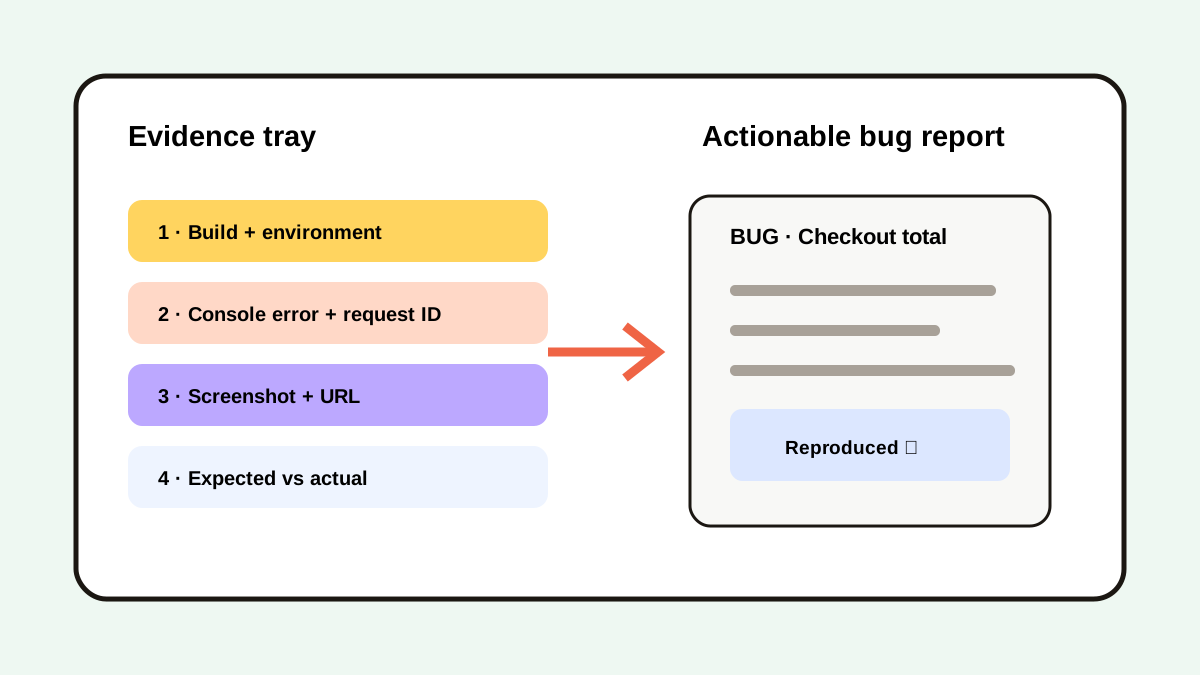
The short answerA clipboard manager helps QA testers collect reproduction steps, environment details, error messages, URLs, test data, and screenshots before assembling a bug report. Use a fixed report template, preview each clip, and keep evidence in chronological order. Move the final record into the issue tracker and delete credentials or customer data from clipboard history.
The overview
QA work often crosses the product, browser developer tools, terminal, test management, and issue tracker. Copying one log can overwrite the URL or test value captured seconds earlier.
A report missing one of 4 core parts—steps, expected result, actual result, or environment—creates a clarification loop.
Why it happens
Evidence appears in different formats: text, images, links, IDs, and structured logs. The current clipboard holds the last copy, not the narrative sequence.
Issue templates standardize final reports, while clipboard history supplies the temporary evidence used to fill them.
Your step-by-step guide
Start from a fixed template
Prepare fields for summary, environment, steps, expected result, actual result, and evidence.
Capture evidence as it appears
Copy the build number, URL, error, request ID, test input, and screenshot without leaving the test flow.
Reconstruct the sequence
Use timestamps and previews to place the clips in the same order as the observed behavior.
Redact sensitive values
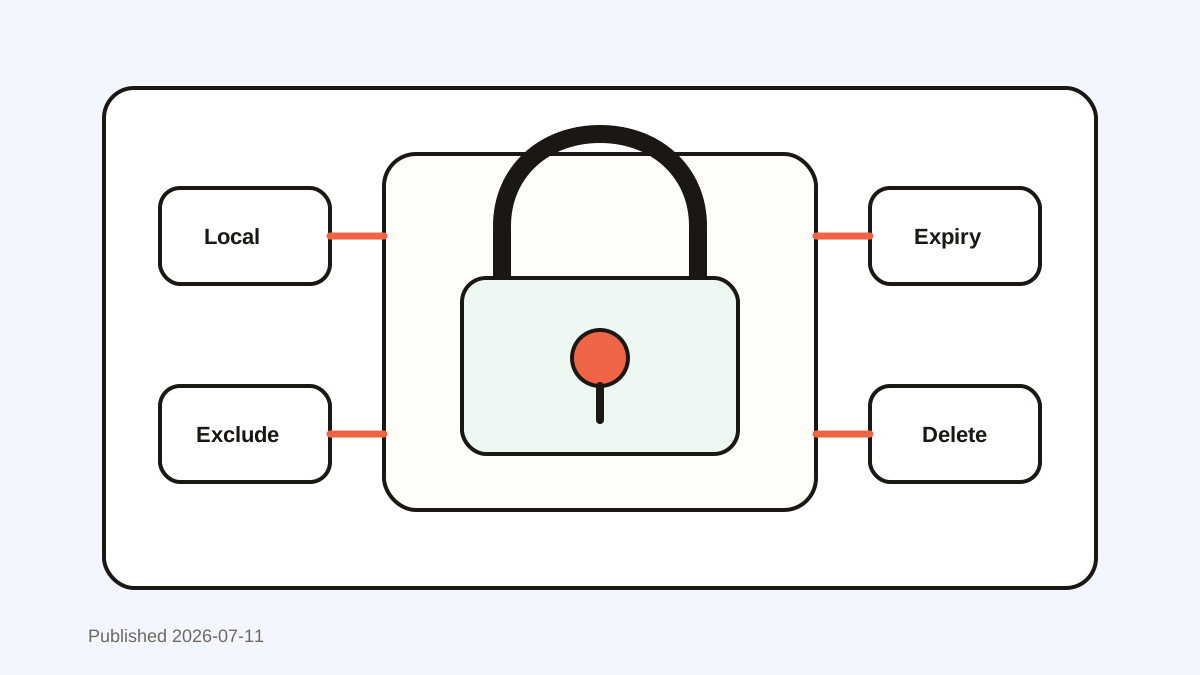
Remove session tokens, real customer data, credentials, and private internal URLs.
Verify reproducibility
Follow the written steps once before submitting the issue.
Common mistakes to avoid
- Pasting a full console log with tokens.
- Reporting only a screenshot without steps.
- Mixing evidence from two builds.
- Leaving the final issue only in clipboard history.
Small changes. A faster workflow.
- Copy the build identifier first.
- Use synthetic test accounts.
- Preview visually similar screenshots.
- Keep issue templates in the repository.
Compare your options
| Option | Best for | Limits |
|---|---|---|
| Issue template | Consistent final reports | Does not capture live evidence |
| Screen recording | Showing interaction timing | Harder to search and quote |
| Clipboard history | Collecting cross-app evidence | Requires redaction and final filing |
Issue template
Best forConsistent final reports
LimitsDoes not capture live evidence
Screen recording
Best forShowing interaction timing
LimitsHarder to search and quote
Clipboard history
Best forCollecting cross-app evidence
LimitsRequires redaction and final filing
Put it into practice with Historr
Historr keeps copied logs, IDs, URLs, descriptions, and screenshots in one local timeline while testing continues.
Quick Look lets you verify long errors and images, and favorites work well for safe bug-report headings or test templates.
After submission, keep the issue tracker as the record and clear sensitive test evidence.
- Instant search
- Unlimited history
- Favorites
- Keyboard shortcuts
- Privacy
- Offline storage
- Quick preview
- Paste Stack

Keep your next good idea.
Free, private clipboard history for your Mac.
Questions, answered.
What should a QA bug report include?
Include a clear summary, environment, reproducible steps, expected result, actual result, and relevant evidence.
Can clipboard history replace an issue tracker?
No. It collects temporary evidence; the issue tracker owns the final shared record.
Should QA testers copy production data?
Prefer synthetic data and follow company policy. Remove any sensitive data captured accidentally.
Do GitHub issue templates help?
Yes. GitHub documents issue templates and forms as ways to request consistent, structured information.
Take it from here
Use clipboard history as the evidence tray and the issue tracker as the record. A fixed template plus one verification pass turns scattered clips into an actionable bug report.
If you're looking for a faster way to search, organize, and reuse everything you copy, try Historr and see how much time you can save.