A Free Yoink Alternative for Mac Photographers
Stage client proofs from several folders with Historr Drag Shelf, then retrieve copied captions and links with its free Mac clipboard history.

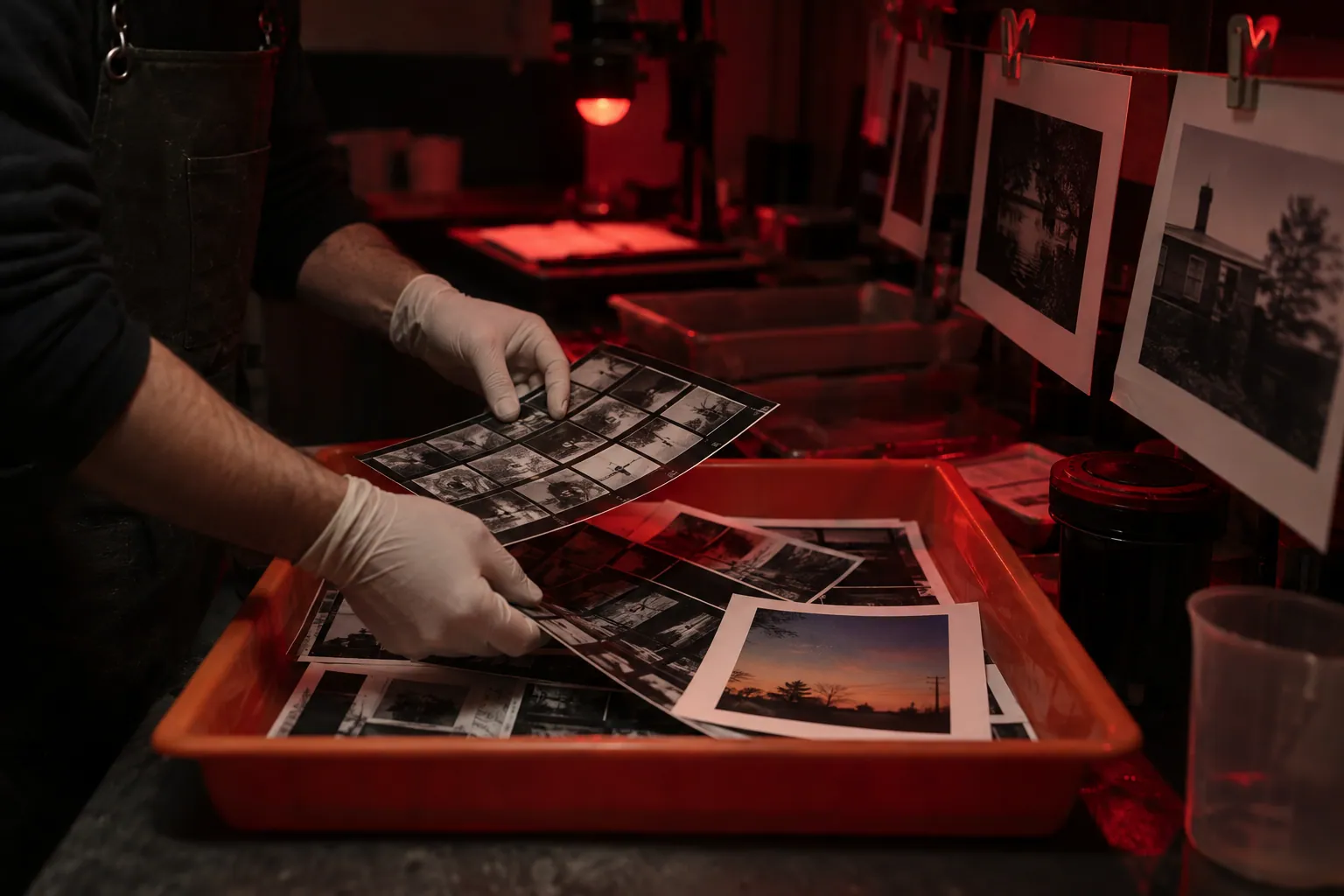
Original conceptual illustration. No competitor interface or logo is shown.
The short answerPhotographers who want a free Yoink-style shelf can use Historr to gather exported proofs from several folders without moving disk originals, inspect the batch, and save or drag copies to a compatible destination. Historr also keeps copied captions and delivery links searchable. Yoink remains useful when its cross-device Handoff and configurable edge shelf fit the shoot workflow better.
What slows a proof handoff?
Proofs may be spread across retouching exports, select folders and alternate crops. Repeatedly navigating these folders while a client portal is open invites the wrong frame into the batch.
A caption can be overwritten in the clipboard while uploading the files. The correct caption still needs to be checked against the source catalog; clipboard history cannot attach it to a particular image automatically.
What does each shelf actually retain?
Yoink and Historr both provide a temporary shelf for files. Historr's Drag Shelf references existing files in place and copies them on outgoing drags; it does not cull, rate or back up photos.
Yoink also keeps recent copied items. Historr adds a dedicated search flow and Paste Stack for text sequences, useful when filling several gallery fields. Neither utility replaces photo metadata and licensing records.
How do you stage proofs and captions?
Export the approved selects
Finish culling in the photo catalog and export only client-facing files. Keep RAW masters and internal alternates in their project locations.
Collect a review batch
Open a Historr shelf with Option-Shift-D, drop in proofs from each Finder folder, expand the pile and Quick Look a sample. A repeated path is ignored, but visually similar exports are not deduplicated.
Move text separately
Copy captions or the delivery link, then search Historr with Option-H when needed. Check the frame identifier and rights notes before pasting a caption.
Verify delivery
Save to Folder for a durable set or drag copies into a compatible portal. Check count, filenames and rendered previews in the actual destination before closing the shelf.
Common mistakes to avoid
- Sending RAW masters by mistake.
- Assuming a copied caption is tied to the correct frame.
- Relying on a shelf as a permanent proof archive.
Which tool belongs in the workflow?
- Name a shelf for the client and review round.
- Keep a project manifest with frame IDs and rights.
- Use the destination portal's final preview to catch processing changes.
Compare your options
| Option | Best for | Limits |
|---|---|---|
| Historr | Free proof staging plus searchable captions | No Handoff to iPhone or iPad |
| Yoink | Configurable drag shelf and Handoff | One-time purchase |
| Photo catalog | Culling, metadata and master files | Not a quick cross-window staging surface |
Historr
Best forFree proof staging plus searchable captions
LimitsNo Handoff to iPhone or iPad
Yoink
Best forConfigurable drag shelf and Handoff
LimitsOne-time purchase
Photo catalog
Best forCulling, metadata and master files
LimitsNot a quick cross-window staging surface
Put it into practice with Historr
Historr is free and combines temporary proof collection with local clipboard history. Its shelf can Save to Folder, resize image copies at presets, or create a ZIP when a client requests one package.
For color-critical exports or exact delivery specifications, continue using the photo editor's export controls. Historr's shelf actions are convenience tools, not a replacement for color-managed output.
- Collect files & folders
- Images, links & text
- Multiple shelves
- Quick Look
- Save to Folder
- Compress to ZIP
- Resize Images
- Extract Text

Give your next drag a place to land.
Drag Shelf is included in Historr 0.1.5 and later.
Questions, answered.
Does Historr move my photo originals?
No. Existing files are referenced in place and outgoing drags copy them.
Can I use clipboard history for captions?
Yes, but verify each caption against the correct image and approved source.
Is Yoink missing clipboard history?
No. Yoink has its own clipboard history; Historr offers a different searchable workflow and Paste Stack.
Will proof shelves remain after quitting?
No. Save or deliver the batch before ending the Historr session.
Take it from here
For a Mac-only proof handoff, Historr offers a free and straightforward way to stage images and find copied notes. Keep the photo catalog responsible for selects, captions and rights.
For supported actions, shortcuts, and settings, see the Drag Shelf documentation.