A Free Yoink Alternative With Clipboard History for Mac
Compare Historr's free Drag Shelf and searchable clipboard history with Yoink's paid Mac shelf, clipboard widget and device handoff.


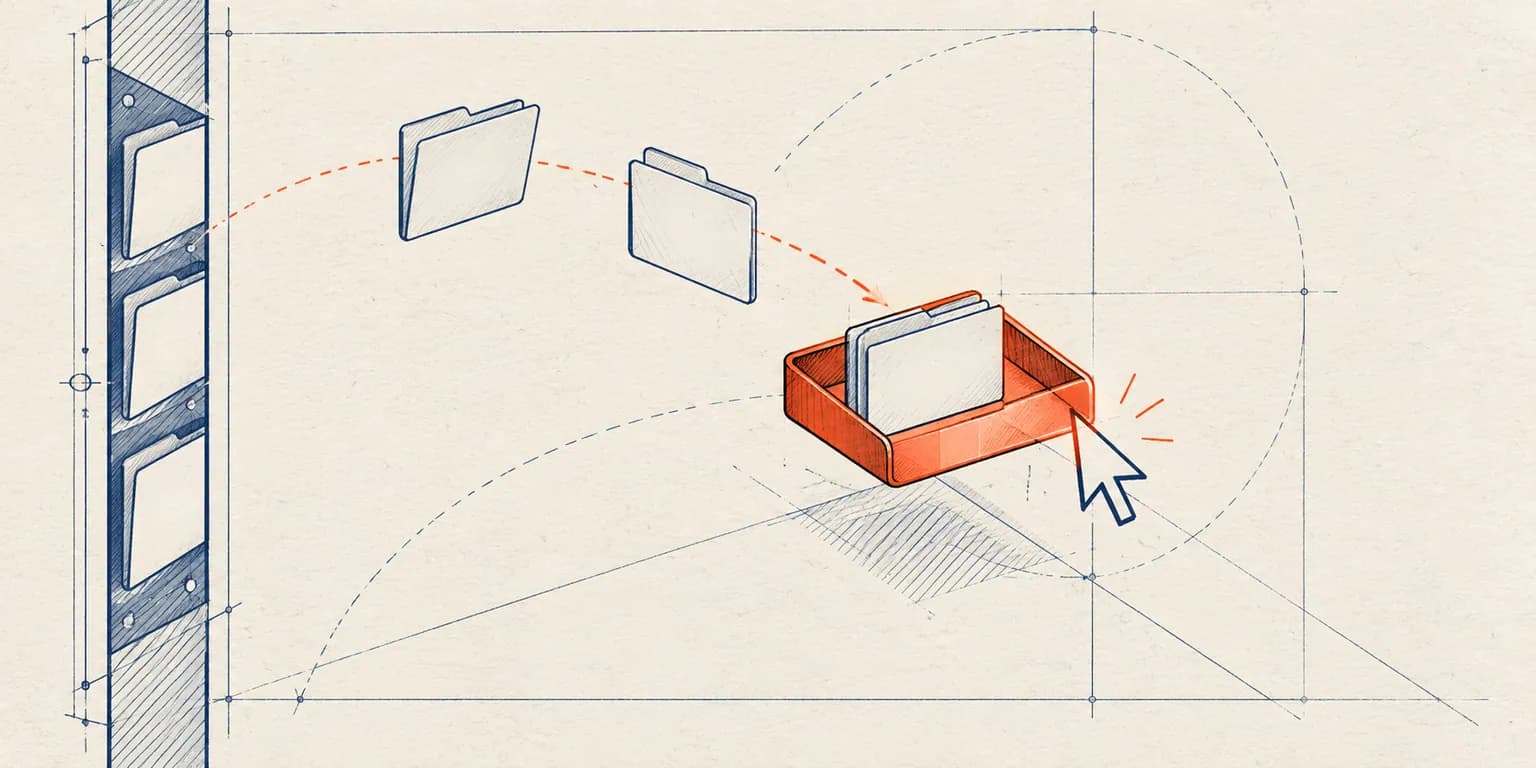
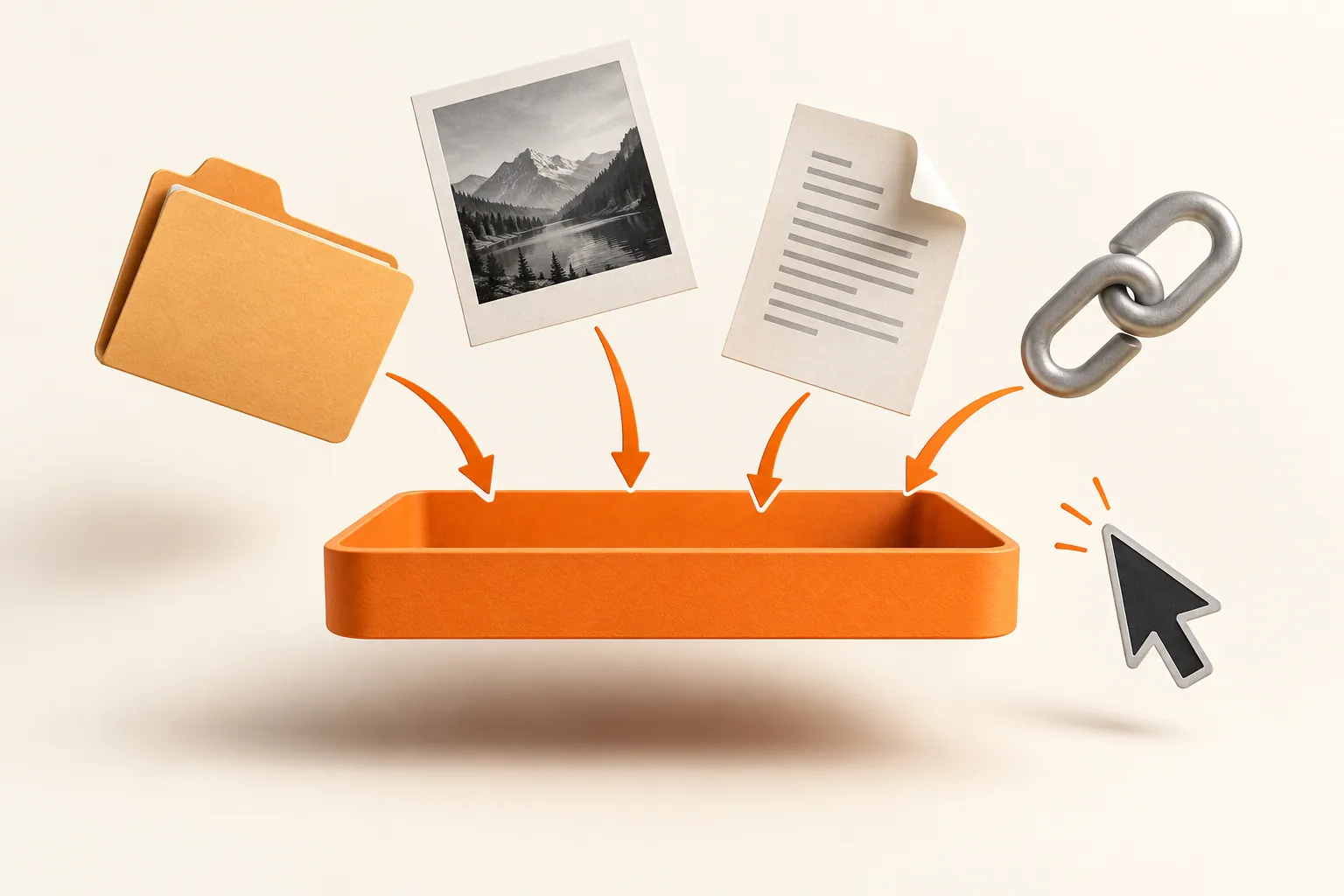
Original conceptual illustration. No competitor interface or logo is shown.
The short answerHistorr is a free Yoink alternative if you want a temporary file shelf and a dedicated searchable clipboard manager in one Mac app. Yoink also has clipboard history, plus strong edge-of-screen drag behavior and Handoff with its separate iPhone and iPad app. Choose Historr for no purchase, shake-to-open shelves, Paste Stack and paste transforms; choose Yoink when its integrations or cross-device handoff matter more.
What should a Yoink alternative solve?
A typical Mac workflow combines two kinds of friction: moving a group of files between windows and recovering a link or sentence copied ten minutes ago. A file shelf addresses the first; clipboard history addresses the second.
Historr combines those jobs without a purchase. Yoink is a mature one-time-purchase Mac app with a file shelf, clipboard history, a widget and Handoff. Treat its clipboard feature as real, not absent, when comparing.
How do the two apps handle shelves and copied text?
Yoink normally appears at a screen edge when a drag begins, with options for pointer placement and other triggers. Historr opens a floating Drag Shelf on a shake during an active drag; Option-Shift-D and the menu-bar icon are other entry points.
Yoink's Clipboard History stores recent copies and can send them into its shelf. Historr emphasizes searchable local history, favorites, Paste Stack for sequential text, transforms, smart actions and sensitive-item expiry. These are workflow differences, not a claim that Yoink cannot save copies.
How do you compare them in your own workflow?
Test a real file move
Collect three files from separate Finder windows. In Historr, open a shelf with Option-Shift-D or shake while dragging, add the files, expand the pile and drag them to a compatible target. Outgoing Historr drags copy the originals.
Test a copied-text task
Copy a link, then copy other text. Press Option-H, search for the link and paste it. Queue several text values with Paste Stack if you need to fill fields in sequence; move focus between fields yourself.
Compare the interaction you prefer
If an edge shelf appearing as you drag feels natural, try Yoink's trial. If a shelf at the pointer plus a dedicated history window feels simpler, try Historr. Neither interaction is universally faster.
Check the long-term need
Historr's shelves are temporary and clear on quit. Yoink's integrations and Handoff may justify its one-time purchase if those are part of your daily workflow. Save project deliverables to real folders either way.
Common mistakes to avoid
- Saying Yoink has no clipboard history.
- Using a temporary shelf as a backup location.
- Comparing only price without trying the actual drag and paste tasks.
Which option fits each need?
- Test with the apps and file types you actually use.
- Keep Historr's Option-H and Option-Shift-D shortcuts separate in your muscle memory.
- Use a permanent folder for anything needed after the shelf session.
Compare your options
| Option | Best for | Limits |
|---|---|---|
| Historr | Free shelf plus searchable local clipboard work | No Yoink Handoff or persistent file archive |
| Yoink | Configurable shelf and Apple device Handoff | One-time purchase for ongoing use |
| Finder only | Occasional direct moves | More window juggling for scattered batches |
Historr
Best forFree shelf plus searchable local clipboard work
LimitsNo Yoink Handoff or persistent file archive
Yoink
Best forConfigurable shelf and Apple device Handoff
LimitsOne-time purchase for ongoing use
Finder only
Best forOccasional direct moves
LimitsMore window juggling for scattered batches
Put it into practice with Historr
Historr is free to use on Mac and has a short path to both tasks: Option-H for copied content and Option-Shift-D for a file shelf. Drag Shelf includes Quick Look, Save to Folder, ZIP, image resizing and on-device text extraction.
It does not import Yoink's existing shelf contents or clipboard history. Install it, start a fresh history, and compare the daily workflow before switching.
- Collect files & folders
- Images, links & text
- Multiple shelves
- Quick Look
- Save to Folder
- Compress to ZIP
- Resize Images
- Extract Text

Give your next drag a place to land.
Drag Shelf is included in Historr 0.1.5 and later.
Questions, answered.
Does Yoink have clipboard history on Mac?
Yes. Yoink has a clipboard history feature accessible from its app and widget. Historr offers its own searchable history and additional Paste Stack and transform workflows.
Is Historr free after a trial?
Historr is free to use and has no shelf trial countdown or purchase requirement.
Can Historr replace Yoink's Handoff?
No. Historr does not provide Yoink's iPhone and iPad Handoff workflow.
What happens to files in Historr's shelf after quitting?
The temporary shelf is discarded. Save generated or collected deliverables to a folder or destination before quitting.
Take it from here
For a Mac-first workflow, Historr offers a free, easy way to stage files and recover copied material in one place. Yoink remains a strong paid option for people who use its deeper system integrations and Handoff.
For supported actions, shortcuts, and settings, see the Drag Shelf documentation.