Switch From Yoink to Historr: A Practical Mac Checklist
Test Historr as a free Yoink alternative, map shelf and clipboard shortcuts, and save temporary files before changing your daily Mac workflow.

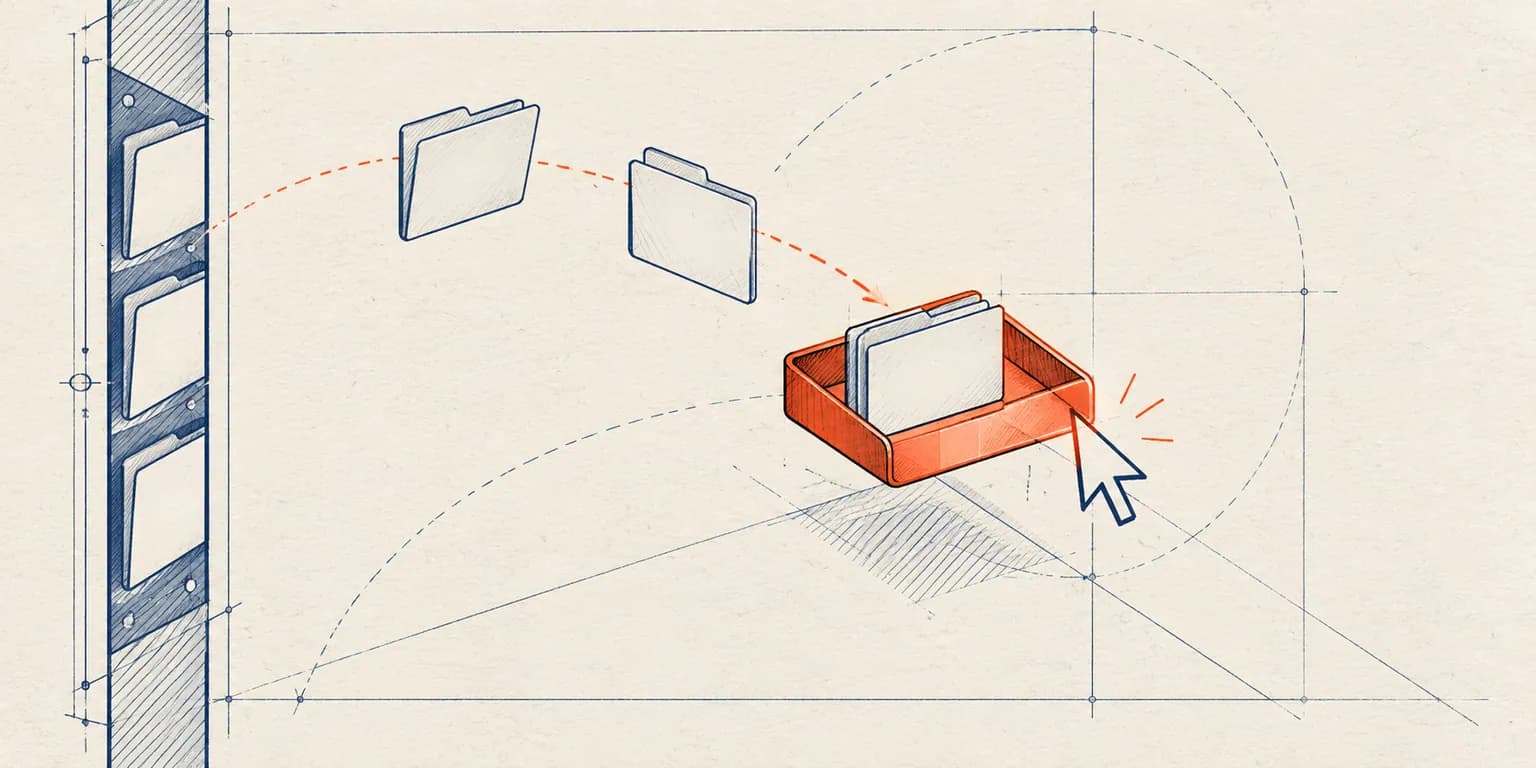
Original conceptual illustration. No competitor interface or logo is shown.
The short answerTo test Historr in place of Yoink, start a fresh clipboard history, open a Drag Shelf with Option-Shift-D, collect a small file batch, and verify the copied output in its destination. There is no import of Yoink's shelf or clipboard database. Keep Yoink if you depend on its Handoff, share extensions or edge-trigger behavior; Historr is easier to try when you want a free Mac shelf and separate searchable history.
Which Yoink habits will change?
Someone used to Yoink may wait for a shelf to slide from the edge when a drag starts. Historr's gesture is different: shake during an active drag, or use the keyboard shortcut or menu-bar target.
Existing copied items and staged files do not automatically migrate. A short overlap period makes it easier to learn the new entry points without losing work in an old shelf.
Why does the shelf feel different?
Yoink supports a configurable edge or cursor shelf and a clipboard history widget. Historr separates its Drag Shelf from a searchable clipboard history window and a sequential Paste Stack.
Historr's file shelves are temporary and clear on quit. Save files to a permanent destination before changing apps or restarting. Existing disk originals remain in their folders, but generated temporary files require explicit saving.
How do you test a switch safely?
List your essential Yoink habits
Note whether you use edge appearance, Handoff, the clipboard widget, app exclusions or automation. These are concrete requirements to test, not assumptions about equivalence.
Start Historr history
Install Historr, copy a few ordinary items and open history with Option-H. Search, preview and paste them. Past Yoink copies are not imported.
Try one shelf cycle
Open with Option-Shift-D, add files from Finder, expand the pile, then drag it to a test folder. Confirm copies arrived. Try shake-to-open only after a real drag begins.
Save and decide
Save any new shelf output, including resized images or ZIPs, before quitting. Keep Yoink if its Handoff or integrations remain essential; use Historr if its free shelf and clipboard workflow cover the tasks you repeat.
Common mistakes to avoid
- Assuming old Yoink clipboard entries appear in Historr.
- Leaving a generated ZIP in a shelf before quitting.
- Treating the different shelf trigger as a malfunction.
When should you keep each app?
- Use the keyboard shortcut while learning the shake gesture.
- Compare a file batch and a text-retrieval task separately.
- Test an actual destination app, not only Finder.
Compare your options
| Option | Best for | Limits |
|---|---|---|
| Keep Yoink | Handoff and established integrations | One-time purchase for ongoing use |
| Use Historr | Free local clipboard and temporary shelves | Different gesture; no migration |
| Run both briefly | Testing without interrupting work | Avoid competing gesture triggers |
Keep Yoink
Best forHandoff and established integrations
LimitsOne-time purchase for ongoing use
Use Historr
Best forFree local clipboard and temporary shelves
LimitsDifferent gesture; no migration
Run both briefly
Best forTesting without interrupting work
LimitsAvoid competing gesture triggers
Put it into practice with Historr
Historr brings a simple menu-bar setup: Option-H opens history and Option-Shift-D opens a shelf. Paste Stack adds a separate way to paste several text clips in order.
If running both apps during a trial, disable one shake trigger or use Historr's keyboard-opened shelf to avoid confusion.
- Collect files & folders
- Images, links & text
- Multiple shelves
- Quick Look
- Save to Folder
- Compress to ZIP
- Resize Images
- Extract Text

Give your next drag a place to land.
Drag Shelf is included in Historr 0.1.5 and later.
Questions, answered.
Can Historr import Yoink clipboard history?
No. Historr starts recording supported copies after it is installed and enabled.
Can I run both apps while testing?
Yes. If their gestures interfere, disable one trigger and use the keyboard shortcut for Historr.
Will switching move original Finder files?
No. Historr's outgoing shelf drag copies existing files; originals remain in place.
Does Historr offer Yoink's iPhone handoff?
No. Keep Yoink if that cross-device feature is required.
Take it from here
A measured switch is one real file handoff and one real clipboard search. Keep whichever app makes those tasks predictable, and save permanent deliverables outside either temporary shelf.
For supported actions, shortcuts, and settings, see the Drag Shelf documentation.