Yoink Clipboard History vs Historr on Mac
Yoink does have clipboard history. Compare its widget and shelf flow with Historr's free searchable history, Paste Stack and transforms.


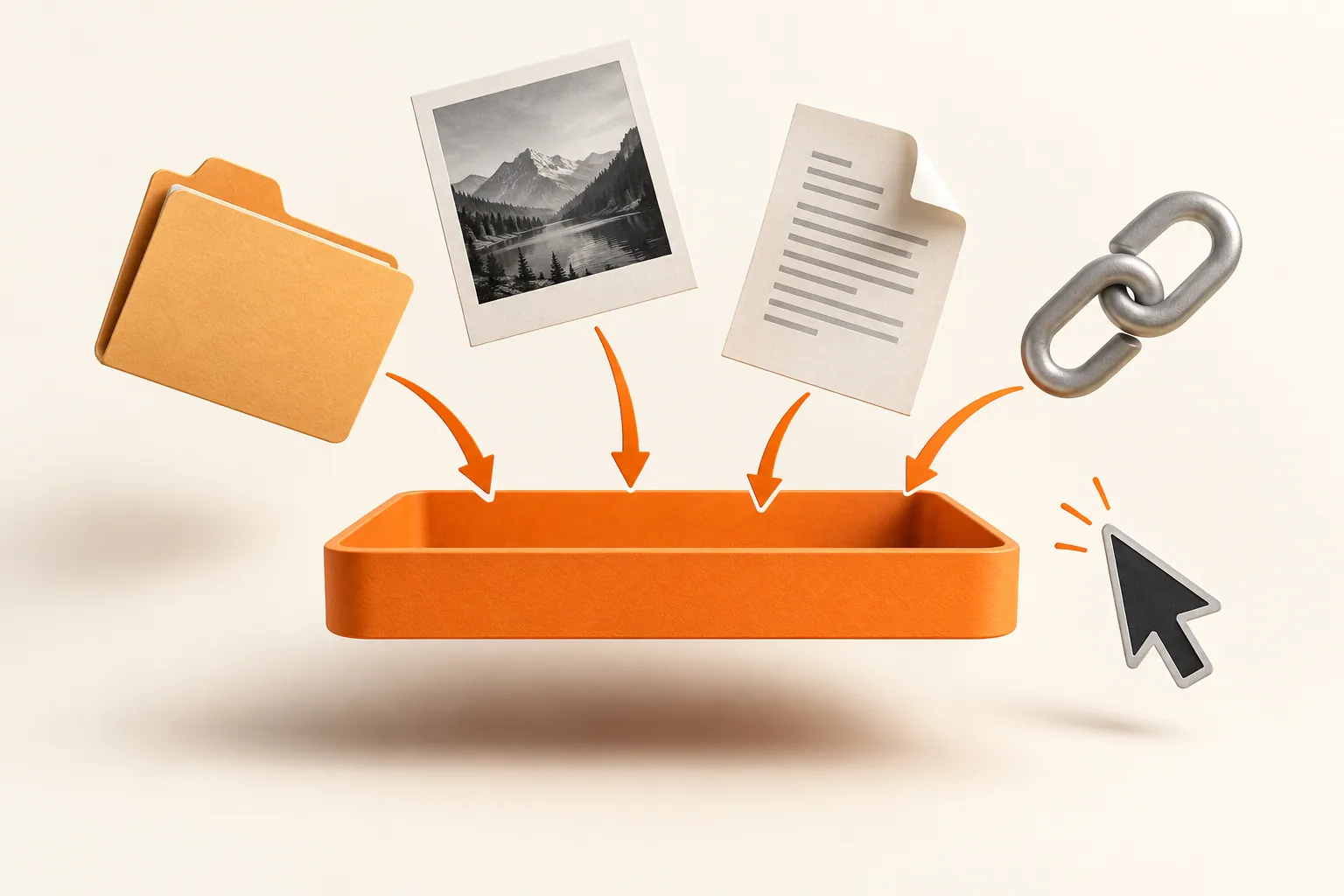
Original conceptual illustration. No competitor interface or logo is shown.
The short answerYoink for Mac includes clipboard history, accessible from its app and widget, and can send past copies into the shelf. Historr also saves copies locally, with quick search, favorites, previews, paste transforms and Paste Stack for sequential text. Historr is free; Yoink is a one-time purchase. Pick based on how you retrieve and reuse copies, not a mistaken claim that Yoink lacks history.
What is the actual clipboard question?
During a design or research session, a URL can disappear behind several new copies. A widget may make recent items easy to glance at; a search window may suit someone who remembers a phrase but not when it was copied.
File staging is related but separate. Historr's clipboard history does not automatically build a Drag Shelf, just as opening its shelf does not add items to Paste Stack.
How does each history work?
Yoink's official Mac page describes recent copied items in a widget or the app, with options to recopy or send them to Yoink. Its history can be enabled in preferences and ignored apps can be configured.
Historr uses a dedicated local history window opened with Option-H. Its actions include searching, previewing, favoriting, transforming text, and adding selected clips to Paste Stack. Neither history is a substitute for a document archive or password manager.
How do you compare retrieval and reuse?
Try the same retrieval test
Copy a distinctive paragraph, then several other items. In each app, find the paragraph and paste it back into a safe test document. Time the task only after learning the interface.
Try the next action
If the recovered item needs to join a file batch, test Yoink's send-to-shelf flow. If several text values must fill fields in order, test Historr's Paste Stack.
Review privacy controls
Check ignored apps, password-manager handling and retention in each product's current settings. Historr offers local history, recording pause and sensitive-looking item expiry.
Choose on daily fit
A visible widget and Apple integrations may favor Yoink. Search, text transforms and free sequential paste may favor Historr. Preserve important source content in its original project system.
Common mistakes to avoid
- Claiming Yoink has no clipboard history.
- Treating a copied image or link as a permanent archive.
- Comparing a widget glance with a full search task as if they were identical.
Which clipboard workflow fits you?
- Use real copied material rather than placeholder text.
- Test an older item as well as the most recent item.
- Keep secrets out of general history when your policy requires it.
Compare your options
| Option | Best for | Limits |
|---|---|---|
| Yoink history | Recent copies via widget and shelf integration | Part of a paid shelf app |
| Historr history | Free search, transforms and sequential paste | No Yoink Handoff or widget workflow |
| Original document | Approved, durable content | More navigation to retrieve |
Yoink history
Best forRecent copies via widget and shelf integration
LimitsPart of a paid shelf app
Historr history
Best forFree search, transforms and sequential paste
LimitsNo Yoink Handoff or widget workflow
Original document
Best forApproved, durable content
LimitsMore navigation to retrieve
Put it into practice with Historr
Historr is easy to use for a repeated text task: Option-H, type a phrase, preview, then paste. Paste Stack is useful when the next step is a sequence of fields rather than a single recovery.
Its free Drag Shelf is a separate staging surface for files. The two features complement each other without pretending that Yoink has no clipboard capability.
- Collect files & folders
- Images, links & text
- Multiple shelves
- Quick Look
- Save to Folder
- Compress to ZIP
- Resize Images
- Extract Text

Give your next drag a place to land.
Drag Shelf is included in Historr 0.1.5 and later.
Questions, answered.
Does Yoink have clipboard history?
Yes. Yoink for Mac includes recent copied-item history in its app and widget.
What does Historr add?
Historr focuses on search, local history, text transforms, smart actions, and sequential Paste Stack, alongside a free Drag Shelf.
Does Historr import Yoink copies?
No. It starts its own history from copies made while Historr is recording.
Is Yoink a subscription?
Yoink for Mac is listed by its developer as a one-time purchase, with a trial available.
Take it from here
Both apps remember copied items. Historr's value is the free, keyboard-first way to search and reuse them alongside a temporary file shelf; Yoink's value includes its widget and broader Apple integration.
For supported actions, shortcuts, and settings, see the Drag Shelf documentation.