Why Every Content Creator Needs a Clipboard Manager
Learn why content creators use clipboard managers for YouTube, LinkedIn, X, Instagram, hashtags, captions, AI prompts, and content planning.

The short answerEvery content creator needs a clipboard manager because creative work involves constant reuse: hooks, captions, hashtags, links, AI prompts, titles, bios, sponsor notes, and platform-specific formatting.
The overview
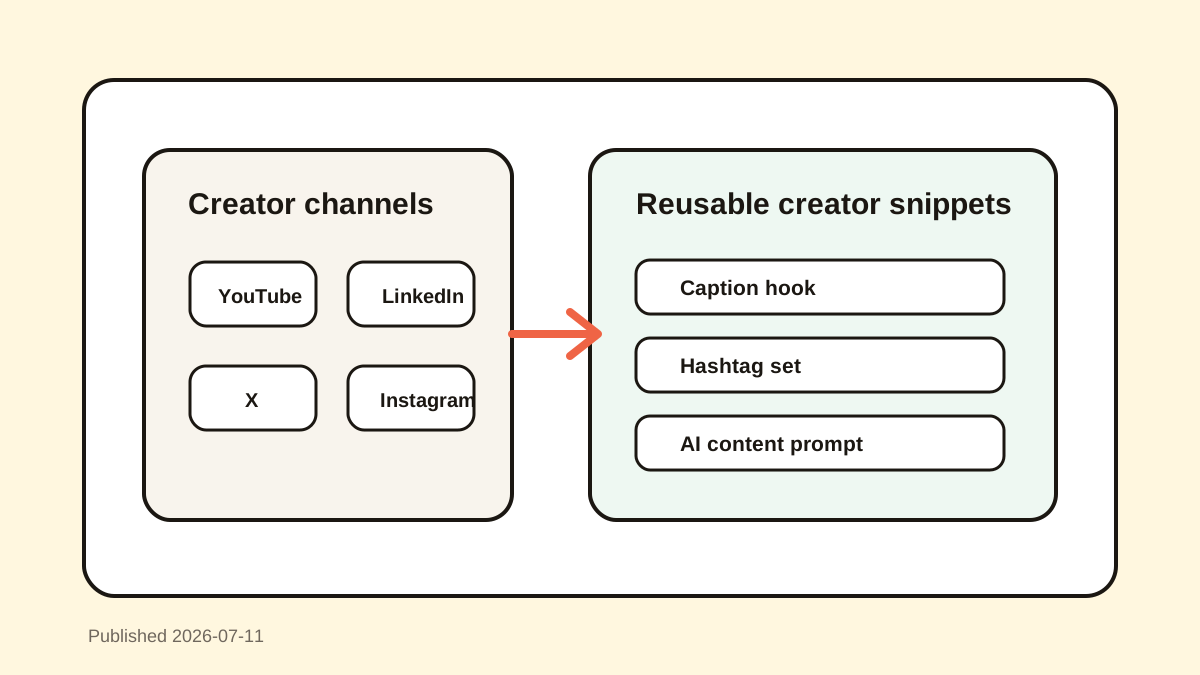
Creators work across many surfaces: YouTube, LinkedIn, X, Instagram, newsletters, scripts, design tools, analytics, and AI chats.
The same content gets rewritten for different platforms, and useful variations often vanish after the next copy.
Clipboard history keeps drafts, prompts, captions, and links recoverable without requiring a complicated content database.
Why it happens
Content creation is iterative. A hook, title, or caption may improve through five copied versions before publication.
Platform formatting differs, so creators reuse blocks with small changes instead of starting from scratch.
A searchable clipboard manager becomes a lightweight personal library for active creative work.
Your step-by-step guide
Favorite reusable creator blocks
Save bios, sponsor disclosures, hashtag sets, CTA lines, upload descriptions, and common link groups.
Search old draft variations
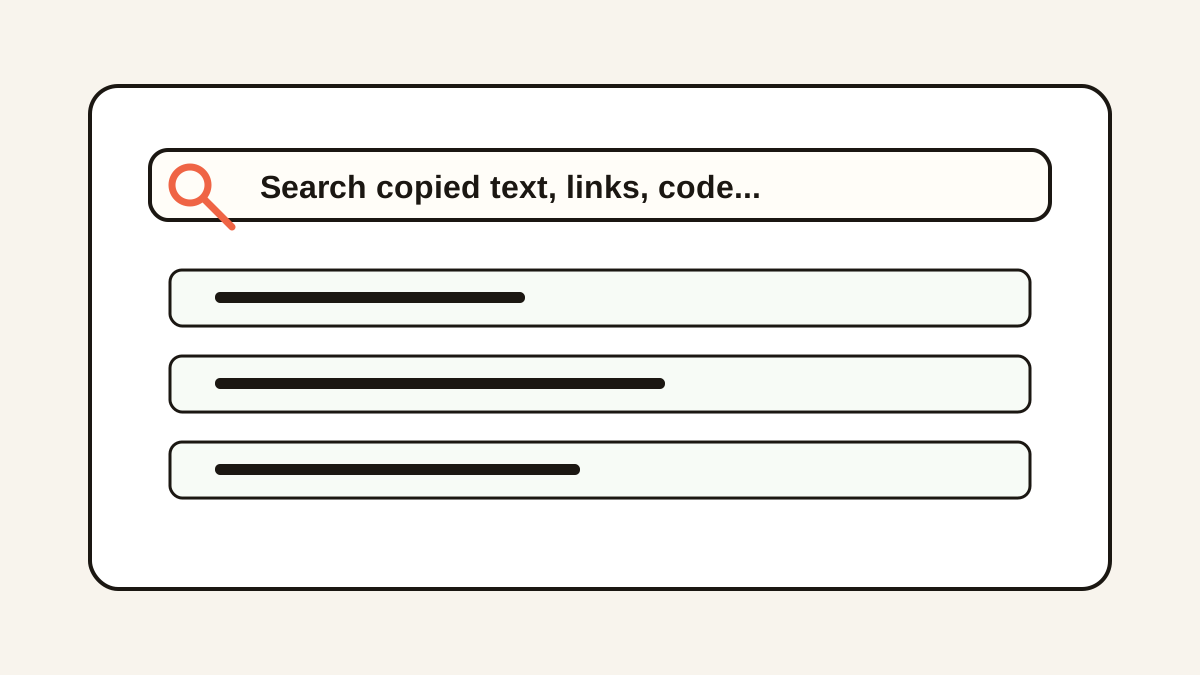
Find hooks, captions, titles, and AI prompts by remembered phrases instead of scrolling through old docs.
Create platform-specific snippets
Keep versions for YouTube descriptions, LinkedIn posts, X threads, Instagram captions, and newsletter intros.
Use placeholders for details
Replace dates, brand names, links, and campaign details with clear placeholders before favoriting.
Clean up after sensitive campaigns
Delete embargoed titles, sponsor details, private links, and unreleased product notes when they should not remain in history.
Common mistakes to avoid
- Keeping hashtags only in old posts or notes you never search.
- Losing the best hook after copying a later draft.
- Pasting a caption into the wrong platform without previewing it.
- Saving sponsor or campaign details longer than needed.
Small changes. A faster workflow.
- Favorite evergreen CTAs and profile links.
- Search by campaign, platform, hook, or content pillar.
- Keep AI prompts reusable with placeholders.
- Preview long captions before publishing.
Compare your options
| Option | Best for | Limits |
|---|---|---|
| Content calendar | Planning and scheduling | Too heavy for quick snippets |
| Notes app | Durable scripts and ideas | Requires manual filing |
| Clipboard manager | Draft recovery and fast reuse | Needs pruning and privacy cleanup |
Content calendar
Best forPlanning and scheduling
LimitsToo heavy for quick snippets
Notes app
Best forDurable scripts and ideas
LimitsRequires manual filing
Clipboard manager
Best forDraft recovery and fast reuse
LimitsNeeds pruning and privacy cleanup
Put it into practice with Historr
Historr helps creators recover copied captions, hashtags, hooks, AI prompts, links, and descriptions from a local searchable history.
Favorites are ideal for evergreen CTAs, profile links, sponsor placeholders, and upload description blocks.
Preview and search keep the workflow fast when you are moving between writing, publishing, design, and analytics tools.
- Instant search
- Unlimited history
- Favorites
- Keyboard shortcuts
- Privacy
- Offline storage
- Quick preview
- Paste Stack

Keep your next good idea.
Free, private clipboard history for your Mac.
Questions, answered.
Why do content creators need clipboard history?
Creators copy captions, prompts, links, hooks, hashtags, and platform-specific text constantly, and history keeps those pieces recoverable.
What should creators save as favorites?
Evergreen CTAs, bios, hashtag groups, link sets, sponsor placeholders, and common upload descriptions are good favorites.
Can clipboard history help with AI prompts?
Yes. It can recover copied prompt drafts and keep reusable creator prompts easy to paste.
Is a clipboard manager better than a content calendar?
They solve different problems. A calendar plans content, while clipboard history helps recover and reuse active working text.
How do creators keep clipboard history clean?
Favorite only reusable items, search ordinary clips, and delete embargoed or private campaign details.
Take it from here
Creators do not need another heavy system for every tiny reusable line. Clipboard history gives creative work a fast memory layer, so your best caption, prompt, or hook does not disappear mid-flow.
If you're looking for a faster way to search, organize, and reuse everything you copy, try Historr and see how much time you can save.