Clipboard Manager for DevOps Commands, Logs, and Incidents
Recover DevOps commands, logs, resource names, and incident links while preventing wrong-environment pastes and copied secret retention.

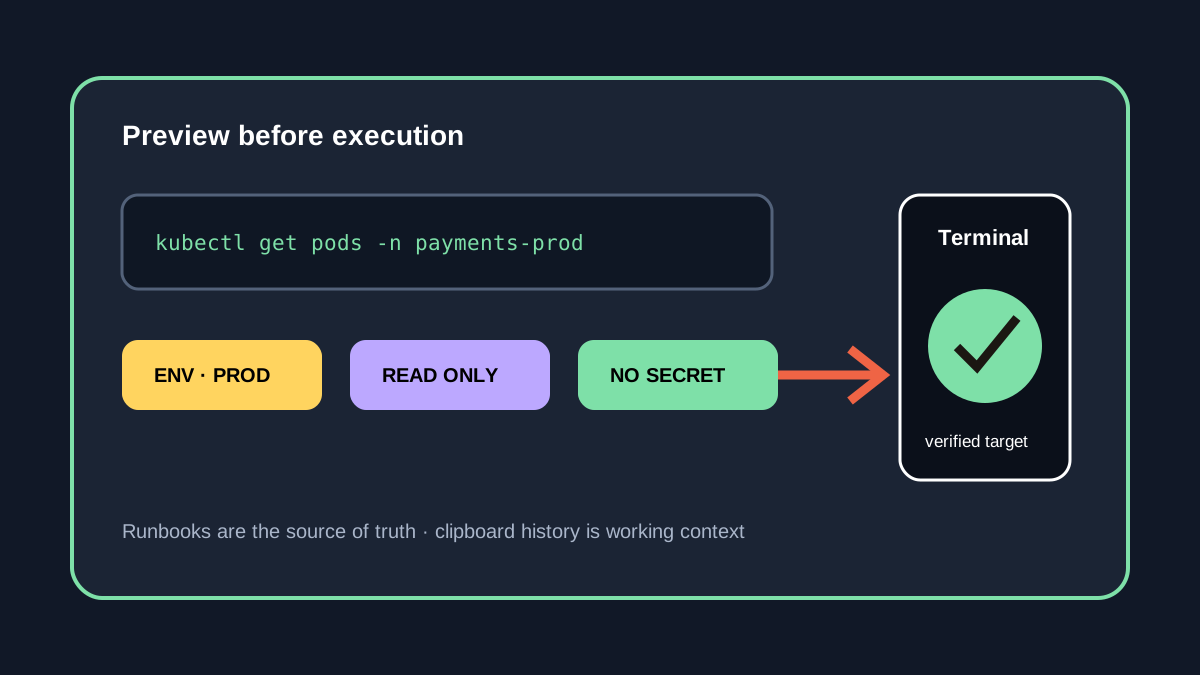
The short answerA clipboard manager helps DevOps engineers recover commands, logs, resource names, dashboards, and incident links across terminals and browsers. The safe workflow separates environments, previews every destructive command, and excludes secrets from history. Favorite read-only diagnostics rather than credentials or production mutations, and keep approved runbooks and secret stores as the authoritative systems.
The overview
Incident response may span 6 surfaces: terminal, cloud console, observability, ticket, chat, and runbook. Valuable context disappears quickly when every new copy replaces the last.
Commands for development and production can differ by only one flag or context name, so visual similarity is dangerous.
Why it happens
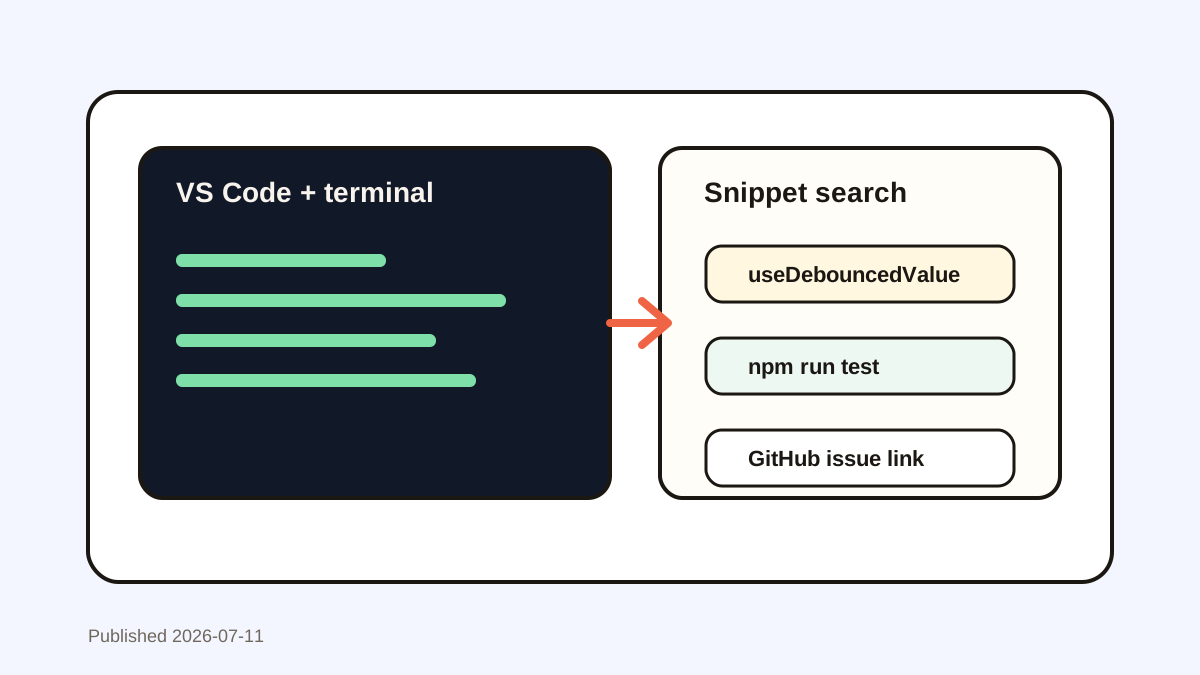
Shell history covers executed commands in one terminal, but it does not capture copied logs, dashboard URLs, YAML fragments, error messages, or commands copied but never run.
Clipboard history crosses those tools, which also means sensitive tokens and configuration can enter the same store.
Your step-by-step guide
Label the environment
Include an explicit development, staging, or production marker in reusable commands and notes.
Favorite read-only diagnostics
Save trusted inspection commands, not credentials or high-impact mutation commands.
Search logs by stable identifiers
Use request IDs, pod names, namespaces, error codes, or timestamps to recover the right clip.
Preview before execution
Read the complete command, context, namespace, flags, and target before pressing Return.
Remove secret material
Delete tokens, kubeconfig content, private keys, and sensitive manifests immediately.
Common mistakes to avoid
- Running a clipboard command without reading it.
- Favoriting a production token.
- Confusing staging and production contexts.
- Treating copied logs as the incident record.
Small changes. A faster workflow.
- Prefer read-only commands in favorites.
- Keep environment names visible.
- Use a secret manager for credentials.
- Move incident findings into the timeline or ticket.
Compare your options
| Option | Best for | Limits |
|---|---|---|
| Shell history | Previously executed commands | Terminal-specific and excludes other clips |
| Runbook | Reviewed operational procedures | Slower for live incident fragments |
| Clipboard history | Cross-app working context | Needs secret and environment controls |
Shell history
Best forPreviously executed commands
LimitsTerminal-specific and excludes other clips
Runbook
Best forReviewed operational procedures
LimitsSlower for live incident fragments
Clipboard history
Best forCross-app working context
LimitsNeeds secret and environment controls
Put it into practice with Historr
Historr makes commands, log fragments, resource names, and incident URLs searchable across Mac apps.
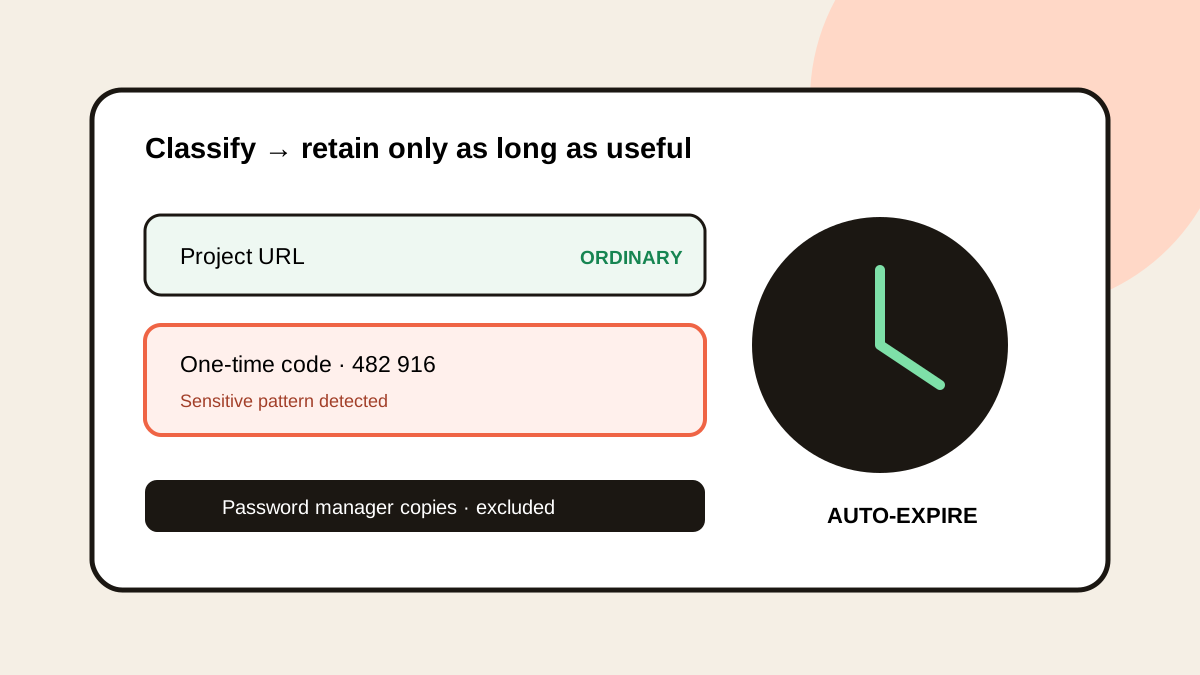
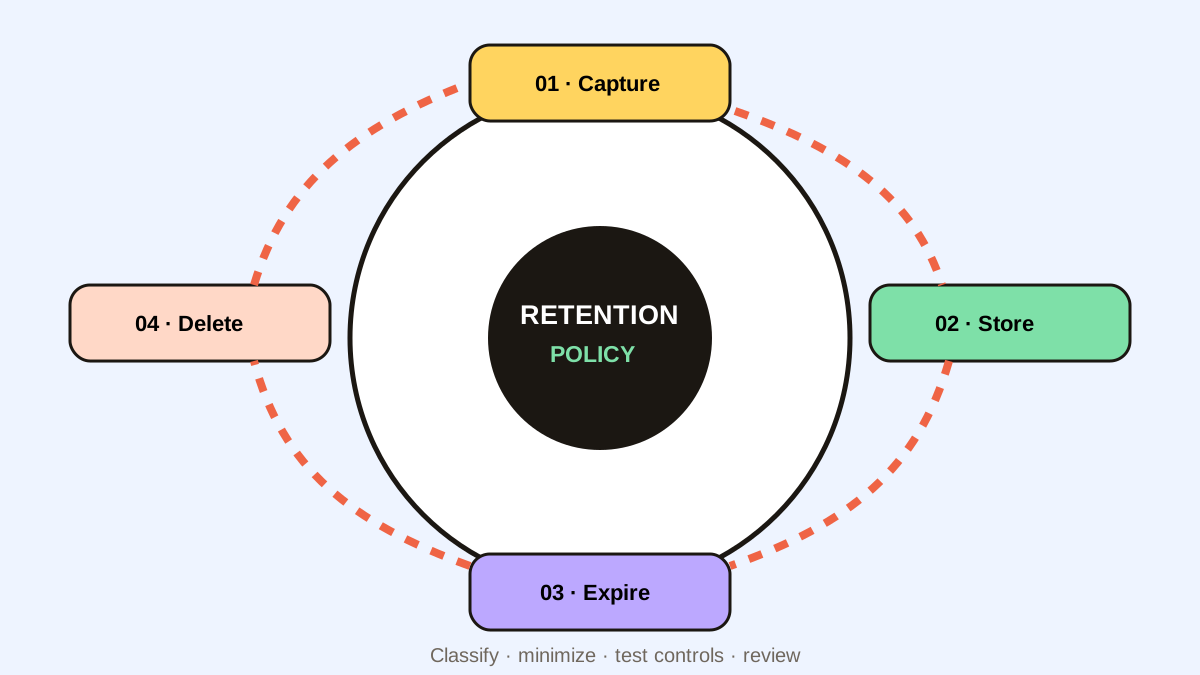
Quick Look supports full-command review, while sensitive auto-expiry and password-manager exclusions reduce secret retention.
Historr complements terminal history and runbooks; it should never replace review before executing a command.
- Instant search
- Unlimited history
- Favorites
- Keyboard shortcuts
- Privacy
- Offline storage
- Quick preview
- Paste Stack

Keep your next good idea.
Free, private clipboard history for your Mac.
Questions, answered.
Is clipboard history safe for DevOps?
It can support safe work when stored locally with exclusions, expiry, deletion, and strict command review.
What commands should be favorites?
Prefer safe, read-only diagnostics with visible placeholders and environment labels.
Should Kubernetes Secrets be copied into history?
Avoid it. Kubernetes recommends protecting secret data after reading and using short-lived secrets.
Does clipboard history replace shell history?
No. It adds cross-app logs, URLs, and unexecuted commands that shell history does not capture.
Take it from here
For DevOps, the value of clipboard history comes from recovery and preview. The safety comes from environment labels, secret exclusion, and reading every command before execution.
If you're looking for a faster way to search, organize, and reuse everything you copy, try Historr and see how much time you can save.