Clipboard Manager Workflow for E-commerce Product Listings
Create product listings faster with ordered SKU data, reusable descriptions, variant checks, Paste Stack, and Google Merchant Center title guidance.

The short answerA clipboard manager helps e-commerce teams move product titles, SKUs, GTINs, descriptions, variant attributes, and image links between catalog sources and sales channels. Queue stable fields in a fixed order, preview identifiers before paste, and keep approved templates separate from product-specific data. Validate one complete variant before repeating the workflow across the catalog.
The overview
A single listing can require 8 or more fields across a CMS, marketplace, and product feed. Similar variants make title, color, size, SKU, and GTIN mix-ups easy.
Google notes that product titles are prominent matching signals and recommends placing important details first within the allowed 150 characters.
Why it happens
Product data often starts in a spreadsheet but ends in systems with different field order, validation, and formatting.
Repeated navigation back to the source adds opportunities to change rows or copy a neighboring variant.
Your step-by-step guide
Define the channel field order
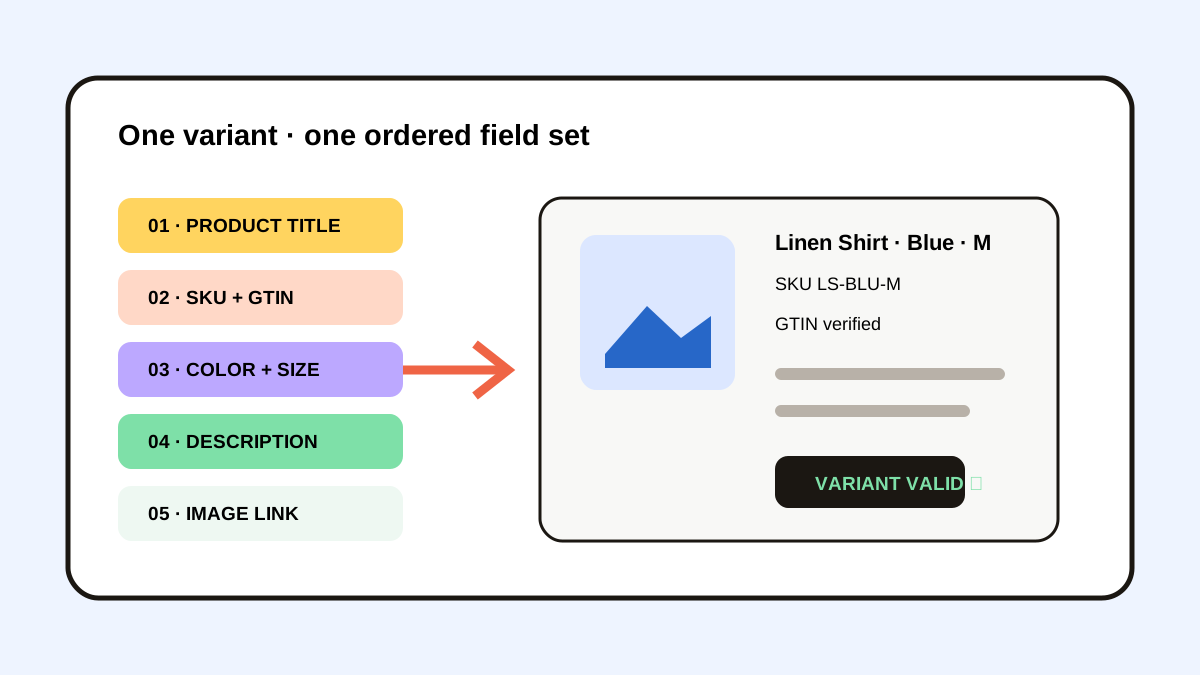
List the required sequence, such as title, brand, SKU, GTIN, color, size, price, description, and image URL.
Queue one variant at a time
Copy the complete set from a single source row and keep explicit placeholders for empty optional fields.
Preview identifiers
Check SKU, GTIN, color, size, and destination before submitting the listing.
Use approved text structures
Favorite generic feature or care templates, but keep facts specific to the active product.
Validate one published result
Compare the live or preview listing with the source row before processing more variants.
Common mistakes to avoid
- Mixing identifiers from adjacent variants.
- Using promotional filler in a factual product title.
- Pasting the title as the description.
- Keeping supplier credentials or private pricing in favorites.
Small changes. A faster workflow.
- Process one variant at a time.
- Put defining title details first.
- Use explicit empty-field placeholders.
- Keep the product information system as the source of truth.
Compare your options
| Option | Best for | Limits |
|---|---|---|
| Product information system | Authoritative catalog data | May not connect directly to every channel |
| Bulk feed | Large validated catalogs | Requires schema and error handling |
| Paste Stack | Manual listings and exceptions | Needs one-variant validation |
Product information system
Best forAuthoritative catalog data
LimitsMay not connect directly to every channel
Bulk feed
Best forLarge validated catalogs
LimitsRequires schema and error handling
Paste Stack
Best forManual listings and exceptions
LimitsNeeds one-variant validation
Put it into practice with Historr
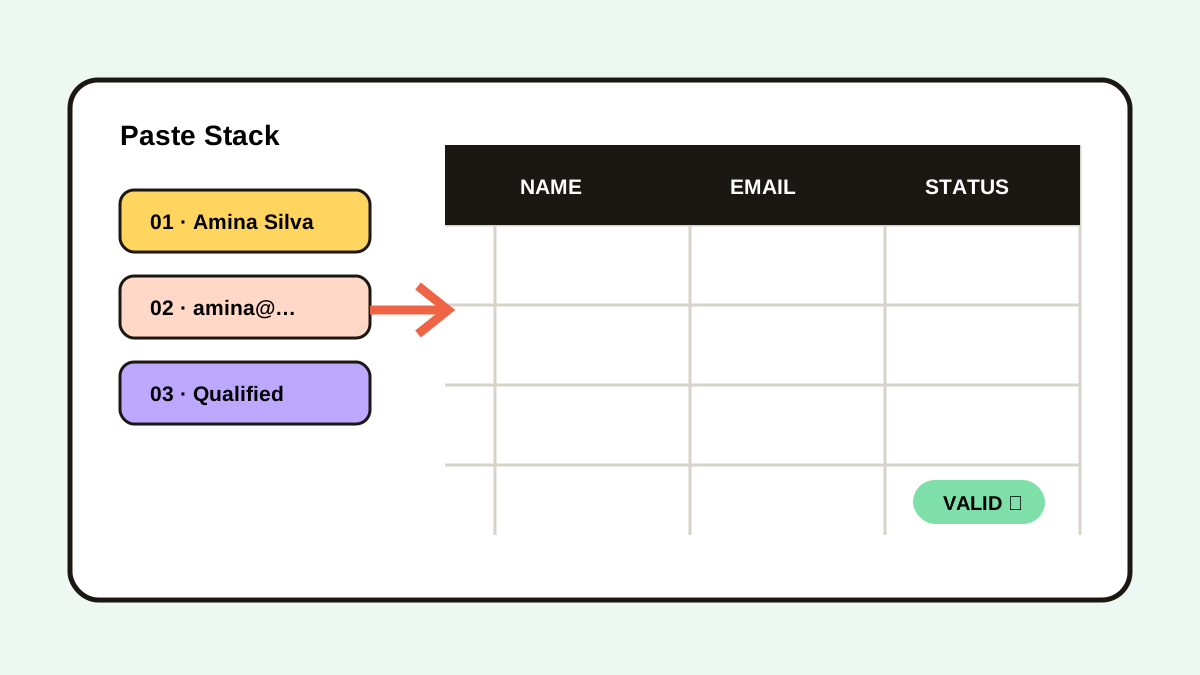
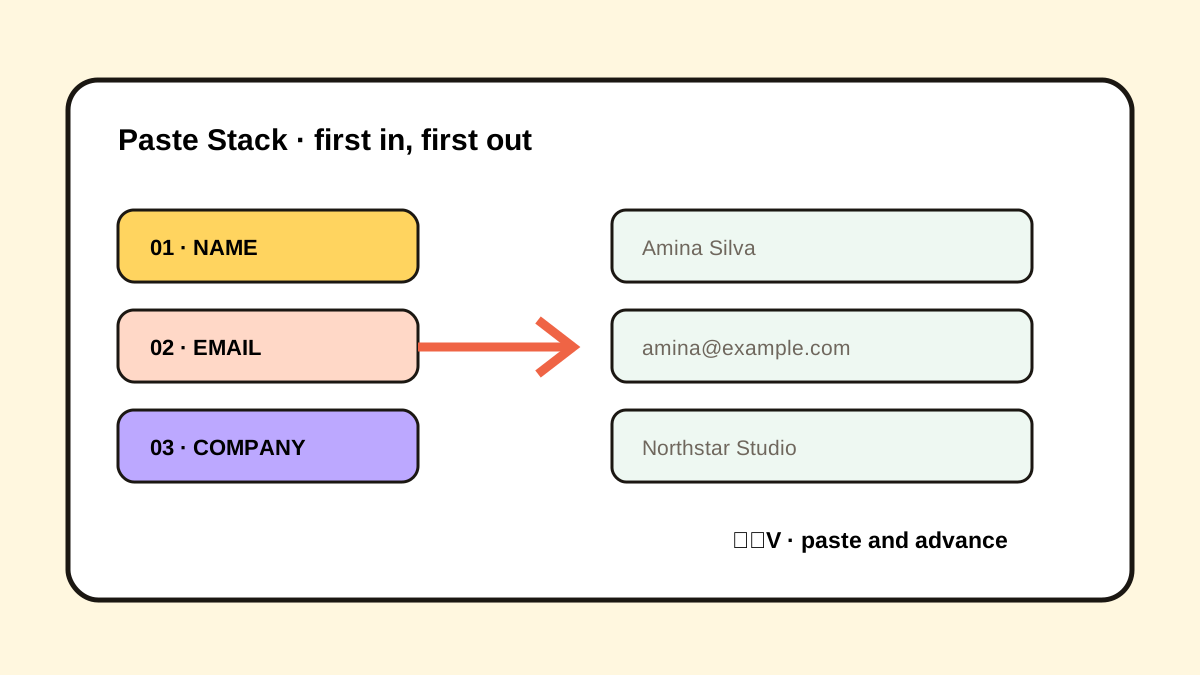
Historr’s Paste Stack can queue product fields and paste them sequentially into a CMS or marketplace form.
Search and Quick Look help verify long descriptions, image URLs, and identifiers without returning to the source after each field.
Use it for manual exceptions and small batches while the catalog system remains authoritative.
- Instant search
- Unlimited history
- Favorites
- Keyboard shortcuts
- Privacy
- Offline storage
- Quick preview
- Paste Stack

Keep your next good idea.
Free, private clipboard history for your Mac.
Questions, answered.
What product fields work well in Paste Stack?
Titles, SKUs, GTINs, variant values, prices, descriptions, and image links work when the destination order is stable.
How long can a Google Merchant Center title be?
Google documents a 1–150 character range and recommends placing the most important details first.
Should title and description be identical?
No. Google states that they serve different roles; the description should provide more detailed product information.
Can clipboard history replace a product information system?
No. It supports manual movement and recovery, while the catalog system remains the product record.
Take it from here
Product listing speed comes from a fixed field order and exact variant boundaries. Queue one product, preview identifiers, validate the result, then repeat.
If you're looking for a faster way to search, organize, and reuse everything you copy, try Historr and see how much time you can save.